
7 of the best AI tools for graphic design
From image generators to node-based workflow platforms, here are 7 of the best AI tools for graphic design, and how each fits a real production process.
Skip to main content
Building with AI
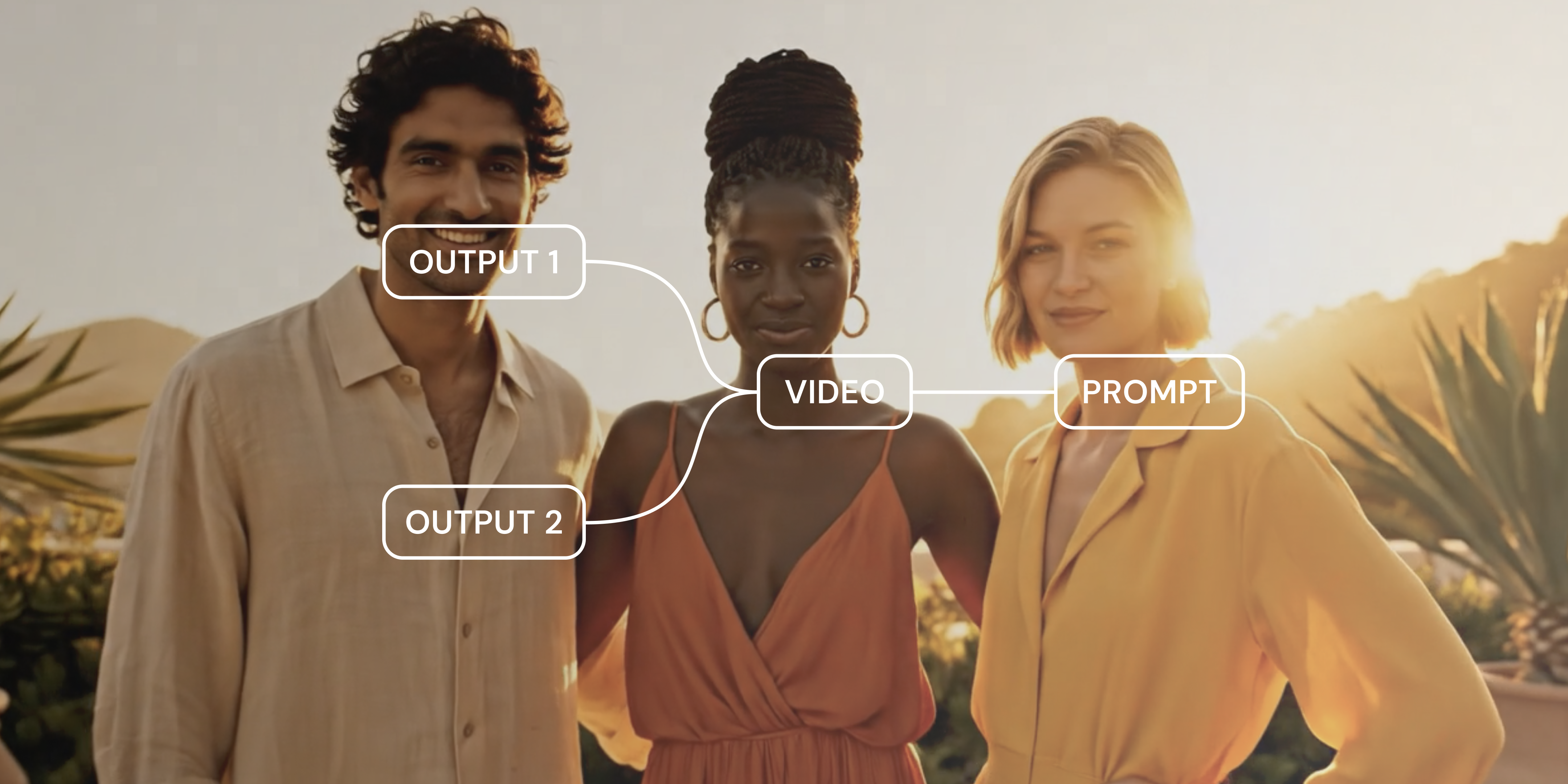
You probably know how to create a campaign visual or product shot from a prompt—just start with an AI model and some ideas. It’s second nature for many designers adopting AI workflows. According to the Figma 2025 AI report, 33% of designers cited image and copy generation as their primary use case during the design phase.
Turning that same image into an animated scene is a newer craft, and getting a result you can use takes more than a single prompt.
Read on to learn:
AI animation is motion art created using AI to generate or transform drawn, 3D, or stylized graphics. You can type a prompt describing a cartoon mascot walking through a forest and get a fully animated, stylized clip in return.
AI video and AI animation are often confused, since the same models can produce either output. What you feed in and what you ask for are what’s different. AI video outputs tend to be photorealistic or live-action-style footage, generated by models trained on real-world video datasets. Realistic physics and camera movement control matter most here.
AI animation, meanwhile, stays stylized, closer to something drawn or rendered by hand than filmed. It’s often built around brand and art direction. What matters here is that the generation’s visual style holds up throughout the clip.
Creative teams use a wide range of techniques to make AI animations. Text-to-video generation turns a written prompt into an animated clip, while image-to-video adds motion to an existing image, keeping its drawn or rendered look. Video-to-video restyling applies one visual treatment to existing footage, and automated rigging captures a 3D character’s movement.
Let’s explore five types of AI animation methods with examples for creative professionals.
Text-to-video animation starts with a written prompt and ends with a finished clip. You need only a scene description, a sense of how your scene should move, and an AI model to work with. What separates a usable result from a flat output comes down to how specific the prompt is. Here are some text-to-video animation examples for content teams.
Each time you want to use your brand mascot somewhere new, you usually have to book an animator. AI animation lets you skip that step.
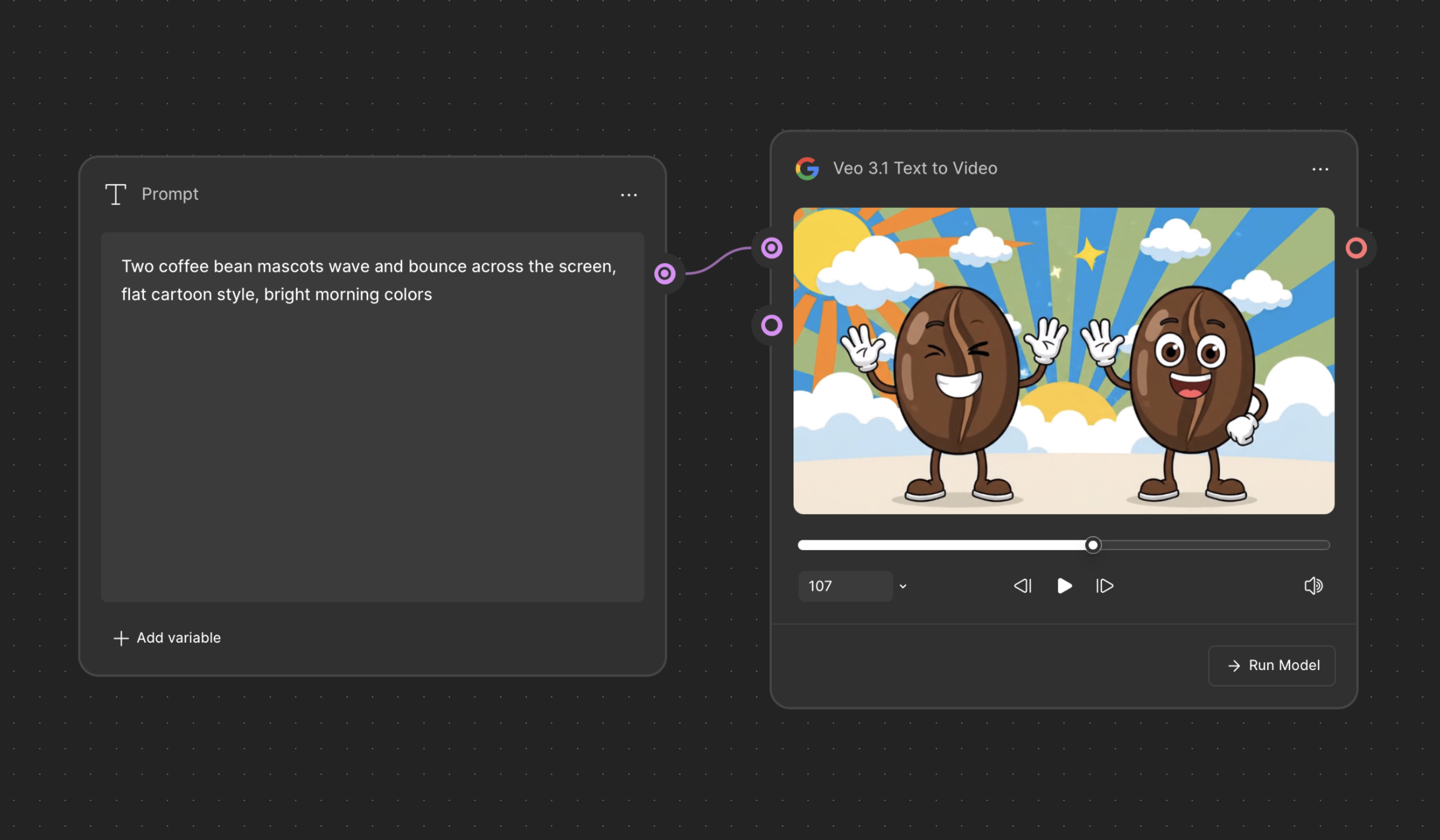
Say you’re working for a coffee brand that wants marketing videos and social content built around its two mascots, a pair of illustrated coffee beans.
Try an animation prompt that gives the model a subject, an action, and an explicit style, such as “two coffee bean mascots wave and bounce across the screen, flat cartoon style, bright morning colors.” The phrase “flat cartoon style” is enough to keep the output looking hand-drawn.
AI animation can turn a written script into a guided visual walkthrough.
Maybe your learning and development team needs to explain a new expense-reporting process to employees across a dozen offices. Rather than filming a video with someone talking through it all on camera, you can write out the steps and generate an animated walkthrough with simple visuals illustrating each stage.
A training walkthrough usually covers multiple steps. Treating each step as its own prompt gives every stage room to land before the next one starts. Pairing “a simple flat-illustration animation showing a receipt being scanned” with “then a form auto-filling with a checkmark appearing” turns a dry policy update into a sequence someone can follow.
With image-to-video, you start with something already made, such as a product illustration or a flat brand asset, and then add motion to it. The image does most of the work up front by providing design context for style and color. The prompt tells the model what to do with it. You’ll most often use this technique when you already have visual assets on hand and want to bring them to life.
A new animated scene risks looking out of place next to an established product library. AI animation works from what you’ve already built instead.
For instance, say you work for a skincare brand with a library of flat, illustrated product graphics used across its packaging and website. You could commission a new animated scene for a product page, or you could feed in an existing bottle illustration. The AI model can add motion and small floating background elements while keeping the flat art style used across all other channels.
Style transfer requires an existing clip and a reference for the look you want the original scene to take on. The reference provides texture, color, and lighting, while the original footage keeps its structure and motion. Style transfer is most useful once your brand has clear guidelines.
Campaigns with multiple assets need consistency across all products and visuals. AI animation keeps the same visual look in every new clip without redesigning assets.
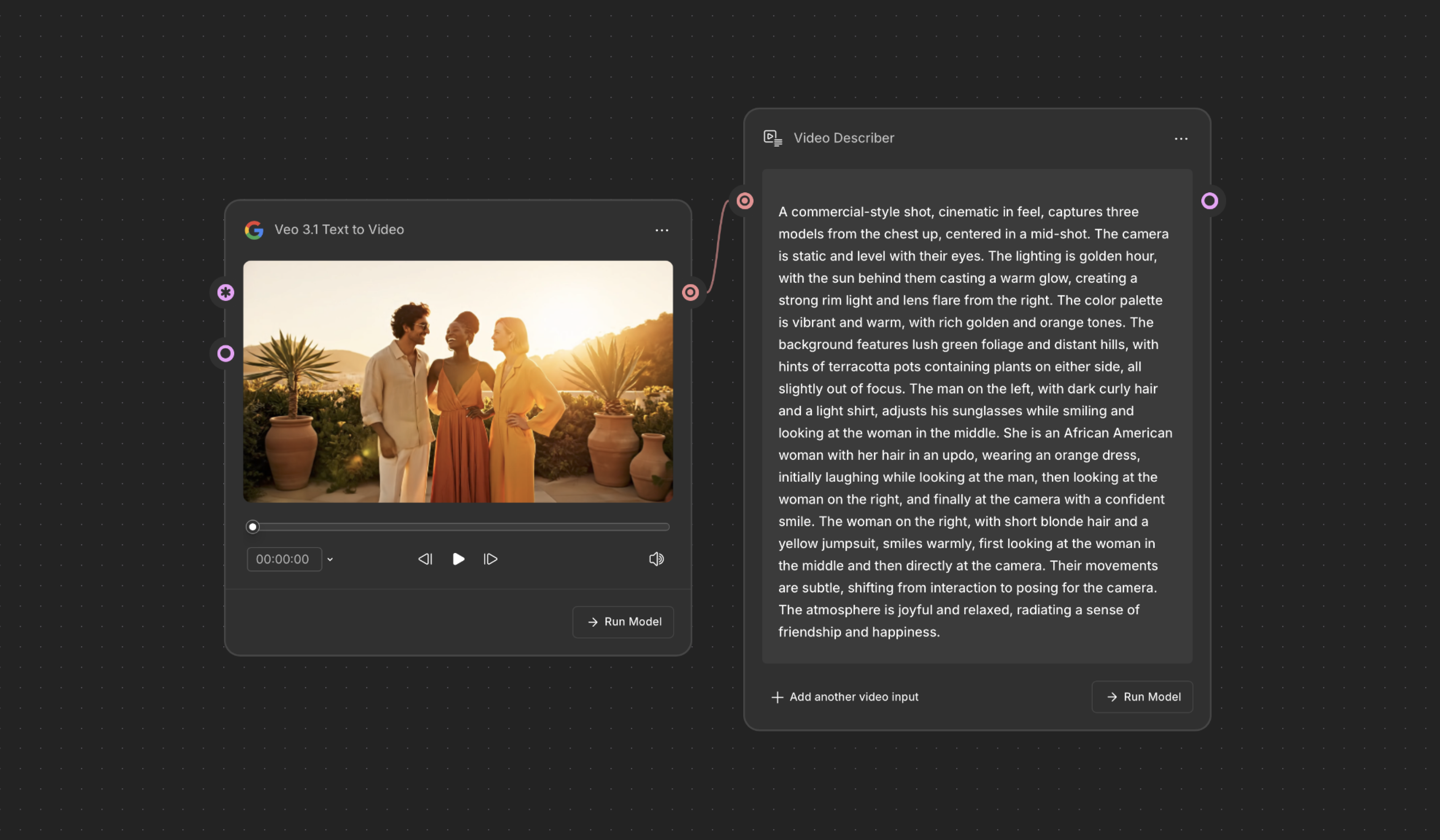
Imagine you’re working for a retail brand that built a campaign around a specific look. The campaign has an established hero clip with a warm color palette and soft edge lighting. You could pull that style from your reference clip using the Video describer node in Figma Weave, turning it into an editable written description.
As new product clips join the campaign, you can feed that description into an AI model, then apply the style to each new subject.
Committing to one motion style before you’ve seen it in action can mean having to backtrack later. AI animation lets you compare several directions in the same clip first.
Maybe you’re prepping a launch video, and you’re not yet sure which AI animation styles fit your brand. They could be playful and bouncy or bold with hard cuts and sharp transitions. Run the same base clip through each motion treatment and compare them side by side to find the feeling you’re going for.
3D character and product animation adds depth to something flat. A character can move through space, and a product can rotate and catch light from different angles. Here’s a 3D animation example for content teams.
Waiting on physical samples just to see how a design feels can cost you significant time. AI animation can get you that answer sooner.
For example, suppose you work for a beverage brand with a finalized label design but no physical samples yet. You want to see how the label looks on an actual bottle, but don’t want to wait for one to be produced. With AI animation, you can generate a rotating 3D render of the product design from the flat design file, with the label wrapped around the bottle.
A rotating render catches things a flat mockup can’t show, like whether a label’s pattern wraps cleanly around a curved bottle and whether a glossy finish reads as premium instead of cheap under a moving light. The render also gives stakeholders something tangible to react to before production starts.
Motion graphics take existing brand assets and animate elements around them, such as transitions or reveals. Here are some motion graphics animation examples for content teams.
Your company’s logo is probably a flat file, used the same way on the website and every deck you ship. Maybe you need something with more life for a video intro or a loading screen, but there’s no motion designer on your team to rig it by hand.
Feed the logo into an AI model and describe how you want it to move, including a loop. The letterforms might slide into place one at a time, or the whole logo might pulse gently once it’s fully formed. Either way, you get back a short clip built to loop, since a logo animation usually plays on repeat.
The loop is the detail you should refine. A clip that doesn’t loop cleanly draws attention to itself with a visible jump or reset. Ask for the motion to end exactly where it began, so the loop stays invisible.
Most pitch decks that use the same layout and static screenshots blend together by the third slide. Showing your product in action with AI animation can break that pattern and pull stakeholders back in.
Take that static screenshot and turn it into a short looping clip. For example, show a dashboard’s filter panel expanding and a save button being pressed right as you describe it. Time the movement to land on the words you’re already saying, and the slide backs up your pitch instead of just sitting there while you talk over it.
Keep the motion contained to one slide, or a few if the deck is long. A deck where everything moves loses the effect, since nothing stands out.
A one-off prompt doesn’t leave anything behind to reuse. Once you have your result, applying that same look to a new subject means rebuilding the prompt and settings from memory, guessing your way back to what worked the first time.
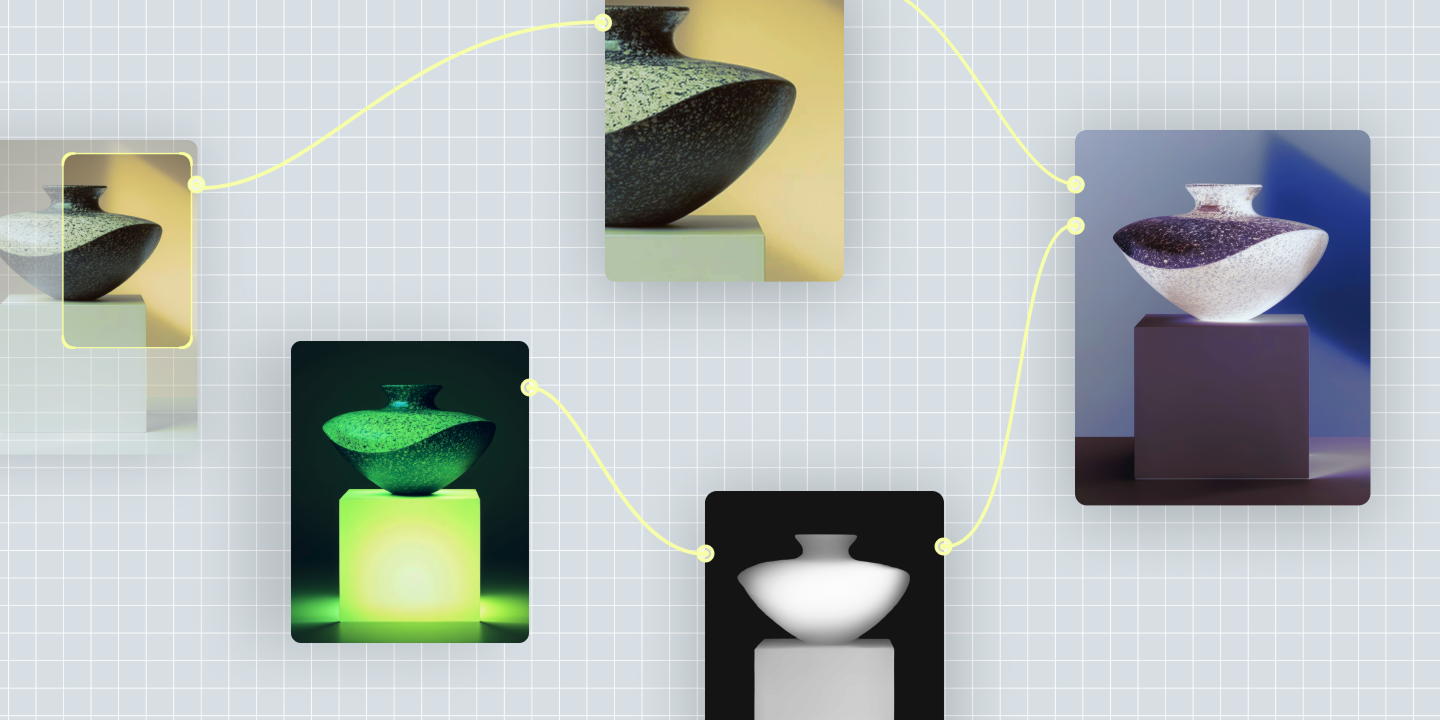
In Figma Weave, you can build a repeatable workflow instead. Chain together your AI model and editing steps such as crop, upscale, or relight, then save that chain. Run a new subject through it whenever you need the same look again.
To find the best fit, apply several styles or effect variations to the same base clip in one pass on your node-based canvas. You get every option back at once, ready to compare side by side.
Chain AI models and editing tools together, then reuse that same workflow on new subjects.
AI animation examples cover a lot of ground, from a mascot waving on a social post to a product label rotating in 3D. Some animation methods start from a written prompt, but others let you experiment with images and clips you already have. Figma Weave gives you the models and editing tools to try any of these animation methods, and to refine the result until it’s ready to ship.
Here’s how to get started:
Figma Weave lets you chain AI models and editing tools together to reuse on your next subject.
From image generators to node-based workflow platforms, here are 7 of the best AI tools for graphic design, and how each fits a real production process.

Learn how generative AI is changing creative design workflows, and how teams are putting it to work with Figma Weave to generate on-brand assets at scale.

Learn how to use AI for product design 7 different ways. Turn your ideas into working prototypes faster with prompt-based design and collaborative creativity.

Curious how AI in design is changing the way teams work? See how tools like Figma make it easier to bring ideas to life with real-world examples.

Find some of the best AI design tools for 2026. Compare tool capabilities and benefits to streamline your design process and boost your creativity.

Build a powerful AI product design stack with these 5 specialized tools. Unify your workflow, from concept art to code, for maximum speed and efficiency.
Build faster with Figma Weave