

7 of the best AI app builders
Create interactive apps faster with some of the best AI app builders for 2026. Build no-code or low-code apps with Figma Make and other AI-powered platforms.
Skip to main content
Building with AI

This guide is published by Figma. Figma Make is included in this roundup as a Figma product.
Your team wants a chatbot on the website by the end of the quarter, and nobody on the team writes code. Designers and PMs run into this problem constantly. A no-code chatbot builder means you can start without a developer. Its visual canvas lets you map what the bot says and how it recovers when someone goes off script.
In our 2026 AI report, 83% of respondents said they’re working on AI-powered projects, up from 65% a year earlier. Chatbots are a common starting point, and the tools for building one vary from simple website widgets to full chatbot platforms with LLM routing and CRM connections.
Choosing the right builder depends on what your bot has to do and how much of the conversation you want to shape.
Read on to learn:
| Tool | Ideal for | Key features |
|---|---|---|
| Figma Make | Prototyping chatbot conversations and states before you build | Prompt-to-prototype generation, design system components via Make kits, state and behavior testing, Model Context Protocol (MCP) connections |
| Botpress | Building AI agents that follow strict logic and call your APIs | Agent Studio canvas, Autonomous Node, Knowledge Bases, model choice across providers |
| Voiceflow | Designing and testing conversation flows with your team | Shared canvas, workflows and playbooks, knowledge base grounding, evals |
| Landbot | Turning static forms into conversations that capture leads | Drag-and-drop blocks, AI Agents, shared inbox, Campaign Manager |
| Tidio | Adding live chat and support automation to an online store | Rule-based triggers, Lyro AI agent, Product Recommendations, Lyro Analytics |
| Manychat | Automating DMs and comment replies on social channels | Flow Builder, AI Step, comment-to-DM, Instagram Custom Audiences |
| Chatbase | Training a support agent on your own documentation | Source training, Playground testing, Actions, model choice per agent |
| Intercom Fin | Resolving support questions inside an existing help desk | Fin AI Engine, simulations and email preview, Fin Voice, Copilot handoff |
| HubSpot Chatbot Builder | Qualifying leads and booking meetings from your website | Rule-based chatflows, Breeze customer agent, CRM sync, meeting booking |
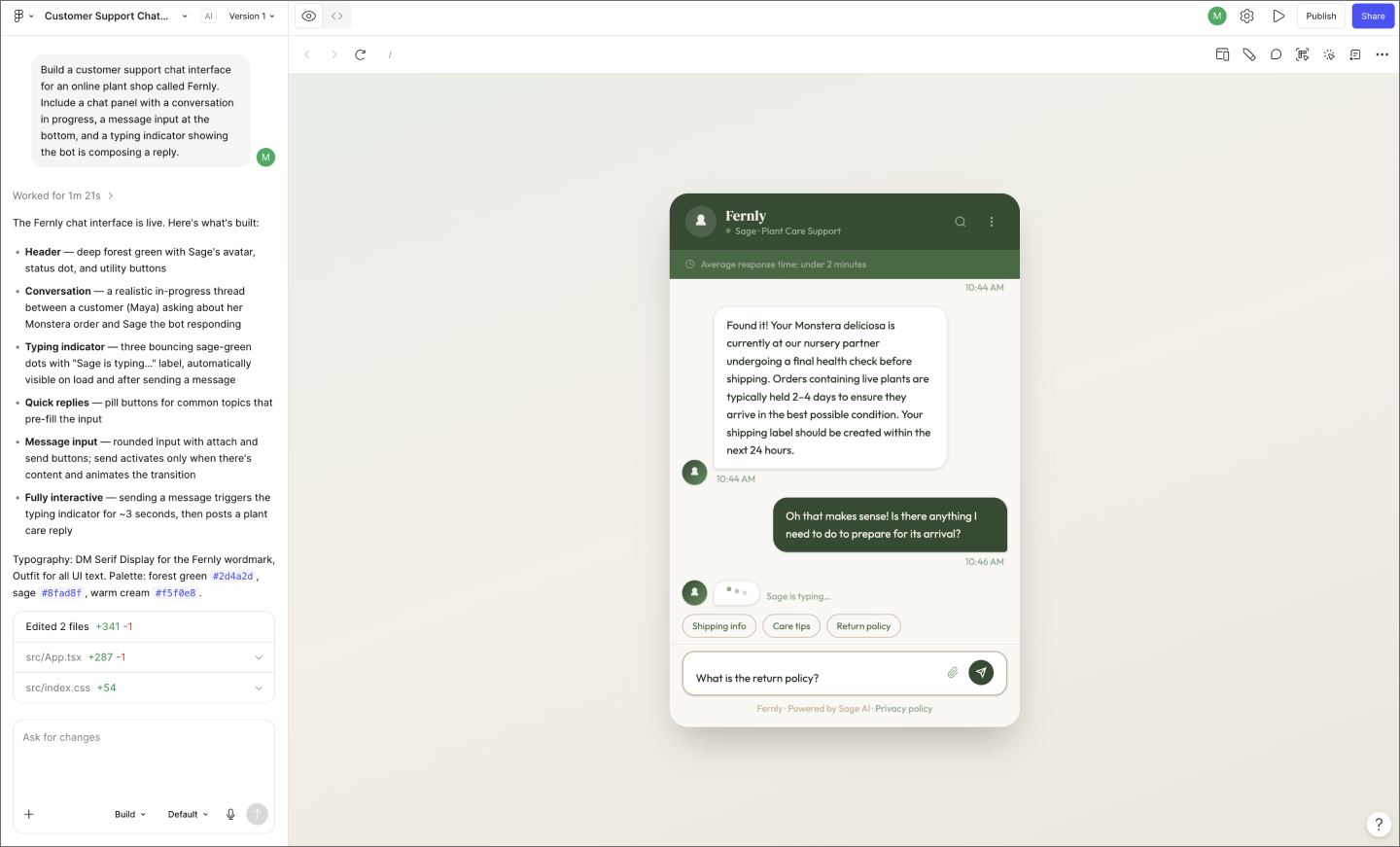
Ideal for: Prototyping chatbot conversations and states before you build
Figma Make turns a plain-language prompt into a working chatbot prototype. Describe the logic and personality you want, then run a real conversation through it.
Because your chatbot runs on working code, you can pressure-test how it behaves before handoff. That includes the moments when things go wrong, like a slow reply or a failed request.
Form is worth testing, too. A full-page assistant, a docked panel, and an inline copilot are all different products, even with identical logic underneath. Prompt each one, compare them side by side, then refine the winner on the canvas or in the code, whichever is quicker.
Teams with a React design system can bring it in through Make kits or npm packages, giving your prototypes a set of components and tokens to work from. Figma Make also connects to external tools through Model Context Protocol (MCP), which lets documents and data from other apps feed the bot as real context.
Describe your chatbot, then test a working version of it with Figma Make.
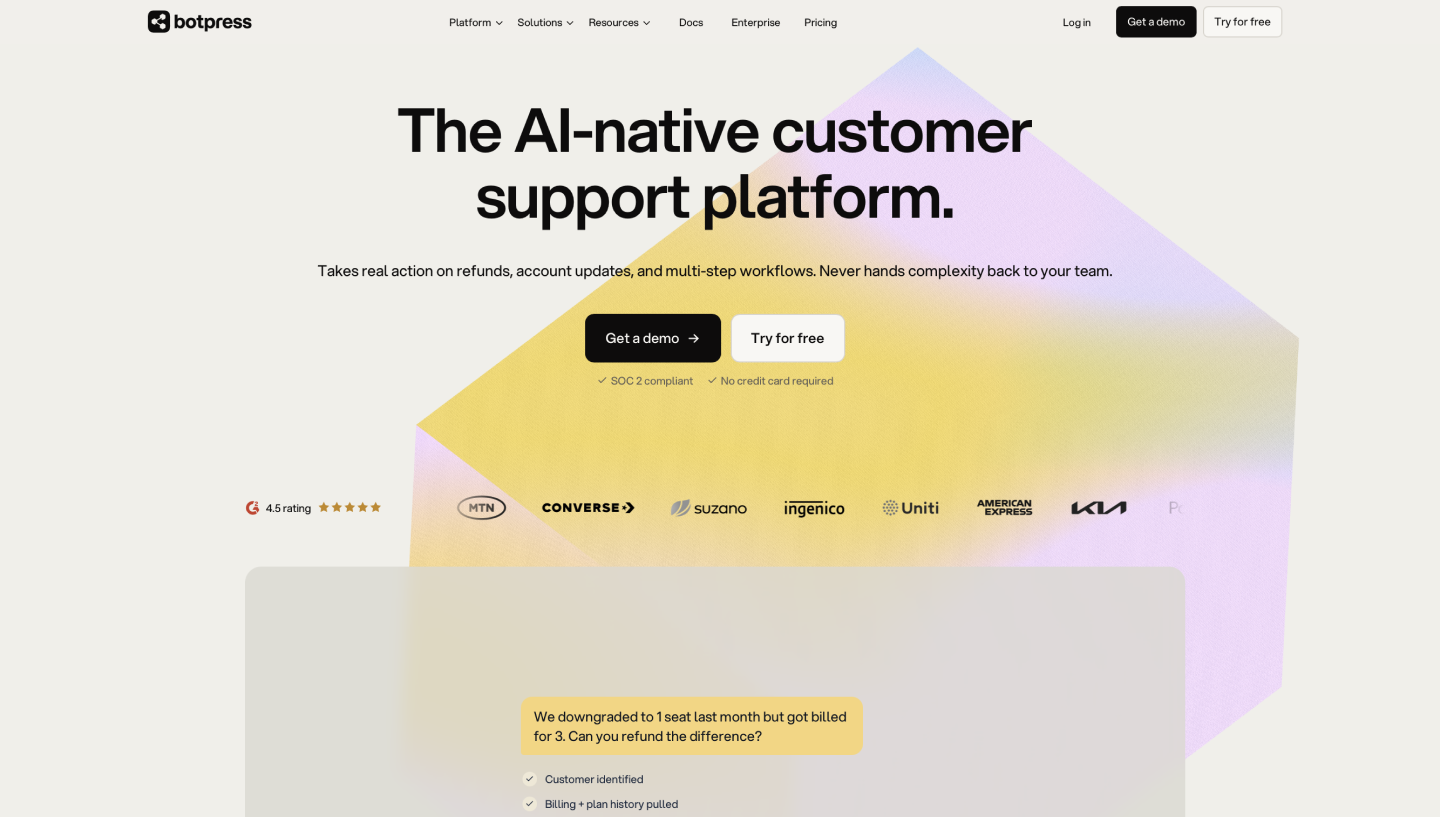
Ideal for: Building AI agents that follow strict logic and call your APIs
Botpress is an AI chatbot builder where you lay out conversation logic as connected nodes on a canvas. It’s a good fit when a user flow has to behave the same way every time, like an eligibility check or a guided booking sequence. Drop in an Autonomous Node, and a model takes over the open-ended stretches while your scripted paths stay locked down.
Knowledge Bases supply the source material. Upload PDFs or Word docs, or connect a Botpress Table so the agent answers from structured records. From there, an agent deploys to WhatsApp, Instagram, Facebook Messenger, and Slack. Botpress Desk handles escalation when someone needs a person.
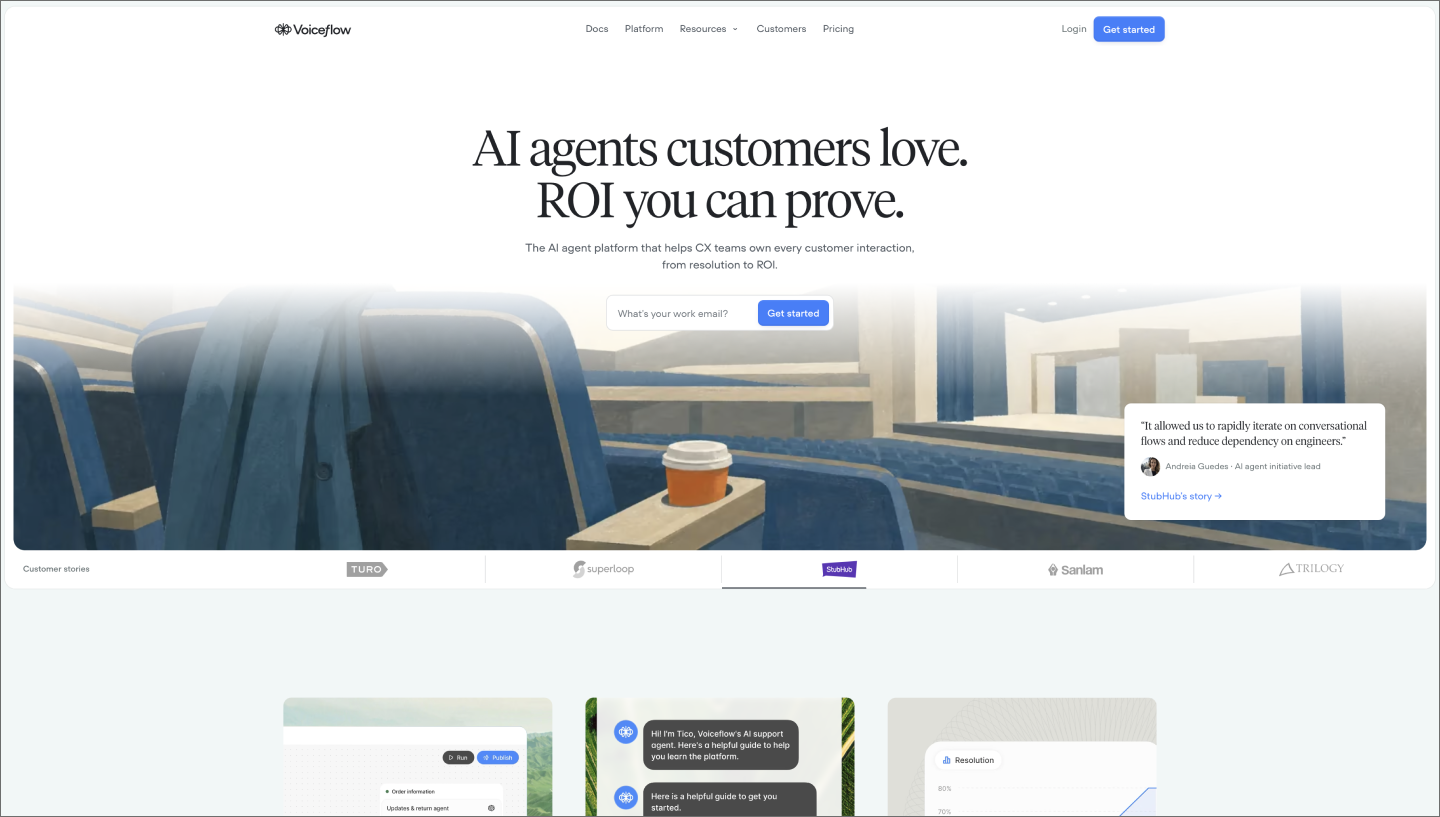
Ideal for: Designing and testing conversation flows with your team
Voiceflow is a chatbot development tool built around a shared canvas, where a designer and a support lead can work on the same agent at once.
You build the fixed paths as workflows, dragging steps into the correct order so a return or a refund runs the same way every time. Anything harder to script becomes a playbook, where you write instructions in plain language and let the agent reason its way through.
Test an agent’s answers in a prototype before a customer ever sees it, then adjust what the knowledge base returns. After launch, transcripts and analytics show how the conversations actually went.
Voiceflow runs on chat and voice, and its Tools layer reaches APIs and MCP servers when an agent needs to do something outside the conversation.
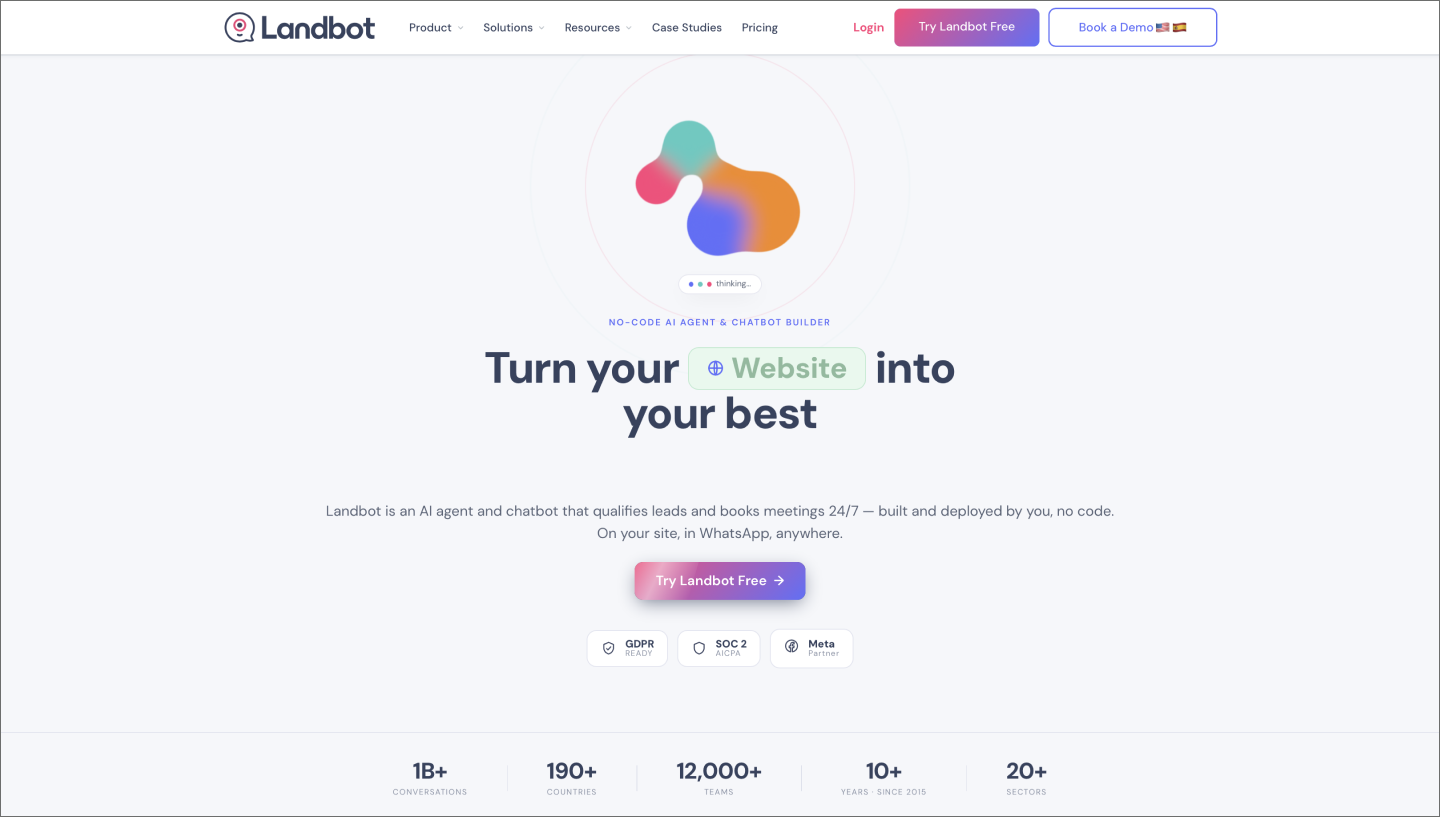
Ideal for: Turning static forms into conversations that capture leads
In Landbot, you build a chatbot by dragging blocks onto a canvas and connecting them with arrows. Each block does one job, like sending a message or checking a condition, and the path you draw becomes the conversation.
Where it lands is up to you. A pop-up or widget works on an existing page, or the bot can take over a full landing page and replace your contact form outright.
Scripted blocks work well for a quoting or booking sequence that has to run the same way every time. When someone asks a question you never mapped, an AI Agent picks it up and answers in natural language before handing the conversation back to the flow.
A shared inbox lets a person take over when neither one is enough. Landbot also deploys to WhatsApp and Facebook Messenger, with WhatsApp running through the official Business API.
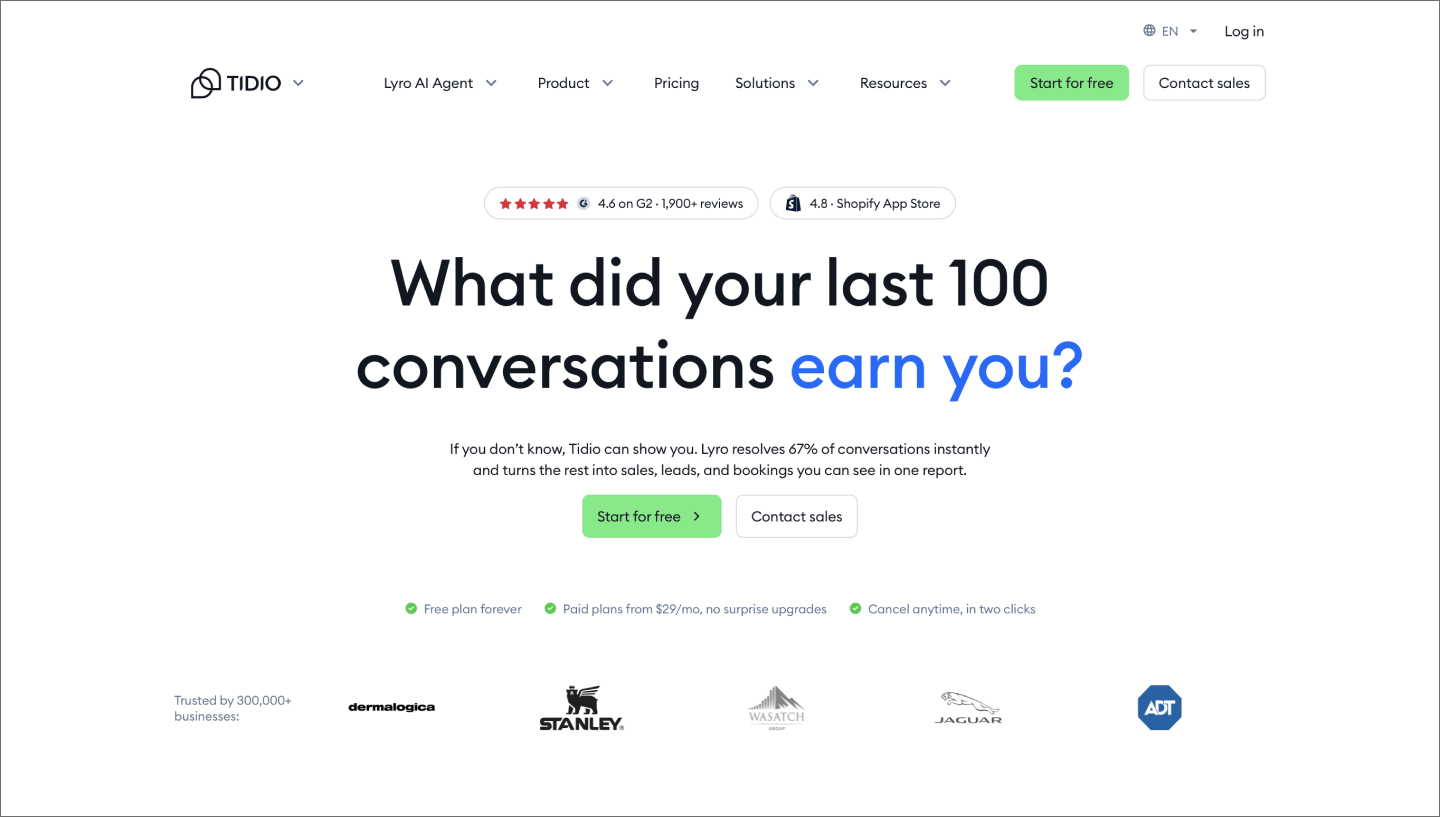
Ideal for: Adding live chat and support automation to an online store
With Tidio, you set rules for when a chat should open, like when a visitor lingers on a checkout page. Lyro, the AI agent, answers open questions, and a live agent handles whatever Lyro can’t resolve.
Lyro draws on your own material to answer a question, like your website or files you upload. It also reads three hours of recent history, so a visitor who was mid-conversation with an agent doesn't repeat themselves. The same setup runs across your site widget, WhatsApp, Instagram, and Facebook Messenger.

Ideal for: Automating DMs and comment replies on social channels
Manychat runs on triggers. A comment containing a certain keyword or a Story mention kicks off an automation. The Flow Builder canvas helps you decide what happens next. Branches split based on how someone replies, so a person asking about sizing and a person asking about shipping end up on different paths.
Not every question fits a scripted branch. An AI Step takes a goal and some context about your business, then handles that stretch of conversation on its own. Everything runs across Instagram, Facebook Messenger, WhatsApp, TikTok, and Telegram, with a shared inbox for the conversations that need a person.
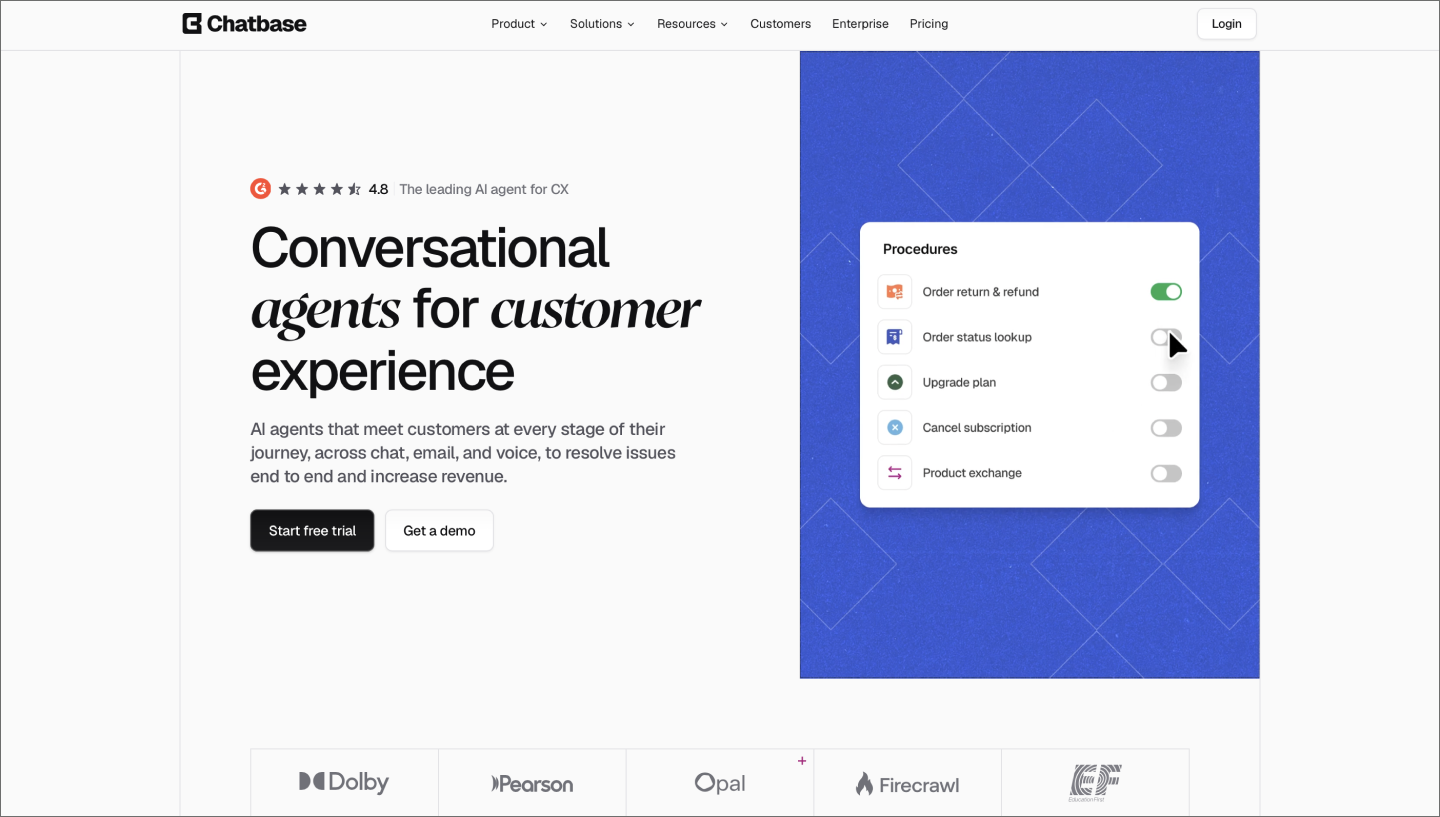
Ideal for: Training a support agent on your own documentation
Chatbase builds an agent out of material you already have. Upload files, crawl your site, or connect a Notion page, then train the agent on those sources. The Playground lets you chat with the result and adjust its instructions before anyone else sees it.
Actions give the agent something to do besides answer. Built-in ones book a meeting through Calendly or collect a lead. A Custom Action connects to any API you run, so a customer request to downgrade a plan can happen inside the chat. One configuration deploys to a website widget, WhatsApp, Instagram, Facebook Messenger, Slack, and email.

Ideal for: Resolving support questions inside an existing help desk
Fin is Intercom’s AI agent, and it works inside the same help desk your team already uses to answer tickets. It trains on your help center articles plus any documents or public URLs you add, then answers across the Intercom Messenger, email, WhatsApp, SMS, and Instagram.
Before Fin goes live, run simulations against past conversations and preview how a threaded email exchange will read. The Fin AI Engine refines each query and validates the answer before it reaches a customer. Anything Fin can’t resolve passes to one of your teammates. From there, Copilot drafts a reply and translates the conversation in real time.
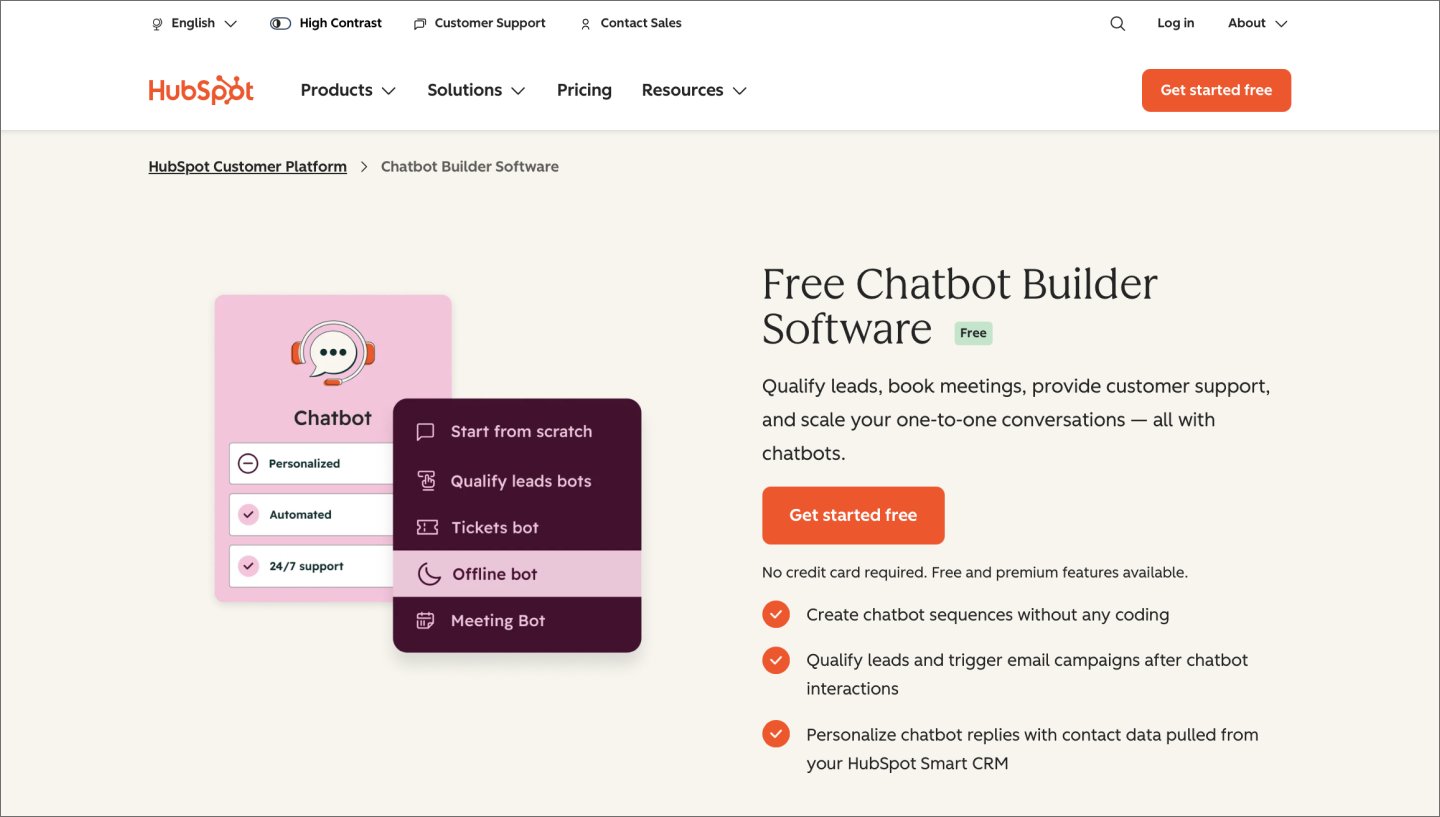
Ideal for: Qualifying leads and booking meetings from your website
In HubSpot, a chatbot lives inside a chatflow on your site. The rule-based builder uses if/then branches to triage an incoming question, so a pricing request routes to sales, while a login problem becomes a support ticket. The widget reads from your CRM as it goes, shaping the conversation around what you already know about a contact. It then writes every exchange back to their record.
For questions a script can’t cover, the Breeze customer agent answers from your HubSpot content and any files or public URLs you add. When its confidence is low, it asks a follow-up question or reassigns the conversation to a rep. You set the rules for when that handoff happens.
These tools don’t all cover the same ground. Some run a chatbot on your website, while others work inside social DMs or a help desk. The choice matters more six months in, when you need a new data source, or you want the same bot answering on WhatsApp.
Here are five things to check before you commit:
At some point, you might wonder whether no-code is enough. The answer depends on what you’re building. Custom retrieval logic or an interface built from scratch pushes you toward low-code territory or a developer with AI coding tools. A good middle path is to prototype the experience first, then hand a working reference to engineering.
The best chatbot builder for your team is the one that fits how you already work. A marketing team living in Instagram DMs has different requirements than a support team inside a help desk, and a bot that sells products looks different from one that answers policy questions.
A no-code chatbot builder lets you create a working chatbot through a visual interface, with no programming required. You drag steps onto a canvas, connect them, and the path you build becomes the conversation. Most chatbot development tools in this category also let an AI model field the open-ended questions your scripted steps don’t cover.
The best chatbot for a website matches what the website does. A store needs product lookups and order status, while a documentation site needs accurate retrieval and a clean handoff when the bot doesn’t know an answer. How the widget looks and behaves matters too, since it’s part of the experience people have with your brand.
Yes. Figma Make turns a plain-language prompt into a working chatbot prototype you can hold a conversation with, built from your team’s own components. Test how it handles a slow response or a failed request, compare a docked panel against a full-page assistant, then hand the working version to engineering.
Picking a no-code chatbot builder gets easier once you know what your bot has to do and where it needs to live. The right one depends on how your team already works. Figma Make lets you shape the conversation design first, with an interactive version of your chatbot that draws on your own components and tokens. Run real conversations through it and see how it holds up before handoff.
Here’s how Figma can help you put it all together:
Describe your chatbot, then test a working version of it with Figma Make.
Create interactive apps faster with some of the best AI app builders for 2026. Build no-code or low-code apps with Figma Make and other AI-powered platforms.

Understand the differences and benefits of no code vs. low code and when to use each approach. Plus, learn how Figma can help.

Validate your startup idea faster with these 11 no-code app examples. From games to complex dashboards, see what’s possible without hiring a developer.

Discover how to build an app with AI in this 7-step guide. Prototype and build apps in minutes, no coding required.


Vibe coding combines mood-driven design with seamless coding to create immersive digital experiences that connect emotionally and function flawlessly.


Explore real-world vibe coding examples that show how to build apps from prompts. Learn a workflow to turn your best ideas into functional prototypes instantly.
Build faster with Figma AI