Create code-backed prototypes, instantly.
Start with a prompt or your own design. End with a prototype your whole team can build on.
Skip to main content
Figma connects your design context, codebase, and agents, so you build and ship with speed.
Build a prototype and refine it in code with your teammates. Then, push it all to production without leaving Figma.
Start with a prompt or your own design. End with a prototype your whole team can build on.

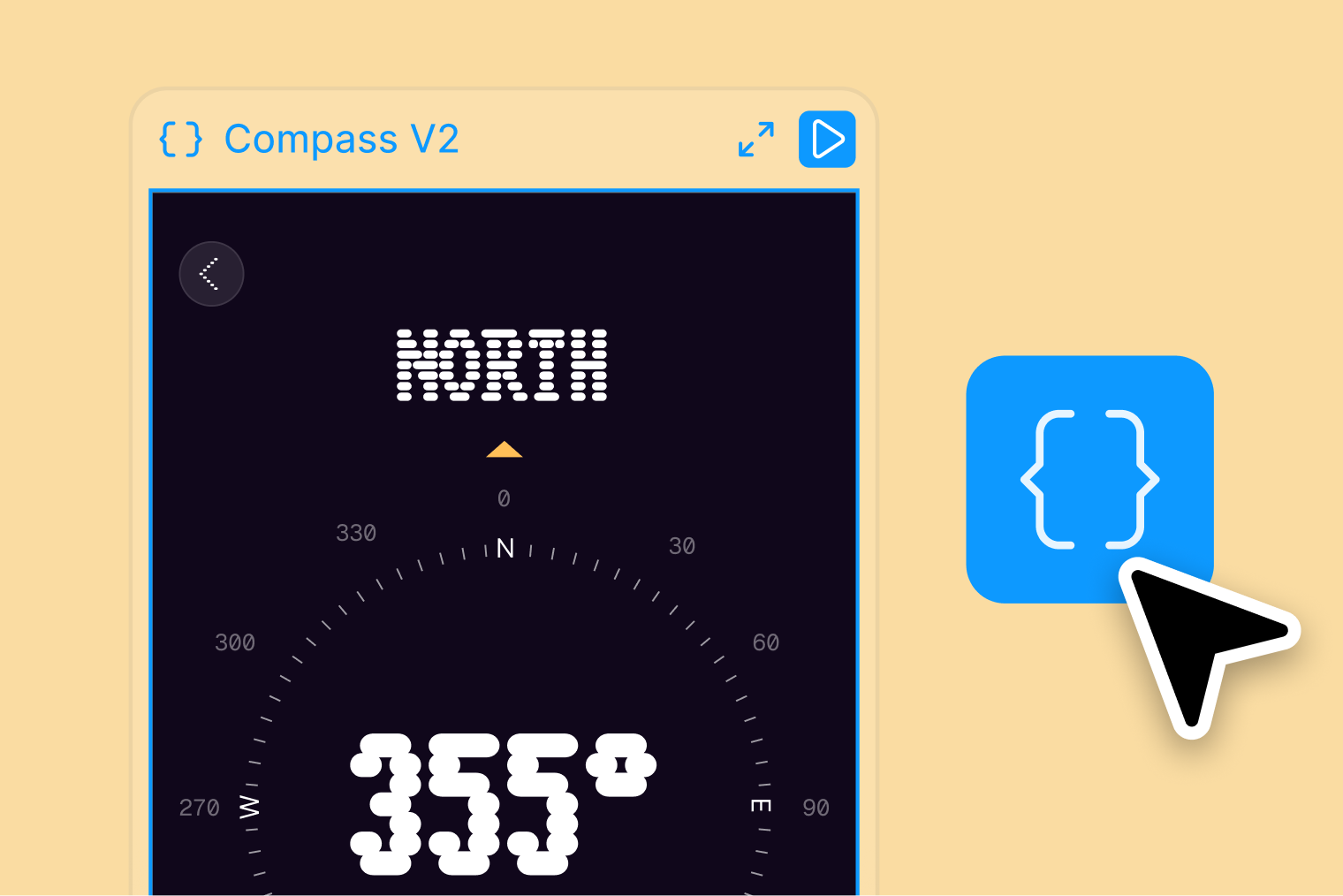
Pull the latest changes, push your work, and open pull requests from a code layer connected to your organization’s GitHub.
Build efficiently and consistently when you connect your design context to your codebase.
Connect your design system directly to your code components.
Use the Figma MCP server to pull all design details into your repo.
Dev tools purpose-built to help you align on the path forward. Build with intention alongside teammates and AI agents.
Review
Turn production code into editable Figma files. Your team can view what you’ve built and make changes—then push edits back to your codebase via the MCP server.
The FigJam MCP is your coding agent’s whiteboard. Generate architecture diagrams directly from your favorite AI coding tools.
With a dedicated view for devs—plus collaboration features like status updates—you’ll know exactly where to focus your work.
It’s important that designers and developers have a shared language—and that’s even more critical with LLMs. Figma closes gaps in our design system, making the path from design to build seamless, scalable, and consistent.

Design Systems Designer, Plaid
95% of the Fortune 500 uses Figma
Based on data from March 2025.


Free limited access to Figma products
Free
Best for small teams to create and collaborate
$16/mo
Best for businesses designing across organizations
$55/mo
Best for businesses designing for multiple products
$90/mo
