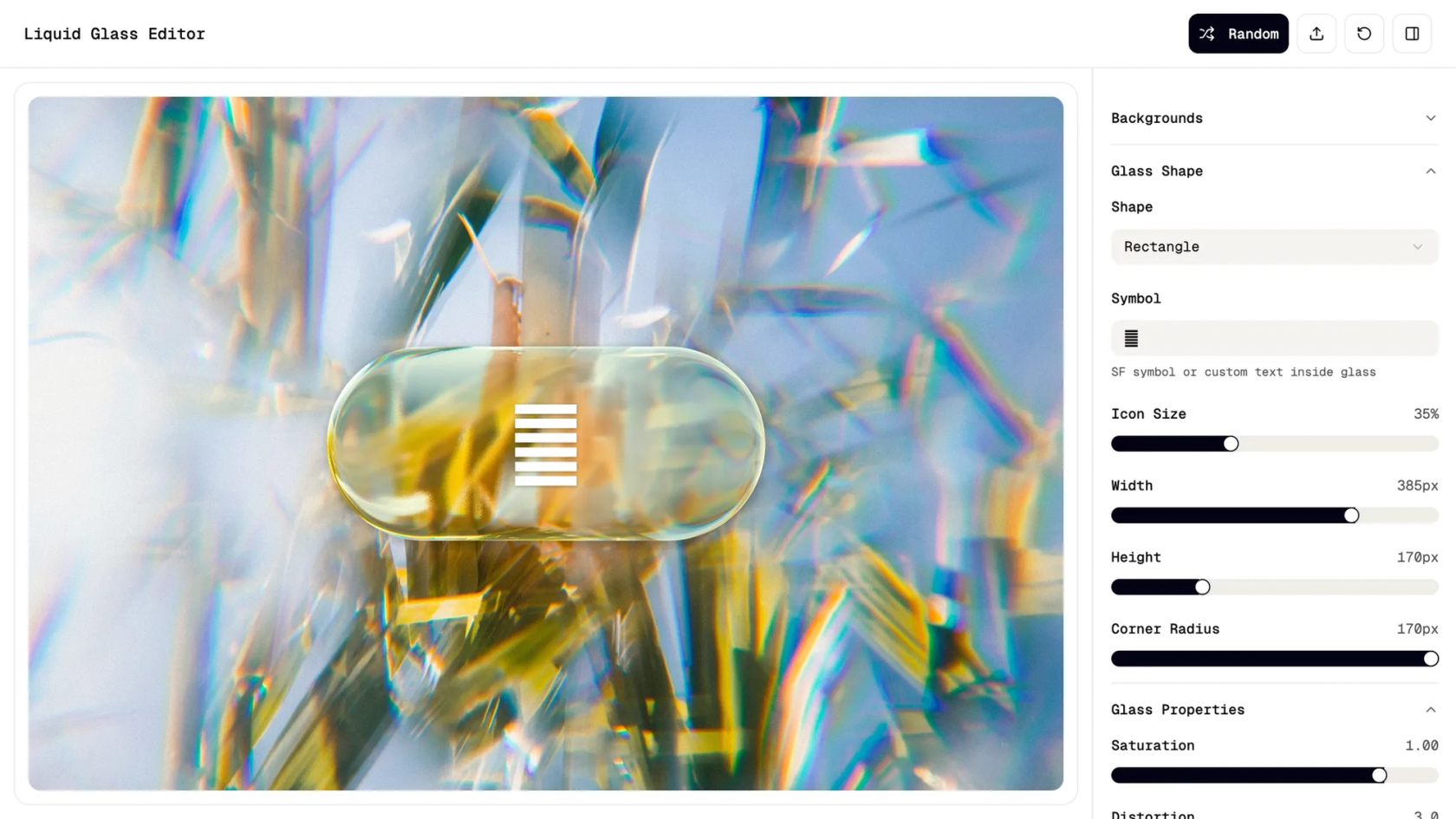
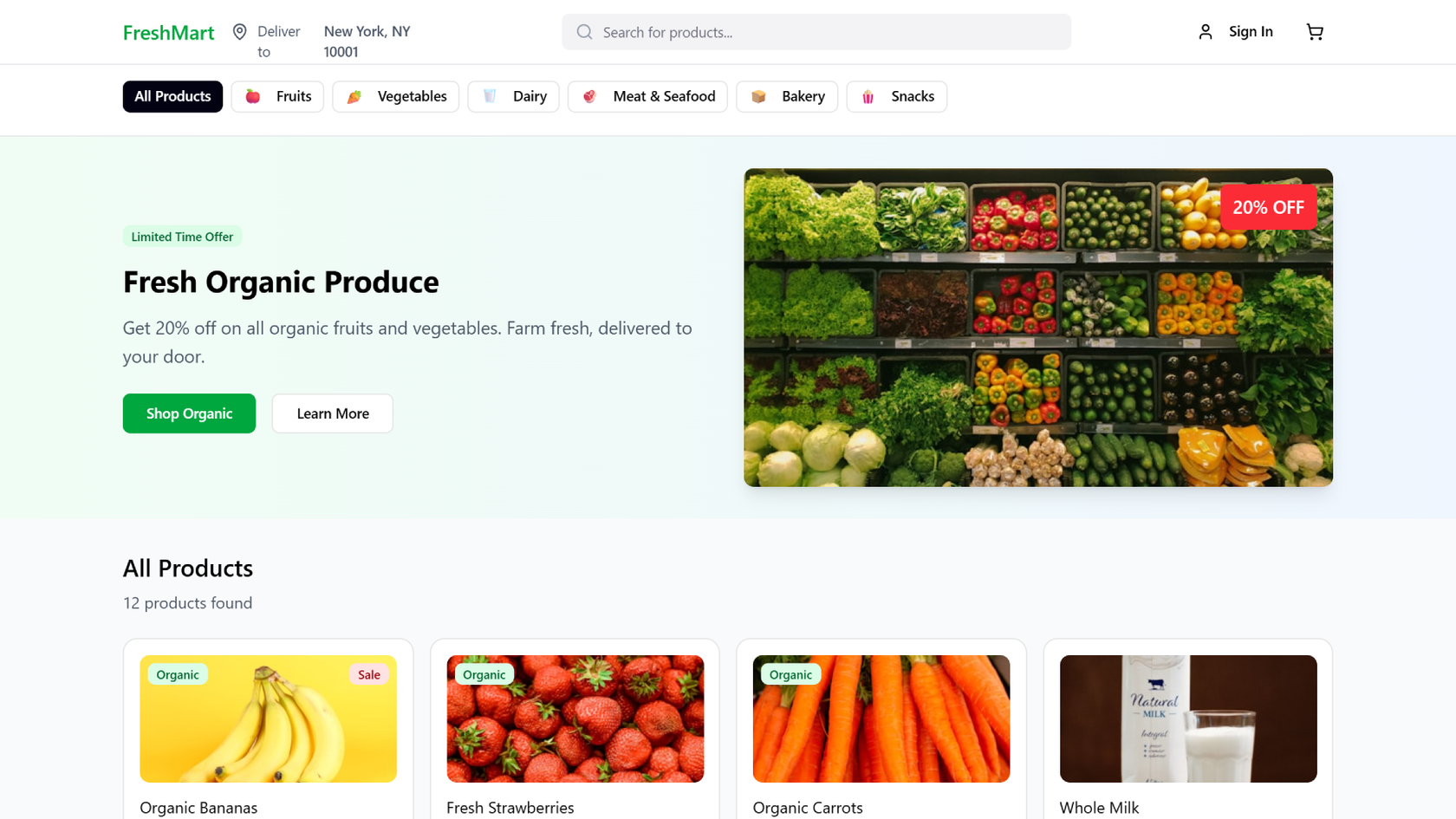
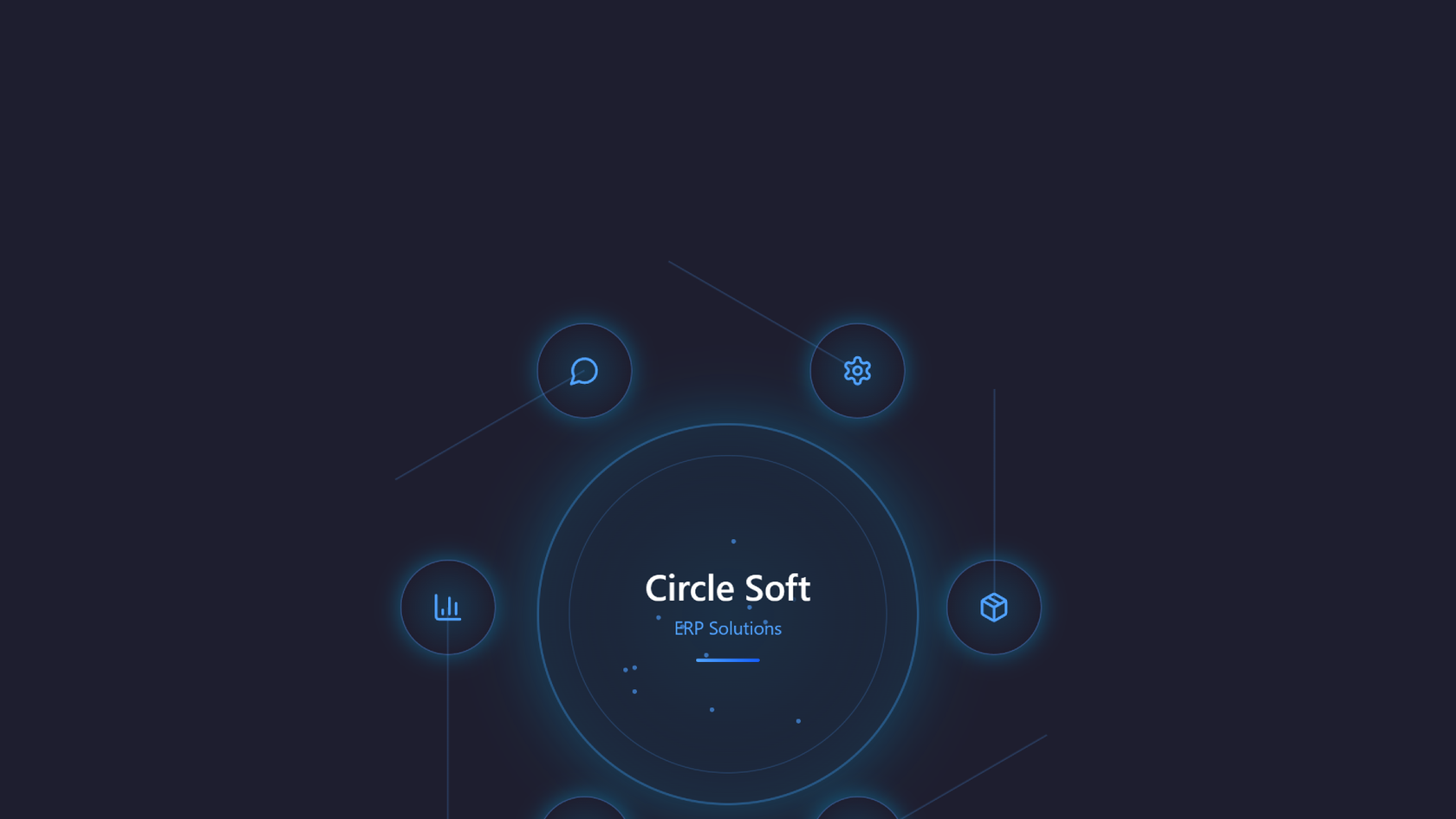
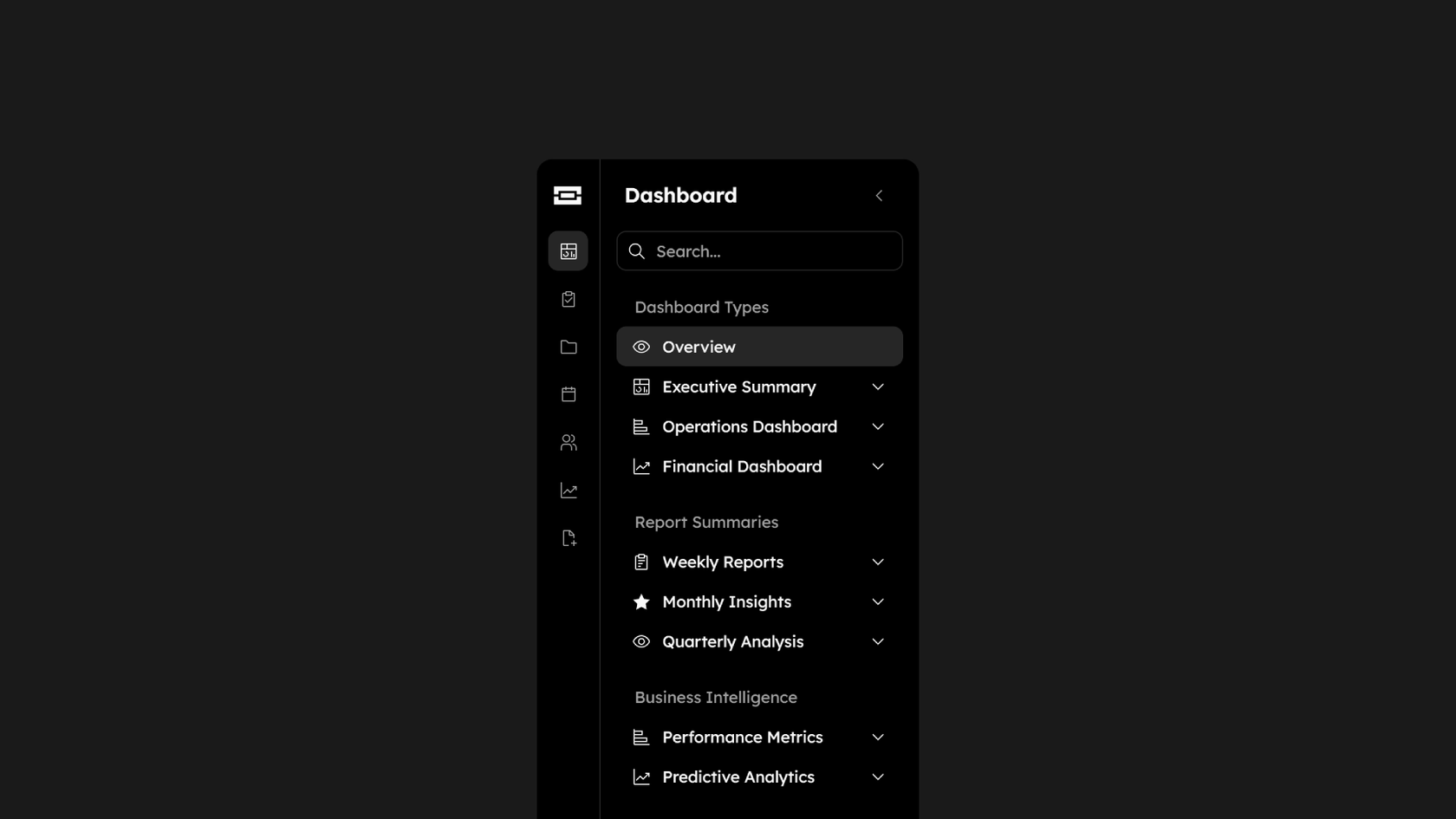
Start with a prompt or with what you've already got
Get started with a prompt or a frame you've already designed, or add a Make kit so what it generates uses the tokens and components already there.
Skip to main content
Describe what you're designing—a settings page, an onboarding flow, three directions for a landing page you can throw in front of your team tomorrow—and Figma Make builds it for you: real layout, real interactions, real code underneath. Compare a few versions before you choose one.
Get started with a prompt or a frame you've already designed, or add a Make kit so what it generates uses the tokens and components already there.

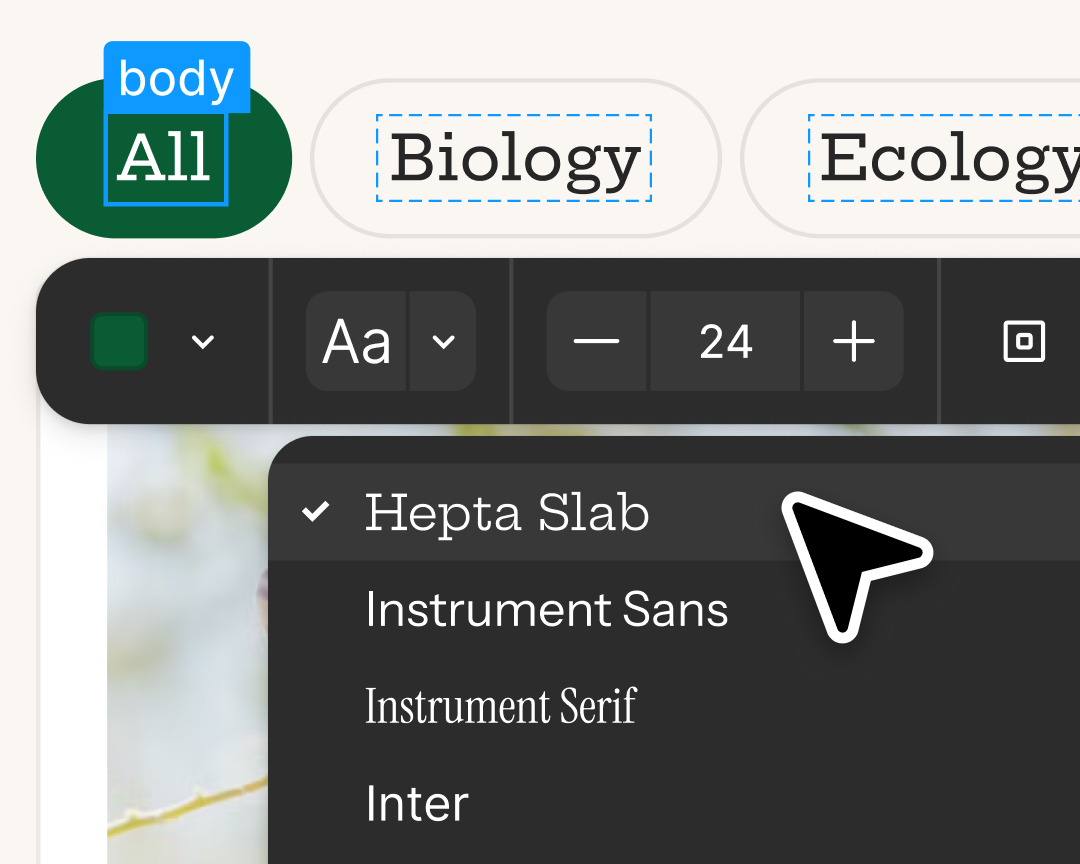
Generate multiple variations and compare them side by side. The first idea is almost never the final one, and exploring is usually the first thing cut for time.

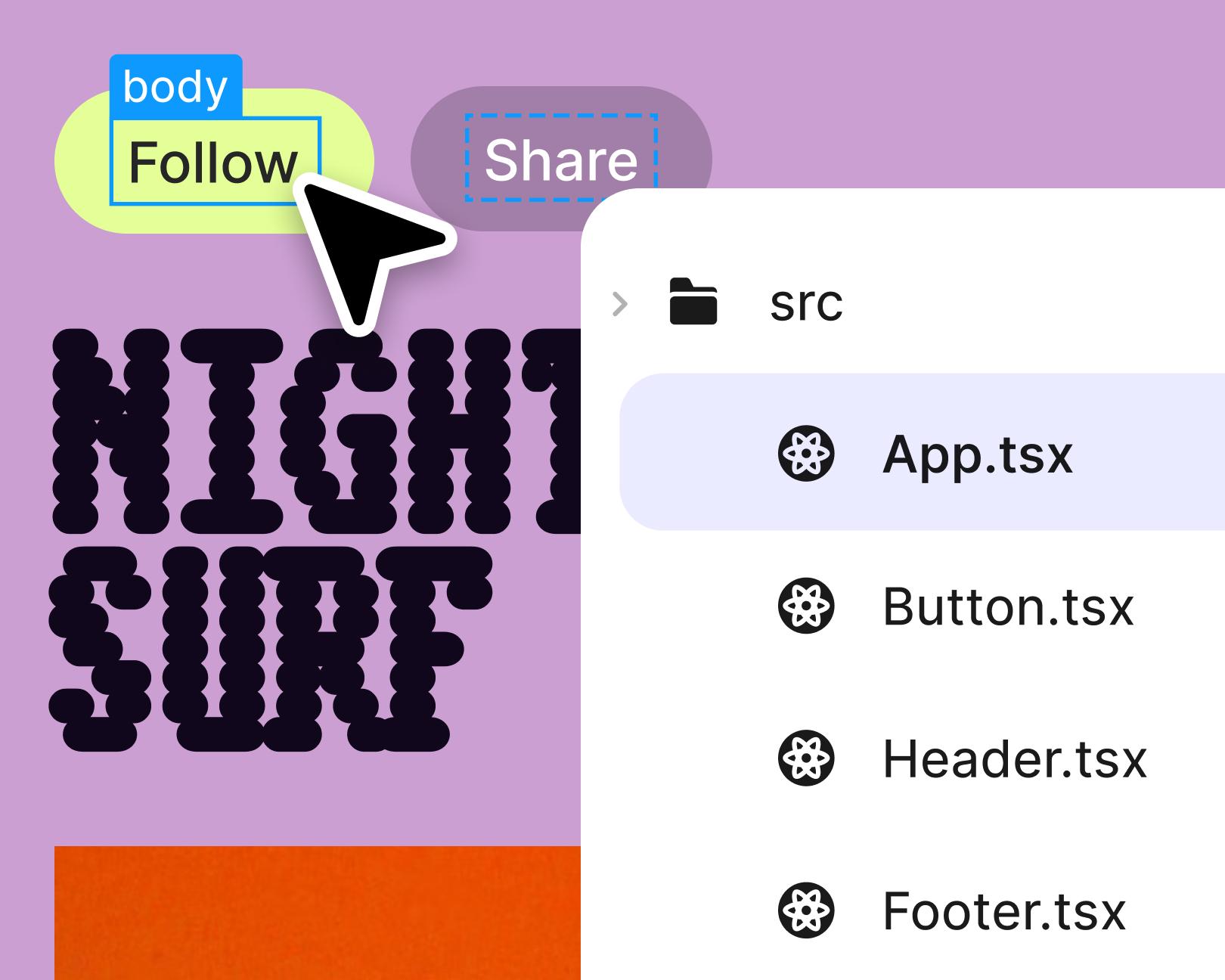
Fine-tune a layout in the properties panel, prompt a change in plain language, or edit the code yourself. Visual edits wait in the chat until you click Apply.

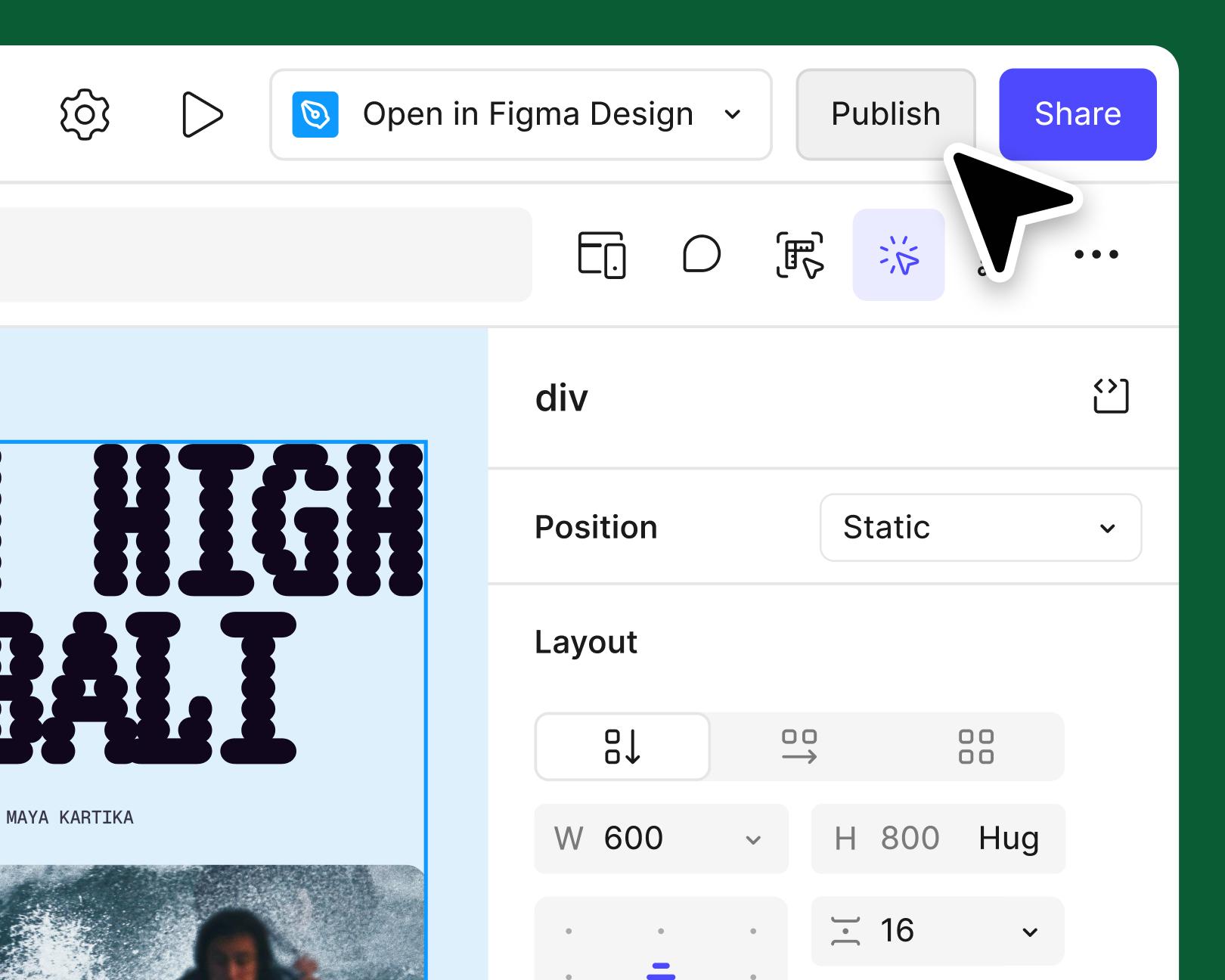
What you generate is backed by working code, so you can click through it, test the interactions, and find out what's off before anyone builds it.
See what designers are building with AI UI tools in Figma Make, from marketing pages to product dashboards to mobile-first flows.
Say what the screen or flow should do in plain language, or bring in a frame you've already started.
Figma Make builds the layout, structure, and interactions—ask for more than one if you're still deciding.
Prompt again, edit visually, or go straight into the code—whatever's fastest for the change you're making.
An AI design generator uses artificial intelligence to turn a description into a usable interface, including layout, components, and interactions. In Figma Make, you prompt what you want, compare a few directions, and refine the one you keep, visually or in the code.
You can start with Figma Make on the free Starter plan. Some AI features run on credits, and how many you get depends on your plan. The pricing page has the current details.
Make it more specific than feels necessary. Most people under-describe on the first try—“a dashboard” rather than “a dashboard for a support team tracking open tickets, with filters by priority and a queue view.” The detailed prompt takes ten seconds longer to type and saves you three rounds of revisions.
Every element is editable. Adjust it in the properties panel like you would in Figma Design, prompt a change, or open the code. Nothing is locked until you decide it’s locked.
Yes. On a paid plan, a Make kit brings your design library’s variables and styles, your component packages, and guidelines into Figma Make, so what it generates stays on brand and consistent across files. Your team can also publish Figma Make templates, reusable starting points with editable layouts, styles, and guidelines.
Yes. Figma Make files are multiplayer, so designers, product managers, and developers can see in real time who's typing or viewing and react to something that works rather than a static screen.
Yes, that's what Figma Make is for. Describe a screen, a state, or a flow, and you get something in the preview to react to—much faster than building the first version by hand only to find out that it's wrong.
It's replacing the part where you rebuild the same layout for the fourth time to see if a different arrangement works. Deciding what to build, and which of five versions is the right version, is still the real design job. There's just more to react to and less to assemble.
It can improve both. According to our State of the Designer 2026 report, designers who increased their AI usage see gains on both: 91% say it improves the quality of their outputs, and 89% say it helps them work faster. Figma Make is built on that same principle, giving you AI speed without sacrificing creative control.
Yes, and adoption is accelerating. Our State of the Designer 2026 report—based on a survey of 906 designers globally—found that 72% now use generative AI in their workflows, with 98% having increased their usage in the last year. Knowing how to use AI in the design process is now ranked the second most in-demand skill in the industry.

Pilots depend on in-flight software to navigate routes, see air traffic, avoid turbulence, and more. To bring more dynamic prototypes to user testing, Lufthansa Systems turned to Figma Make.
With Payload in Figma, teams can go from prototype to production together, managing their content and data all in one place.
The Figma Data Science team assumed that AI saves users time—but quantifying it required a new approach to research design.
With visual editing and annotations, Figma Make is bridging the gap between design and code. Select any element you want to change, adjust it directly in the properties panel, or write in-context prompts with annotations.
The handoff from design to code doesn't have to be a one-way street. This workflow shows how a designer can connect a codebase to Figma Make, make the changes directly, and bring the whole team into review—right up to the PR.

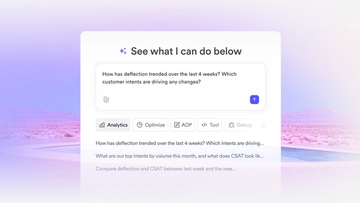
The fast-growing customer experience platform explains how Figma MCP and Figma Make helped them scale a new design system and keep pace with customer requests.

Learn about Model Context Protocol (MCP), the open standard that simplifies AI integration like a USB-C for data.

Vibe coding combines mood-driven design with seamless coding to create immersive digital experiences that connect emotionally and function flawlessly.

Building an app requires research and constant iteration to meet customer needs. Learn how to design an app and how Figma can help in this guide.