Turn ideas into reality
Describe a single screen or a whole user flow with plain language, and Figma Make lays out the UI elements for you. Your team can validate the structure before anyone invests in high-fidelity design.
Skip to main content
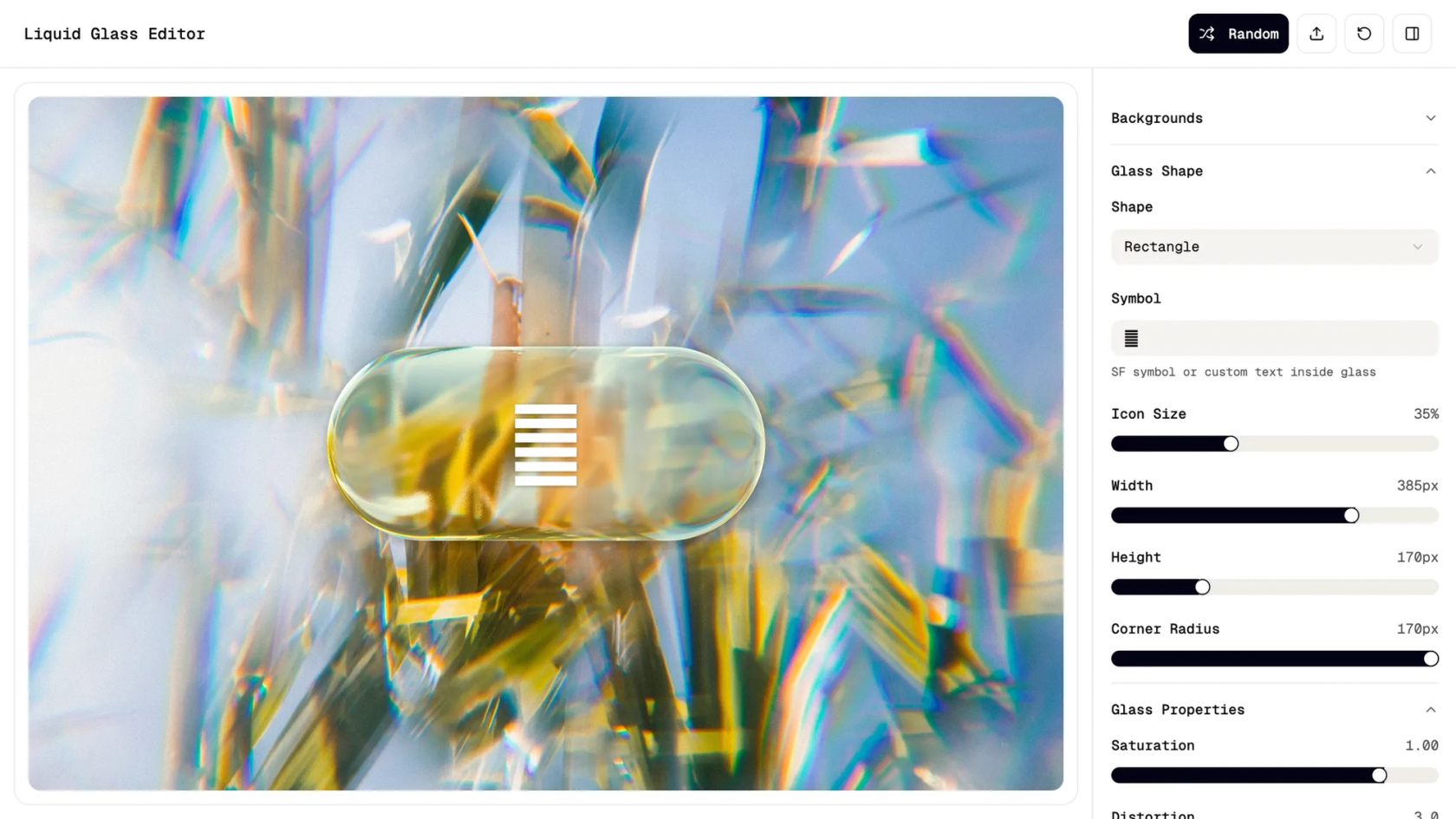
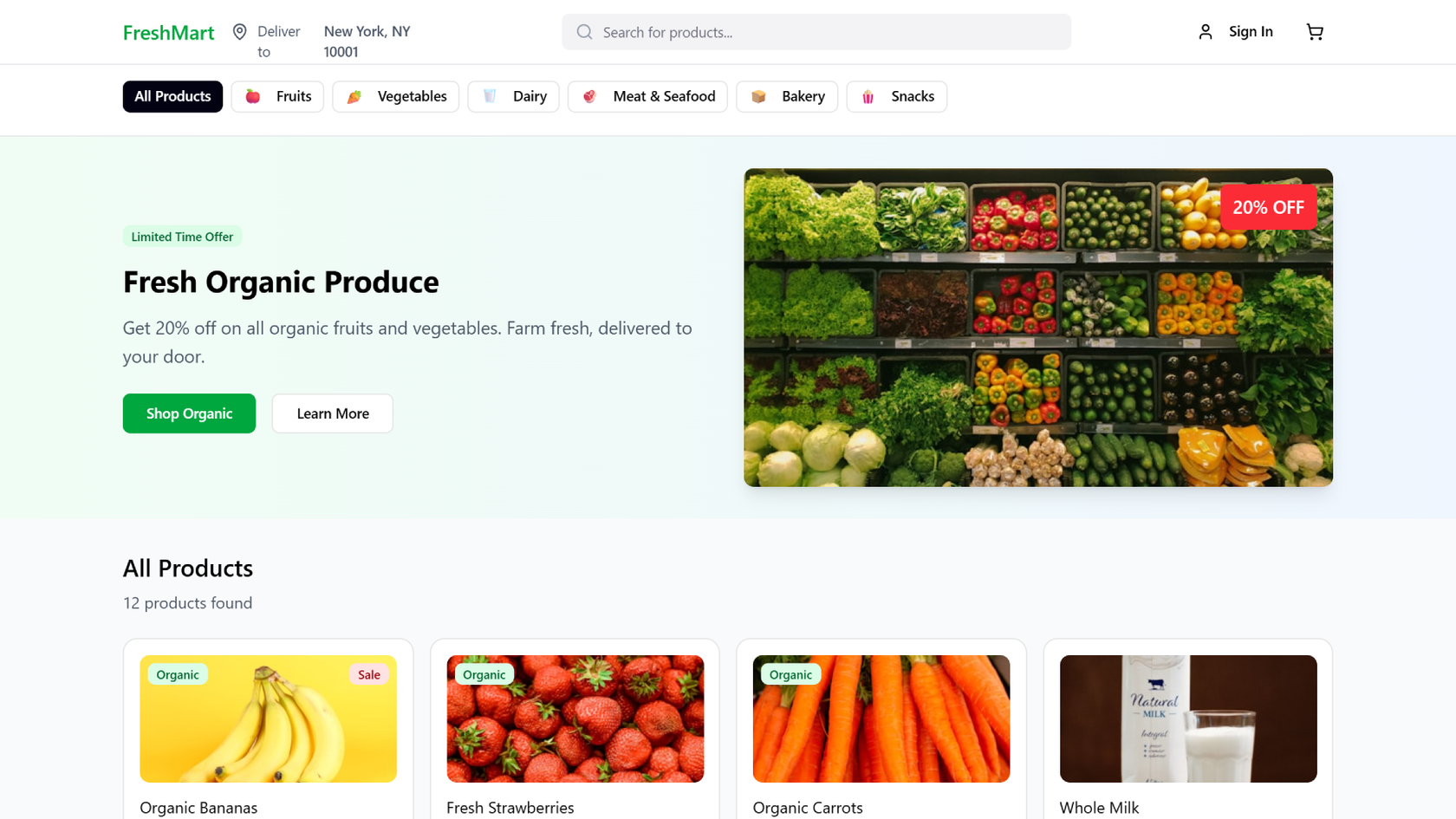
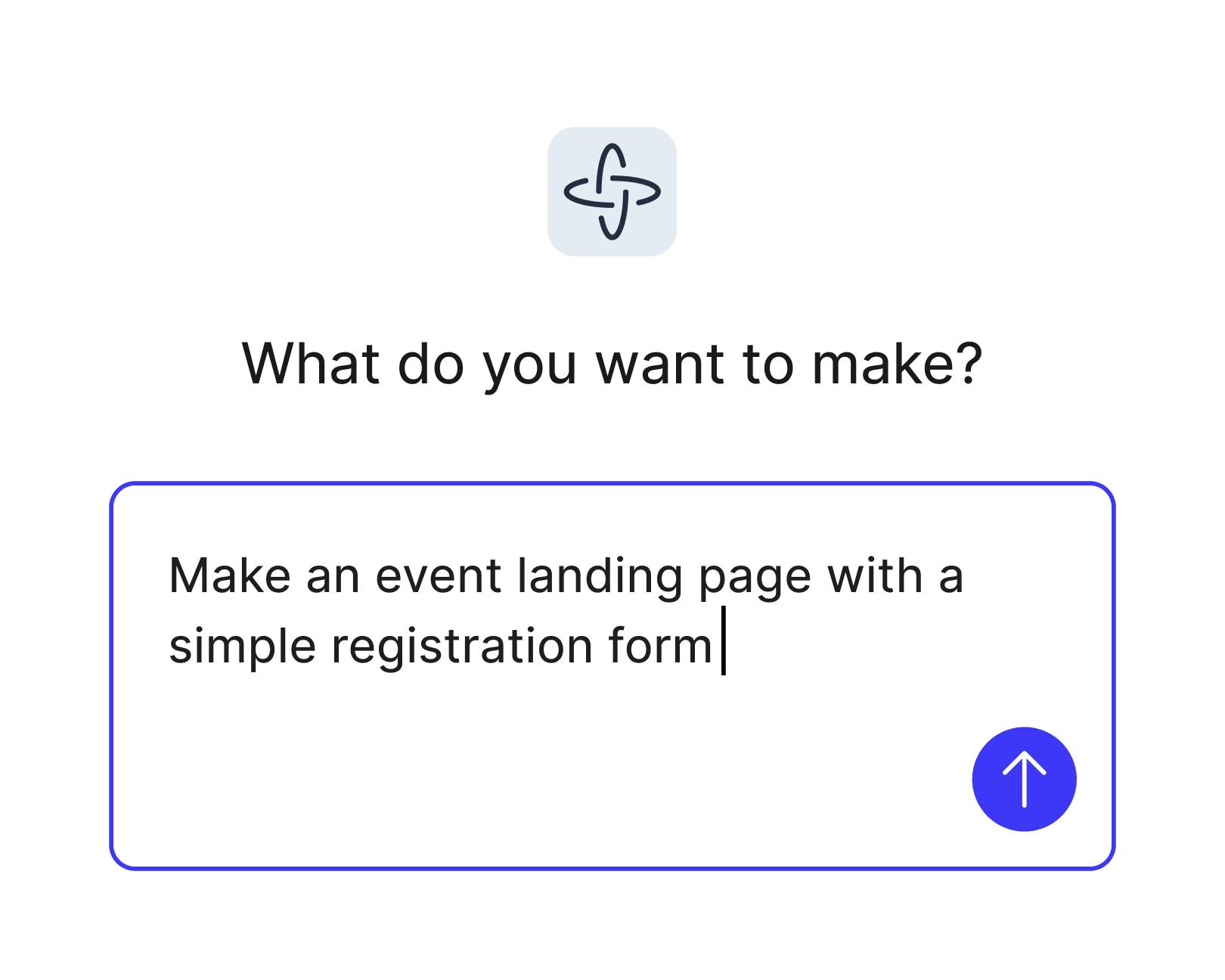
Go from words to interactive wireframes—just describe the layout you have in mind, from a website wireframe to a mobile app flow, and Figma Make builds it for you to click through, edit, and share.
Describe a single screen or a whole user flow with plain language, and Figma Make lays out the UI elements for you. Your team can validate the structure before anyone invests in high-fidelity design.

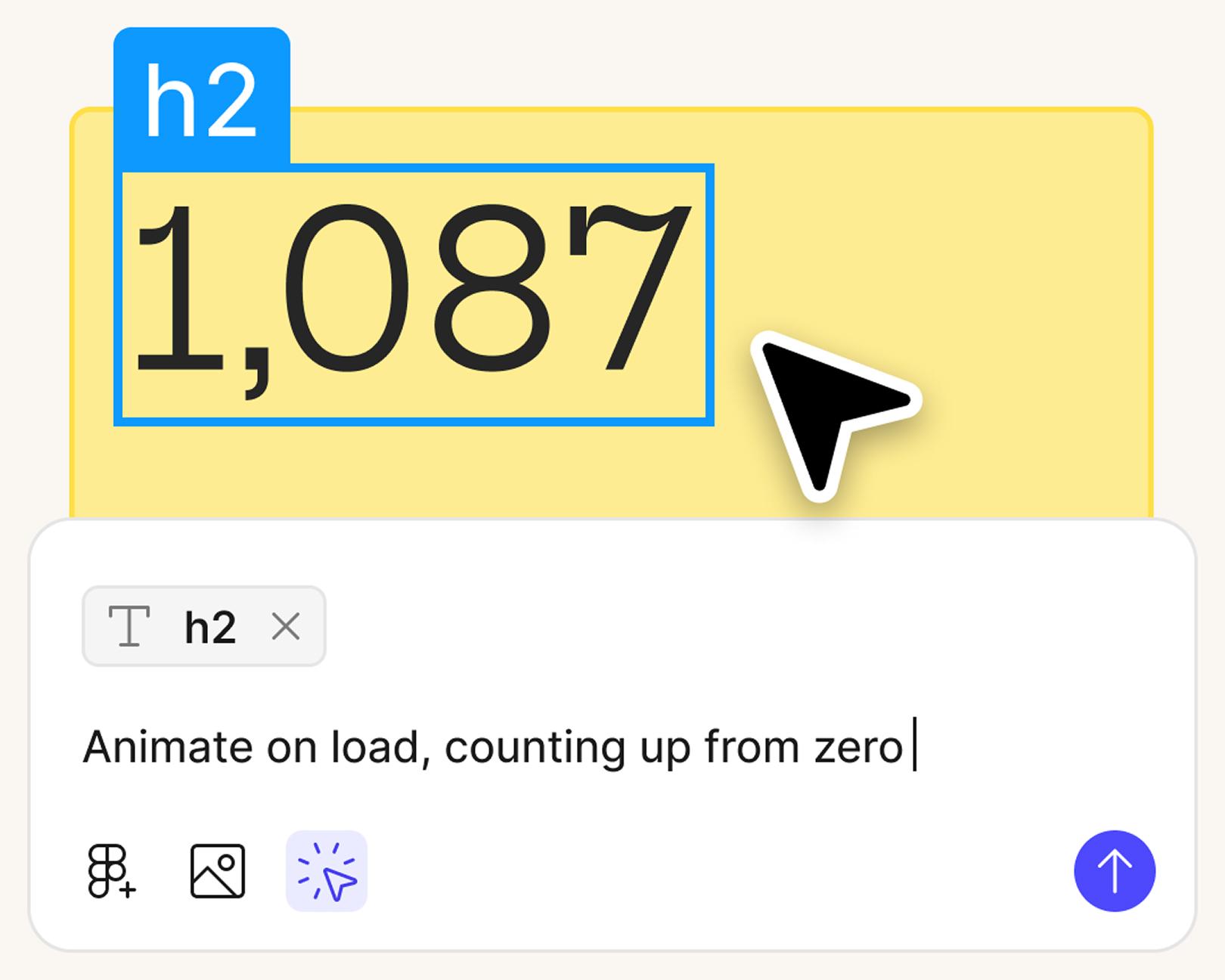
Start with a basic wireframe from a simple prompt, then refine the layout in the visual editor, adjust the code for more creative control, or prompt again to explore new directions.

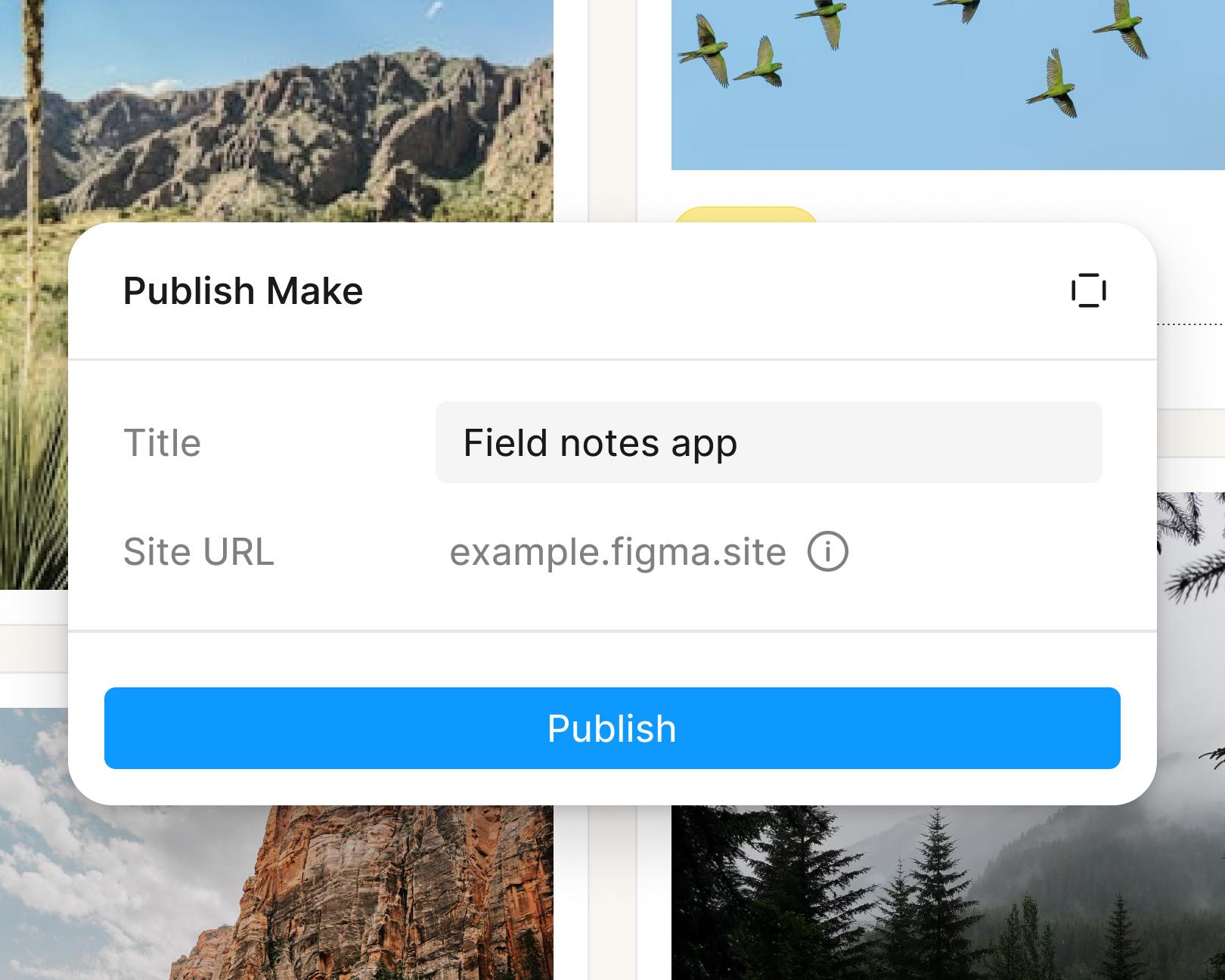
Save time and stay in flow as you create, test, and refine in a single workspace, without switching between design and dev tools. With real-time collaboration, the entire team can work in the same file.
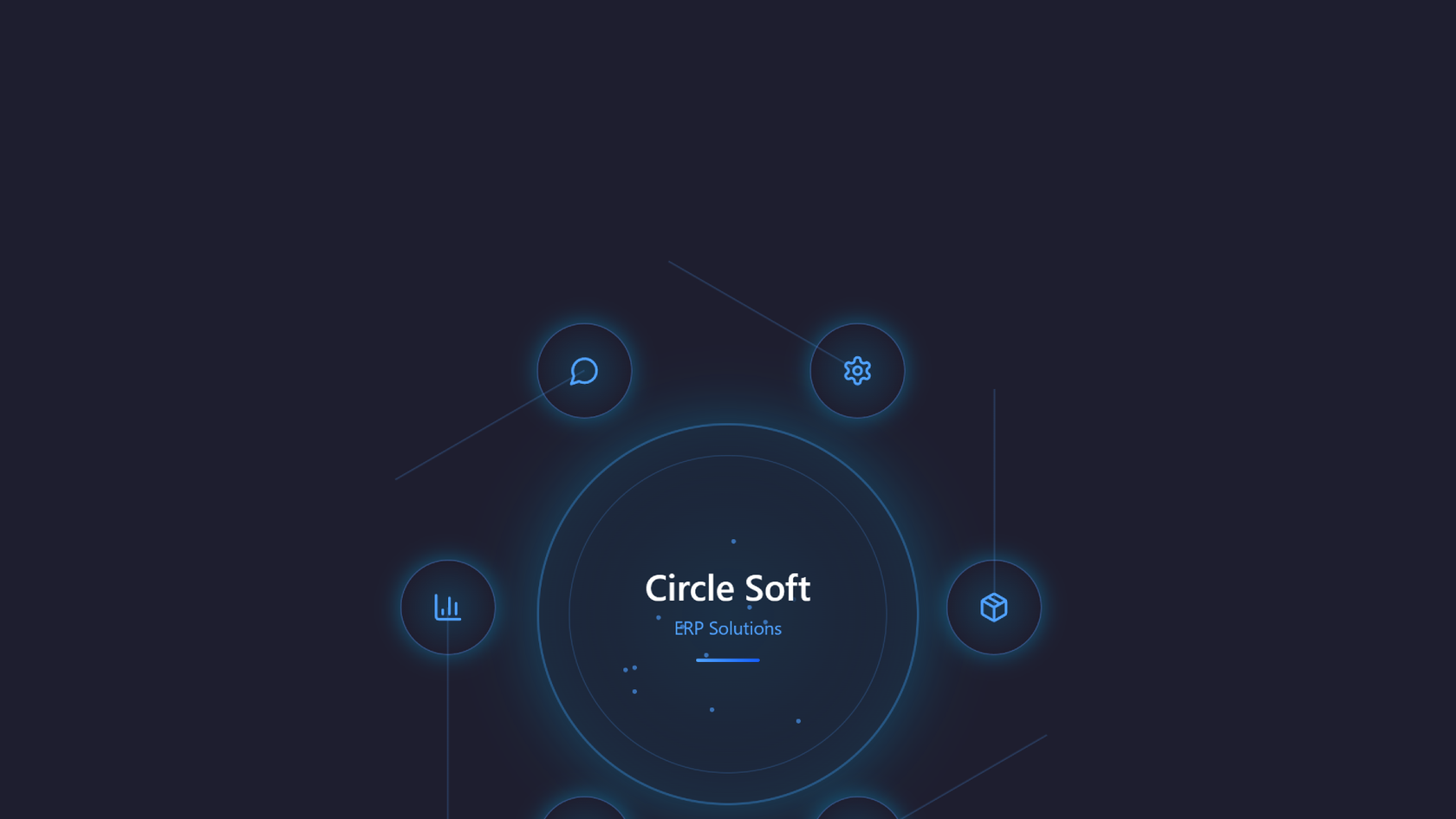
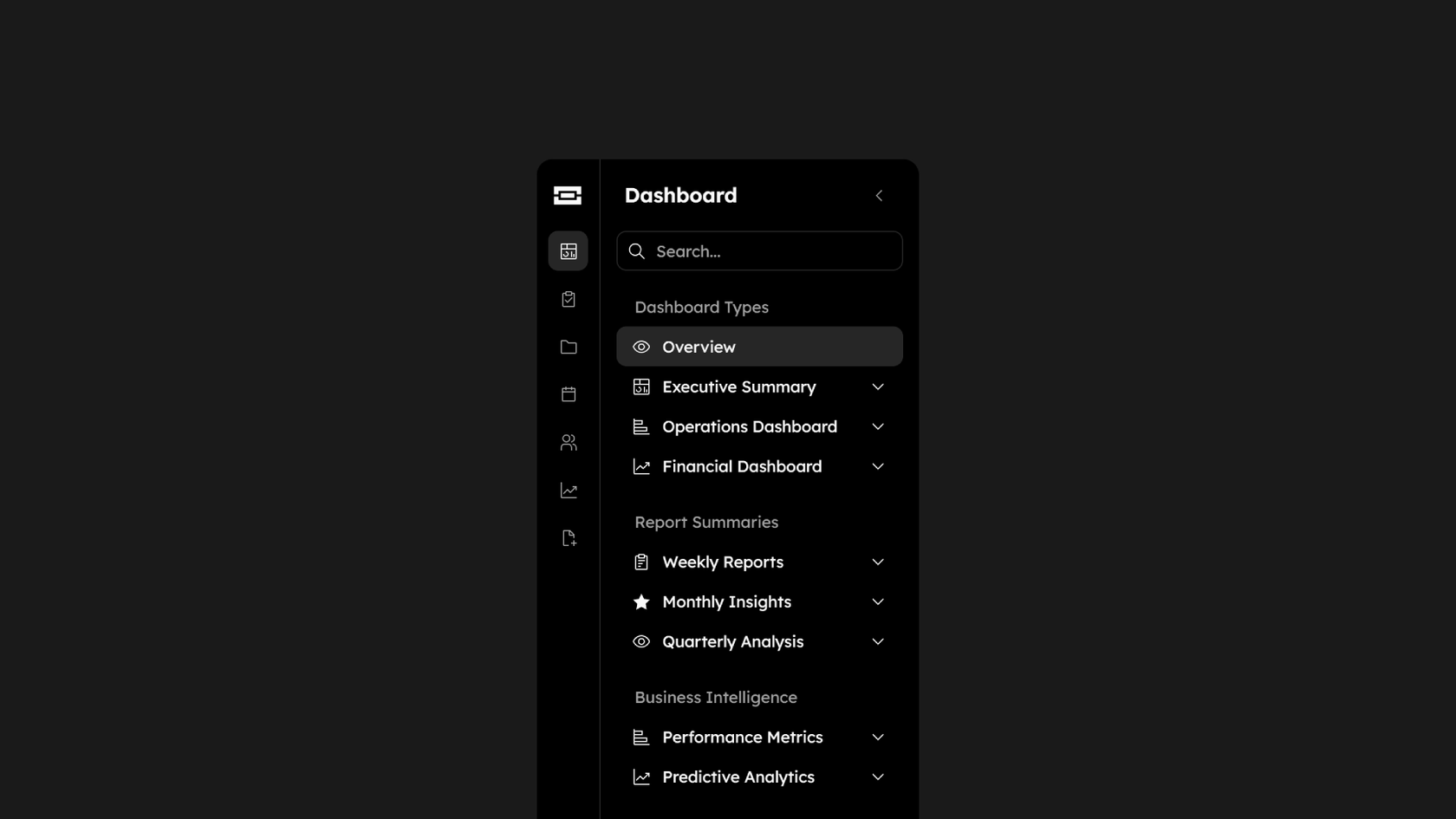
See what designers are building with AI UI tools in Figma Make—from marketing pages to product dashboards to mobile-first flows.
Start from scratch in Figma Make or use an existing frame from Figma Design. Attach a frame to reference existing designs, or add a Make kit so the wireframe uses UI components from your design system and component libraries.
Use a natural language prompt to define the layout, flow, and functionality you want. A prompt like “a grayscale checkout flow for a mobile app, with placeholder images” gets you a low- or mid-fidelity UI layout.
Figma Make speeds up the initial layout work, so you can focus on the user experience. Click through the screen flows and check that each user journey makes sense before you add color or real content.
To tweak layout, add interactive states, or adjust logic, prompt again or refine in the properties panel or code. When the structure holds, turn the low-fidelity wireframe into a high-fidelity mockup.
An AI wireframe generator, sometimes called an AI wireframing tool, uses common UI/UX design patterns to structure clickable layouts from natural language prompts. In Figma Make, you can generate wireframes for entire flows and test them right away in the same workspace.
Yes. Copy any frame or component from your Figma Design file into Figma Make. Then use natural language as a prompt to bring it to life.
No coding is needed. Product managers and other non-designers can create wireframes from text descriptions, with no design skills required. If you want to customize further, a built-in code editor is available.
In Figma Make, the benefits show up early in a project: (1) you describe a screen or a few user stories in plain language and get structured wireframes back, which saves time; (2) you can iterate quickly on several layout ideas before committing to one; (3) design sprints get a clickable concept to test with users sooner; (4) your team gives feedback right on the wireframe, in the same file, in real time.
Figma's 2026 AI report found that 61% of product builders now say they're building interactive prototypes, up from just 10% in 2025, and that developers and product managers are increasingly participating in the wireframing and design process alongside designers. AI tools have lowered the barrier to early-stage design work, making wireframing a cross-functional activity that's no longer limited to specialists.
More than ever. Figma's State of the Designer 2026 report found that motion design and prototyping remains one of the most in-demand skills in the industry, cited by 29% of designers—even as AI-related skills rise to the top. AI wireframing and prototyping tools don't replace the skill, they accelerate it—letting designers explore more directions in less time.
Yes. According to Figma's State of the Designer 2026 report, 91% of designers who increased their AI usage say it improves the quality of their outputs, and creative freedom remains the number one driver of designer happiness—with 48% placing it in their top three job priorities. Figma Make is designed to do exactly that — removing the friction between an idea and a testable layout.

Pilots depend on in-flight software to navigate routes, see air traffic, avoid turbulence, and more. To bring more dynamic prototypes to user testing, Lufthansa Systems turned to Figma Make.
With Payload in Figma, teams can go from prototype to production together, managing their content and data all in one place.
The Figma Data Science team assumed that AI saves users time—but quantifying it required a new approach to research design.
With visual editing and annotations, Figma Make is bridging the gap between design and code. Select any element you want to change, adjust it directly in the properties panel, or write in-context prompts with annotations.
The handoff from design to code doesn't have to be a one-way street. This workflow shows how a designer can connect a codebase to Figma Make, make the changes directly, and bring the whole team into review—right up to the PR.

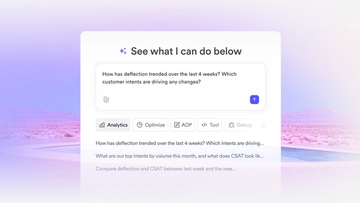
The fast-growing customer experience platform explains how Figma MCP and Figma Make helped them scale a new design system and keep pace with customer requests.

Learn about Model Context Protocol (MCP), the open standard that simplifies AI integration like a USB-C for data.

Vibe coding combines mood-driven design with seamless coding to create immersive digital experiences that connect emotionally and function flawlessly.


Building an app requires research and constant iteration to meet customer needs. Learn how to design an app and how Figma can help in this guide.