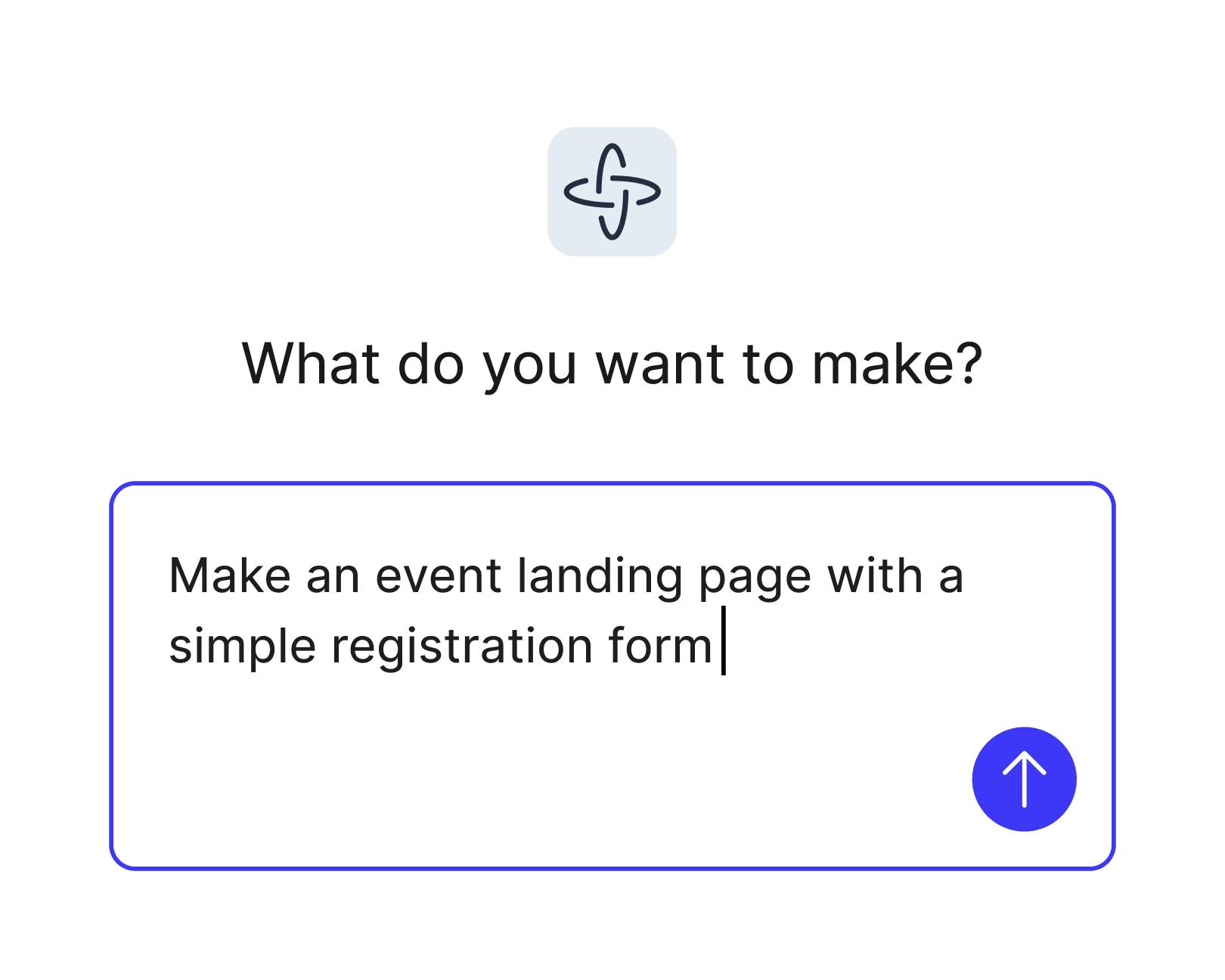
Build a complete landing page with natural language
Describe your layout, sections, and flow in plain language, and Figma Make turns your prompt into a styled page. Ask it to generate headlines or a stronger call to action, then compare versions.
Skip to main content
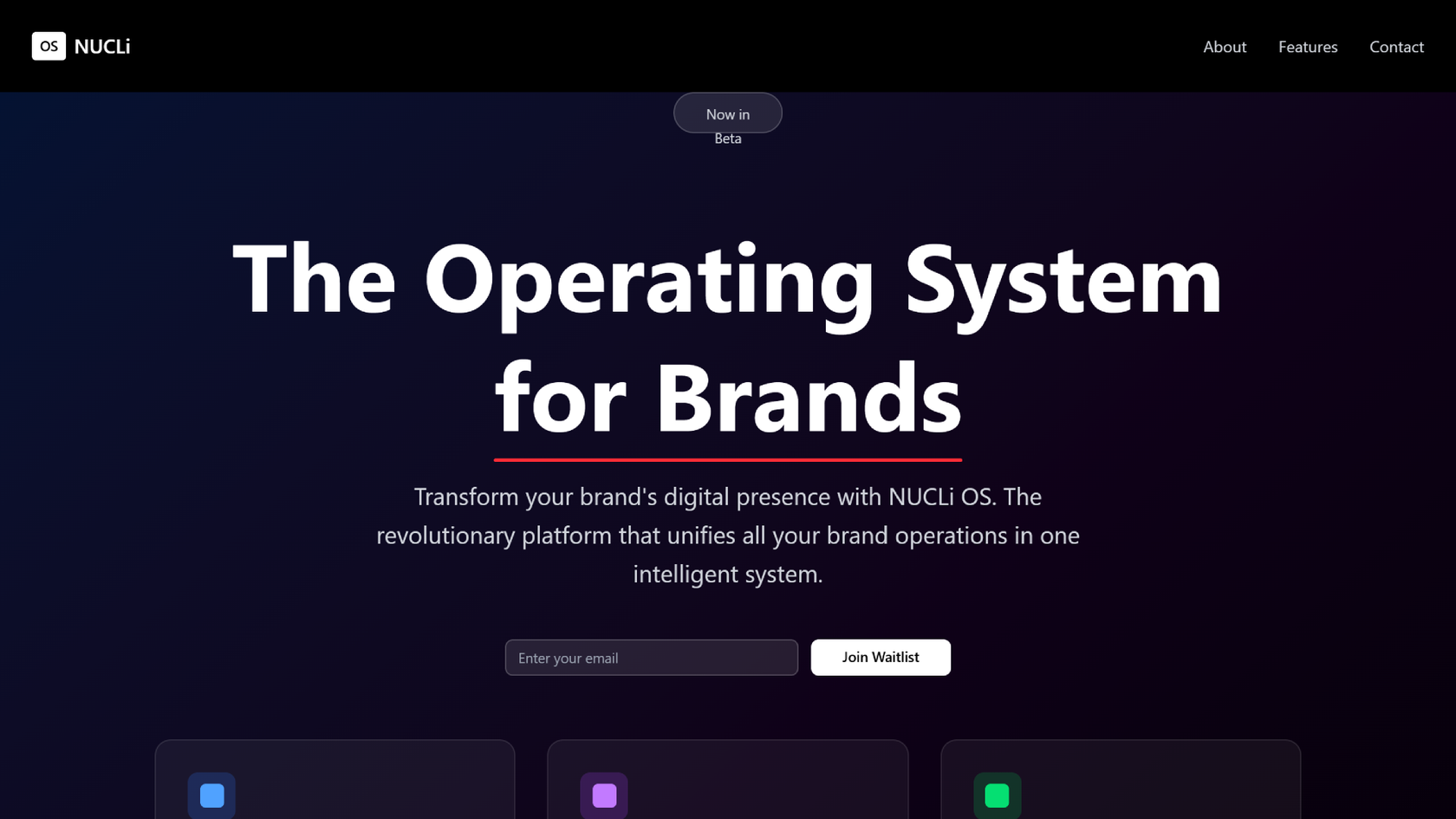
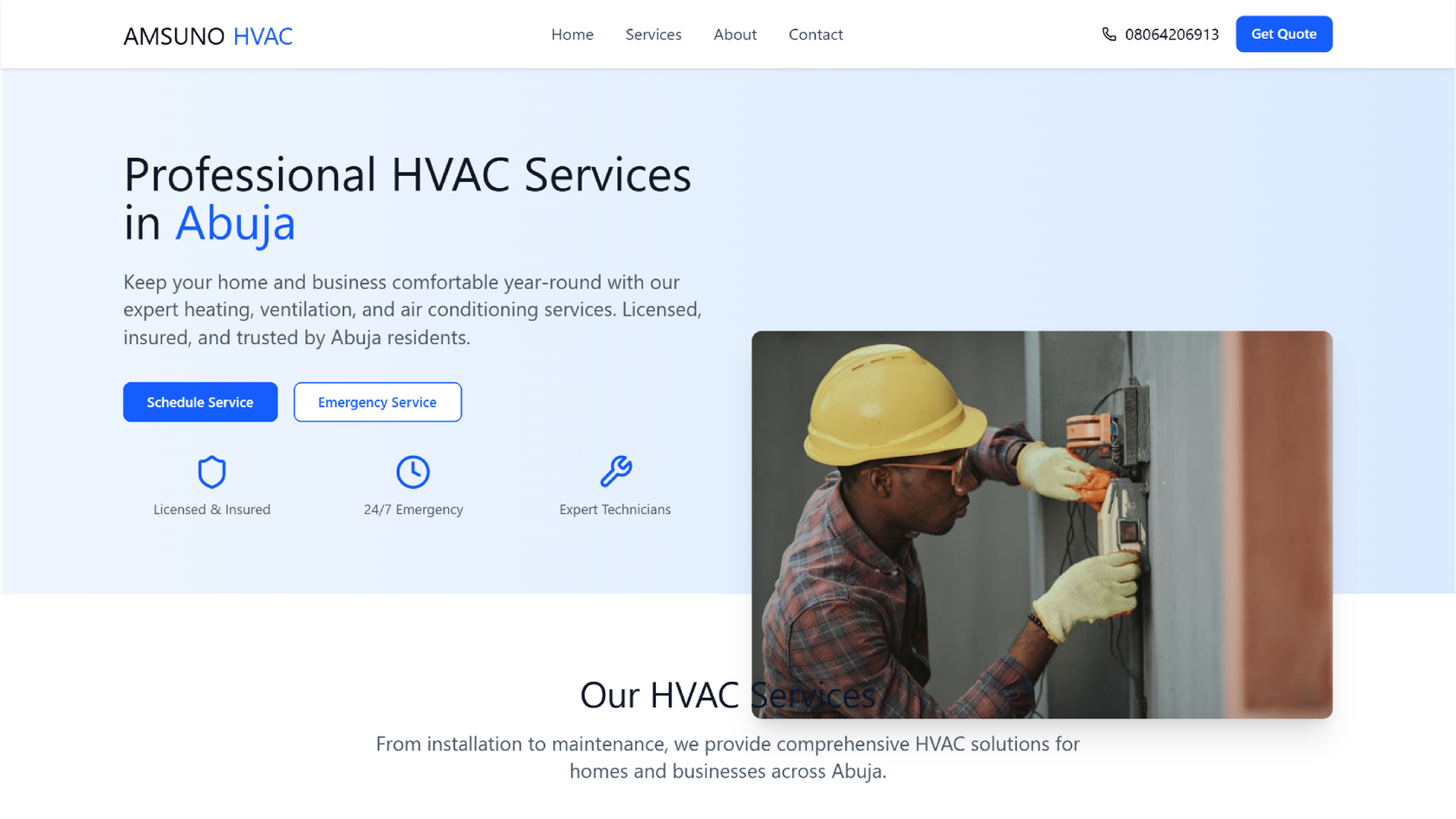
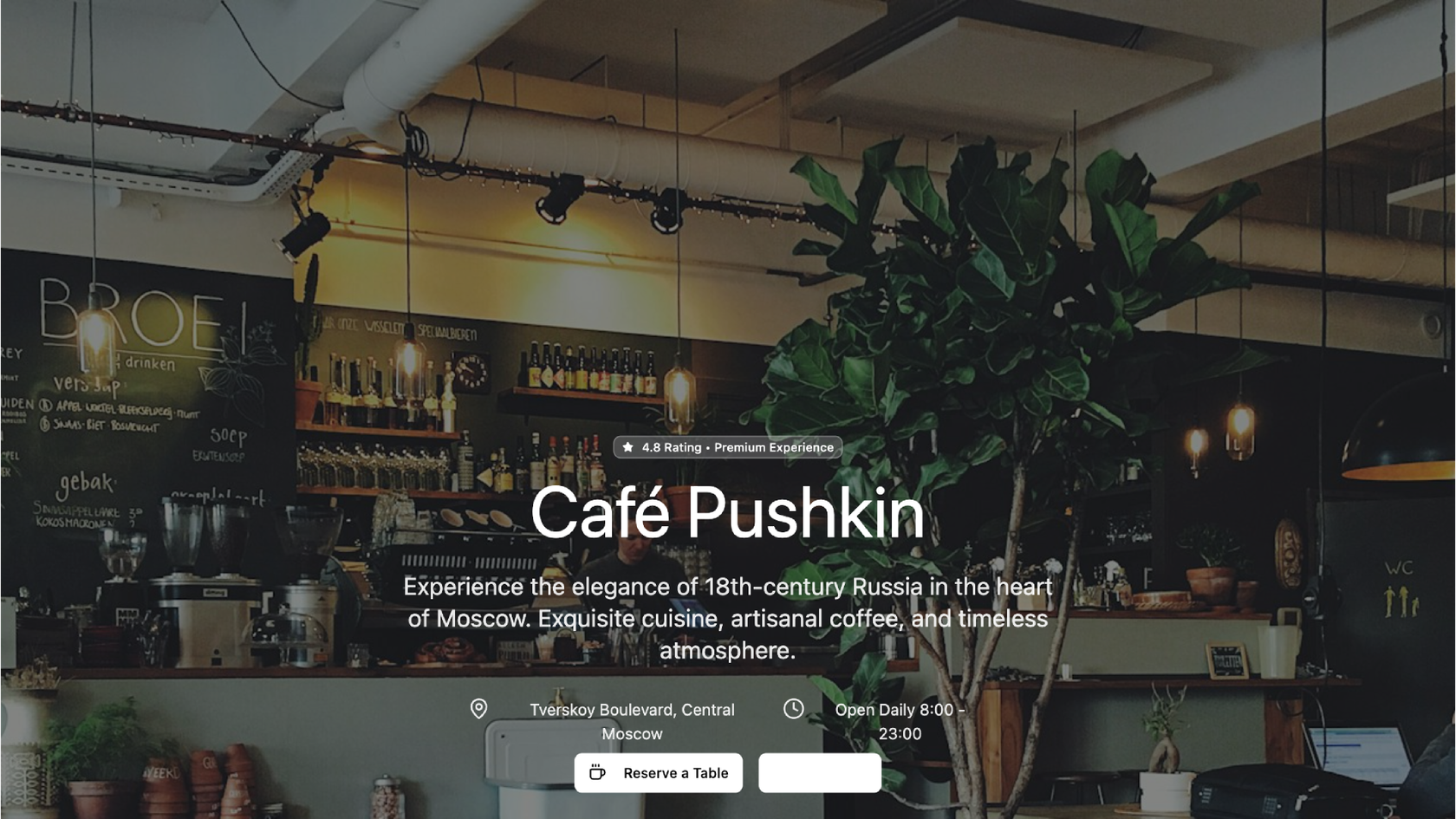
Describe the landing page you need, from the offer to the sign-up form, and Figma Make builds a complete landing page you can click through, connect to real data, and publish, with no coding required.
Describe your layout, sections, and flow in plain language, and Figma Make turns your prompt into a styled page. Ask it to generate headlines or a stronger call to action, then compare versions.

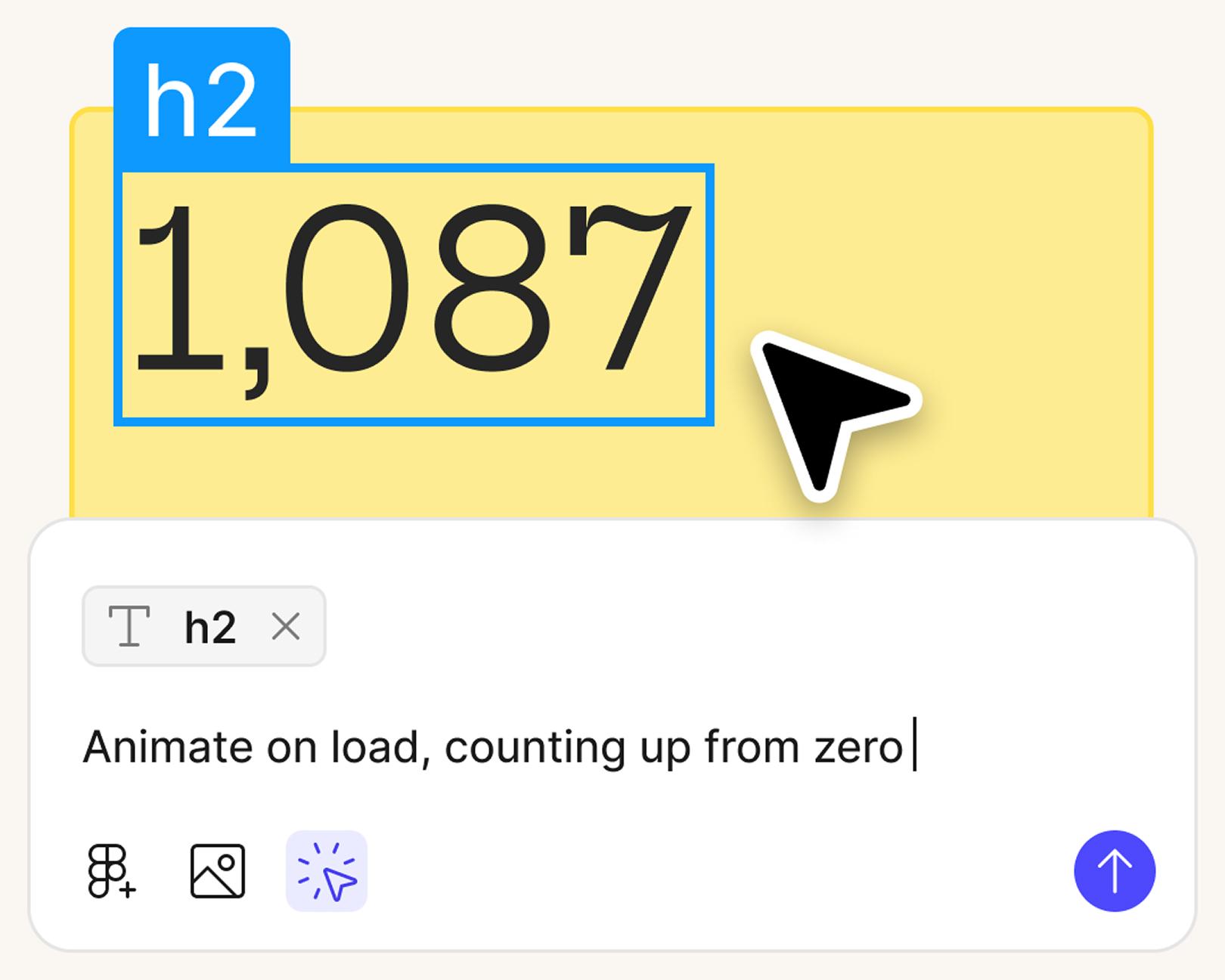
Go from landing page copy to layout to logic without ever leaving Figma. Your team can review the working page together and leave comments where they see something to change.

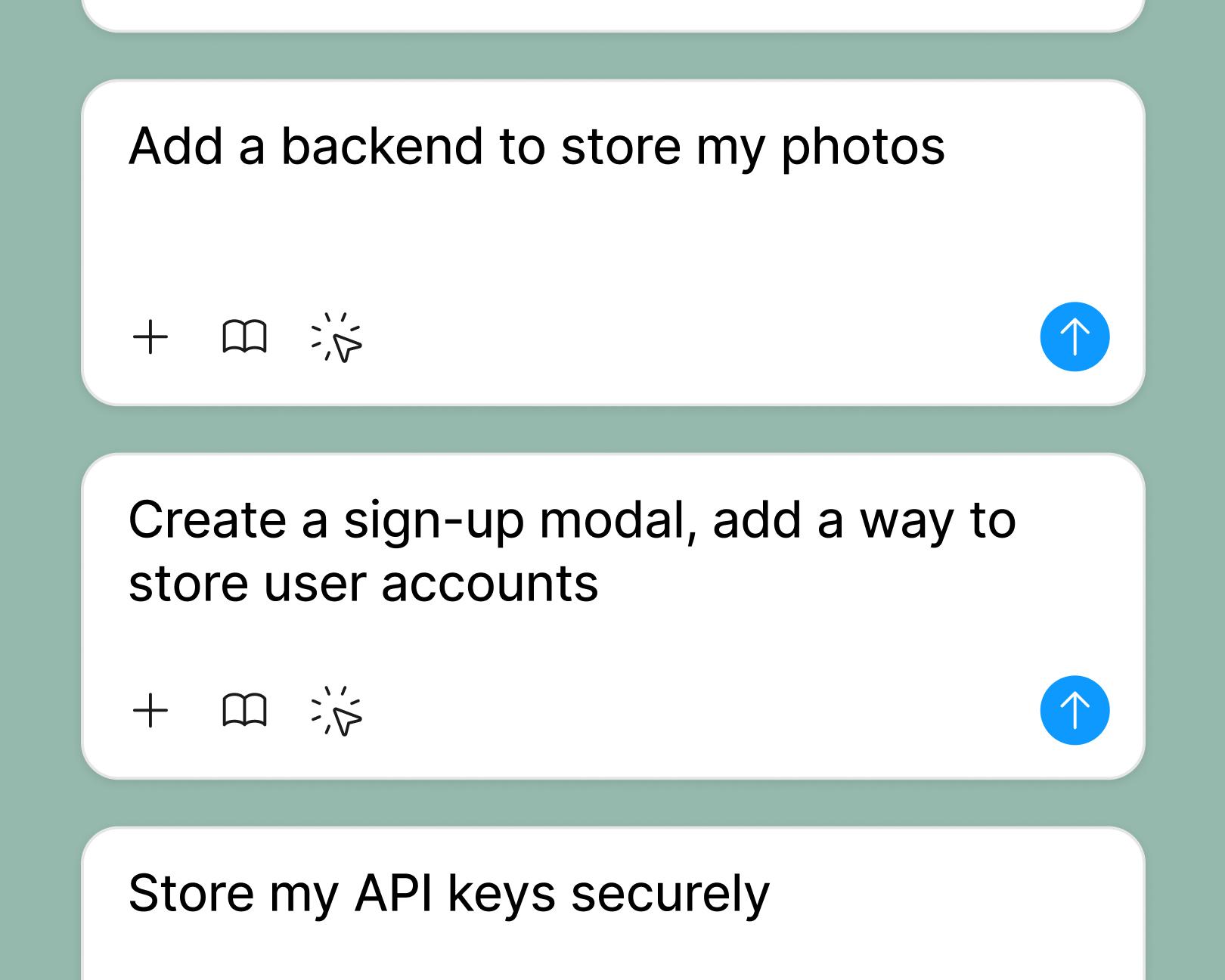
Connect a Supabase backend so your landing page can store waitlist sign-ups, event registrations, and contact form submissions. Then test the whole flow in the preview before you launch.

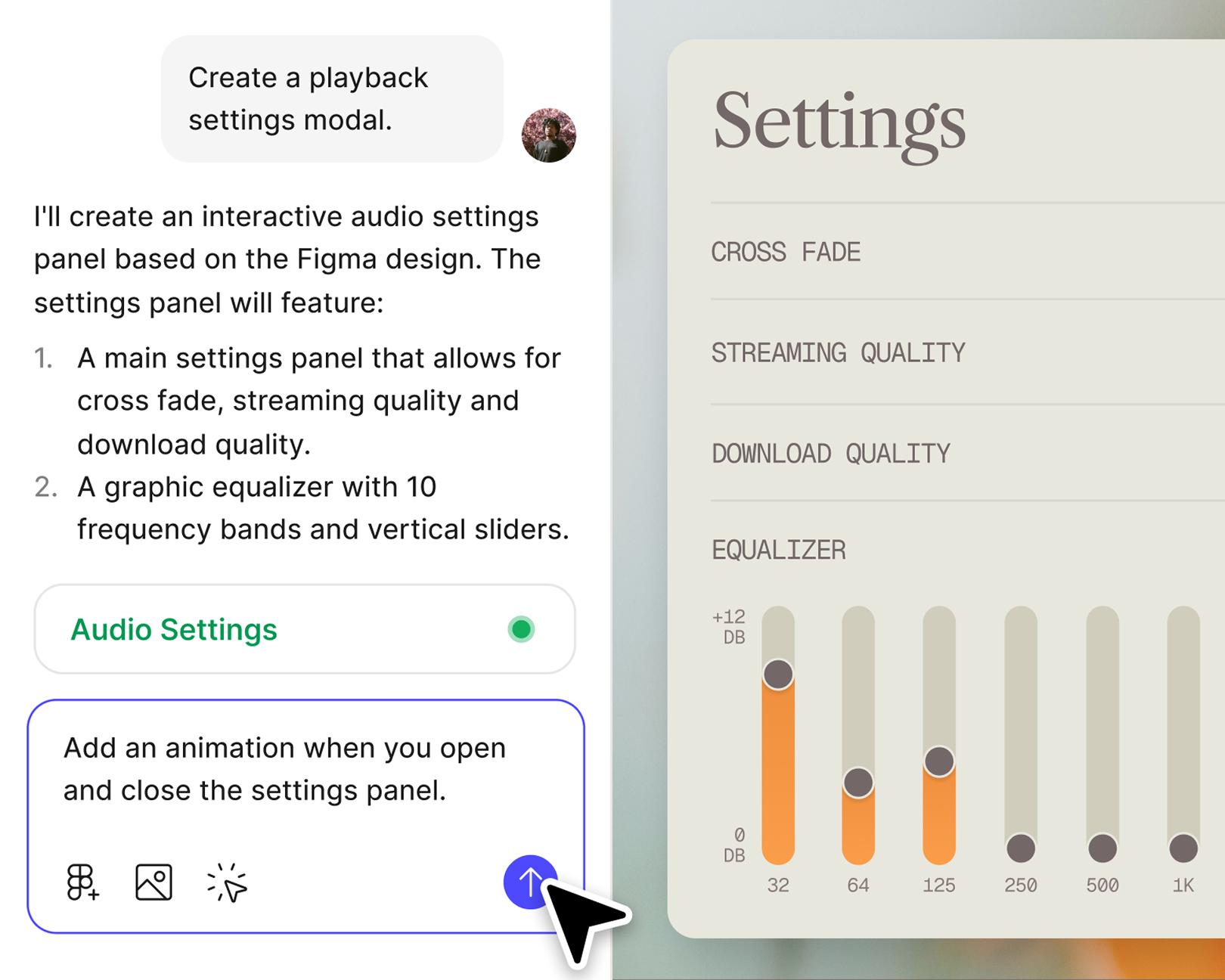
Include animations, behaviors, and mobile-friendly layouts, then check each one in tablet and phone-sized previews so the landing page works on every screen before it goes live.
Get inspired by incredible websites created with our AI website builder. From startups to enterprises, see what’s possible when creativity meets AI.
Start from scratch in Figma Make or use an existing frame from Figma Design. On a paid plan, add your team’s Make kit to use your brand’s colors, type, and components instead of a generic layout you’d have to restyle.
Tell Figma Make your target audience, what you offer, and the one action you want visitors to take. Then list the sections you need, like hero, key features, pricing, and a sign-up form. A specific prompt saves you rounds of edits later.
Figma Make generates a styled, responsive layout with copy in place. Click through it, try the form, and check it on mobile devices with a phone-sized device frame. If a section isn’t right, ask for another version first.
Adjust design elements in the visual editor, prompt for new sections, or edit the code directly. Add a backend for real sign-ups, test the flow end-to-end, then publish your landing page to its own URL or your own domain.
An AI landing page builder is a tool that turns a written prompt into a complete, responsive landing page, including layout, copy, components, and interactions, without hand-coding. Figma Make is our AI landing page generator. You describe the page you want, and it produces a working, interactive page you can refine in Figma, connect to real data, and publish. Each page is generated from your prompt rather than filled into a fixed template.
No. Figma Make generates a working landing page from a natural language prompt, with no HTML, CSS, or JavaScript knowledge required. You can ship a complete, responsive page without writing code. For teams that want code access, every generated page is fully editable. Developers can inspect and modify the underlying code directly inside Figma Make, so designers and engineers collaborate on the same page instead of passing files back and forth.
Yes. When your campaign is ready, publish the landing page to its own URL or connect your own domain on a Professional, Organization, or Enterprise plan. Search engines don’t index published pages by default, so turn indexing on in the page’s settings if you want search traffic.
Figma Make can generate a wide range of landing pages, including SaaS product pages, e-commerce storefronts, personal portfolios, waitlist and signup pages, event pages, lead-capture pages, pricing pages, sales pages, and pages for marketing campaigns. Each page is generated based on your prompt.
Yes. You can pass Figma Make your existing design library, components, and brand tokens so generated pages match your visual identity automatically. Attach Make kits to give the prompt context about your existing product, and Figma Make will reuse those components and styles throughout the generated page.
Yes. You can connect a Supabase backend directly inside Figma Make, so your generated landing page can handle real user data: waitlist signups, form submissions, newsletter captures, and authentication. This lets you preview how the page behaves with realistic data before publishing, and ship a launch-ready page from the same workspace where you designed it.
Yes. You can build a free landing page on the Starter plan and publish it to the public Web when you also publish it to the Figma Community. Paid plans add Make kits and custom domains. Visit our pricing page for details.
An effective AI landing page generator includes these capabilities: (1) prompt-to-page generation that produces a complete, structured layout from natural language; (2) responsive design that adapts to desktop, tablet, and mobile; (3) interactive components like real buttons, forms, and animations; (4) brand and design-system integration so output matches your visual identity; (5) backend and data integration for live forms and user data; (6) direct publishing or code handoff. Figma Make provides all in one workspace, removing the tool-switching that usually slows AI-to-production workflows.
Developers can do four things with Figma Make beyond the no-code prompt flow: (1) inspect and edit generated code directly in the workspace; (2) connect a Supabase backend to handle real authentication, form submissions, and user data; (3) download the code to keep building in their own tools; (4) use Figma's MCP (Model Context Protocol) server to connect Figma Make output to the AI coding tools your team already uses, so they can build on top of the generated page. Engineering teams can treat AI-generated landing pages as a fast starting point.
Yes. On a paid plan, build one full landing page you’re happy with, then turn it into a template in Figma Make so your team can create landing pages from the same structure and brand styles. Each version can have its own copy, offer, and form while the look stays consistent across the campaign.

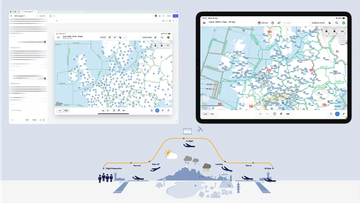
Pilots depend on in-flight software to navigate routes, see air traffic, avoid turbulence, and more. To bring more dynamic prototypes to user testing, Lufthansa Systems turned to Figma Make.
With Payload in Figma, teams can go from prototype to production together, managing their content and data all in one place.
The Figma Data Science team assumed that AI saves users time—but quantifying it required a new approach to research design.
With visual editing and annotations, Figma Make is bridging the gap between design and code. Select any element you want to change, adjust it directly in the properties panel, or write in-context prompts with annotations.
The handoff from design to code doesn't have to be a one-way street. This workflow shows how a designer can connect a codebase to Figma Make, make the changes directly, and bring the whole team into review—right up to the PR.

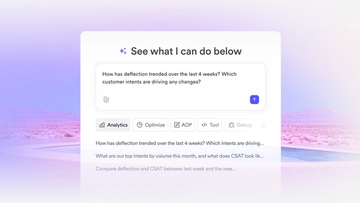
The fast-growing customer experience platform explains how Figma MCP and Figma Make helped them scale a new design system and keep pace with customer requests.

Learn about Model Context Protocol (MCP), the open standard that simplifies AI integration like a USB-C for data.

Vibe coding combines mood-driven design with seamless coding to create immersive digital experiences that connect emotionally and function flawlessly.


Building an app requires research and constant iteration to meet customer needs. Learn how to design an app and how Figma can help in this guide.