Design websites with AI in Figma Make

Simply describe the website you want in plain language—the layout, the content, the structure—and Figma Make creates polished websites with working code underneath. Then refine every detail before it goes live.

Design and build websites with AI

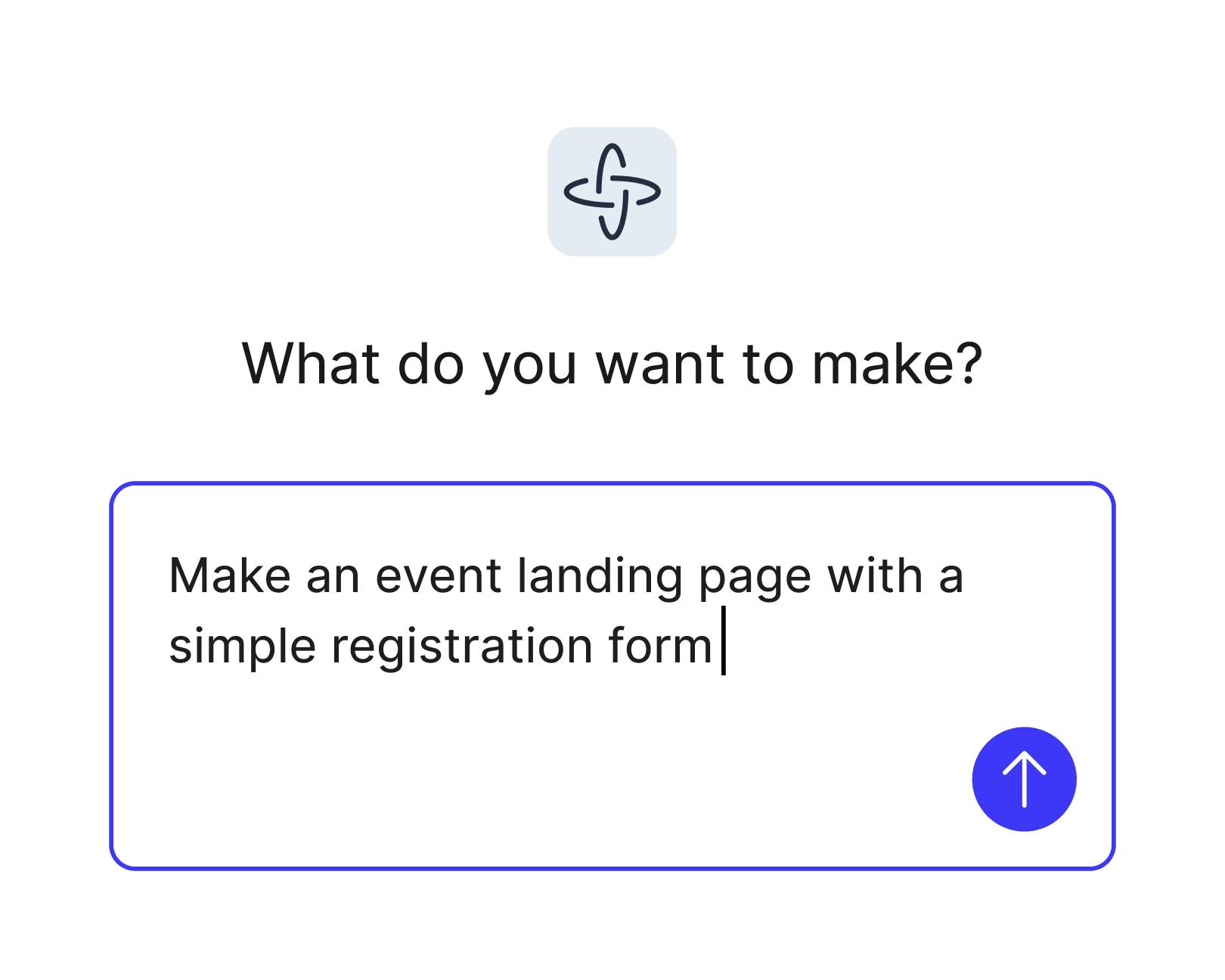
  • 1. “What do you want to make?” screen with the prompt “Make an event landing page with a simple registration form” and a submit button.1. “What do you want to make?” screen with the prompt “Make an event landing page with a simple registration form” and a submit button.

    Generate layouts with natural language

    Turn a prompt into a simple landing page or fully responsive website you can click through, from hero sections to service pages. Start from scratch, or attach a frame from Figma Design or a file from the Figma Community.

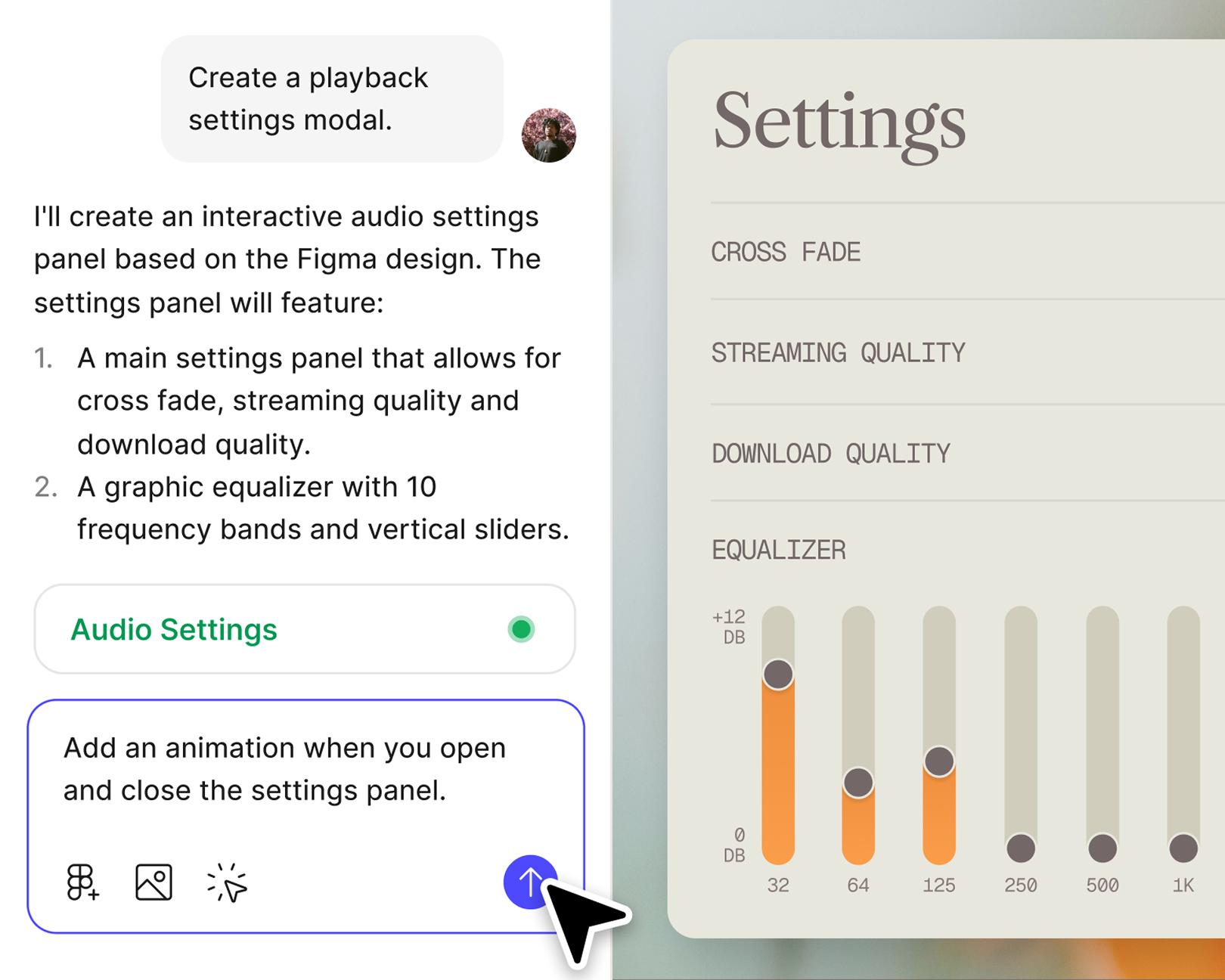
  • AI chat beside an audio settings preview with quality controls and equalizer sliders. The prompt requests animation when opening and closing the panel.AI chat beside an audio settings preview with quality controls and equalizer sliders. The prompt requests animation when opening and closing the panel.

    Design and prototype in one place

    Your team can start creating, test, and refine sites without switching to other tools. Everyone can work in the same file, leave comments right on the page, and edit the generated code side by side.

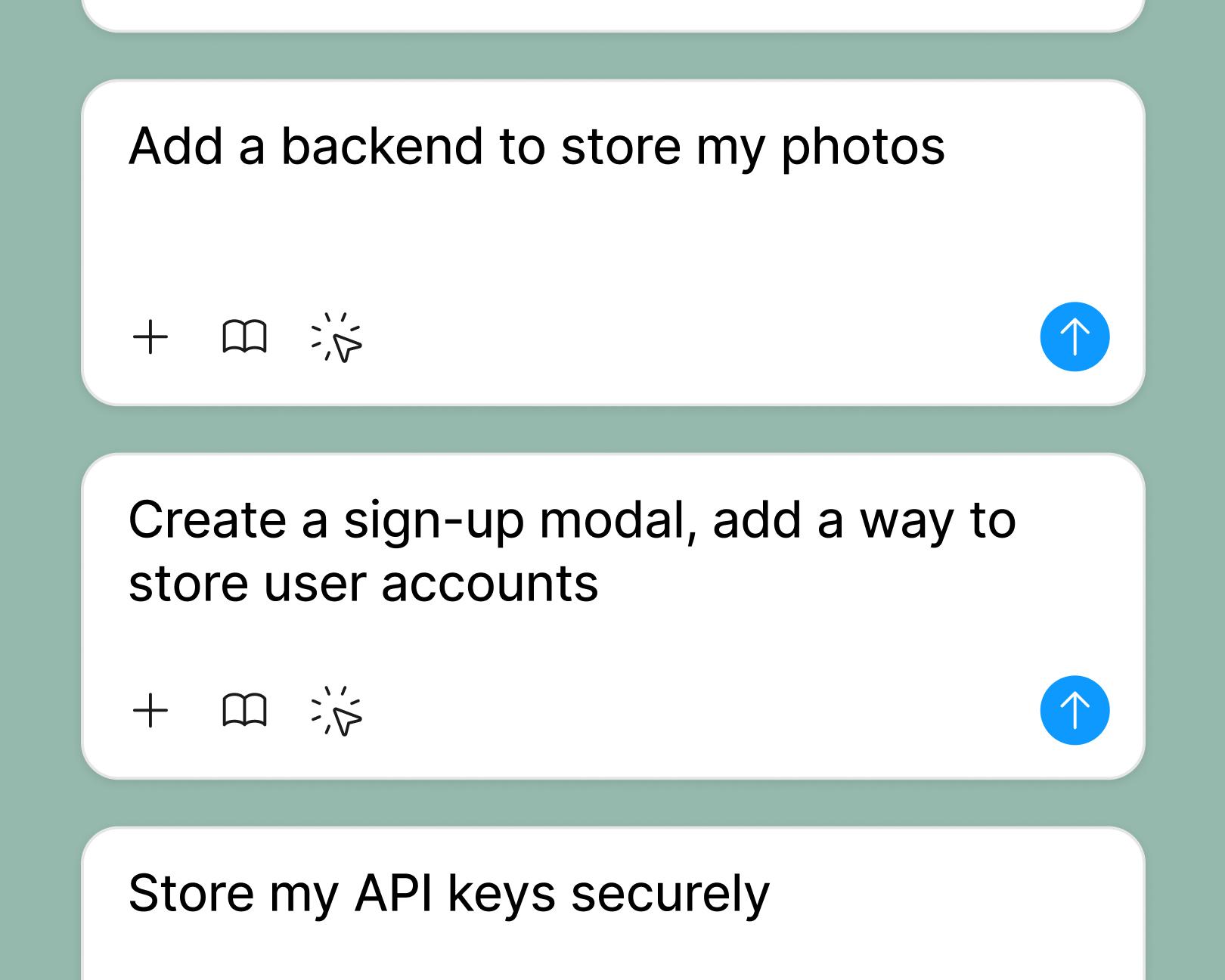
  • Example prompts for adding photo storage, creating a sign-up modal with user accounts, and securely storing API keys.Example prompts for adding photo storage, creating a sign-up modal with user accounts, and securely storing API keys.

    Test with real content and data

    Connect a Supabase backend to add login screens, save form submissions, and see how your site behaves with real data. Figma Make can also search the Web or fetch a URL to ground your pages in real content.

  • Library picker showing “Foundations” and “UI Library” design libraries beside the “Make anything” prompt.Library picker showing “Foundations” and “UI Library” design libraries beside the “Make anything” prompt.

    Style and edit your way

    Bring in your brand’s styles with a Make kit, or let Figma Make handle layout and styling for you. Then fine-tune fonts, spacing, and colors in the properties panel, or open the code and edit it directly.

Built by our community.

Get inspired by incredible websites created with our AI website builder. From startups to enterprises, see what's possible when creativity meets AI.

How to use AI for web design in Figma Make

Start from scratch in Figma Make, or attach a frame from Figma Design so it builds from a design you’ve already started. If you’re redesigning an existing website, add its URL to your prompt so Figma Make can pull in the content.

Describe the site in plain language: who it’s for, your business name, and the pages you need. A prompt like “a small business website for an architecture studio, with a project gallery, in warm neutrals” gets you closer than “a professional website.”

Figma Make generates a responsive design with styling, structure, and working code. Click through the complete site in the preview, then switch to a tablet viewport or a phone-sized device frame to check how each page holds up on mobile devices.

Point to design elements like headings or buttons to adjust them in the properties panel, prompt for bigger changes, or edit the code. When it’s ready, publish it as a live site with its own URL, or connect a custom domain on a paid plan.

FAQs

AI Web design, sometimes called AI website design, uses artificial intelligence and natural language to generate layouts, styles, and sections automatically. In Figma Make, prompts turn into responsive websites—no coding required.

Yes. Figma Make lets you create, test, and share complete websites with the help of AI - right inside Figma.

Nope. You can create a website by prompting your way through layout and styling. And Figma Make makes it easy to refine designs with code as needed—yes, even for beginners and non-technical users.

You can try Figma Make for free on the Starter plan. Additional features are available on paid plans.

Yes. On a paid plan, a Make kit can bring in your design library’s variables and styles, your code packages, and guidelines for how to use them, so every page you generate stays consistent with your brand. Or let Figma Make choose the styling from your prompt.

Yes. Figma Make can add a Supabase backend, so your site can keep user accounts, capture leads through a contact form, and save secrets like API keys. You can test all of it in the preview before your site goes live.

Yes. Figma Make is an AI website generator you can try on Starter, our free plan, and you can publish a complete website to the public Web when you also publish it to the Figma Community. Paid plans add Make kits, team libraries, and a custom domain on a Professional, Organization, or Enterprise plan. Published sites aren’t indexed by search engines by default, but you can turn that on in your site’s settings and add a Google Analytics ID there to see who visits. Some AI features run on credits, depending on your plan.

An AI-generated website doesn’t have to look generic. Each design is generated from your prompt, so a dental clinic and a design studio get different layouts. According to our State of the Designer 2026 report, 91% of designers who increased their AI usage say it improves the quality of their outputs. The designers who get the best results pair AI tools with their own creative direction—which is exactly how Figma Make is designed to work.

Most are. Our State of the Designer 2026 report found that 72% of designers use generative AI tools, and 98% increased their usage in the last year.

Yes. Share a preview link so clients can click through the working site instead of a static mockup, and anyone with view access to the file can leave comments. Client presentations move faster, and you get more rounds of creative refinement before launch.

You can click through a first version in minutes instead of building it by hand. Getting it right takes longer, because most of the work happens in the second and third pass, when you’re reacting to a real page instead of describing one you’ve imagined.

From the blog

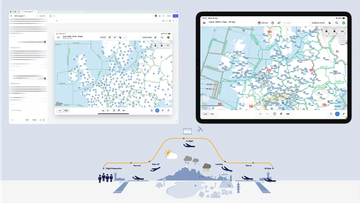
Figma workspace and tablet displaying aviation maps of Europe above an illustrated flight journey from preparation and takeoff to landing and arrival at the gate.Figma workspace and tablet displaying aviation maps of Europe above an illustrated flight journey from preparation and takeoff to landing and arrival at the gate.

How Lufthansa Systems prototypes realistic maps for the cockpit with Figma Make

Pilots depend on in-flight software to navigate routes, see air traffic, avoid turbulence, and more. To bring more dynamic prototypes to user testing, Lufthansa Systems turned to Figma Make.

Read more

Create, ship, and manage data-backed websites with Payload in Figma

With Payload in Figma, teams can go from prototype to production together, managing their content and data all in one place.

Learn more

Measuring time savings from Figma Make

The Figma Data Science team assumed that AI saves users time—but quantifying it required a new approach to research design.

Learn more

A properties panel and annotations, now in Figma Make

With visual editing and annotations, Figma Make is bridging the gap between design and code. Select any element you want to change, adjust it directly in the properties panel, or write in-context prompts with annotations.

Learn more

Workflow lab: Deploying designs directly with Figma Make

The handoff from design to code doesn't have to be a one-way street. This workflow shows how a designer can connect a codebase to Figma Make, make the changes directly, and bring the whole team into review—right up to the PR.

Learn more
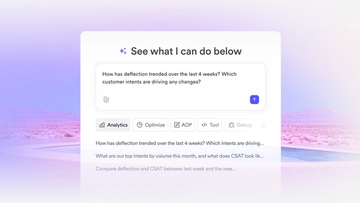
Hero image showing an AI analytics prompt interface with workflow tabs and suggested customer analytics questions.Hero image showing an AI analytics prompt interface with workflow tabs and suggested customer analytics questions.

How Decagon uses AI for design system saturation

The fast-growing customer experience platform explains how Figma MCP and Figma Make helped them scale a new design system and keep pace with customer requests.

Learn more

More resources

  • What is MCP?

    Learn about Model Context Protocol (MCP), the open standard that simplifies AI integration like a USB-C for data.

    Read article
  • What is Vibe coding?

    Vibe coding combines mood-driven design with seamless coding to create immersive digital experiences that connect emotionally and function flawlessly.

    Read article
  • How to design an app in five steps

    Building an app requires research and constant iteration to meet customer needs. Learn how to design an app and how Figma can help in this guide.

    Read article
Powered by Fruition