
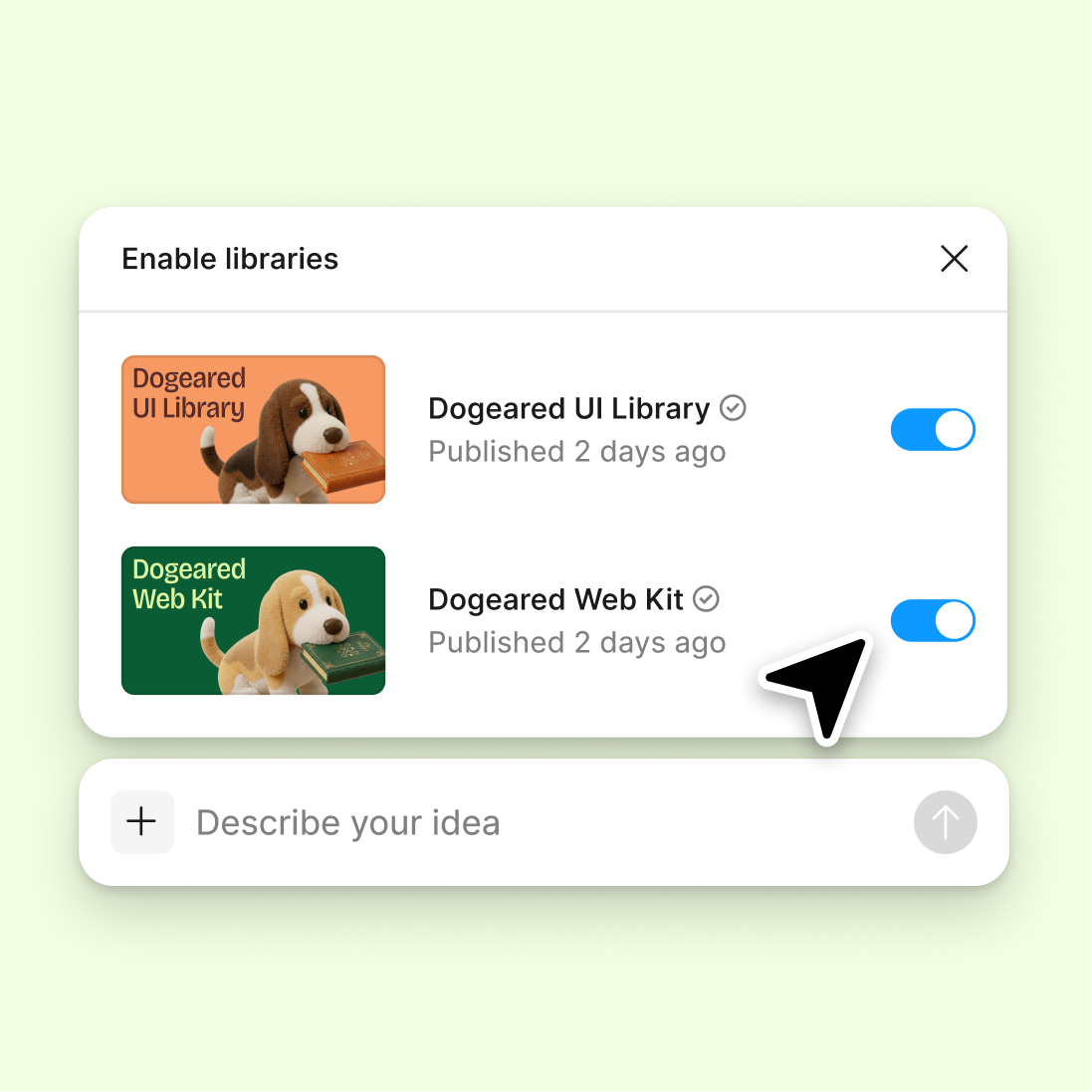
Reference your design system
The agent considers your existing variables and naming patterns, suggesting new names that fit seamlessly with what you've already built.
Skip to main content
Generate clear, consistent variable names for colors, spacing, typography, and more—directly in Figma Design. Build a naming system your whole team can follow without the back-and-forth debates.


Let the agent suggest variable names that follow conventions and make sense to designers and developers alike—all within your working file.

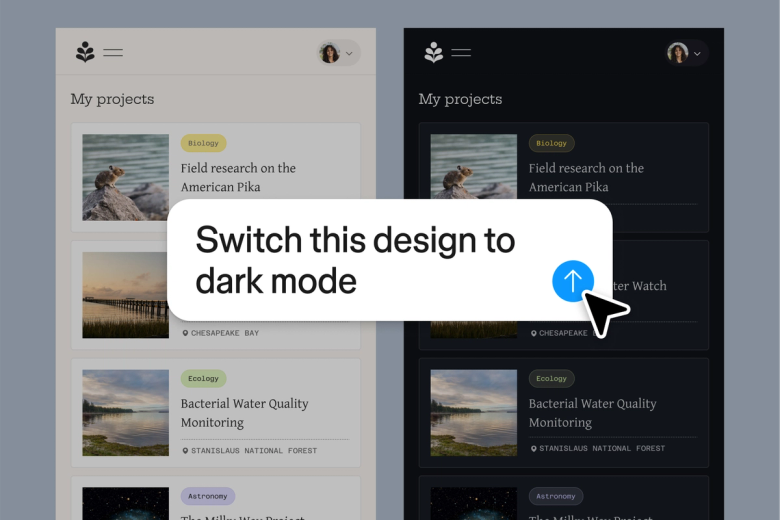
Figma's agent analyzes your variable's purpose, value, and context to suggest names that are clear and descriptive. No more cryptic tokens or inconsistent conventions across your design system.

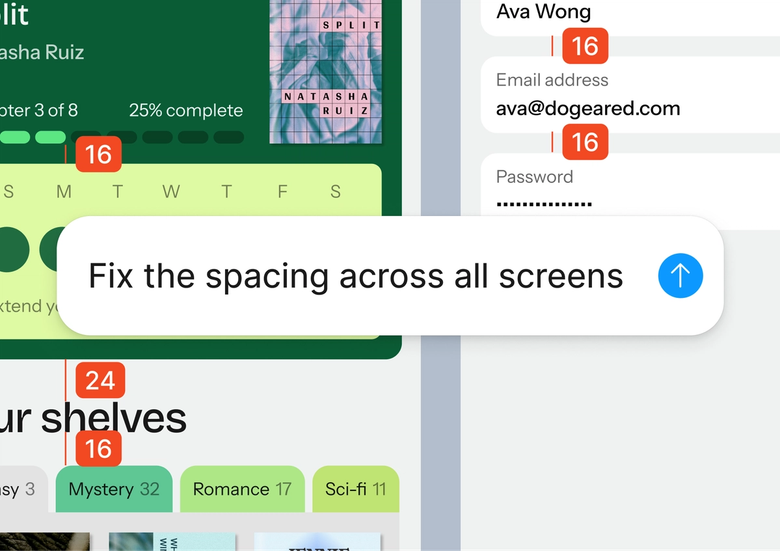
Skip the endless discussions about whether it's 'primary-blue' or 'brand-color-main.' Get AI-suggested names instantly and move on to the work that matters.

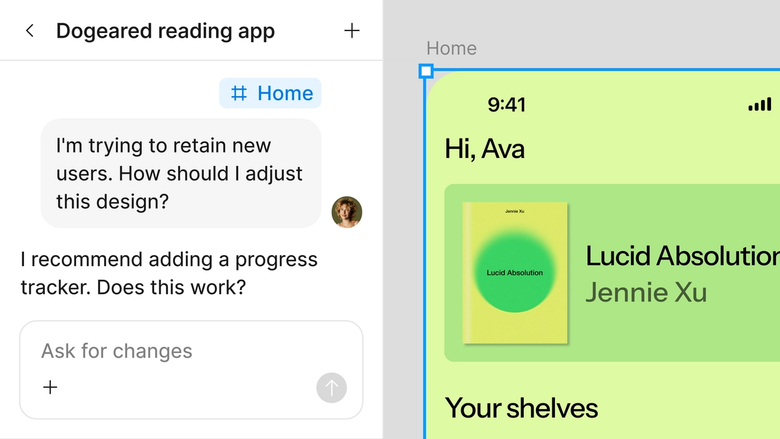
Variable names are suggested right in your shared file, so designers and developers see the same conventions. Nothing gets lost in translation between design and code.
A closer look at what sets Figma's agent apart, built for the way design teams actually work.
The agent considers your existing variables and naming patterns, suggesting new names that fit seamlessly with what you've already built.

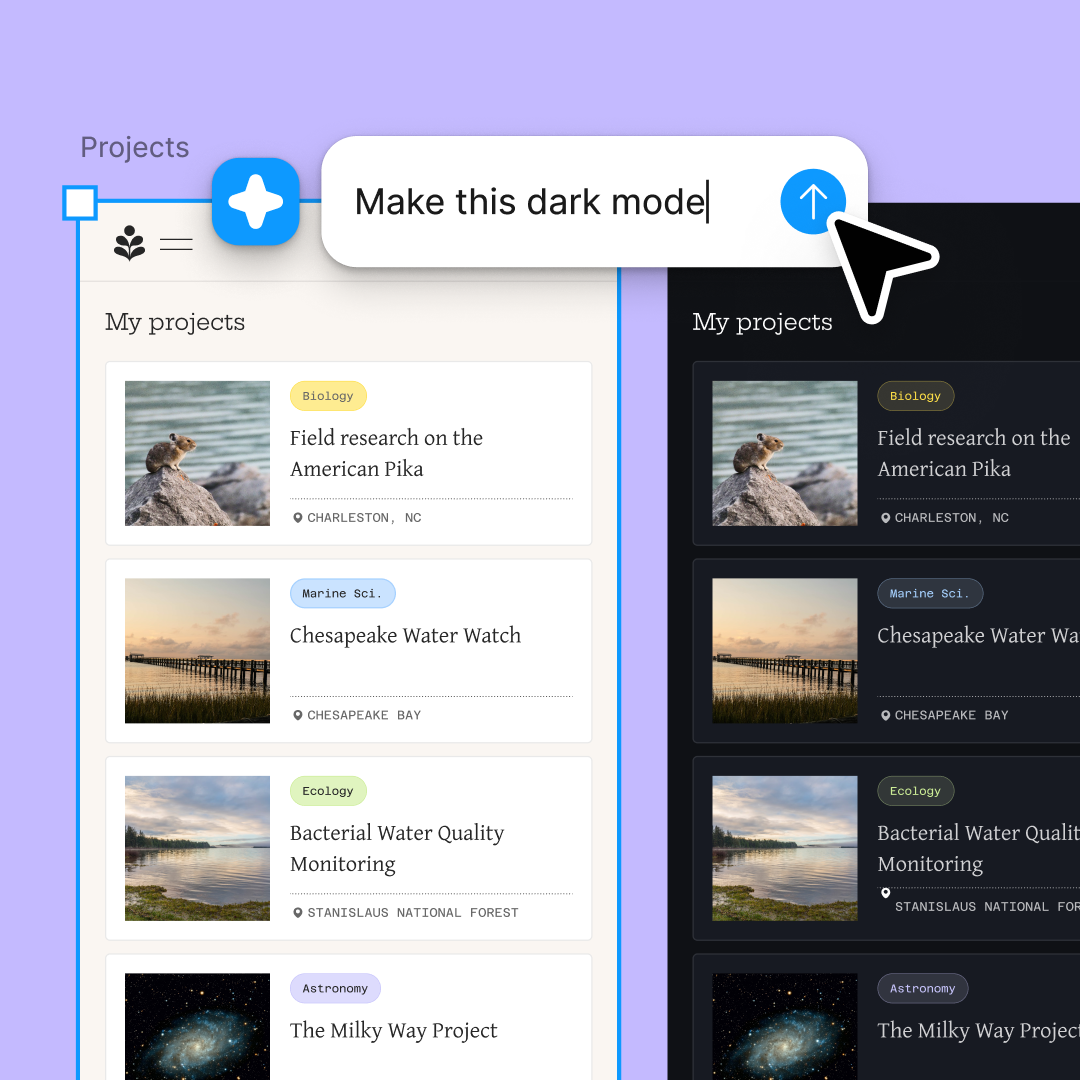
Name multiple variables at once by running prompts in parallel. Batch-name a whole set of color tokens or spacing values simultaneously.

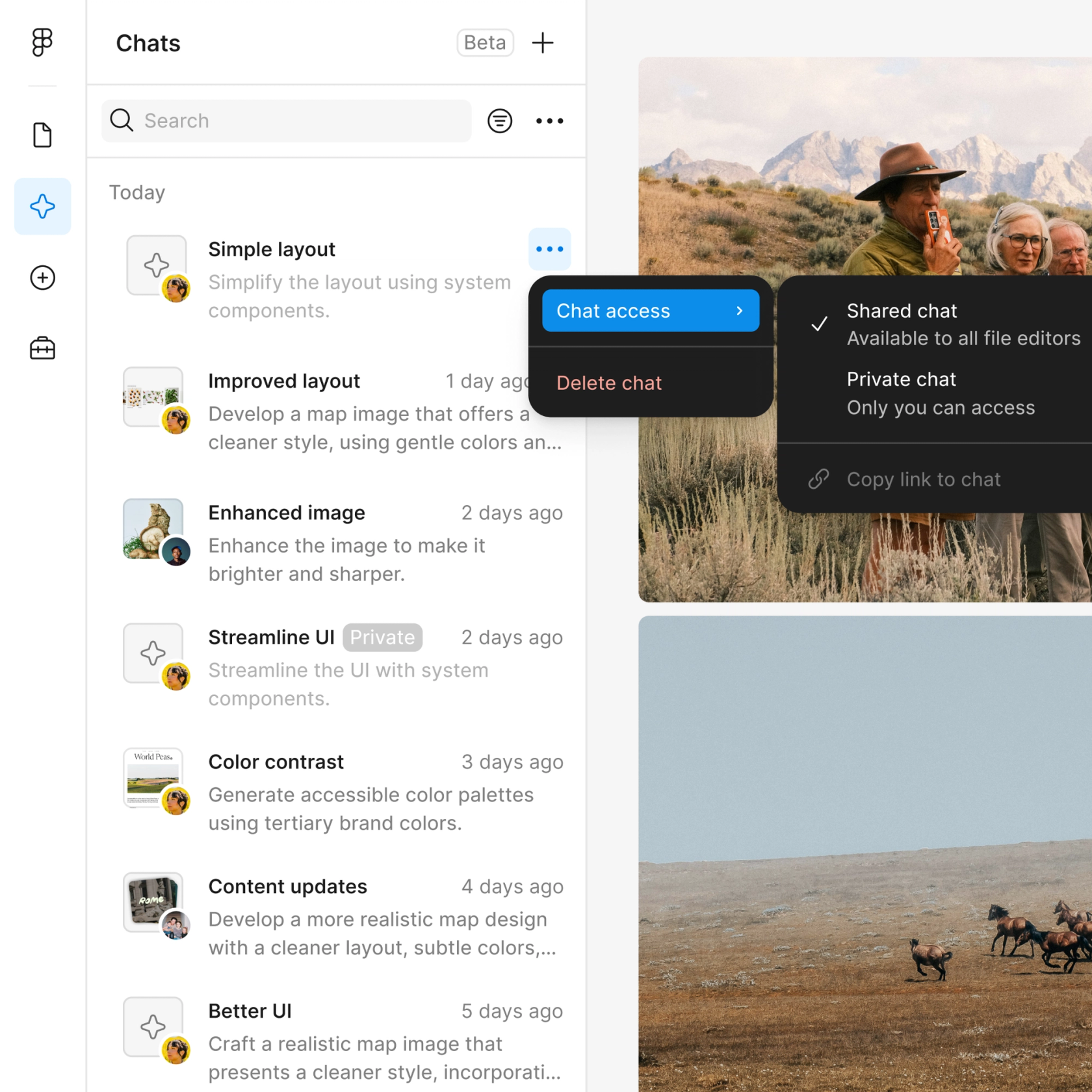
Share naming threads with your team so everyone sees the reasoning behind each suggestion. Build consensus without endless meetings.

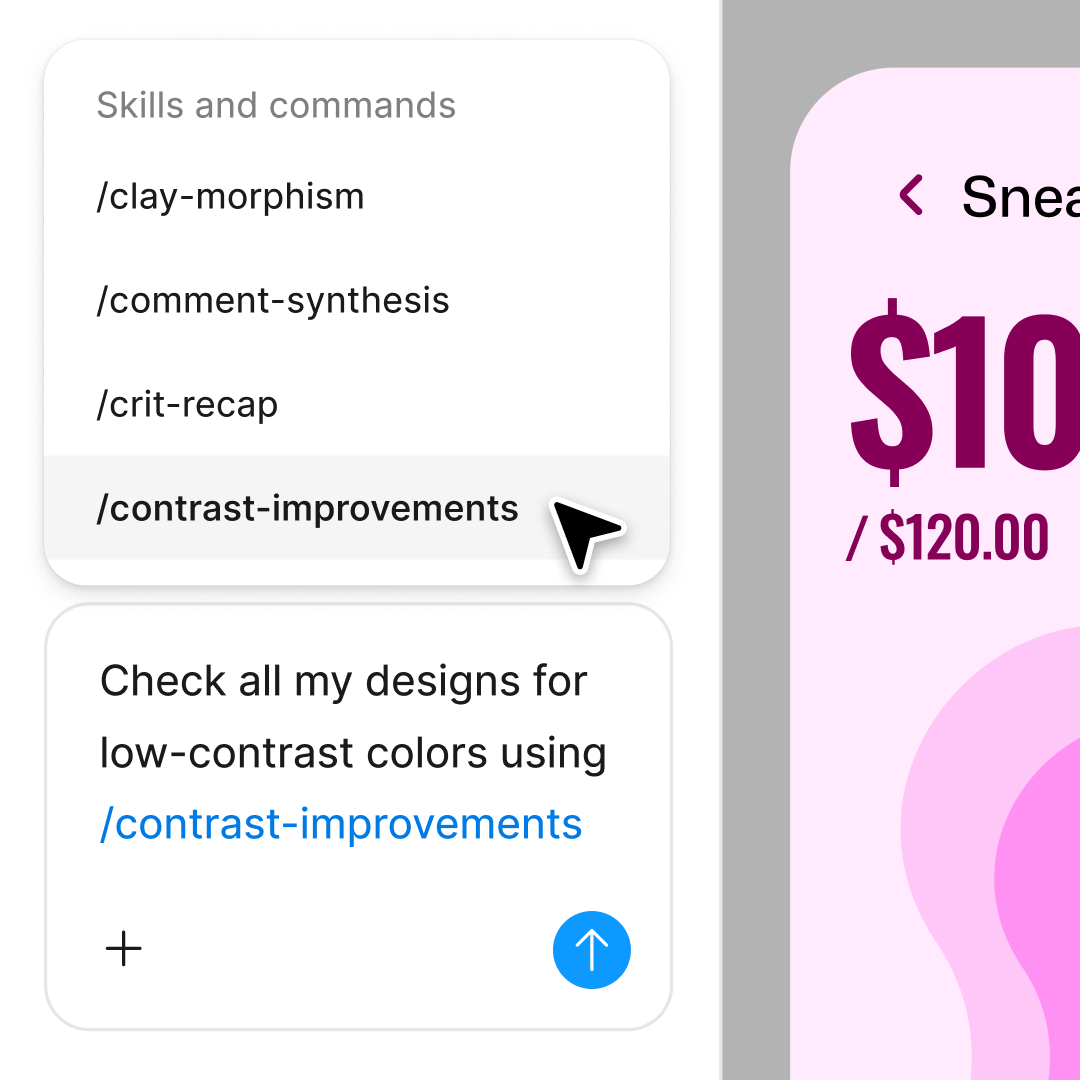
Not quite the right name? Adjust with another prompt—ask for shorter names, different conventions, or names that match a specific pattern.
Figma feels like a natural extension of my hand. I do my design ideation on the canvas, and now the agent takes it the last mile. With my design libraries connected, I can move from design to code faster than ever before.
Andy Madrick
Product Designer, Notion

Open your file in Figma Design and select the variables or tokens you want to name—colors, spacing, typography, or any other design values.
Tell the agent what convention to follow, what context matters, or what the variable represents. The more specific, the better the suggestions.
Check the suggested names on your canvas. Refine in the same thread for adjustments or try a parallel prompt for a different naming approach.
Accept the names that work, prompt again for others. Everything stays editable so you can fine-tune by hand or adjust conventions later.
Watch Figma's AI Agent in action and see how to put it to work in your own workflows.

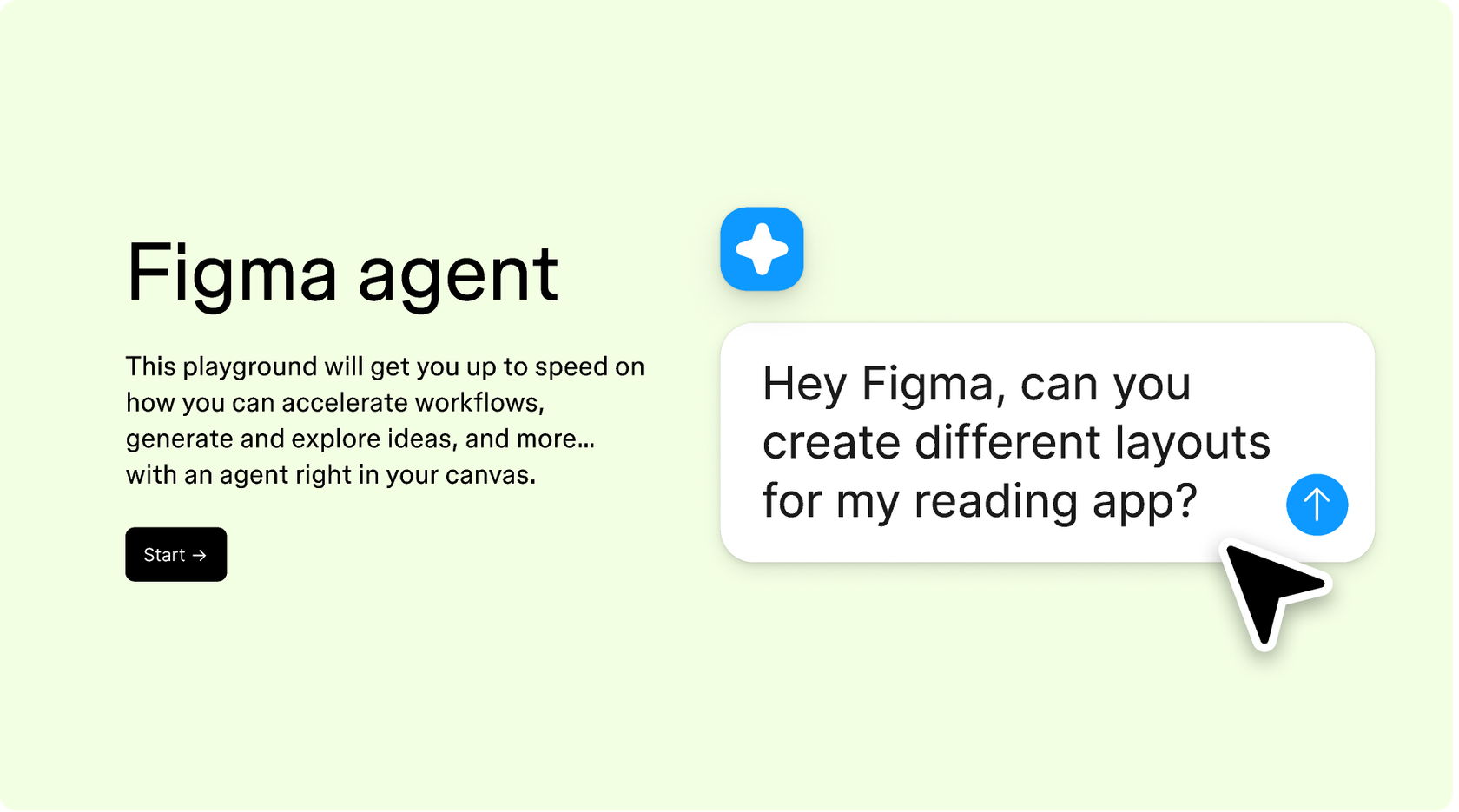
Hands-on playground to explore Figma agent's capabilities — from bulk edits to feedback implementation — with step-by-step guidance built right in.
Learn how to use Figma agent in your design workflows with a step-by-step tutorial from the Figma team.
An AI variable namer helps you generate clear, consistent names for design tokens and variables—colors, spacing, typography, and more. Figma's agent suggests names based on the variable's purpose and your existing conventions, so you spend less time debating naming and more time building.
Figma's agent analyzes the context of your variable—its value, where it's used, and your existing naming patterns—to suggest names that fit your system. You can guide it with prompts describing your preferred conventions, and it adapts suggestions accordingly.
Good variable names are descriptive, consistent, and scalable. They should communicate purpose (like 'spacing-lg' or 'color-surface-primary') rather than specific values. Figma's agent can help you follow these practices by suggesting names that fit established conventions and make sense to both designers and developers.
Yes. Figma's agent considers your existing variables when suggesting new names, helping maintain consistency across your entire design system. You can prompt it to follow specific patterns—like BEM, semantic naming, or t-shirt sizing—and it generates suggestions that align with your established conventions.
Figma's agent is available on all paid Figma plans. You'll find it in the left navigation bar in Figma Design. During the current open beta, it doesn't consume AI credits—so it's a good time to explore, experiment, and share your feedback with us.
Build faster with Figma's agent


