
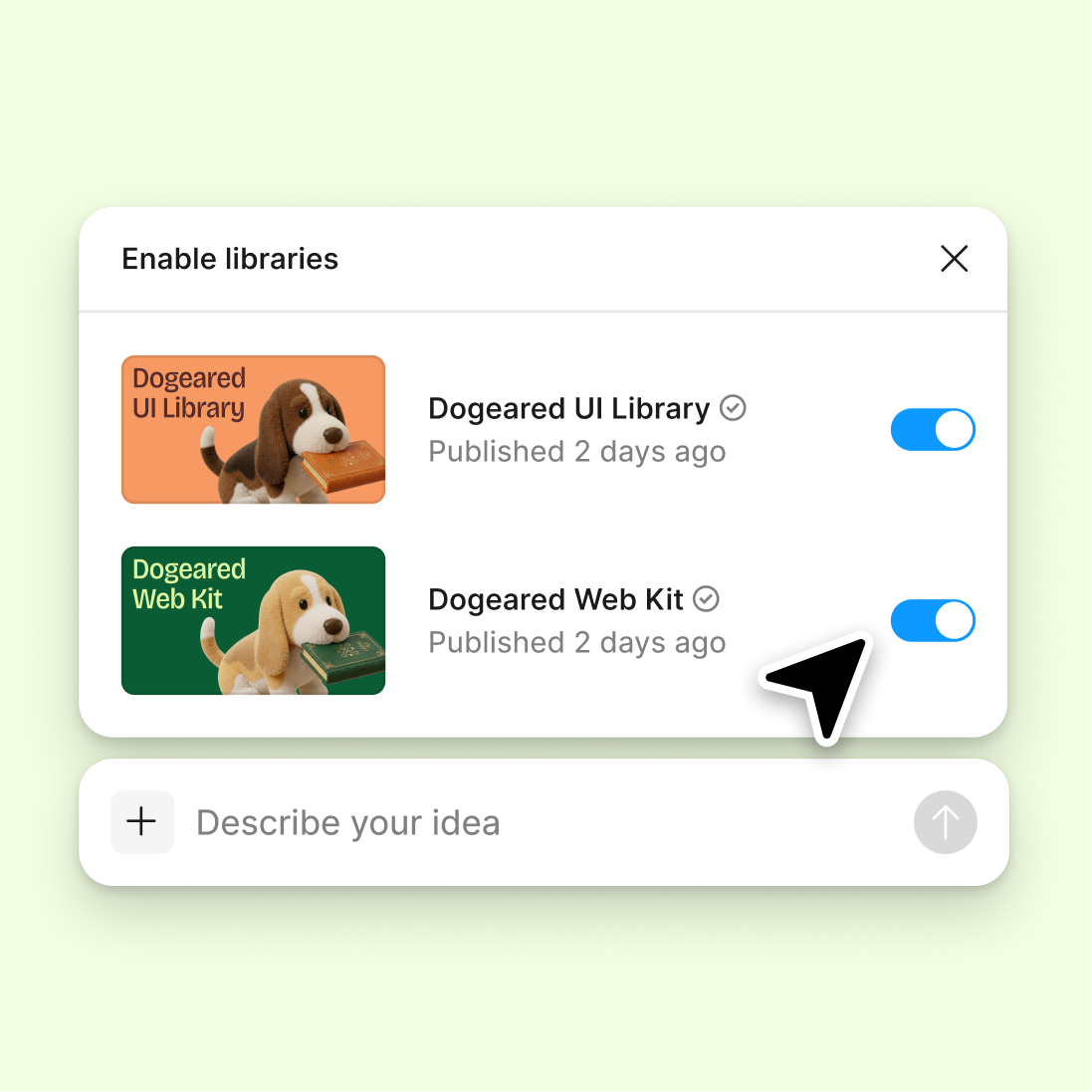
Connect a design library
Point the agent to your library so forms generate with your real inputs, buttons, and tokens—not generic placeholders you'll swap out later.
Skip to main content
Build signup forms, checkout flows, and input layouts with AI—directly in Figma Design using your actual components and design tokens. Describe the form, see it built.


Figma's agent generates form layouts using your real components, tokens, and variables—so every input, label, and button matches your product.

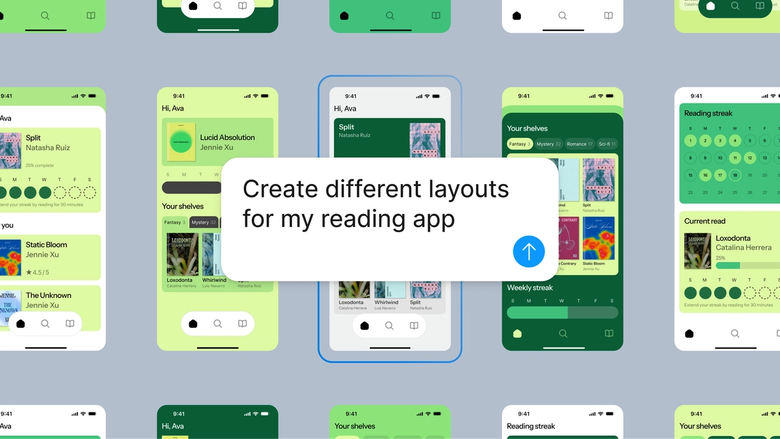
Generate multiple form variations—single column, multi-step, inline validation—using your actual design system. Every option is production-ready, not a wireframe you'll need to rebuild from scratch.

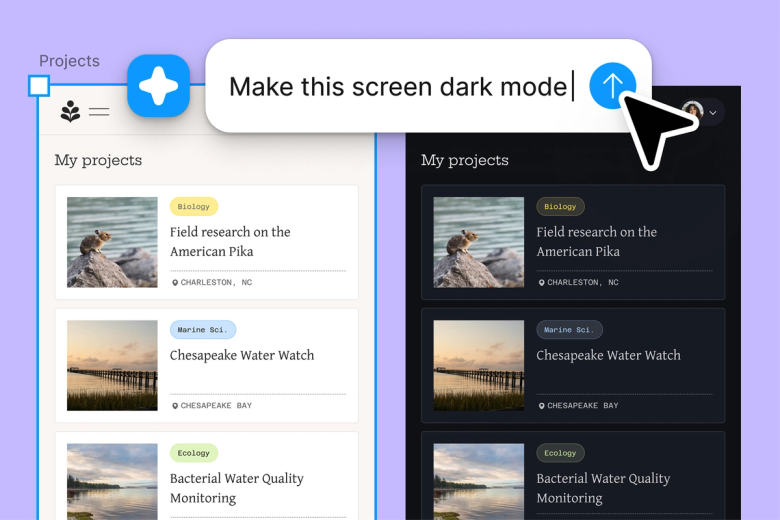
Skip the tedious work of placing every input, aligning every label, and spacing every field. Describe the form once and let the agent handle the structure while you focus on the experience.

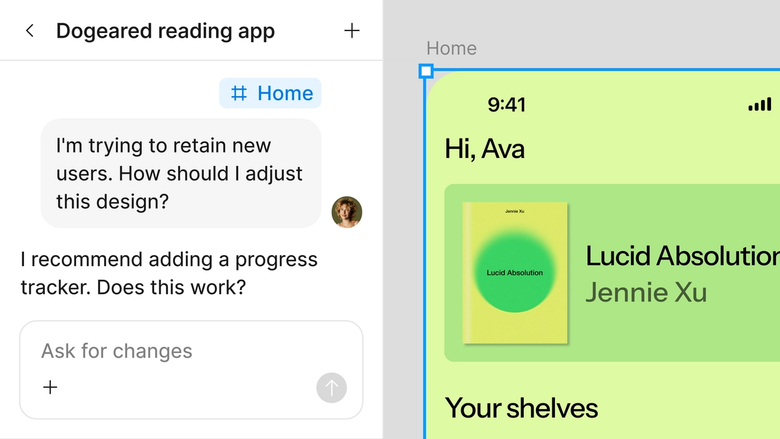
Generated forms land in the same file your team works in. Developers see the exact components, spacing, and states—nothing lost in handoff, nothing rebuilt in a separate tool.
A closer look at what sets Figma's agent apart, built for the way design teams actually work.
Point the agent to your library so forms generate with your real inputs, buttons, and tokens—not generic placeholders you'll swap out later.

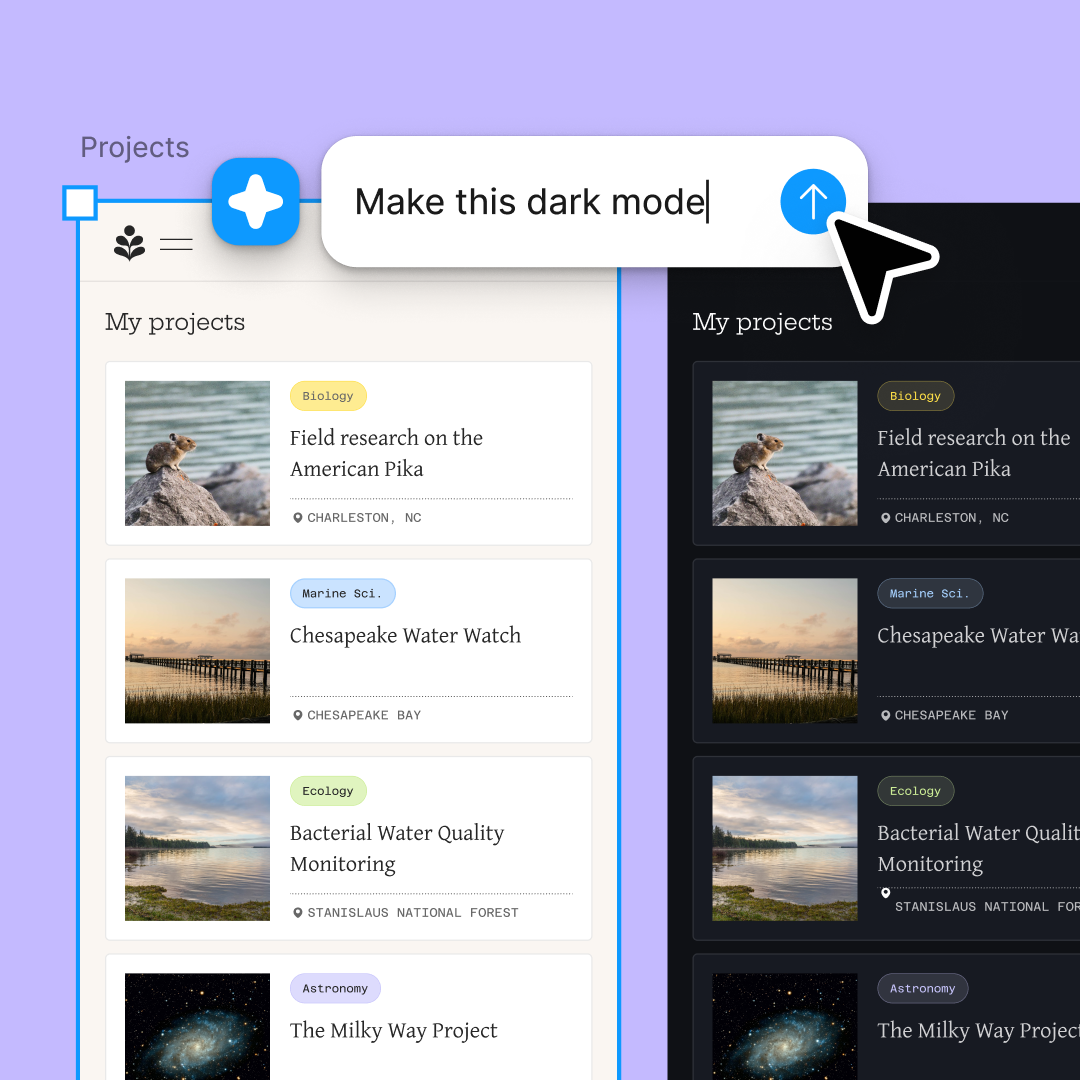
Generate a signup form and a checkout flow at the same time. Explore multiple directions simultaneously without waiting for one to finish.

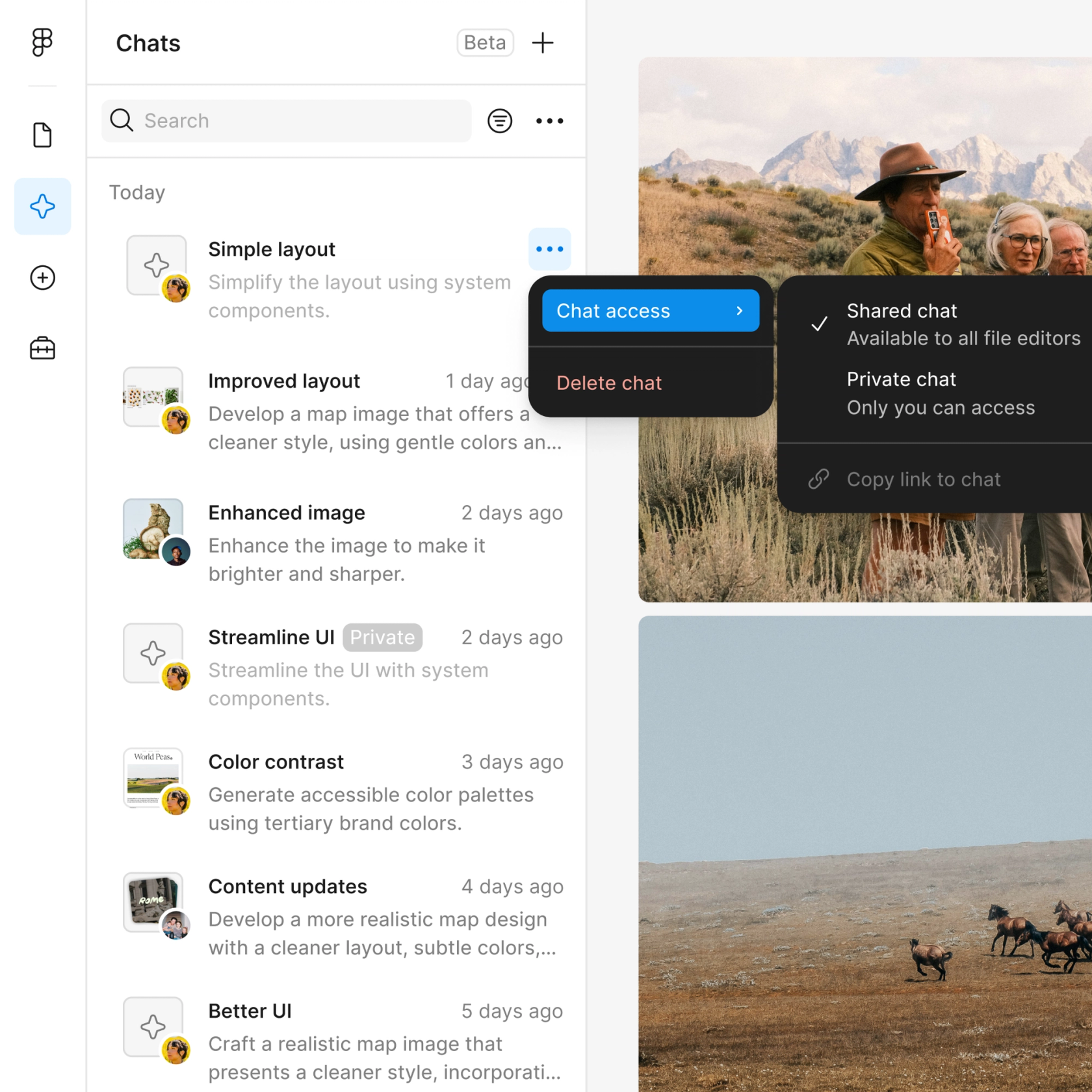
Share a thread and your team sees the full prompt, context, and iteration history. No screenshot chains or separate documentation needed.

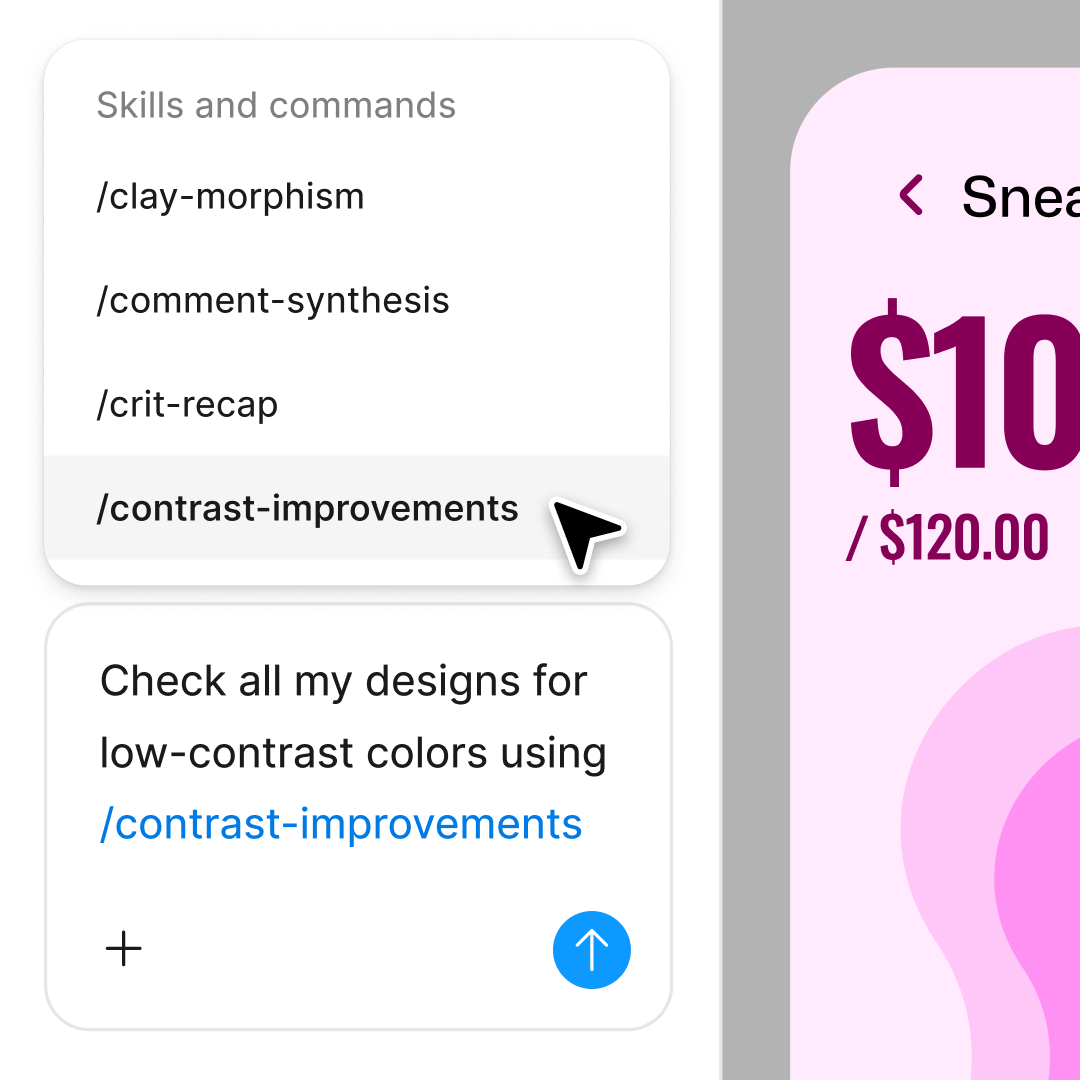
First layout not quite right? Adjust in the same thread or open a parallel one to try a different structure without losing your progress.
Figma feels like a natural extension of my hand. I do my design ideation on the canvas, and now the agent takes it the last mile. With my design libraries connected, I can move from design to code faster than ever before.
Andy Madrick
Product Designer, Notion

Select Agents in the left side rail or hit CMD + Enter. Add a frame to your canvas where the form will generate.
Tell the agent what you need—a signup form, contact form, checkout flow—and point it to your design library so it uses your real components.
Check the generated layout. Refine in the same thread or start a parallel one to explore a different structure.
Prompt again to adjust spacing, add validation states, or try new field arrangements. Everything stays editable so you can fine-tune by hand.
Watch Figma's AI Agent in action and see how to put it to work in your own workflows.

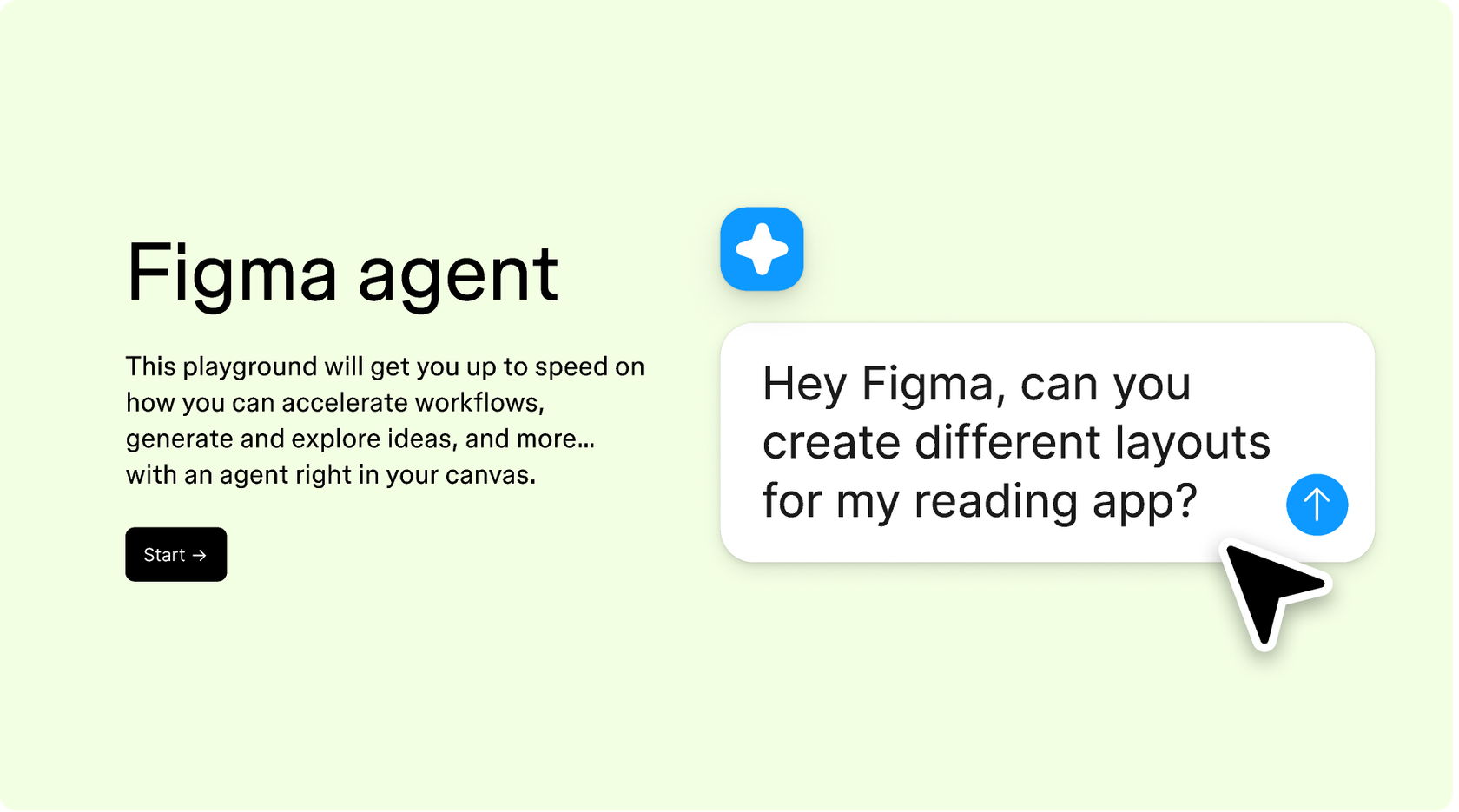
Hands-on playground to explore Figma agent's capabilities — from bulk edits to feedback implementation — with step-by-step guidance built right in.
Learn how to use Figma agent in your design workflows with a step-by-step tutorial from the Figma team.
An AI form layout generator creates form designs from text descriptions—building input fields, labels, buttons, and layout structures automatically. Figma's agent does this directly on your canvas, using your real design system components rather than generic templates. The result is a production-ready form you can refine and ship.
Figma's agent reads your prompt, references your connected design library, and assembles form components on the canvas. It handles field placement, spacing, alignment, and grouping based on your description. You can specify form type, number of fields, layout direction, and validation states—the agent builds the structure while you guide the decisions.
Figma's agent generates forms using your design system's responsive components and auto layout settings. The output adapts to different frame sizes when your library includes responsive variants. You can also prompt for specific breakpoints or ask the agent to generate mobile and desktop versions in parallel.
Figma's agent can generate a wide range of form types: signup and login forms, contact forms, checkout flows, multi-step wizards, survey layouts, settings panels, and profile editors. Describe what you need, specify the fields, and the agent builds the structure using components from your connected library.
Figma's agent is available on all paid Figma plans. You'll find it in the left side rail in Figma Design. During the current open beta, it doesn't consume AI credits—so it's a good time to explore, experiment, and share your feedback with us.
Build faster with Figma's agent


