

10 of the best AI outpainting tools for creatives
Explore some of the best outpainting AI tools, compare 10 top options, learn about Figma Weave’s capabilities, and find your best fit for the job at hand.
Skip to main content
A rundown of the AI tools and workflow tips that are making a difference for design and UX teams, with practical guidance you can put to use right away.
Explore some of the best outpainting AI tools, compare 10 top options, learn about Figma Weave’s capabilities, and find your best fit for the job at hand.

Explore 5 types of AI animation examples, from text-to-video to motion graphics, and see how you can build reusable animation workflows in Figma Weave.

Compare 8 of the best node-based AI platforms for content work. Then build reusable workflows in Figma Weave to support image, video, and design generation.


See AI video examples across cinematic, surreal, product, and social styles, then learn how to build your own using Figma Weave’s node-based workflows.


Tweening creates the smooth frames between two keyframes so motion doesn’t jump. See how it works and how Figma Weave brings AI to modern animation workflows.


Whiteboard animation turns dense ideas into clear, watchable explainers. Learn how the format works, when to use it, and how to build one with Figma Weave.


AI character consistency breaks when every generation starts over. Learn what causes character drift and how to build a repeatable workflow in Figma Weave.


Compare 9 of the best no-code chatbot builders and what each one is ideal for. Plus, learn how Figma Make lets you test a working chatbot before you build it.


Learn how to write AI video prompts and explore examples for creative professionals. Test your prompts with Figma Weave, whether you run socials or take photos.


A sizzle reel is a short, high-energy video built to pitch an idea, market a brand, or show off your best work. Here’s how to structure one that works.

AI design assistant tools work differently depending on your workflow. Compare 8 options, including Figma’s agent, to find the right fit for your team.

Compare 10 of the best AI video generators and see how Figma Weave fits into a multi-model workflow for greater creative control.

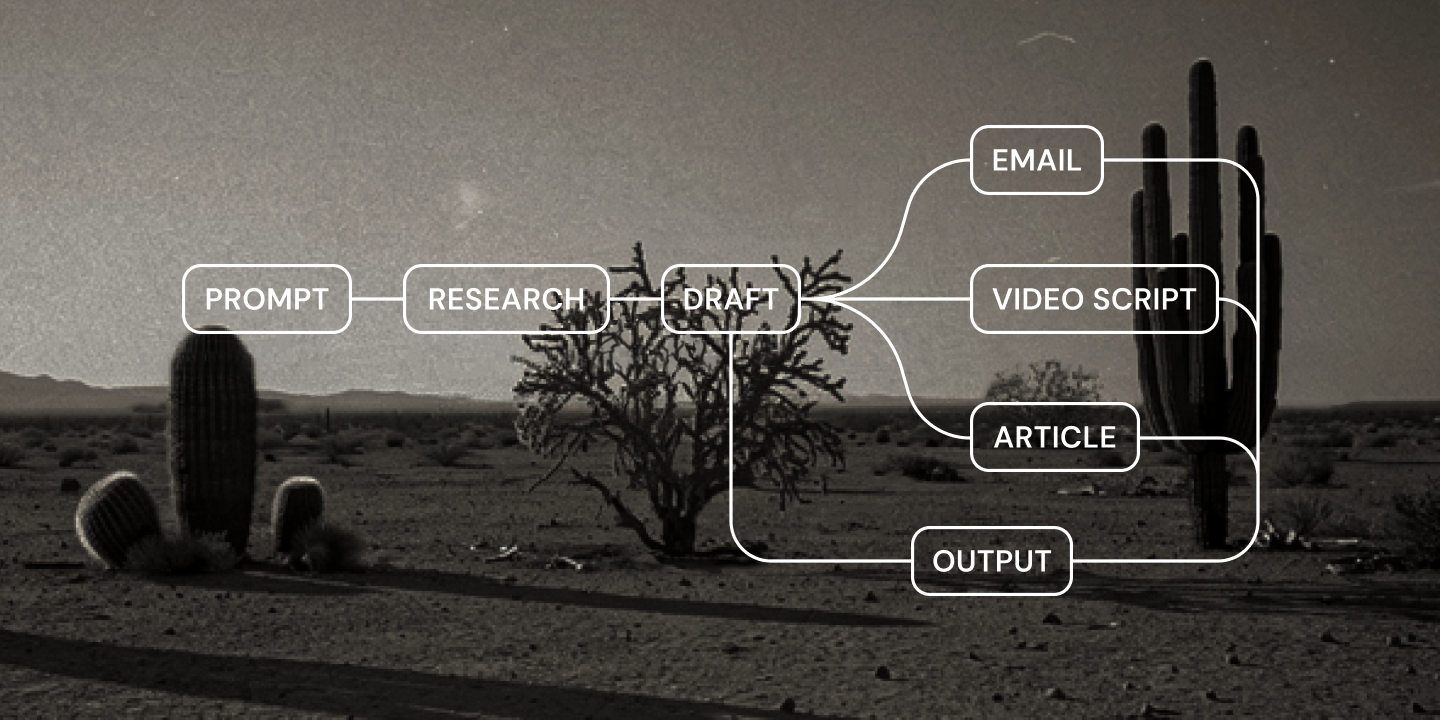
Learn what agentic AI for content creation means, how it changes your content lifecycle, and how Figma Weave can help you build an agentic workflow.

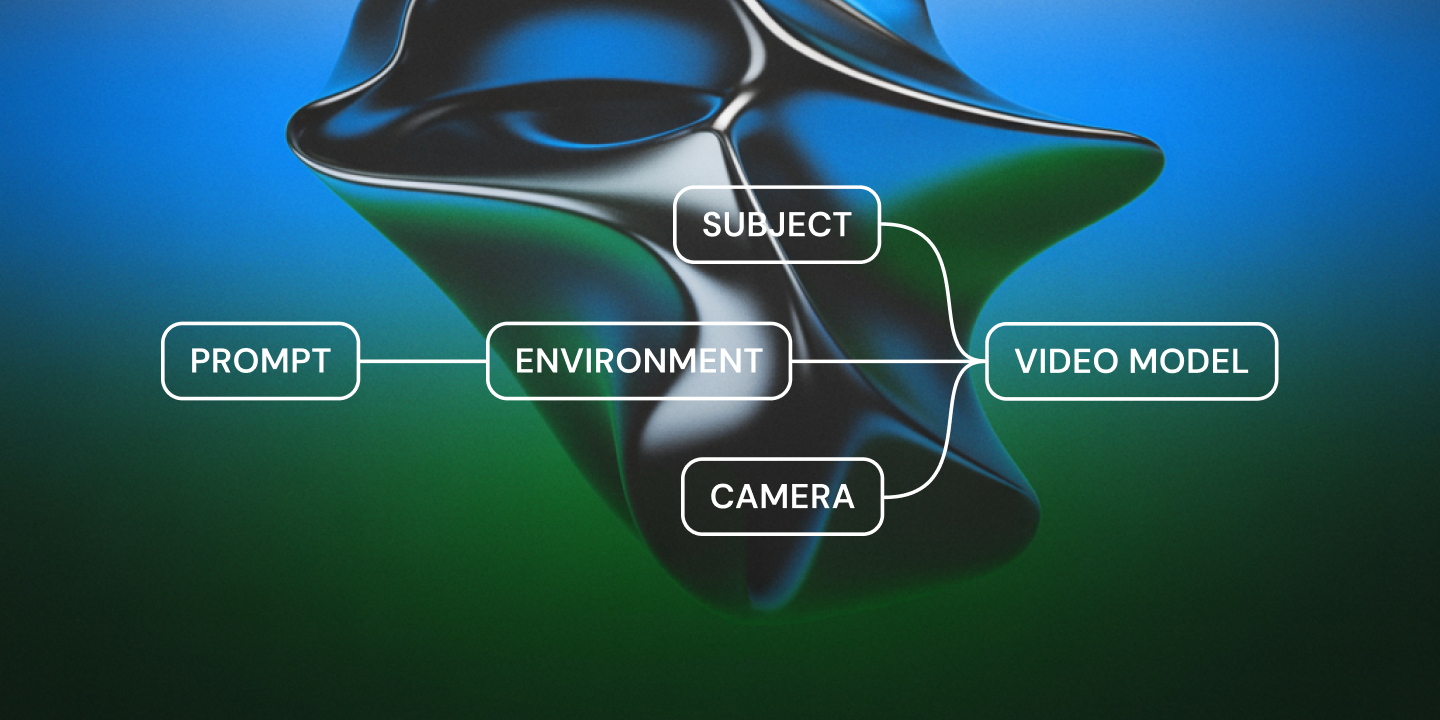
AI short film prompts work best with real camera direction. See the cinematography techniques that help AI video models nail your vision, with Figma Weave.

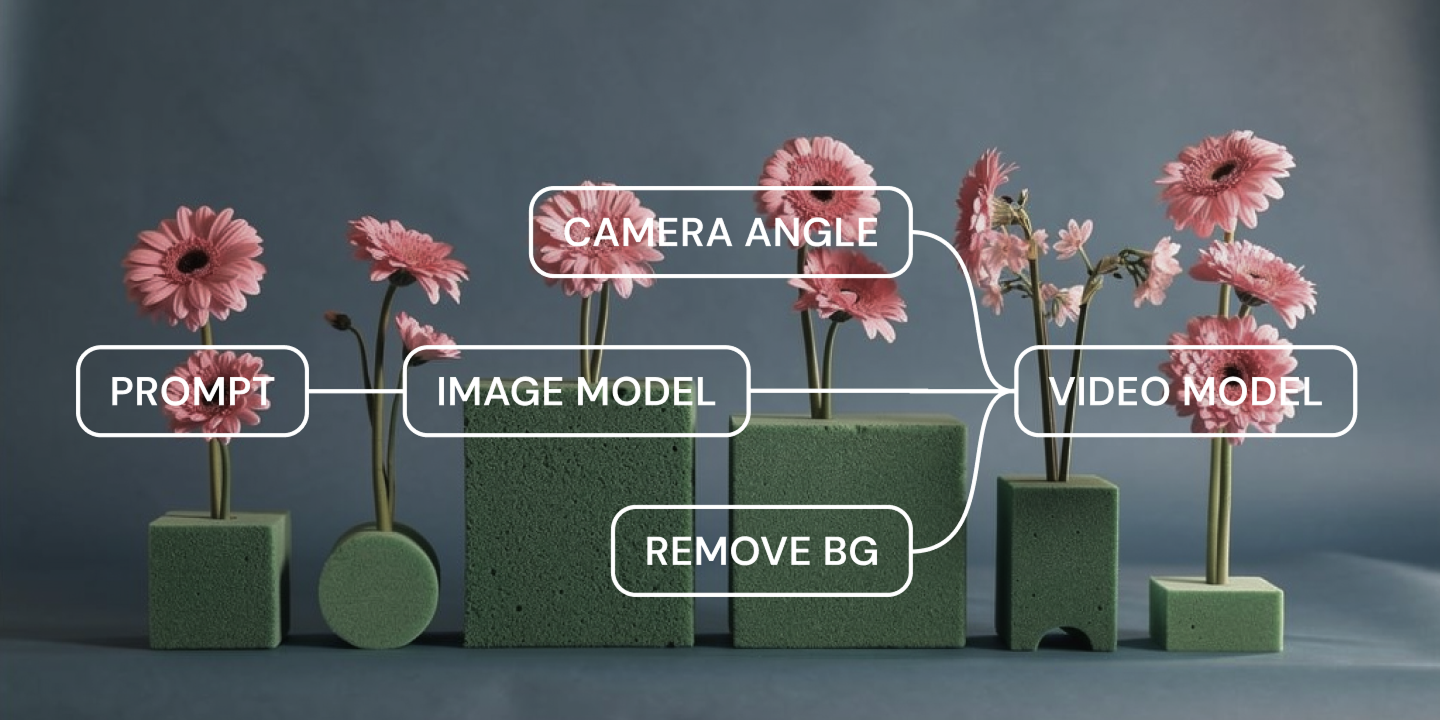
Explore AI cinematography techniques, from structuring a prompt to keeping shots consistent across full workflows and sequences with Figma Weave.

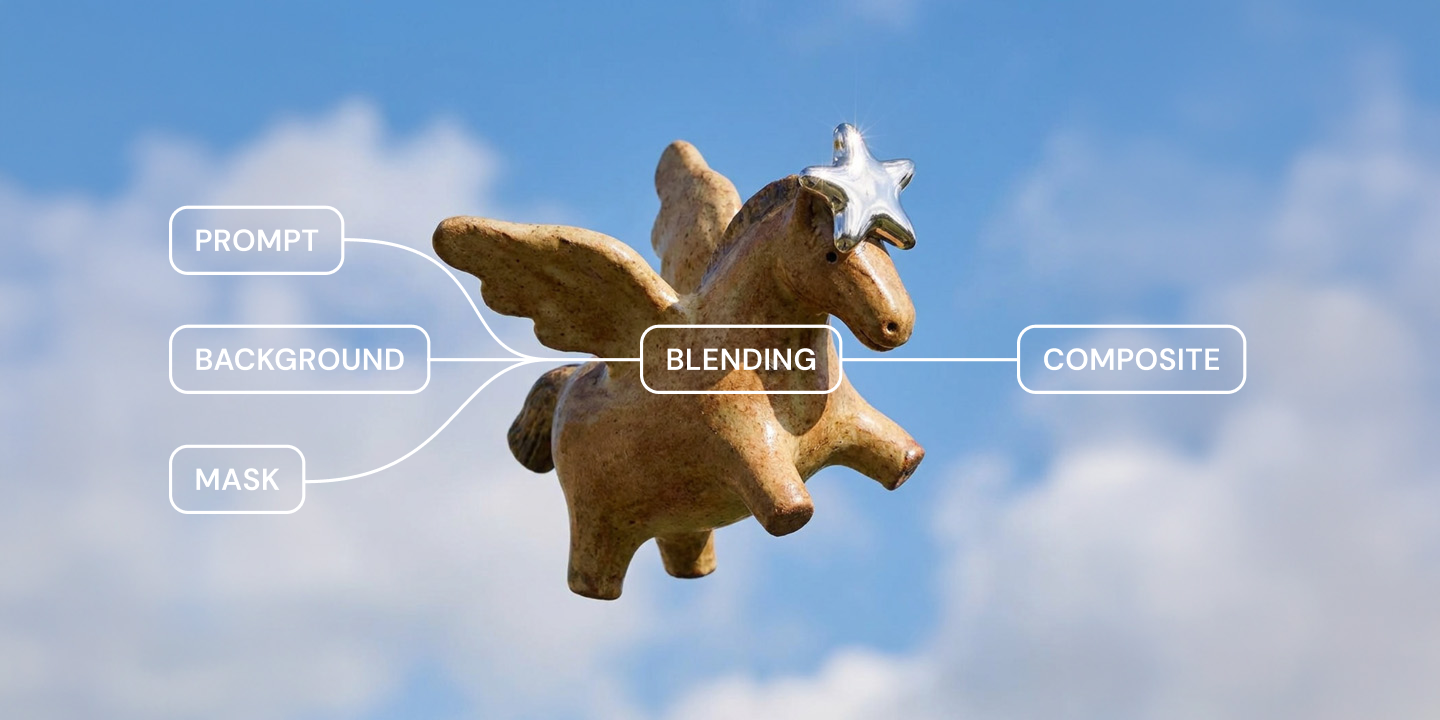
Compositing combines visual elements into one smooth image. Learn the core techniques, a five-step process for your own shot, and how Figma Weave can help.
Explore all topics