
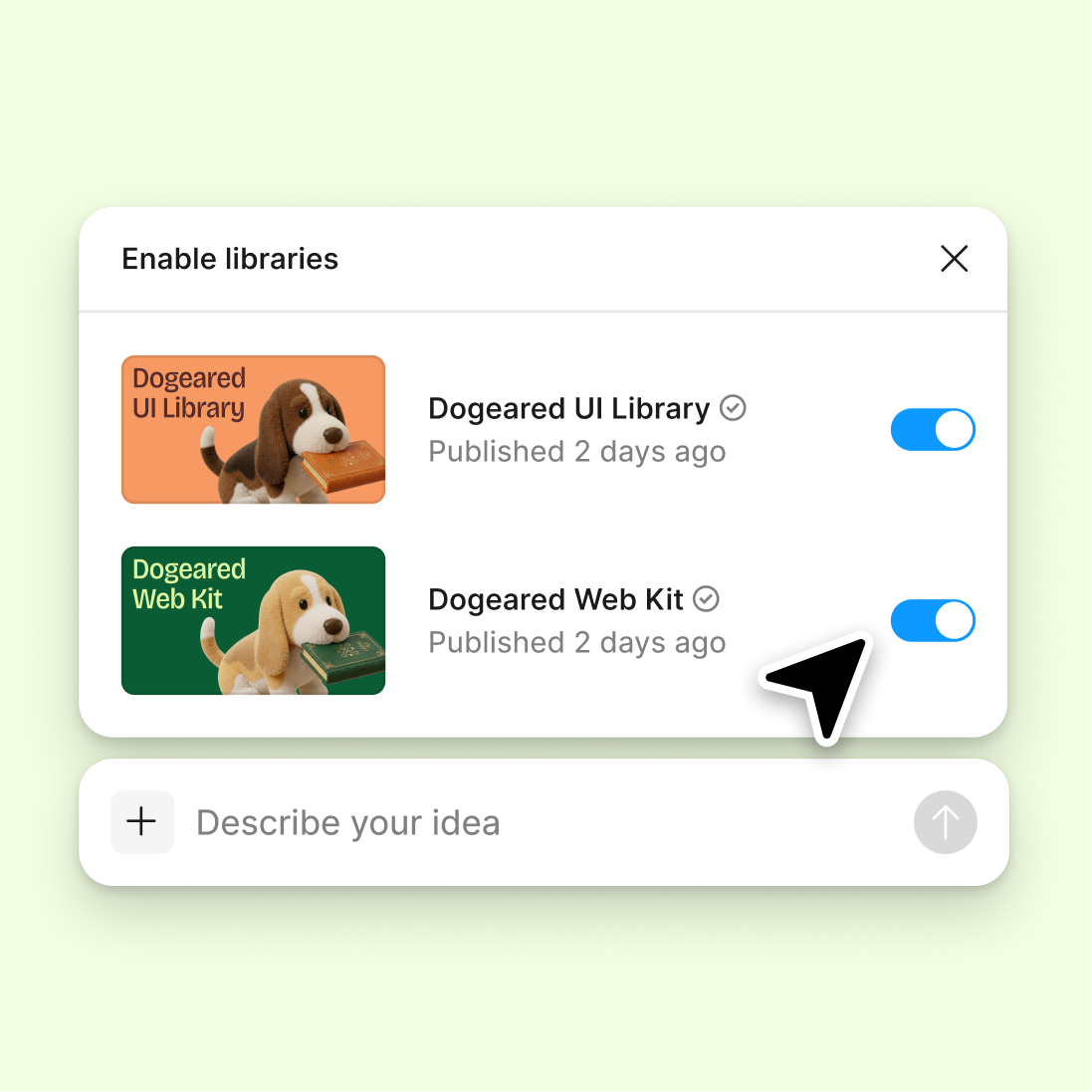
Connect a design library
Reference your existing design system so new components inherit your real tokens, styles, and naming conventions—not placeholder structure.
Skip to main content
Figma's agent analyzes your static designs and converts them into structured, reusable components—right on your canvas. No manual rebuilding, no breaking your flow, just production-ready pieces.


Stop rebuilding the same elements by hand. Let the agent identify patterns in your work and turn them into components your whole team can use.

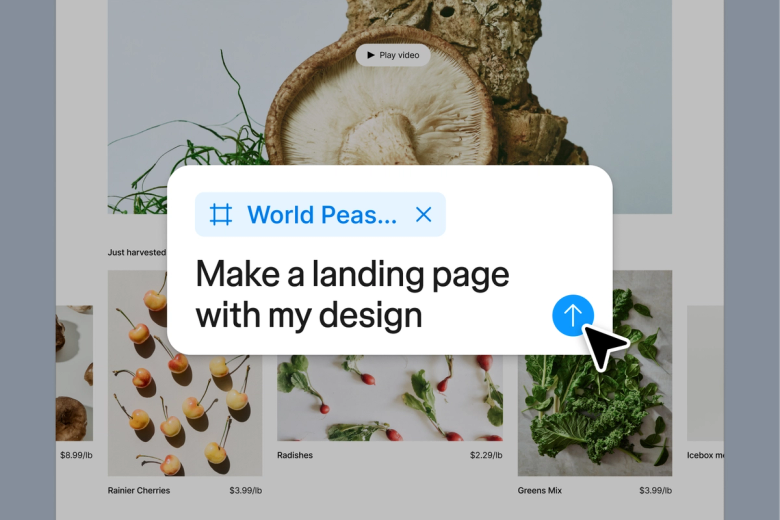
Hand off the tedious work of converting designs to components. The agent identifies repeating patterns, creates proper structure, and applies consistent naming—so you can focus on designing, not organizing layers.

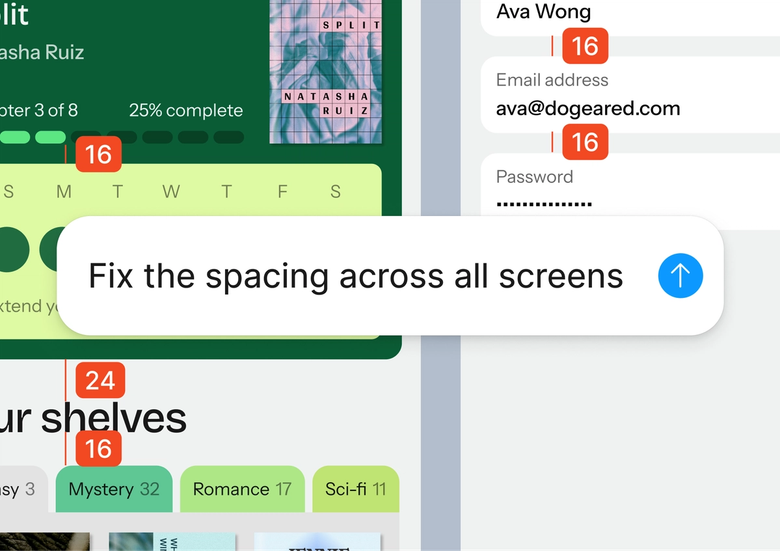
Point the agent to your design library, and it creates components that match your existing tokens, styles, and conventions. Everything stays consistent with what your team already uses.

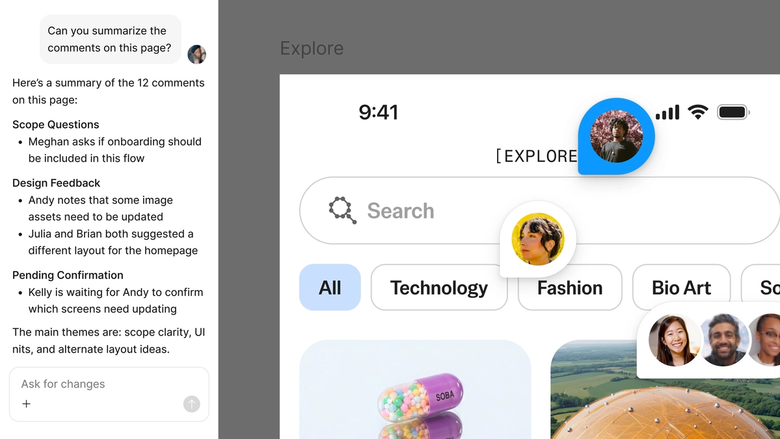
Components land in the same file everyone works in, with full context on how they were created. No separate handoff, no versioning confusion—just shared building blocks ready to use.
A closer look at what sets Figma's agent apart, built for the way design teams actually work.
Reference your existing design system so new components inherit your real tokens, styles, and naming conventions—not placeholder structure.

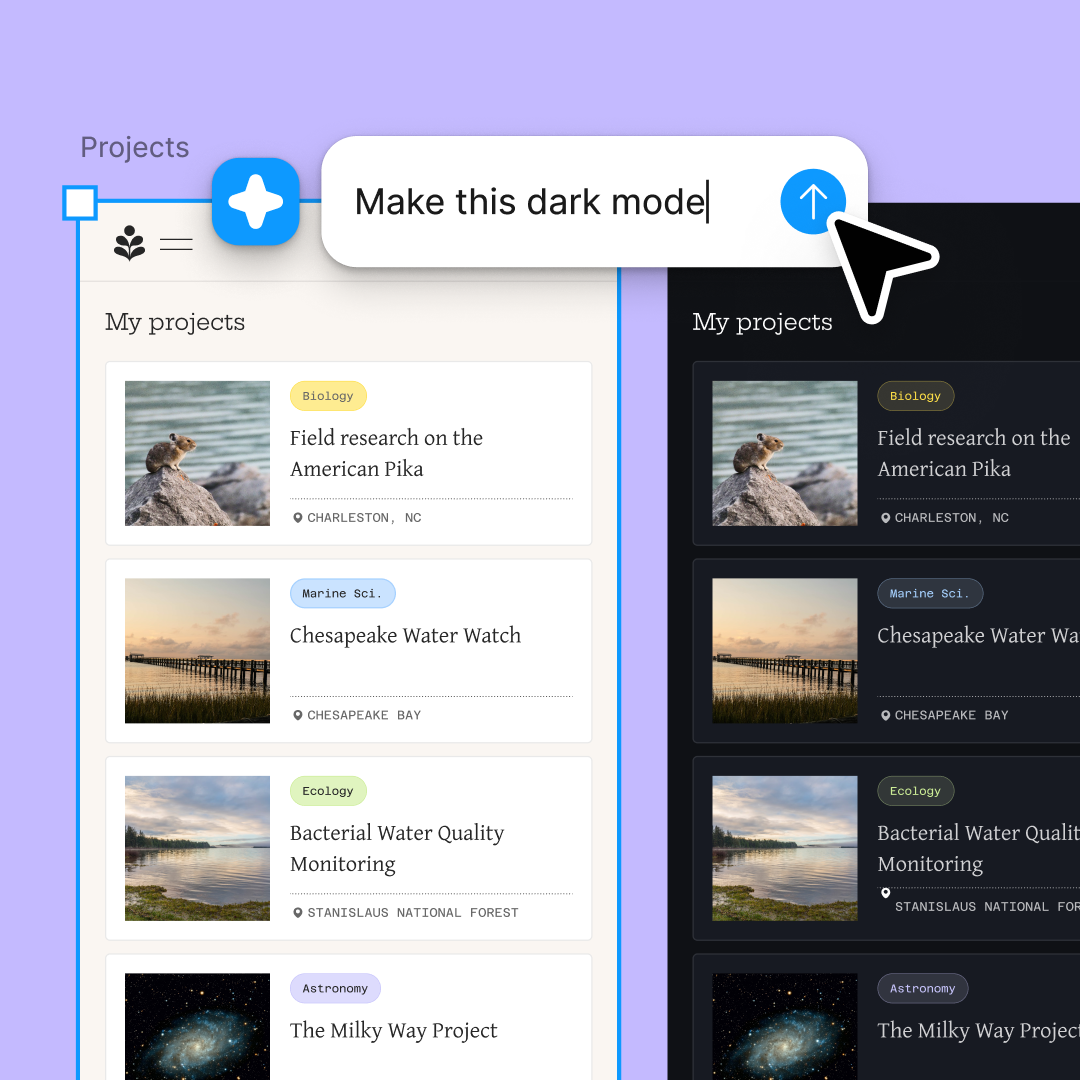
Convert multiple design sections simultaneously. Explore different component structures at once without waiting for each to finish.

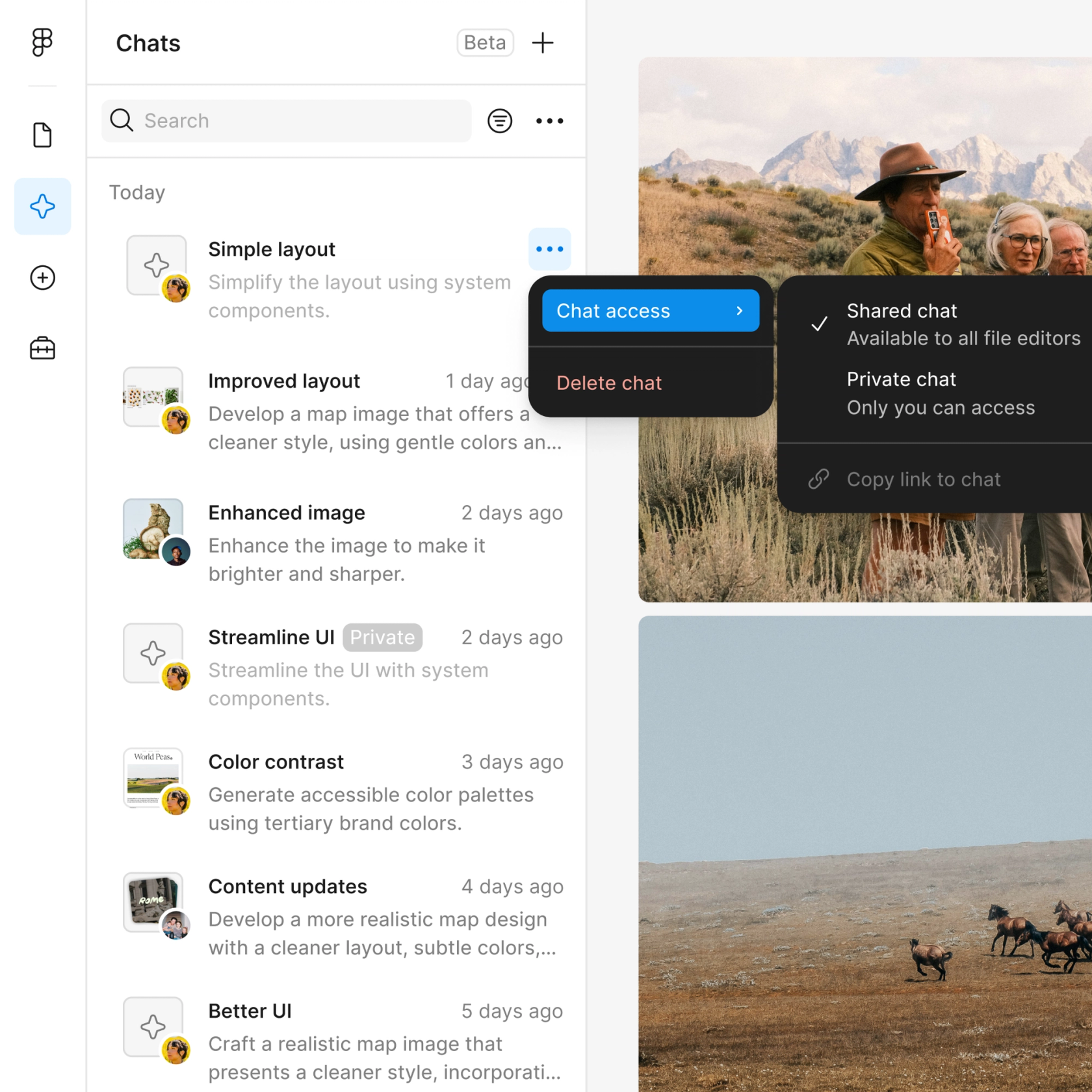
Share the conversion thread and your team sees the full prompt, context, and iteration history. No guesswork about how a component was built.

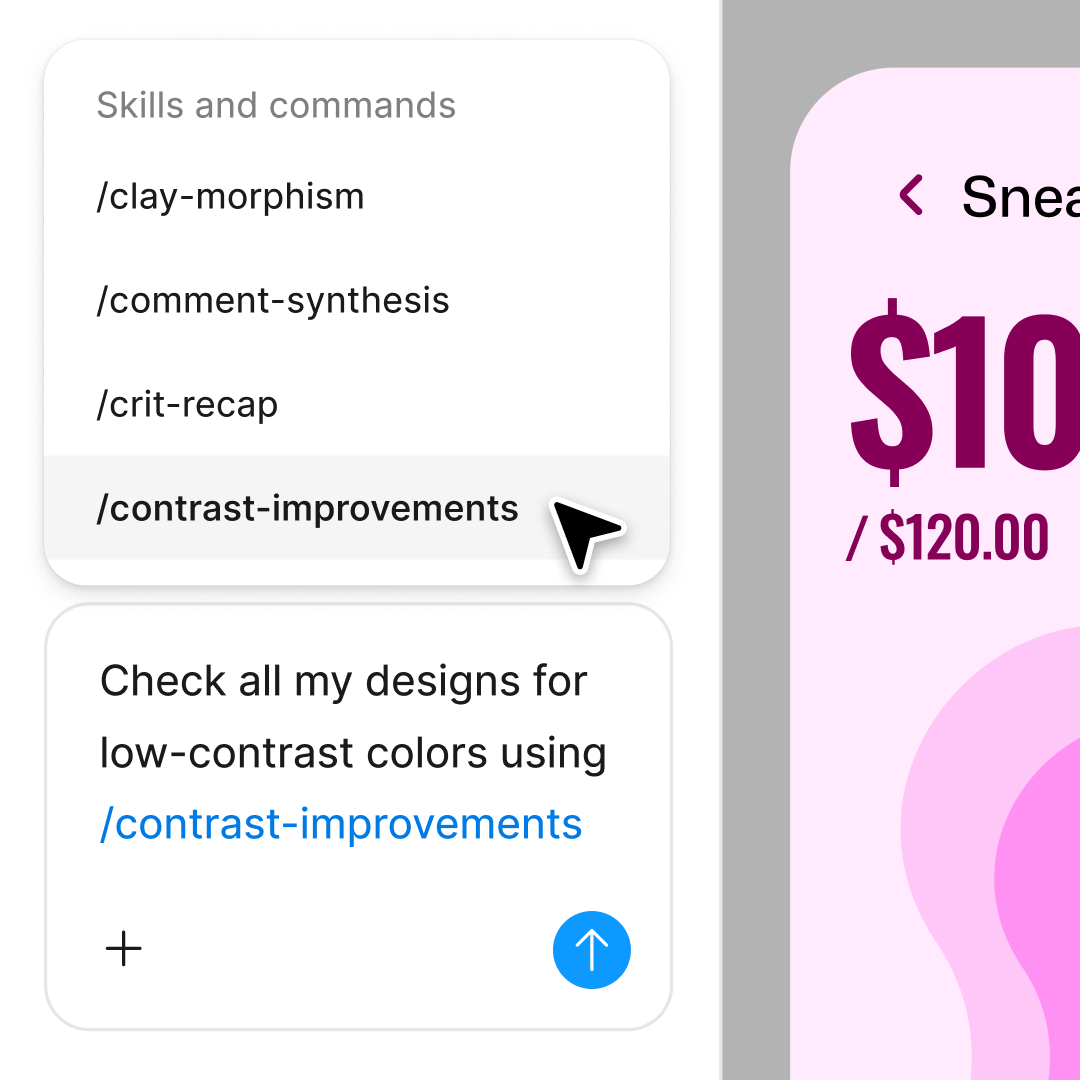
Not quite right? Adjust variant structure, rename properties, or try a different organization in the same thread or a parallel one.
Figma feels like a natural extension of my hand. I do my design ideation on the canvas, and now the agent takes it the last mile. With my design libraries connected, I can move from design to code faster than ever before.
Andy Madrick
Product Designer, Notion

Open your file in Figma Design and select the frame or group of elements you want to convert into a component.
Tell the agent what kind of component to create—button with states, card with variants, input with properties. Point to your library for style consistency.
Check the new component on your canvas. Inspect the variants, properties, and naming. Refine in the same thread or try a parallel direction.
Everything stays fully editable. Adjust by hand, prompt again, or publish to your library when the component is ready for your team.
Watch Figma's AI Agent in action and see how to put it to work in your own workflows.

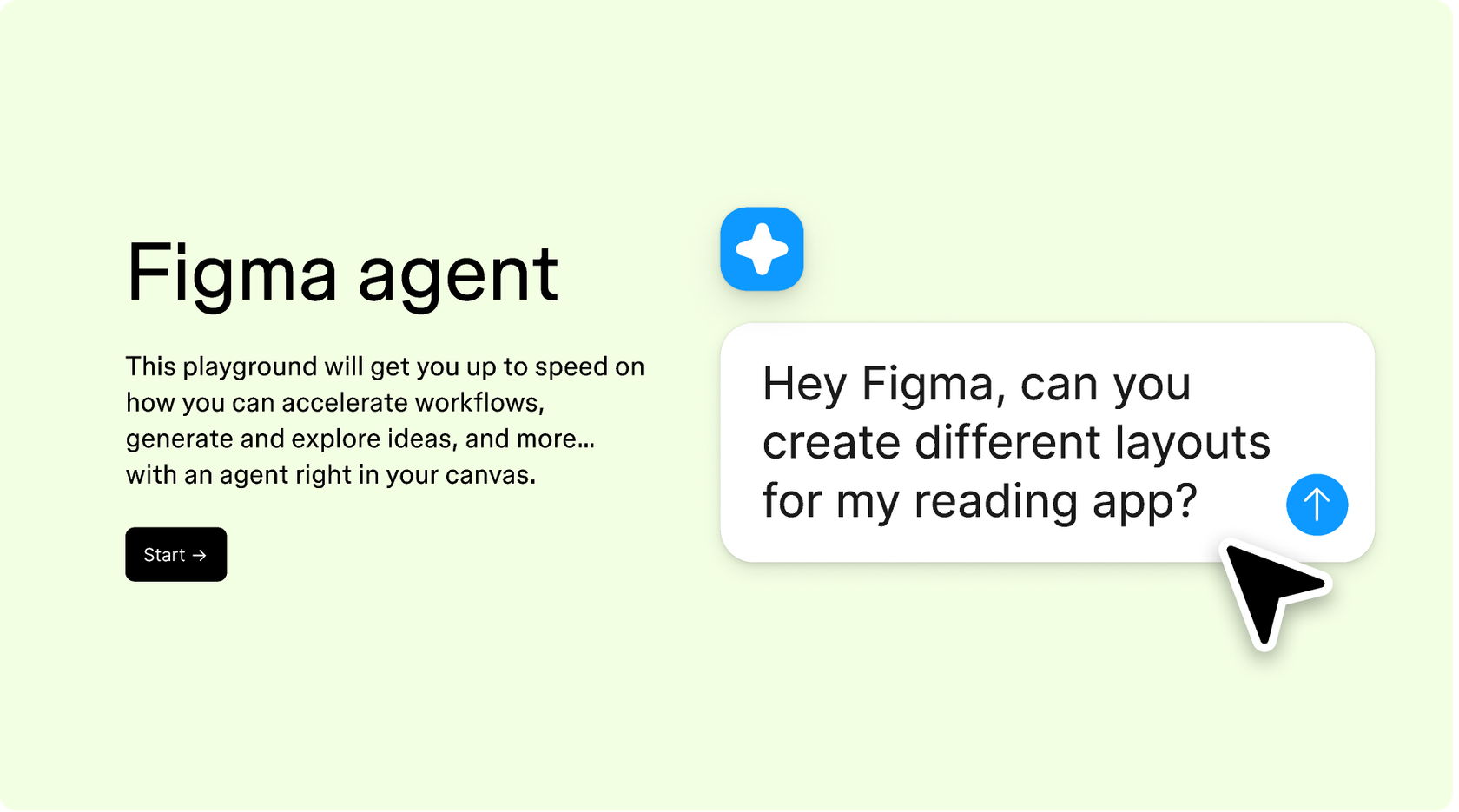
Hands-on playground to explore Figma agent's capabilities — from bulk edits to feedback implementation — with step-by-step guidance built right in.
Learn how to use Figma agent in your design workflows with a step-by-step tutorial from the Figma team.
Component design is the practice of building reusable interface elements—buttons, cards, inputs, navigation bars—that can be used consistently across a product. In Figma, components have variants and properties that make them flexible enough to cover multiple states and configurations. Figma's agent can analyze your existing designs and convert them into properly structured components, saving you the manual work of setting up variants and properties from scratch.
In Figma Design, you can create UI components by selecting a group of layers and converting them to a component, then adding variants and properties for different states. Figma's agent speeds this up significantly—describe what you want, and it builds the component structure for you. You can point the agent to your design library so new components match your existing system.
Strong component design includes consistent structure, clear naming conventions, flexible properties for different states, and proper variant organization. The goal is to create building blocks that are easy to find, easy to use, and easy to maintain. Figma's agent helps by analyzing your designs and suggesting component structures that follow these principles.
A component design system is a library of reusable UI elements—buttons, forms, cards, navigation—built with consistent styles, tokens, and conventions. Teams use design systems to work faster and maintain visual consistency across products. Figma's agent can help you build and expand a design system by converting static designs into components that follow your existing patterns.
Figma's agent is available on all paid Figma plans. You'll find it in the left side rail in Figma Design, or hit CMD + Enter on Mac or CTRL + Enter on Windows. During the current open beta, it doesn't consume AI credits—so it's a good time to explore, experiment, and share your feedback with us.
Build faster with Figma's agent


