
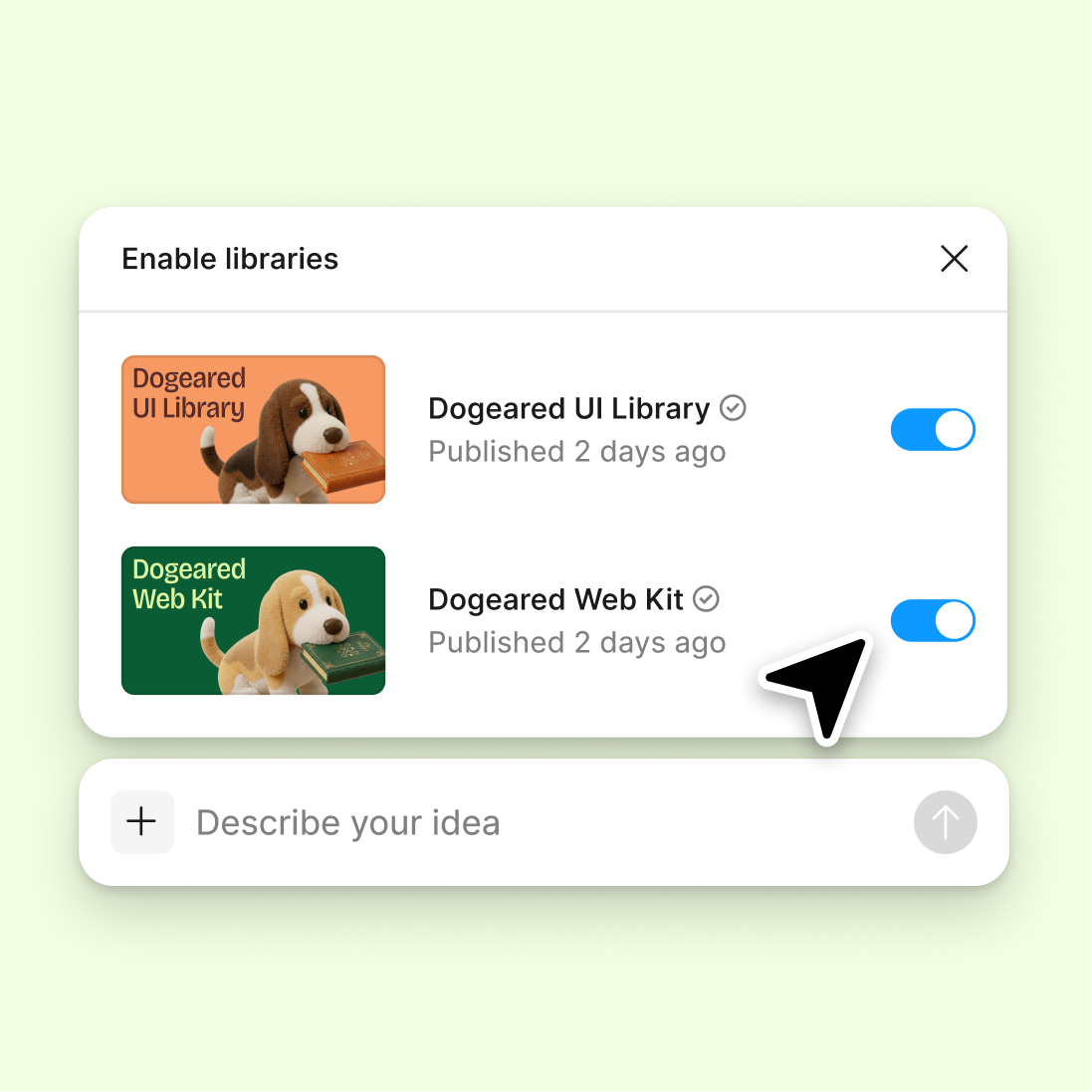
Connect your design library
The agent references your components and patterns, so it flags gaps against what your system expects—not generic best practices.
Skip to main content
Get AI-powered feedback on usability issues, missing states, and flow breakdowns—directly in Figma Design. No exporting to an audit tool, no rebuilding context for a reviewer.


Figma's agent reviews your work with real design context, surfacing UX issues while you still have time to fix them.


The agent reviews your actual frames, flows, and components—not a static screenshot. It catches missing states, unclear paths, and inconsistent patterns because it understands how your design connects.

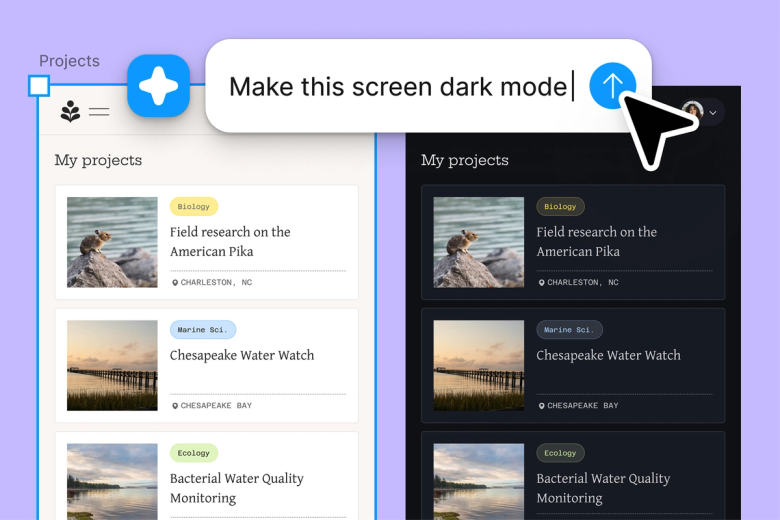
Skip the back-and-forth of sharing files, waiting for feedback, and reconciling notes. Get actionable UX insights in the same place you're building, so you can fix issues before they compound.

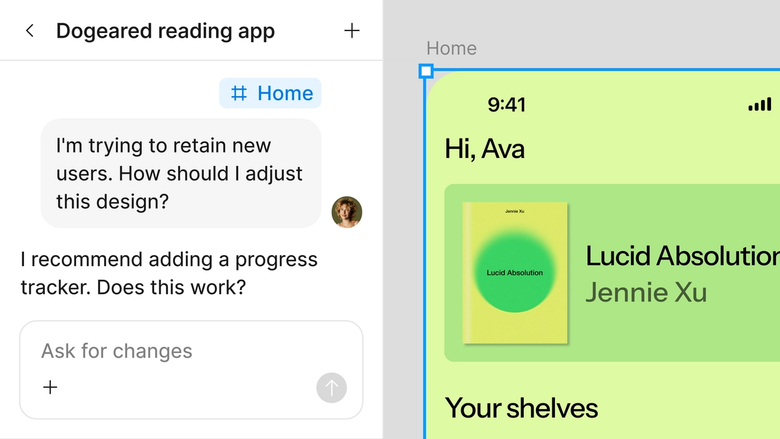
Agent feedback lives in your shared file, so everyone sees the same gaps. No separate audit doc to maintain or findings that get lost between tools.
A closer look at what sets Figma's agent apart, built for the way design teams actually work.
The agent references your components and patterns, so it flags gaps against what your system expects—not generic best practices.

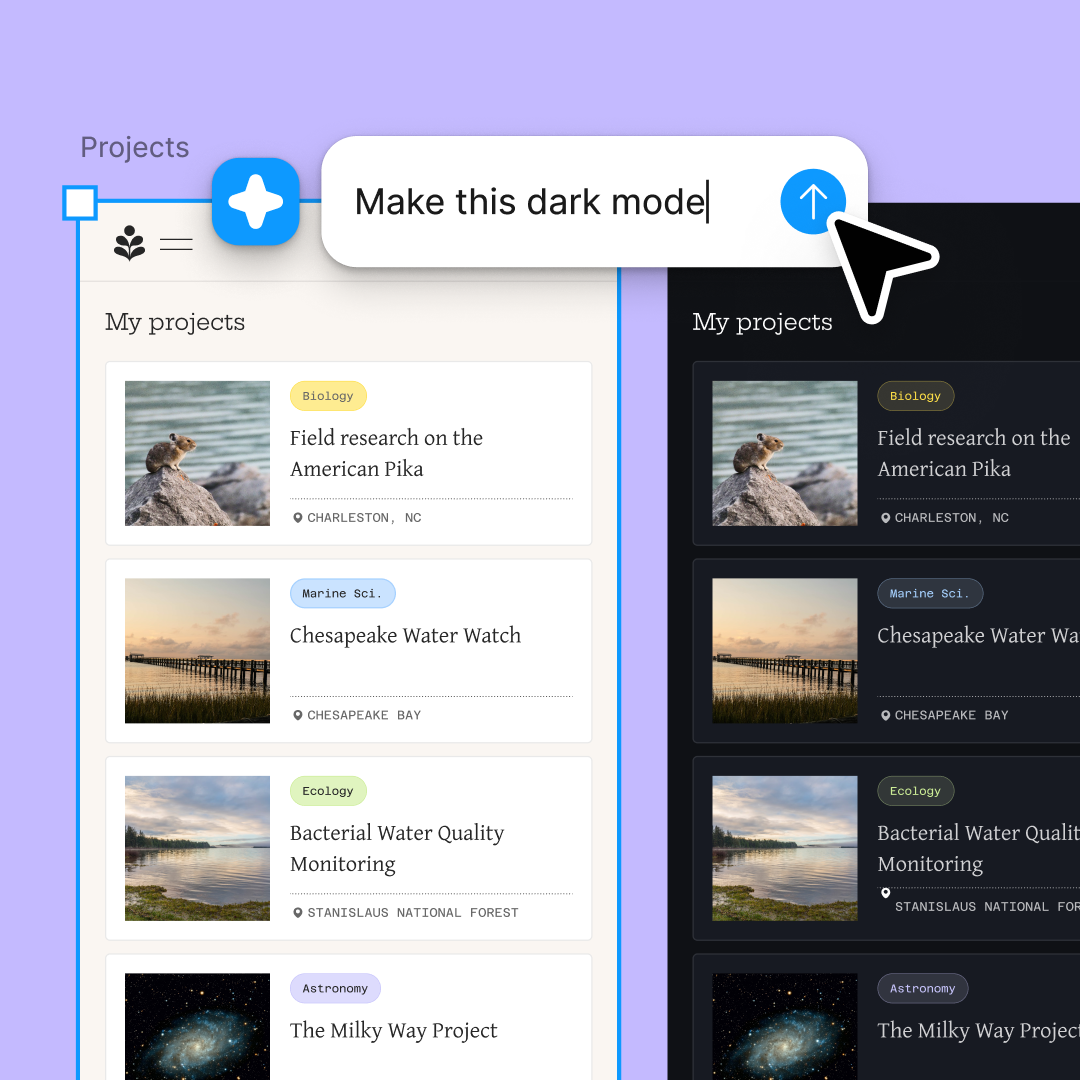
Audit multiple flows at once. Check your onboarding, checkout, and settings screens simultaneously without waiting on one to finish.

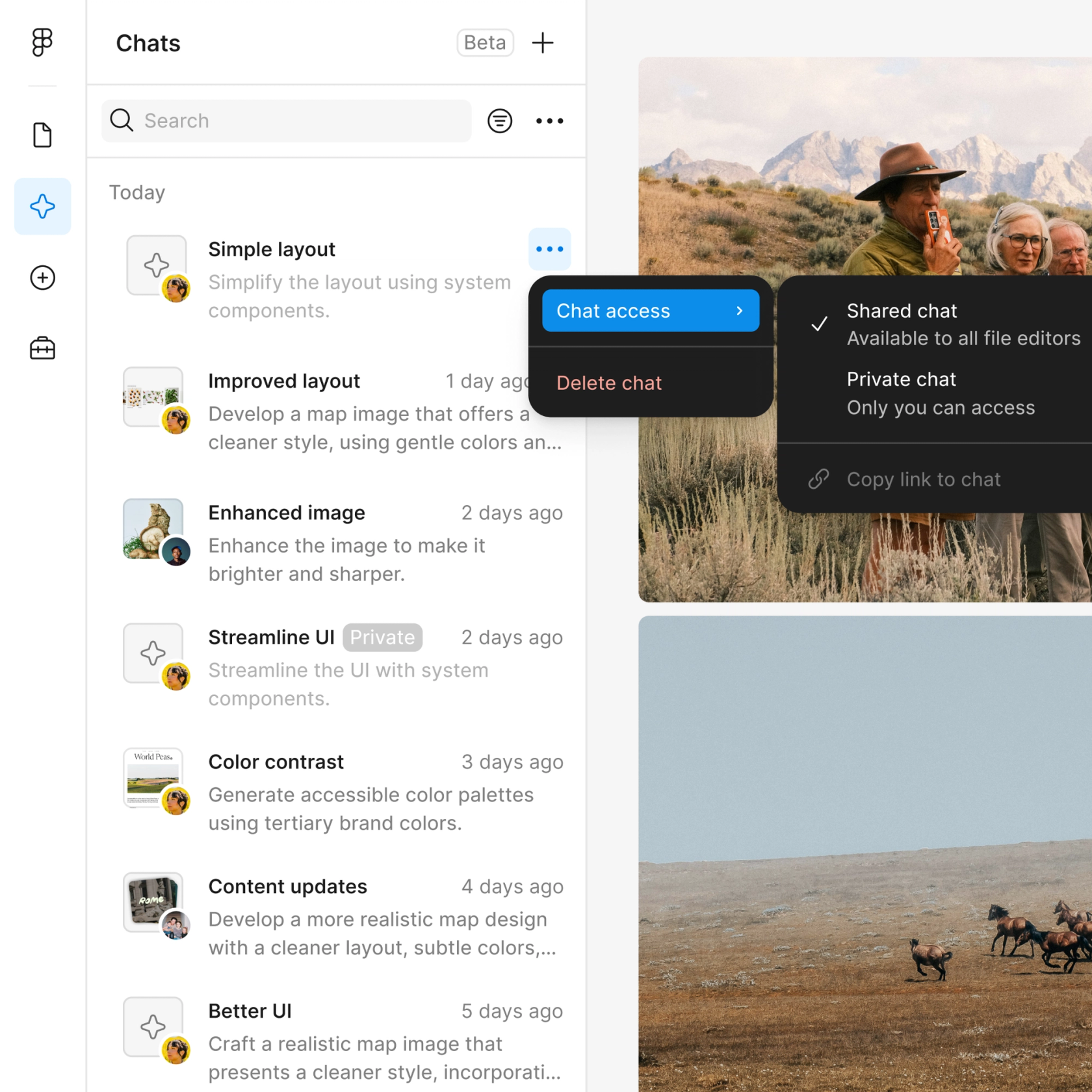
Share an audit thread and your team sees the full prompt, context, and findings. No separate handoff or summary doc needed.

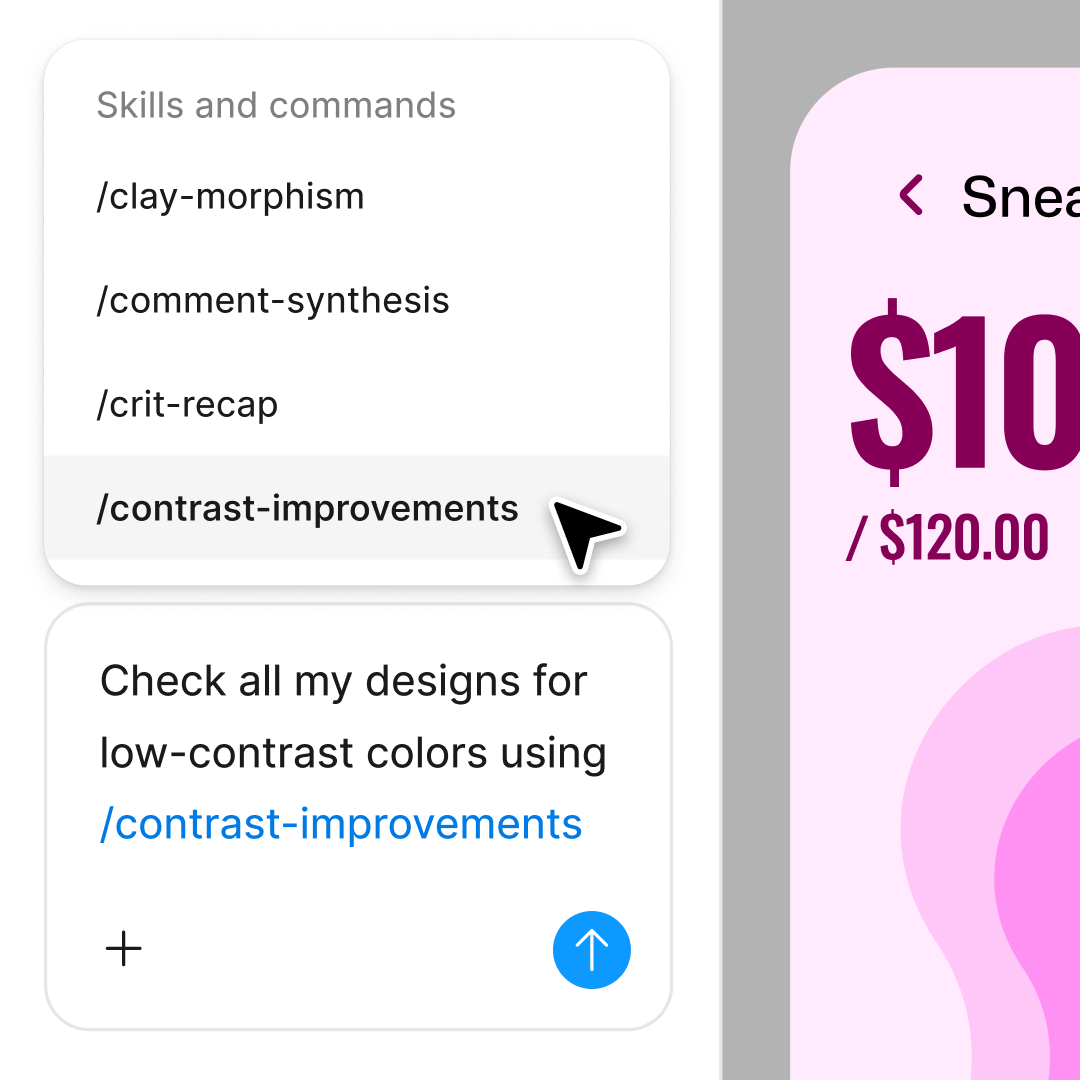
Ask the agent to dig deeper—'What about error states?' or 'Check accessibility'—in the same thread or start a parallel one.
Figma feels like a natural extension of my hand. I do my design ideation on the canvas, and now the agent takes it the last mile. With my design libraries connected, I can move from design to code faster than ever before.
Andy Madrick
Product Designer, Notion

Open your file in Figma Design and select the frames, flows, or screens you want the agent to audit for UX gaps.
Tell the agent what to look for—missing states, unclear navigation, inconsistent patterns—or ask for a general UX review.
Check the agent's feedback on your canvas. Ask follow-up questions in the same thread or start a parallel one for a different angle.
Make your edits directly on the canvas, then prompt the agent again to verify the gaps are resolved.
Watch Figma's AI Agent in action and see how to put it to work in your own workflows.

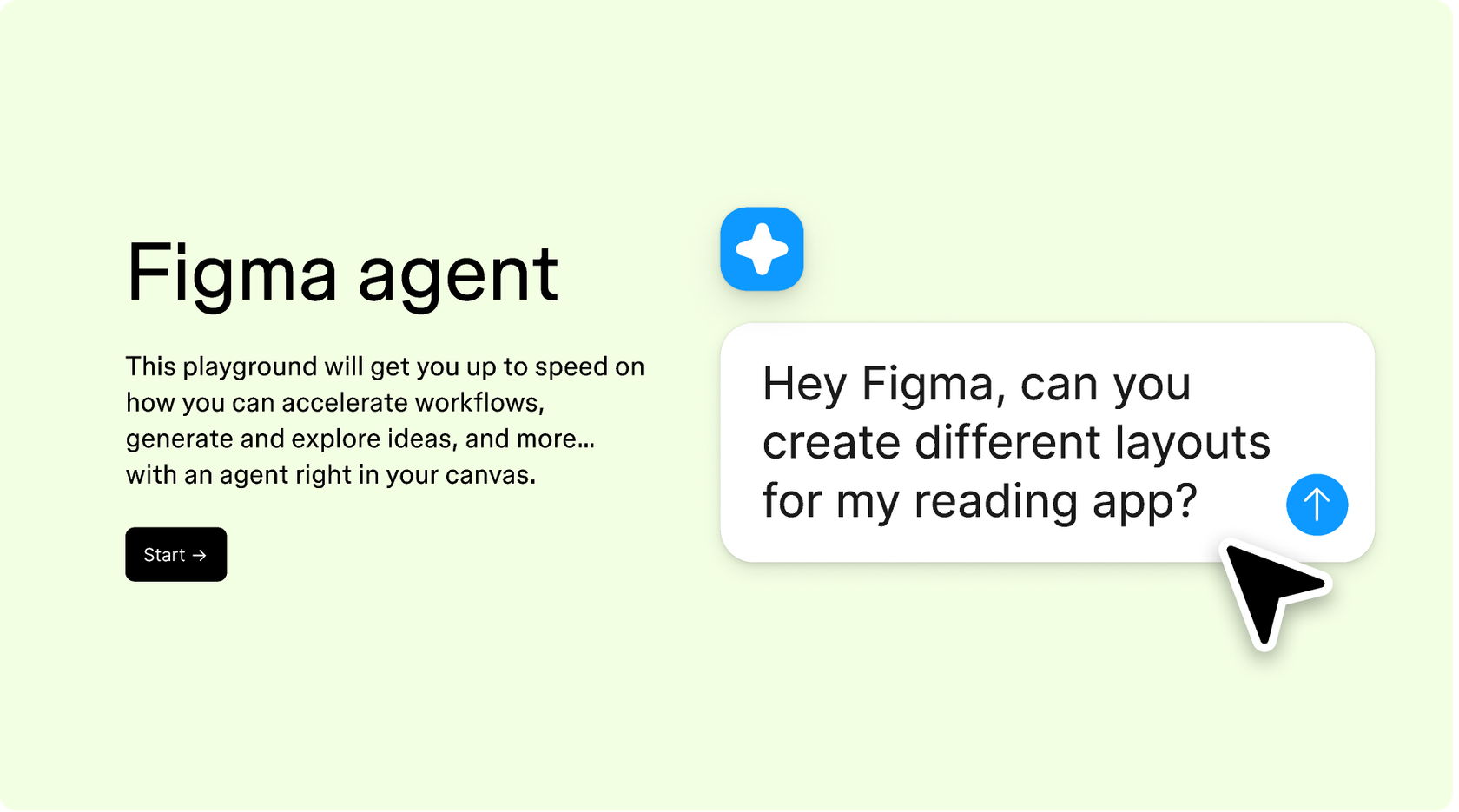
Hands-on playground to explore Figma agent's capabilities — from bulk edits to feedback implementation — with step-by-step guidance built right in.
Learn how to use Figma agent in your design workflows with a step-by-step tutorial from the Figma team.
An AI UX gap finder reviews your designs to surface usability issues you might miss—things like missing error states, unclear navigation paths, or inconsistent interaction patterns. Figma's agent does this directly on your canvas, using your real frames and components as context instead of requiring you to export screenshots or write up documentation for a separate review.
Figma's agent analyzes your design layers, frame structure, and connected flows to identify potential issues. It can spot missing states, dead ends in user flows, inconsistent patterns, and accessibility concerns. Because it works directly in your file, it understands how your screens relate to each other—not just what a single frame looks like in isolation.
Figma's agent can flag missing states like empty, loading, and error conditions. It identifies unclear navigation paths, inconsistent component usage, and potential accessibility gaps. It can also surface where your flow might confuse users or where important actions lack feedback. The more context you give in your prompt, the more specific the findings.
In Figma Design, select the frames you want to review and open the agent. Describe what you want checked—usability issues, missing states, flow logic—and the agent will surface gaps directly on your canvas. You can then fix issues in the same file, prompt again to verify, and share the thread with your team so everyone sees the same findings.
Figma's agent is available on all paid Figma plans. You'll find it in the left navigation bar in Figma Design. During the current open beta, it doesn't consume AI credits—so it's a good time to explore, experiment, and share your feedback with us.
Build faster with Figma's agent


