
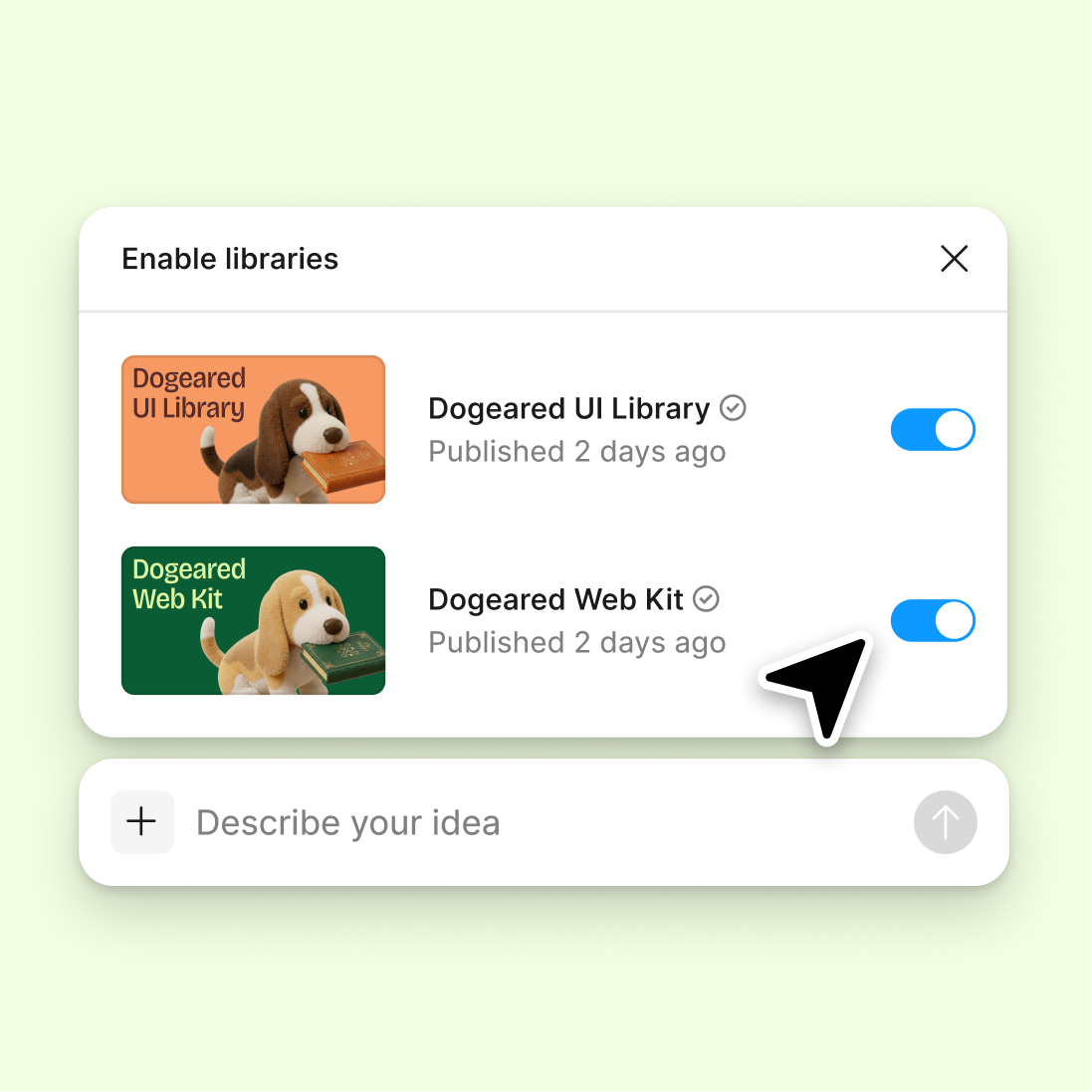
Connect a design library
Generate edge cases using your real components and design tokens, so every variation matches your system and stays consistent with production.
Skip to main content
Stress-test your designs with empty states, overflow text, error conditions, and boundary scenarios—directly in Figma Design. No spreadsheet of what-ifs, no rebuilding screens by hand.


Figma's agent generates edge cases using your real design system, so you can validate decisions before they reach development.

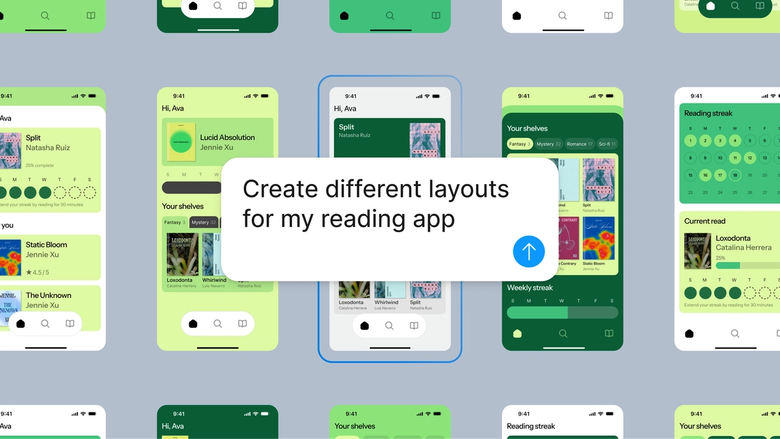
Figma's agent generates real edge case variations using your actual components, tokens, and styles—not placeholder sketches. See exactly how your design handles empty states, long usernames, and error messages in context.

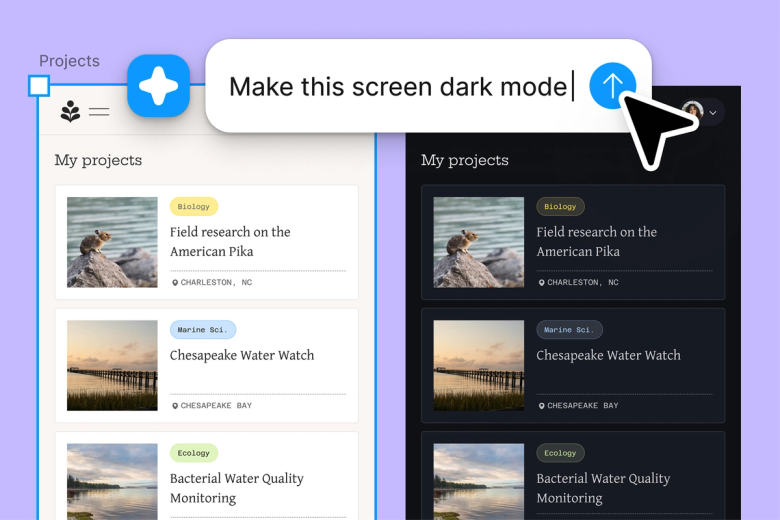
Stop manually creating every edge case screen. Describe the scenarios you need—overflow text, missing images, error states—and let the agent generate them while you focus on solving the real design problems.

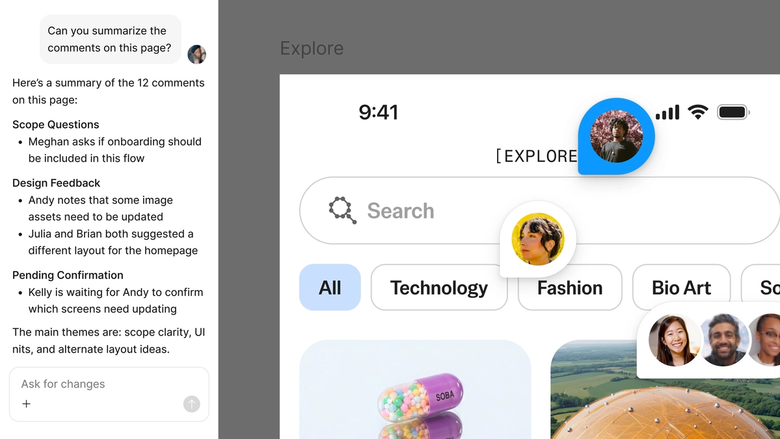
Edge cases live in the same file your team works in. Developers see exactly what empty, error, and boundary states should look like. Nothing gets lost in a handoff document or forgotten ticket.
A closer look at what sets Figma's agent apart, built for the way design teams actually work.
Generate edge cases using your real components and design tokens, so every variation matches your system and stays consistent with production.

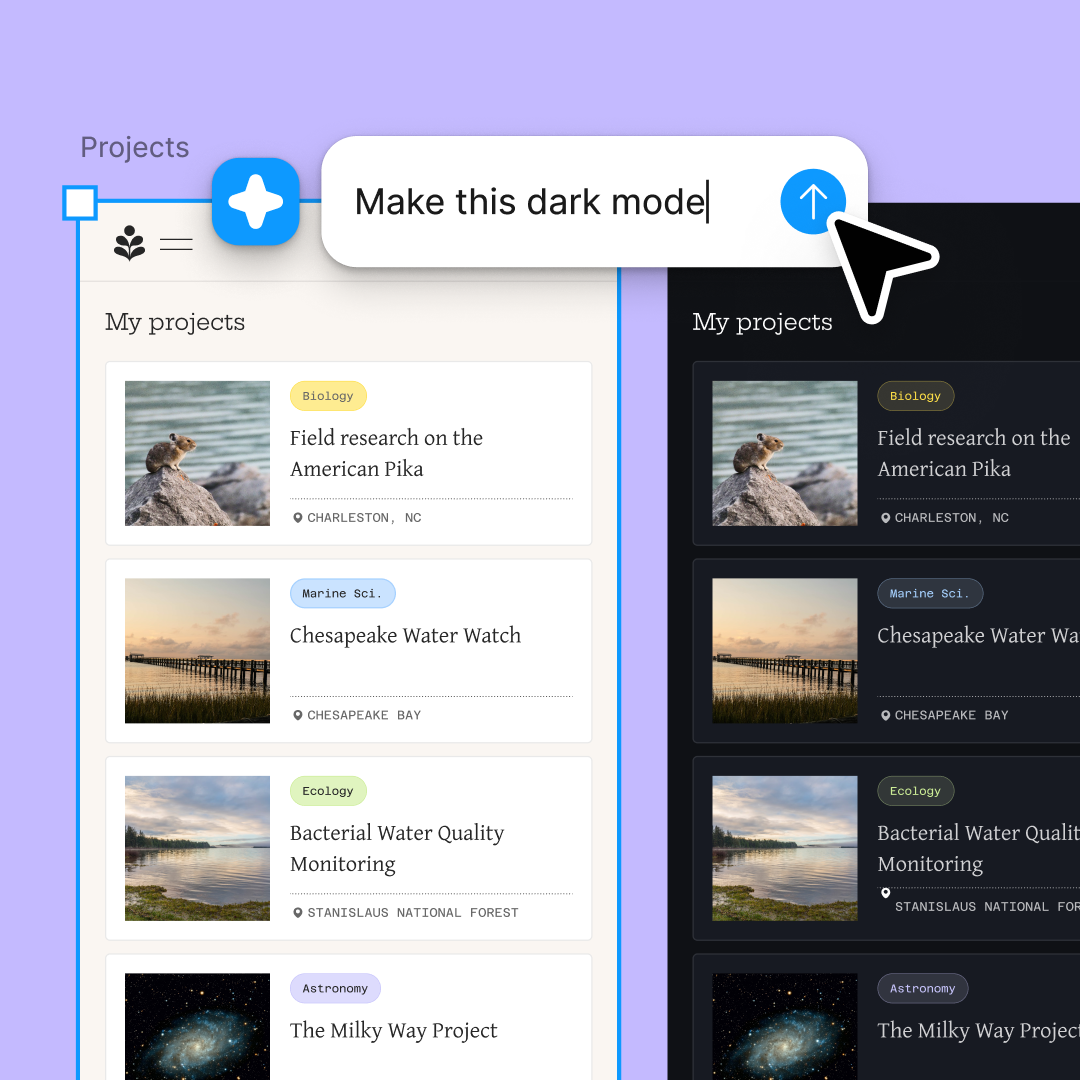
Explore multiple edge case directions at once—empty states, overflow scenarios, error conditions—without waiting for one to finish before starting another.

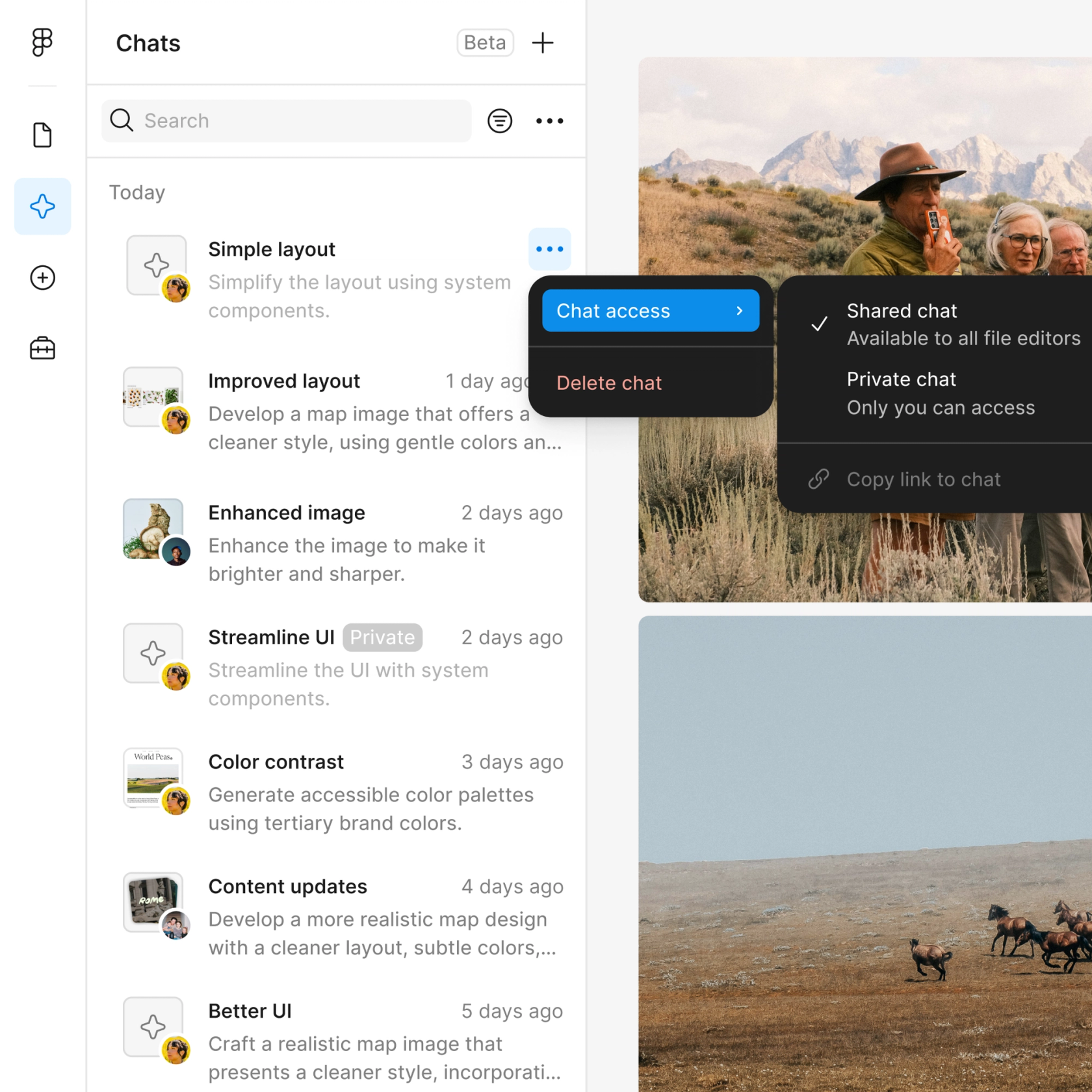
Share a thread and your team sees the full prompt, context, and iteration history. QA and engineering know exactly what scenarios were considered.

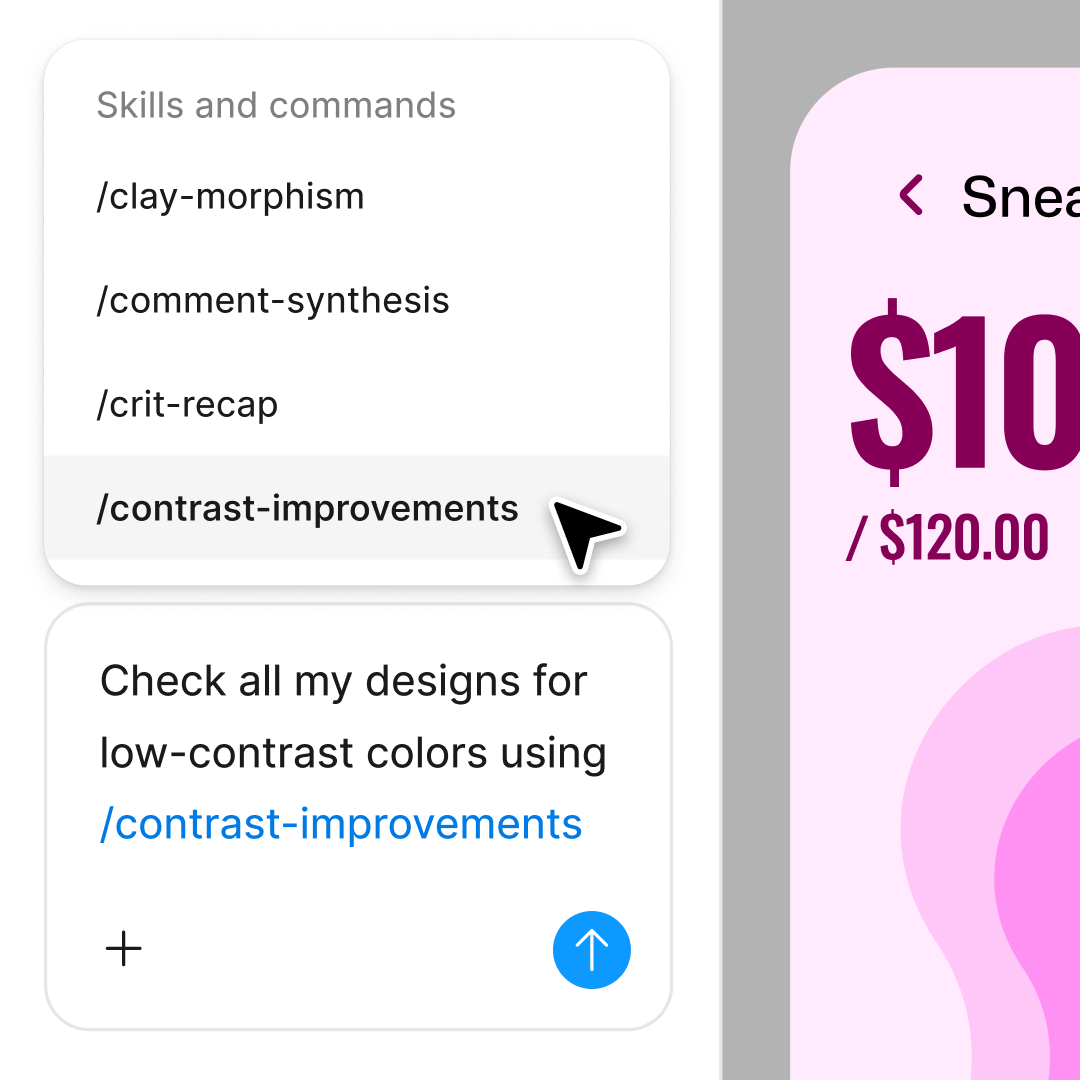
First pass missing a scenario? Prompt again in the same thread to add more cases, or open a parallel one to explore a different edge condition.
Figma feels like a natural extension of my hand. I do my design ideation on the canvas, and now the agent takes it the last mile. With my design libraries connected, I can move from design to code faster than ever before.
Andy Madrick
Product Designer, Notion

Open your file in Figma Design and select the component, frame, or screen you want to stress-test with edge cases.
Tell the agent what edge cases to generate—empty states, maximum character overflow, error conditions, missing data. Be specific about the boundaries you want to explore.
Check each edge case on your canvas. Refine in the same thread to adjust scenarios, or start a parallel one to explore different conditions.
Everything stays editable. Add more edge cases, tweak the ones you have, or turn your workflow into a reusable skill for future projects.
Watch Figma's AI Agent in action and see how to put it to work in your own workflows.

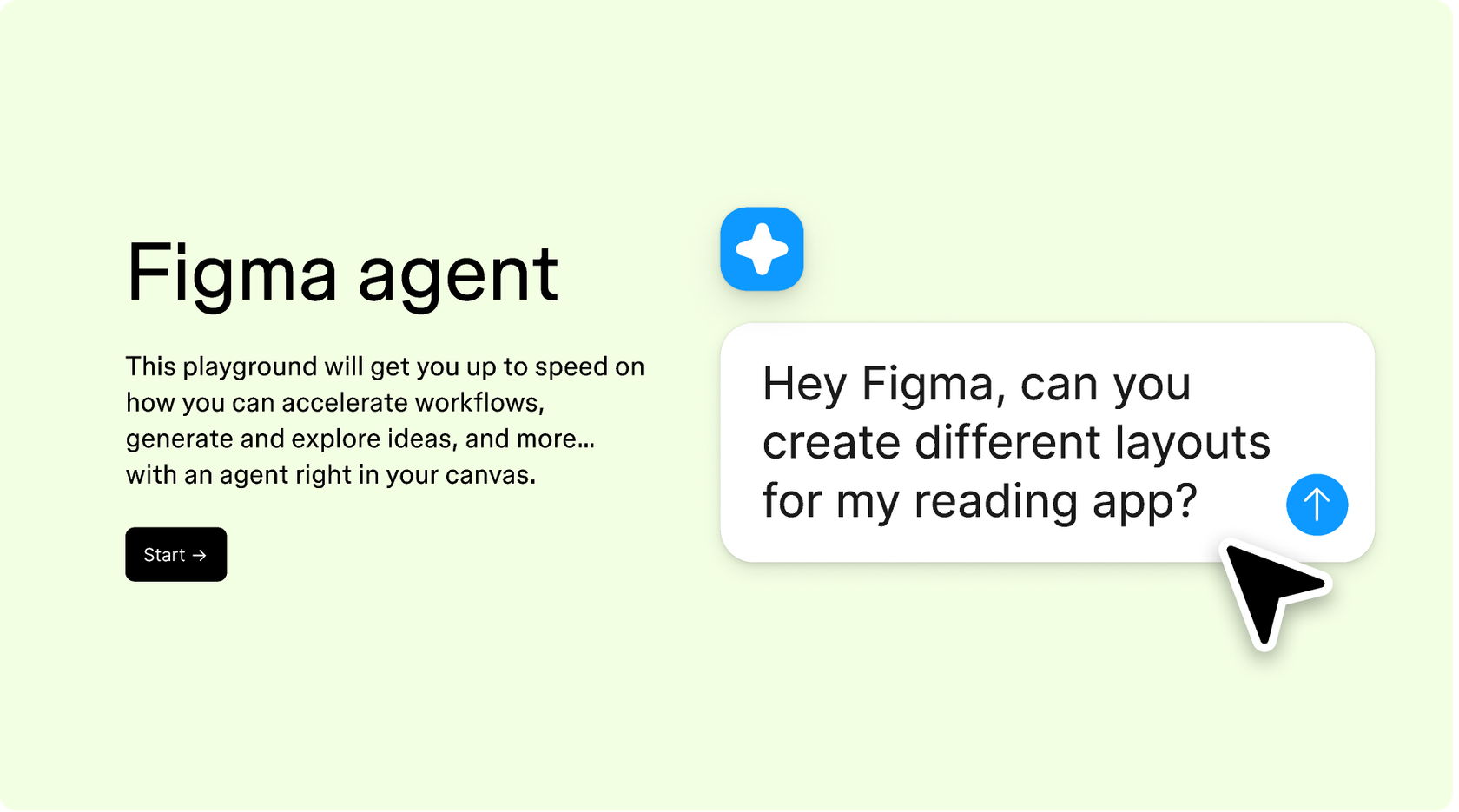
Hands-on playground to explore Figma agent's capabilities — from bulk edits to feedback implementation — with step-by-step guidance built right in.
Learn how to use Figma agent in your design workflows with a step-by-step tutorial from the Figma team.
Common edge cases include empty states, maximum character overflow, missing images, error messages, loading states, and boundary conditions like zero items or thousands of entries. Figma's agent can generate these scenarios using your actual components, so you see exactly how your design holds up under real-world conditions.
AI can quickly generate multiple edge case variations that would take hours to create manually. Figma's agent understands your design context and produces realistic scenarios—empty states, overflow text, error conditions—directly on your canvas using your real components and styles.
Start by identifying boundary scenarios: What happens with no data? With too much data? With errors? Figma's agent lets you describe these conditions in plain language and generates the variations on your canvas, so you can validate your design before handing off to development.
Yes. Figma's agent connects to your design library and generates edge case variations using your real components, tokens, and styles. Every empty state, error message, and overflow scenario matches your system and stays consistent with your production designs.
Figma's agent is available on all paid Figma plans. You'll find it in the left navigation bar in Figma Design. During the current open beta, it doesn't consume AI credits—so it's a good time to explore, experiment, and share your feedback with us.
Build faster with Figma's agent


