
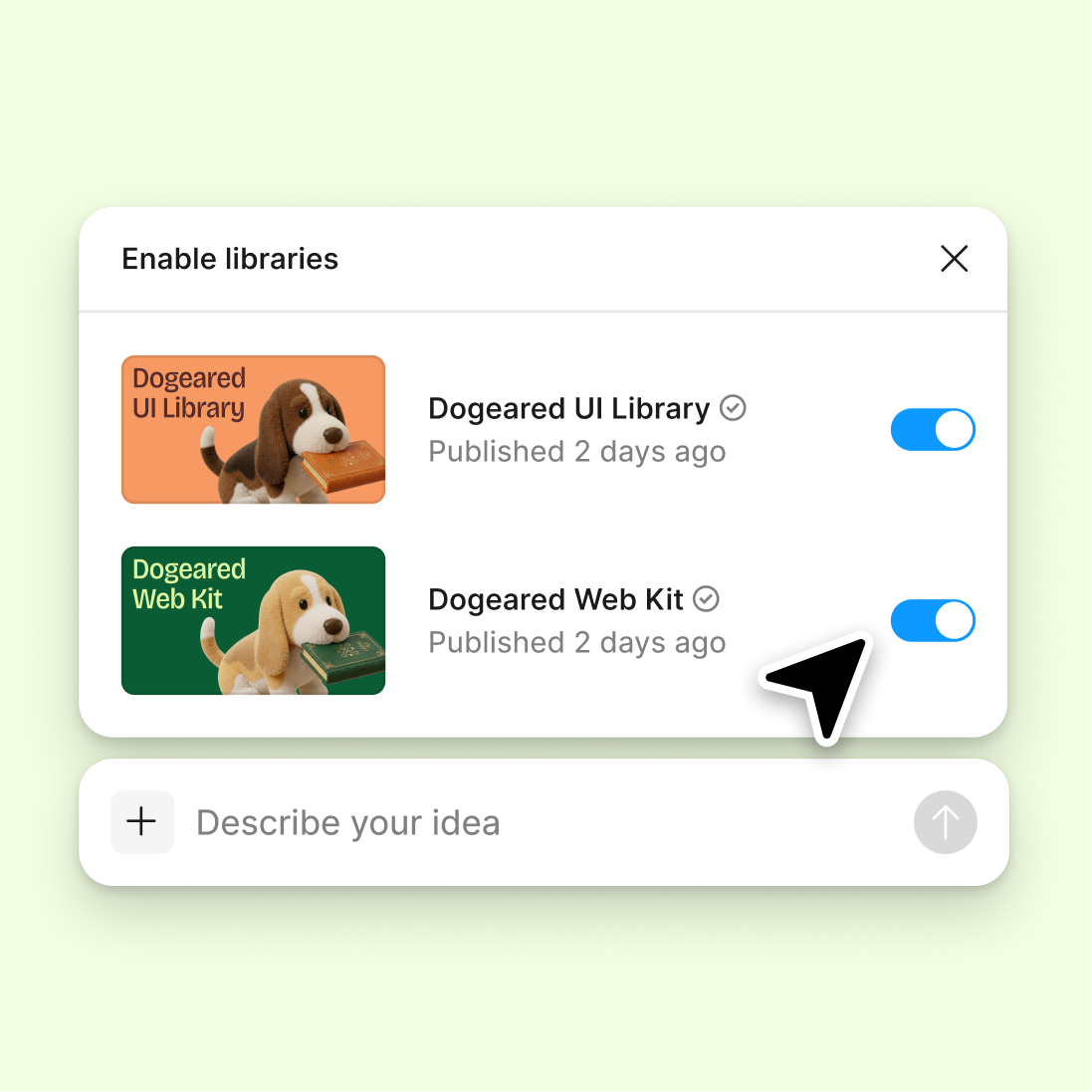
Connect your design library
Point the agent at your design library so it audits against your real components, tokens, and variables—not generic assumptions about what your system should be.
Skip to main content
Spot inconsistencies, flag detached components, and surface styling drift with AI—directly in Figma Design. No spreadsheets, no manual combing through files, no guesswork about what's off.


Figma's agent reviews your components, tokens, and usage patterns on the canvas where your team already works—so fixes happen where the system lives.

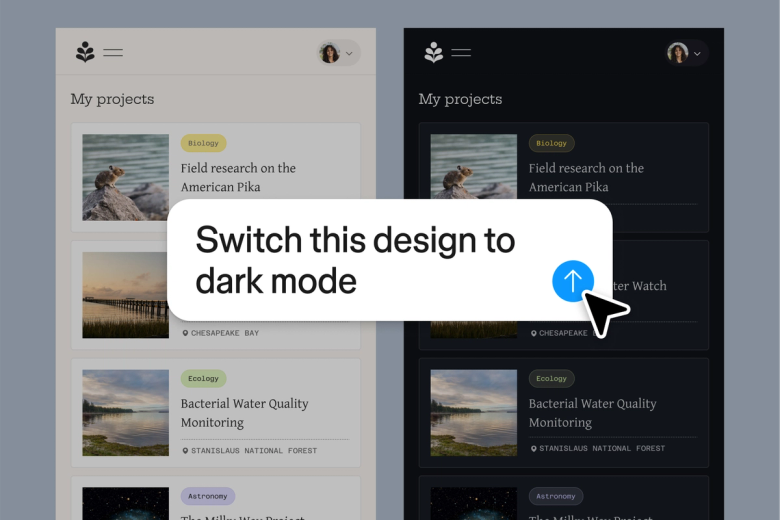
The agent scans your files for detached components, styling drift, and token misuse—flagging issues across your design system so you can fix them before they multiply into production.

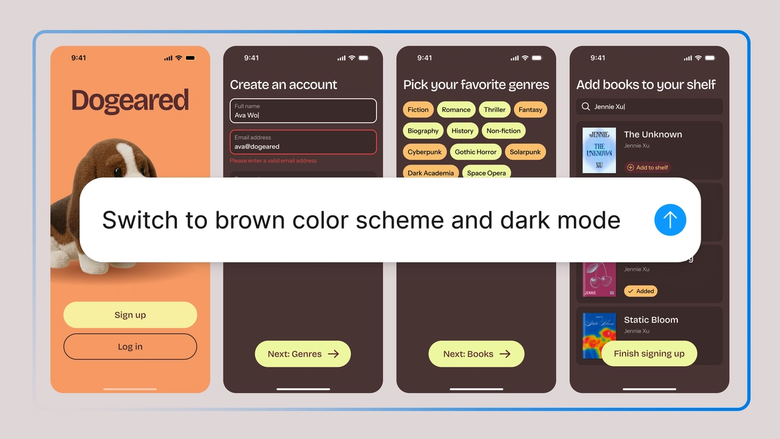
Hand off the tedious work of manually checking every instance, every variant, every color value. Focus on the system decisions that matter while the agent handles the detective work.

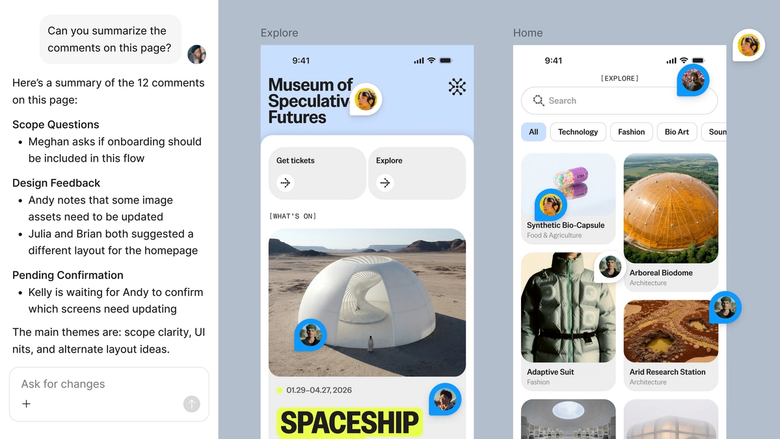
Audit findings live in the same file your team works in, so everyone sees what needs attention and can act on it immediately. No separate reports getting lost in handoff.
A closer look at what sets Figma's agent apart, built for the way design teams actually work.
Point the agent at your design library so it audits against your real components, tokens, and variables—not generic assumptions about what your system should be.

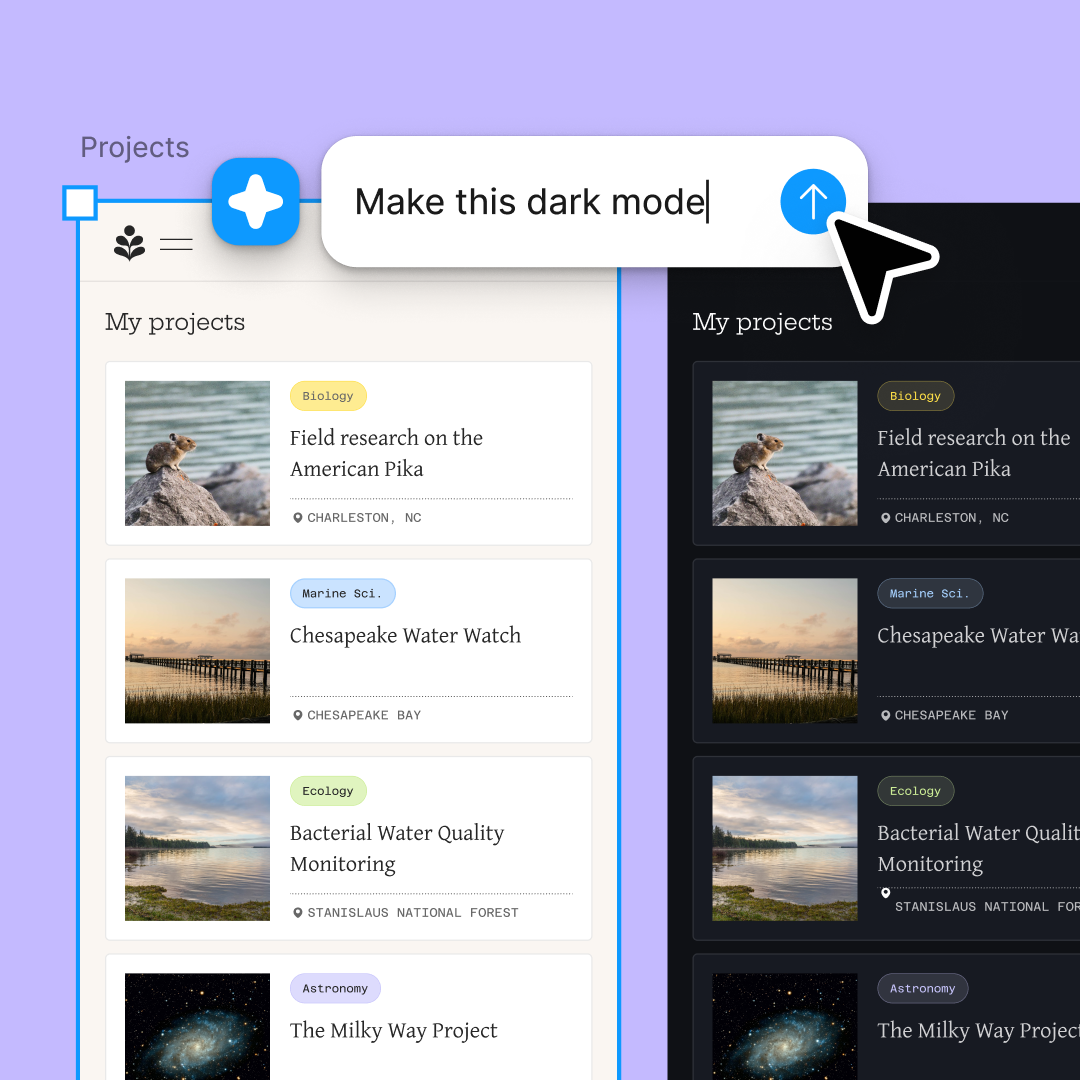
Check multiple files or component sets simultaneously. Explore different audit scopes at once without waiting for one to finish before starting another.

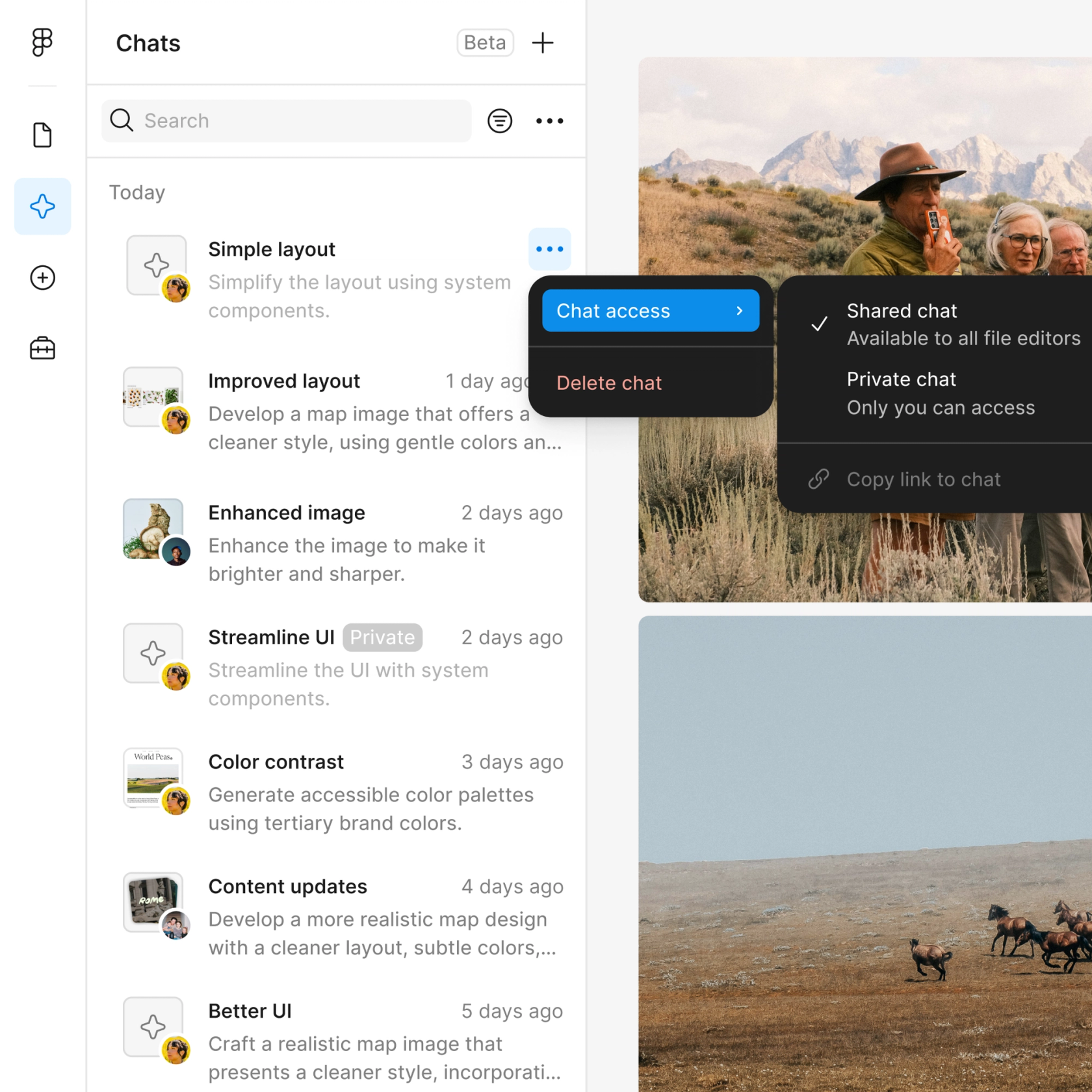
Share a thread and your team sees the full audit context, findings, and follow-up actions. No separate documentation needed.

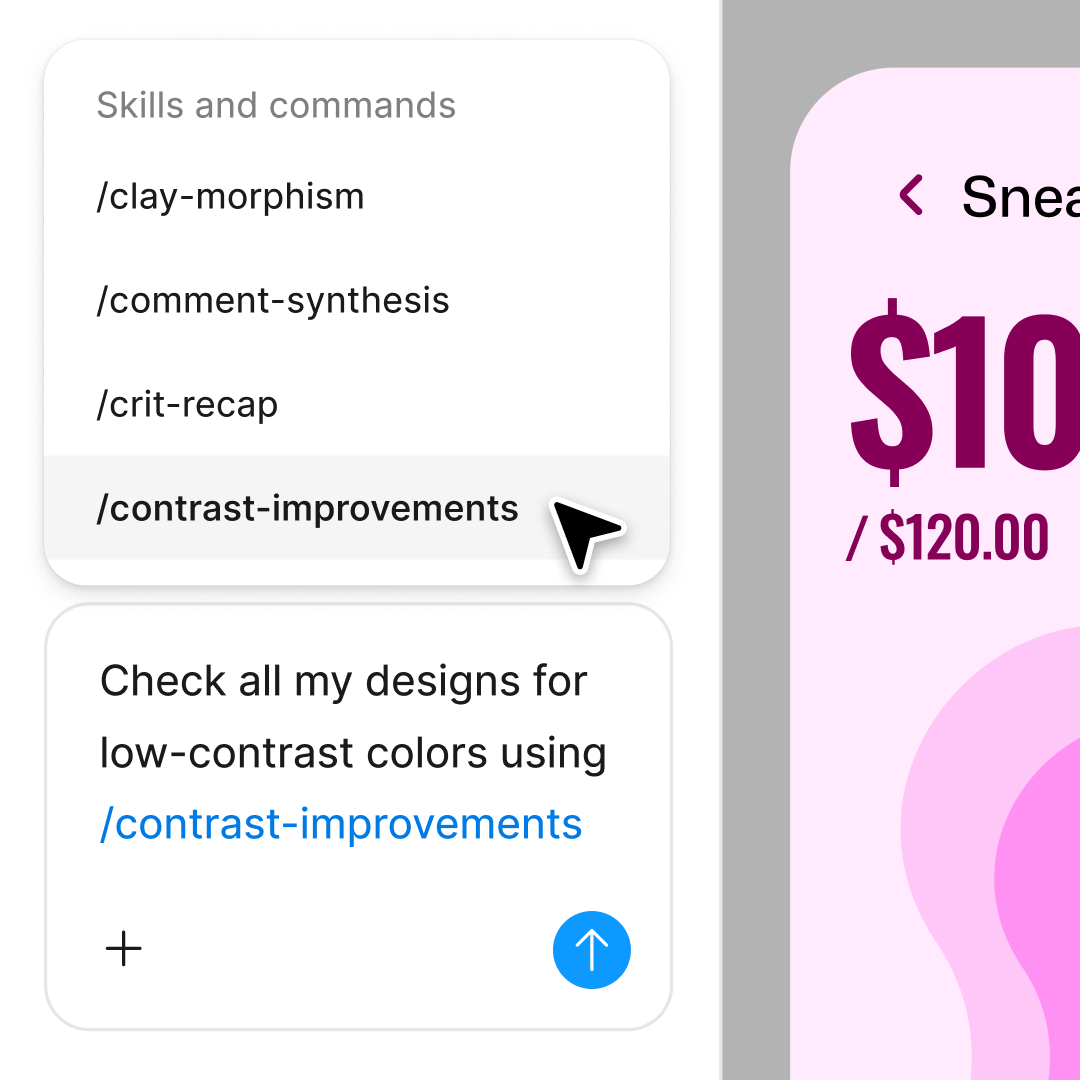
First pass missed something? Ask the agent to dig deeper into a specific component, check for edge cases, or explain why something was flagged.
Figma feels like a natural extension of my hand. I do my design ideation on the canvas, and now the agent takes it the last mile. With my design libraries connected, I can move from design to code faster than ever before.
Andy Madrick
Product Designer, Notion

Select Agents in the left side rail or hit CMD + Enter. Navigate to the file or library you want to audit.
Tell the agent what to audit—detached components, color inconsistencies, spacing drift, token usage. Point it at your design library for context.
Check flagged issues on the canvas. Start a parallel thread to investigate a specific finding or explore a different audit scope.
Address the issues directly in your file. Run the audit again to confirm fixes, or turn the workflow into a reusable skill for regular checkups.
Watch Figma's AI Agent in action and see how to put it to work in your own workflows.

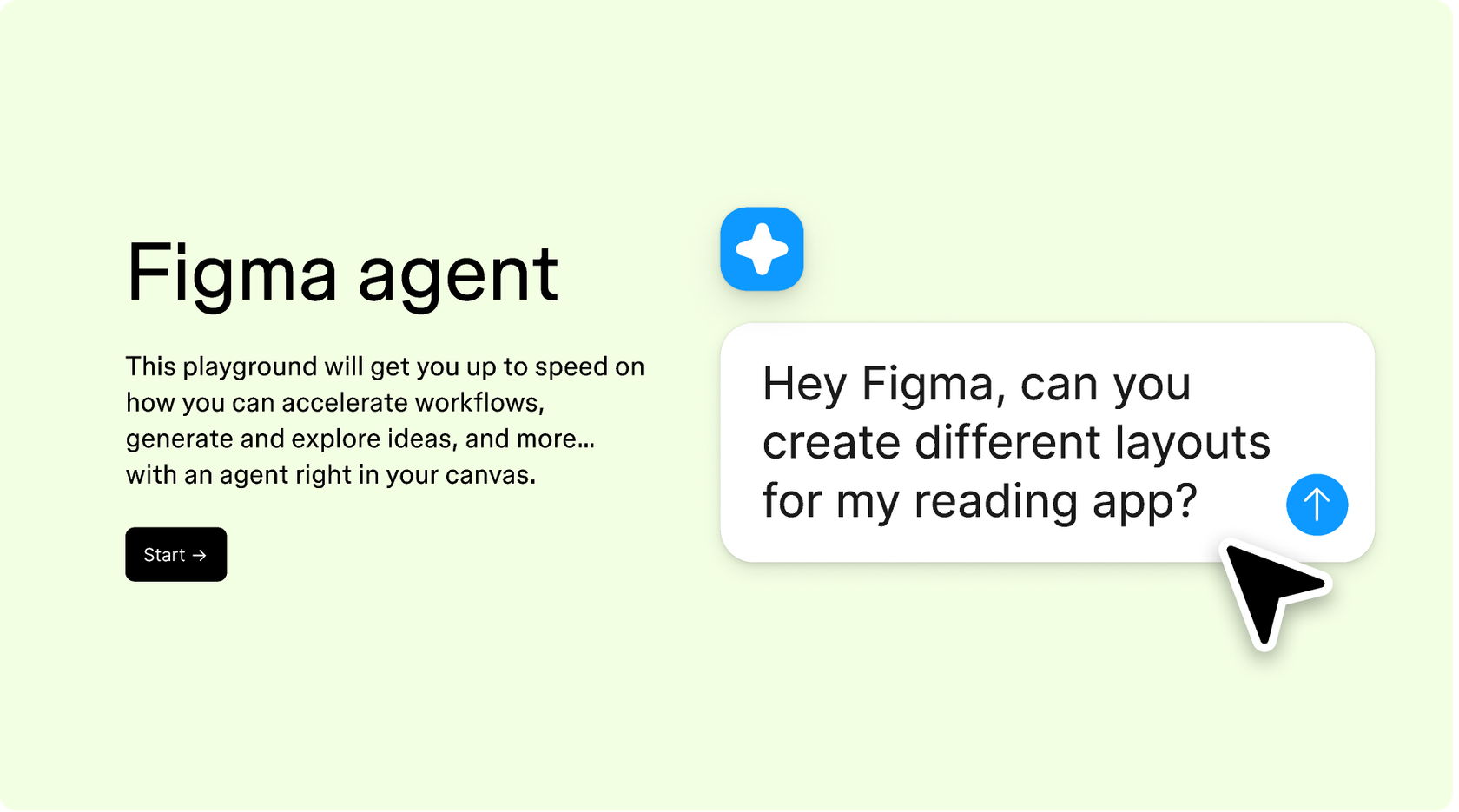
Hands-on playground to explore Figma agent's capabilities — from bulk edits to feedback implementation — with step-by-step guidance built right in.
Learn how to use Figma agent in your design workflows with a step-by-step tutorial from the Figma team.
An AI design system audit uses artificial intelligence to analyze your design system for inconsistencies, detached components, token misuse, and styling drift. Figma's agent performs this audit directly on your canvas, scanning against your actual design library to flag issues that manual review might miss.
A thorough audit checks component usage and detachment, color and typography consistency, spacing patterns, token application, and variant coverage. Figma's agent can surface these issues across your files by referencing your connected design library, giving you a clear picture of system health.
AI accelerates design system analysis by scanning files faster than manual review, catching subtle inconsistencies humans might overlook, and surfacing patterns across large file sets. The agent in Figma Design works with your real components and tokens, so findings are specific to your system.
Regular audits—monthly or quarterly—help catch drift before it compounds. Figma's agent makes frequent checkups practical by automating the scanning work. You can even package an audit workflow into a reusable skill, making it easy to run consistent health checks.
Figma's agent is available on all paid Figma plans. You'll find it in the left navigation bar in Figma Design. During the current open beta, it doesn't consume AI credits—so it's a good time to explore, experiment, and share your feedback with us.
Build faster with Figma's agent


