AI brand video generator

Turn product shots and scripts into on-brand videos your customers actually watch.

The AI brand video generator built for repeatable campaigns

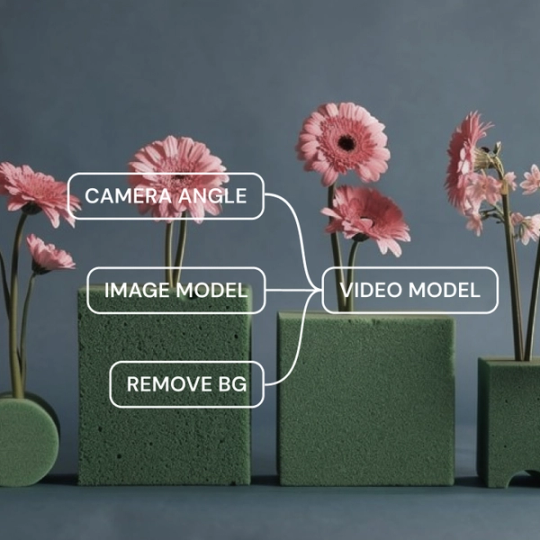
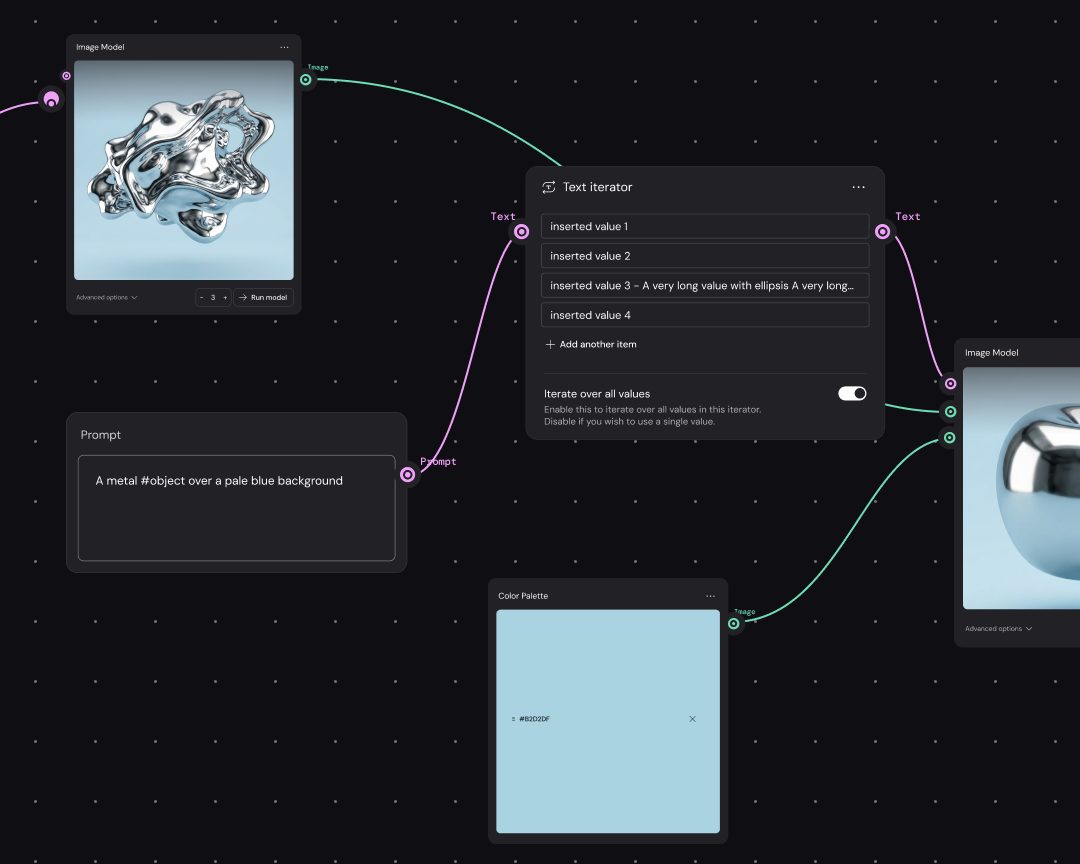
Figma Weave is an AI brand video generator with every major AI video model built in, right next to the professional editing tools you need to keep footage on-brand. Everything runs on one node-based canvas, so a product photo, a script, or a moodboard becomes a finished video without exporting to another app.

  • Build once. Scale across any volume.

    Set up your brand video workflow once, then run it again for new product drops, seasonal campaigns, or weekly social posts. Clothing brands and teams that publish often get the most out of this—no starting from scratch every time.

  • Turn workflow into a simplified tool

    Turn your brand video production pipeline into an interface anyone on the team can run. They add the product shots or script. The creative direction stays where you build it.

  • Professional editing built into the generation pipeline

    Color grading, compositing, masking, and relighting all happen on the same canvas. Match your brand’s palette and tone without sending footage to a separate editor.

  • Every AI model, one canvas

    Access video models, like Kling, Runway, Luma, and Wan, without juggling subscriptions. Pick the model that matches the shot you need, whether that’s cinematic B-roll, a talking avatar, or a quick product spin.

How to generate a brand video in Figma Weave

Drop in product photos, a script, brand colors, or a reference clip. Figma Weave uses these as the starting point for your workflow.

Pick from Kling, Runway, Luma, Wan, and other supported models based on the style and motion you want.

Connect generation, editing, and compositing nodes in the order your video needs them.

Run the workflow, then adjust color, pacing, or framing on the canvas until the clip matches your brand.

Turn the finished workflow into a template, so the next campaign, launch, or social batch starts from something that already works.

Built by our community

See how the Figma Community is using Figma Weave to create AI-generated images, video, and 3D.

FAQ

Figma Weave supports video models from Kling, Wan, Luma, Runway, and more, as well as image, audio, and 3D models. Mix and match them within the same workflow depending on what each shot calls for.

Yes. Once you’ve built a workflow, it can output the same brand video in vertical, square, and widescreen formats for TikTok, Instagram, and YouTube without rebuilding the workflow for each one. That makes Figma Weave a useful AI product video generator when the same clip has to work everywhere.

Yes, Figma Weave’s outputs work for Reels, TikTok, and Stories. Build a workflow that crops and resizes footage per platform, so one shoot turns into several posts. As an AI video ad generator, Figma Weave gives you relighting, compositing, and multi-model access in one place. You can hit commercial-quality video without hiring an outside production team for every spot.

Yes. Small teams tend to get the most out of Figma Weave’s reusable workflows. Build one workflow for a brand, then hand it off to whoever’s running marketing that week—no video specialist needed.

Most tools built for one job give you one model and one output format. Figma Weave combines multiple AI models with professional editing in the same workflow to hit commercial production quality, including consistent lighting and multiple aspect ratios, without stitching together separate apps.

Yes. You can turn product shots into social ads, lookbook-style clips, and launch videos, then reuse the same workflow for the next drop instead of rebuilding it each season.

Become an agent expert

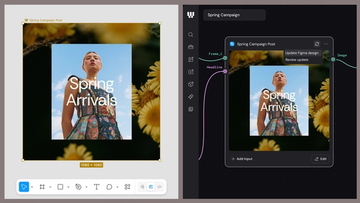
A “Spring Arrivals” campaign design shown in Figma Design beside its connected Figma node in Weave, with options to update the Figma design or review an update.A “Spring Arrivals” campaign design shown in Figma Design beside its connected Figma node in Weave, with options to update the Figma design or review an update.

The TL;DR on Figma Weave: Make your creative process repeatable

Figma Weave brings AI generation and editing tools together into connected, reusable workflows, giving you a process your team can shape, refine, and repeat. Here’s what it unlocks for creative teams and how to get the most out of it.

Learn more

Workflow lab: From design system to campaign in Figma Weave

Design systems can power more than just designs. This workflow shows you how to turn raw materials into brand campaign collateral using the Gen Effect and Figma nodes.

Learn more
Colorful abstract illustration of interlocking geometric shapes, including loops, arrows, a starburst, and grid patterns, suggesting connected tools and workflows.Colorful abstract illustration of interlocking geometric shapes, including loops, arrows, a starburst, and grid patterns, suggesting connected tools and workflows.

Try these 5 Weave tools—and share your own

Community publishing is now live for Weave tools. Here are a few tools that stand out, from turning a moodboard into a realistic room mockup to previewing your next nail set.

Learn more
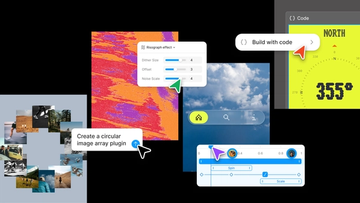
Collage-style product graphic showcasing AI-assisted design and development workflows, with plugin creation prompts, visual effect controls, code generation tools, and interactive UI components arranged across a creative workspace.Collage-style product graphic showcasing AI-assisted design and development workflows, with plugin creation prompts, visual effect controls, code generation tools, and interactive UI components arranged across a creative workspace.

Config 2026: New materials, new tools and a more expressive canvas

Push past what you thought was possible with code layers, Figma Motion, shaders, generative plugins and Weave tools, all on the canvas.

Learn more
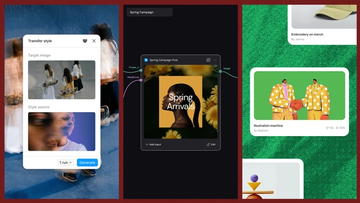
Three-panel product graphic demonstrating AI-powered style transfer. On the left, a "Transfer style" interface displays a target image of people carrying skateboards and a blurred portrait used as the style source. In the center, a workflow canvas labeled "Spring Campaign" shows a connected post-generation node producing a floral-themed social media graphic titled "Spring Arrivals." On the right, a gallery-style layout displays generated creative assets, including an illustrated handshake artwork and merchandise design cards, showing how transferred styles can be applied across a campaign.Three-panel product graphic demonstrating AI-powered style transfer. On the left, a "Transfer style" interface displays a target image of people carrying skateboards and a blurred portrait used as the style source. In the center, a workflow canvas labeled "Spring Campaign" shows a connected post-generation node producing a floral-themed social media graphic titled "Spring Arrivals." On the right, a gallery-style layout displays generated creative assets, including an illustrated handshake artwork and merchandise design cards, showing how transferred styles can be applied across a campaign.

Connecting Figma and Weave

Today, we’re announcing new ways your Weave creative workflows can live alongside your Figma frames.

Learn more

Direct every frame with Runway Aleph 2.0, now in Figma Weave

Aleph 2.0 brings frame-level creative direction to the Figma Weave canvas.

Learn more
Powered by Fruition