Node-based workflows that keep you in control
Blend a fabric mood board with a specific silhouette reference, then adjust each node separately until the fit and finish match what you had in mind.
Skip to main content
Generate fashion concepts across multiple AI models, then refine the ones worth developing.
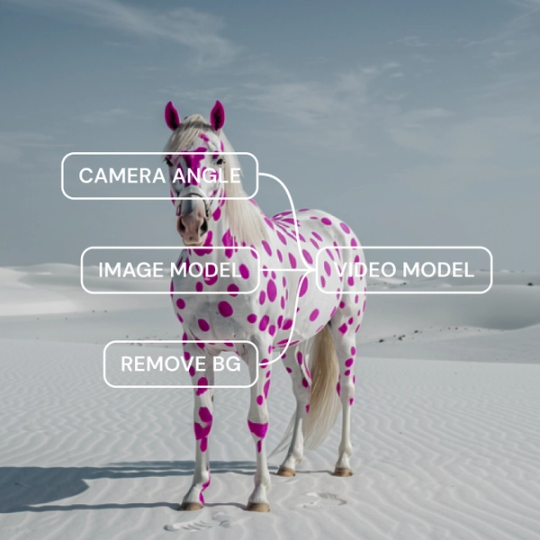
Most fashion AI platforms tie you to one model's take on silhouette and fabric. Figma Weave runs the same reference through several, then lets you refine the closest match into a full range of looks
Blend a fabric mood board with a specific silhouette reference, then adjust each node separately until the fit and finish match what you had in mind.

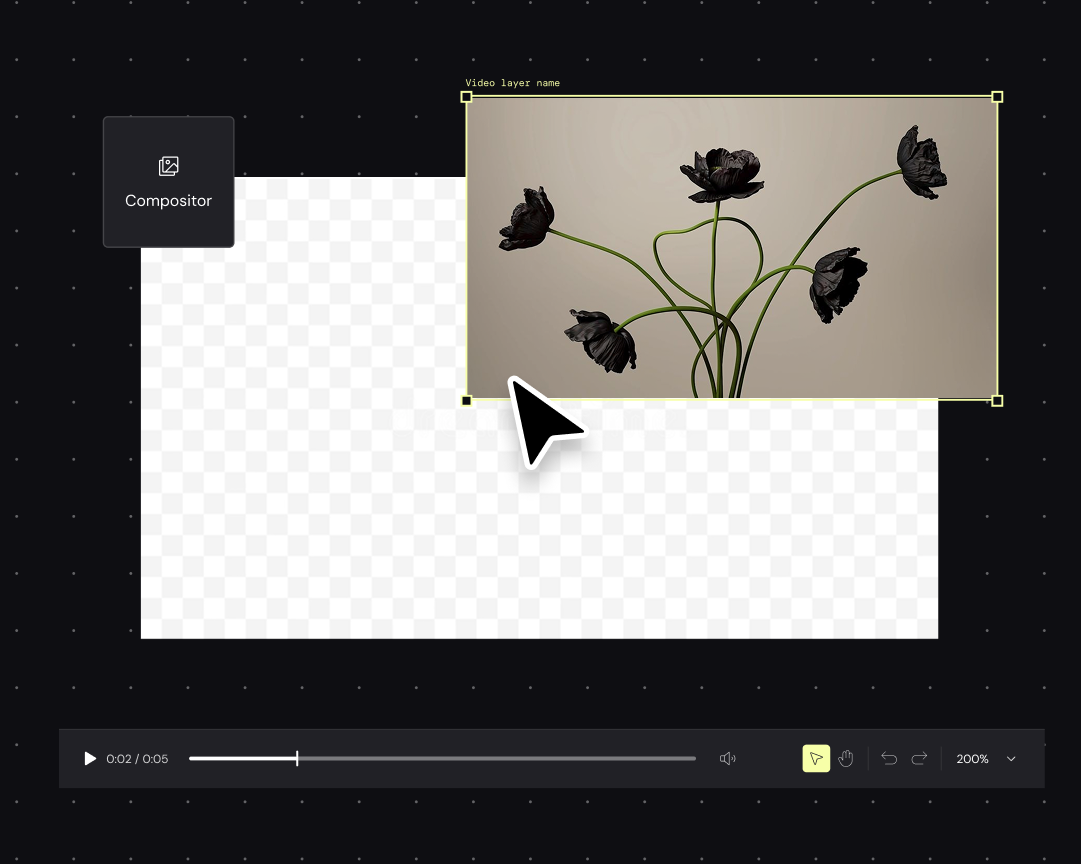
Adjust color and lighting directly on a generated design, then fine-tune texture and finish—all in the same canvas where the concept started.

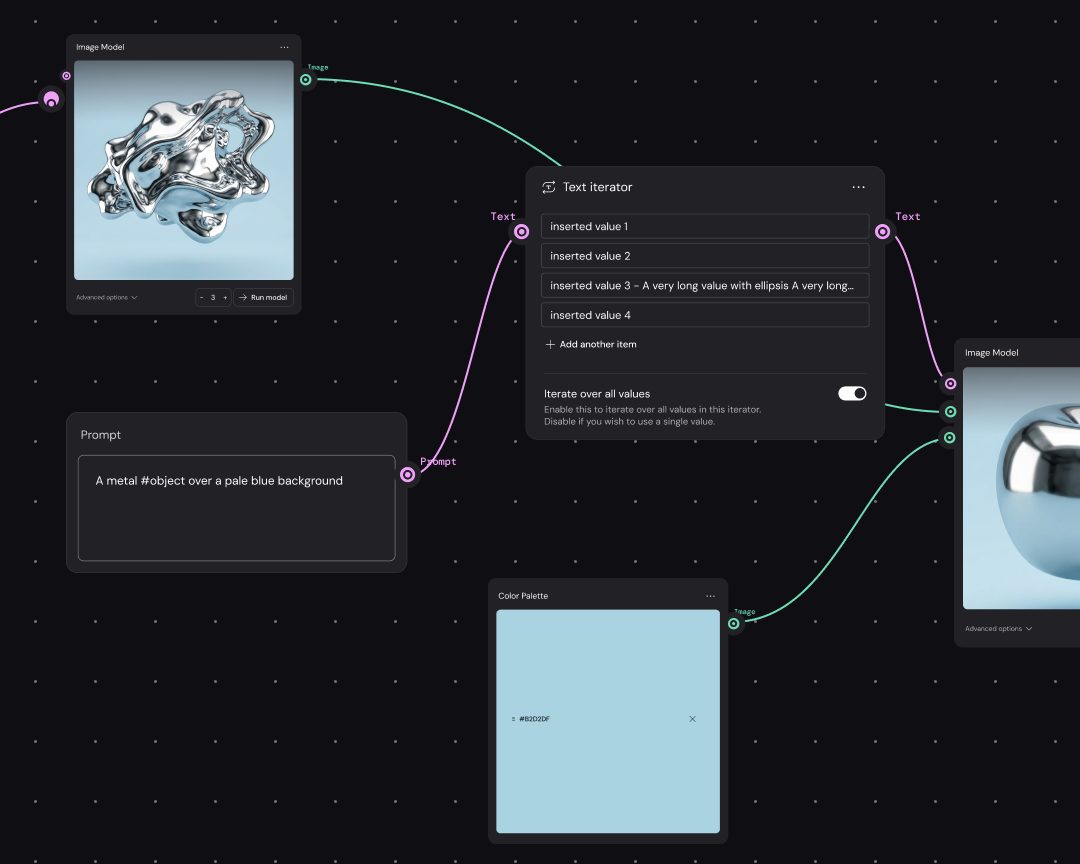
Lock in a design, then rerun it with new color or fabric references to produce a full set of variations for a lookbook or product line.

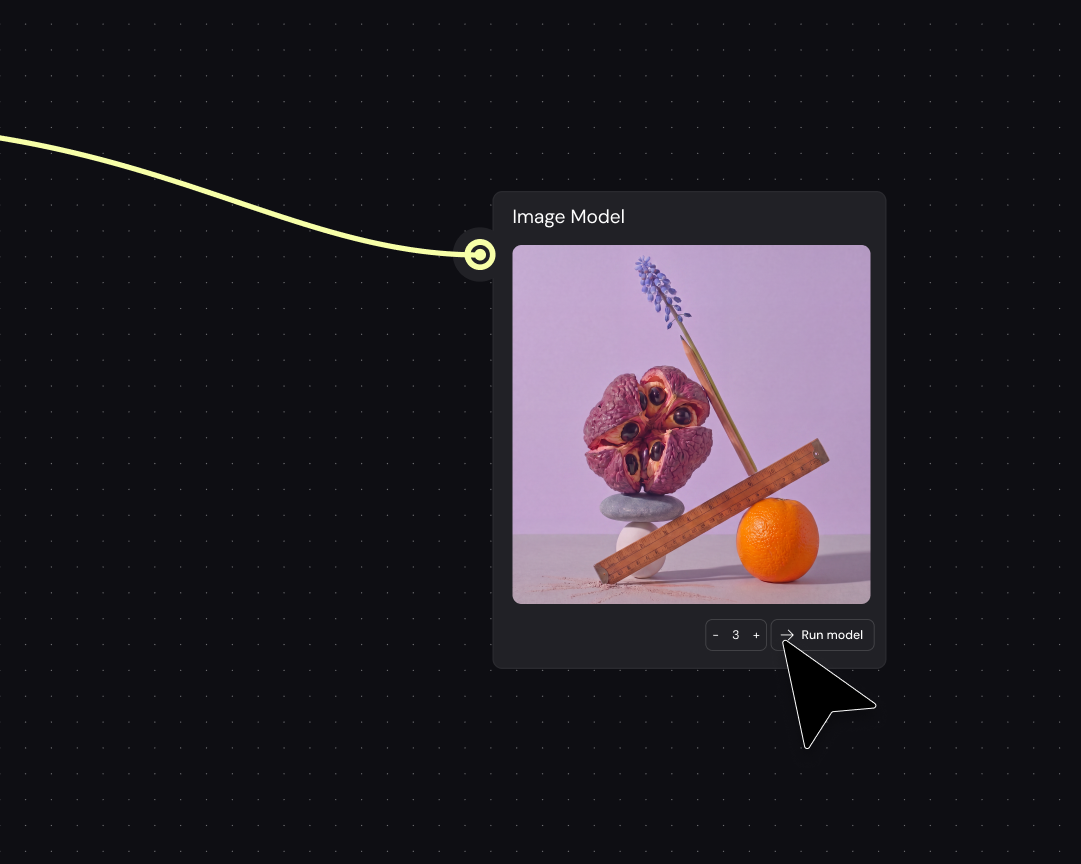
Run the same fashion concept through several AI models side by side. Then carry your favorite into the next stage of refinement.
Upload a rough sketch or mood board as the starting point for a workflow. Because this becomes the reference every model works from, the finished concept still traces back to your original idea.
Pick which AI models to run the reference through. Each model interprets silhouette and texture differently, so this is where you set the range of directions to explore.
Line up the results from each model on the same canvas to see how each one handled the same reference. The gaps between them tell you which direction is worth pursuing.
Bring the chosen concept into the editing tools and add color and texture until the design holds up.
Rerun the same workflow with new color or fabric references to build out a run of looks for a collection, all traced back to the same original concept.
More resources
See how the Figma Community is using Figma Weave to create AI-generated images, video, and 3D.
Most fashion design AI tools, including Figma Weave, are built for visual concept generation, not manufacturable output like patterns or tech packs. They work well for early-stage ideation and product visuals. If you’re moving from concept to production still need dedicated pattern-making software.
AI tools for fashion design help designers explore and visualize ideas fast. Manufacturing-focused tools handle pattern construction and production fit simulation. Figma Weave sits in the first category, running ideas through multiple AI models to explore direction before committing to construction details.
It depends. For pattern construction or fit simulation, dedicated fashion manufacturing software is the better fit. For comparing styles and generating variations quickly, Figma Weave works well because it runs a single reference through several AI models rather than locking into a single model.
No. These tools work with text prompts or rough sketches, so beginners can start generating visual concepts right away. A design background helps when you want to push a workflow further with more precise inputs, but you don’t need one to get something usable.
Yes. Once a base design or style is set, run the same workflow again with different color or pattern references to produce a new set of variations.
Lock a style description or reference set at the start of a workflow. Because each variation pulls from the same fixed inputs, silhouette and finish stay consistent across outputs. From there, run the same locked inputs through different models to see which one holds the look best.

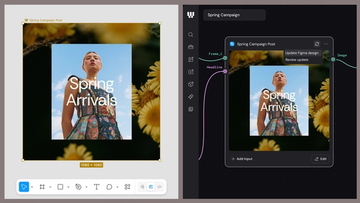
Figma Weave brings AI generation and editing tools together into connected, reusable workflows, giving you a process your team can shape, refine, and repeat. Here’s what it unlocks for creative teams and how to get the most out of it.
Design systems can power more than just designs. This workflow shows you how to turn raw materials into brand campaign collateral using the Gen Effect and Figma nodes.

Community publishing is now live for Weave tools. Here are a few tools that stand out, from turning a moodboard into a realistic room mockup to previewing your next nail set.

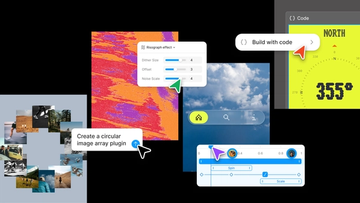
Push past what you thought was possible with code layers, Figma Motion, shaders, generative plugins and Weave tools, all on the canvas.

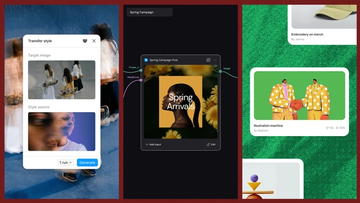
Today, we’re announcing new ways your Weave creative workflows can live alongside your Figma frames.
Aleph 2.0 brings frame-level creative direction to the Figma Weave canvas.