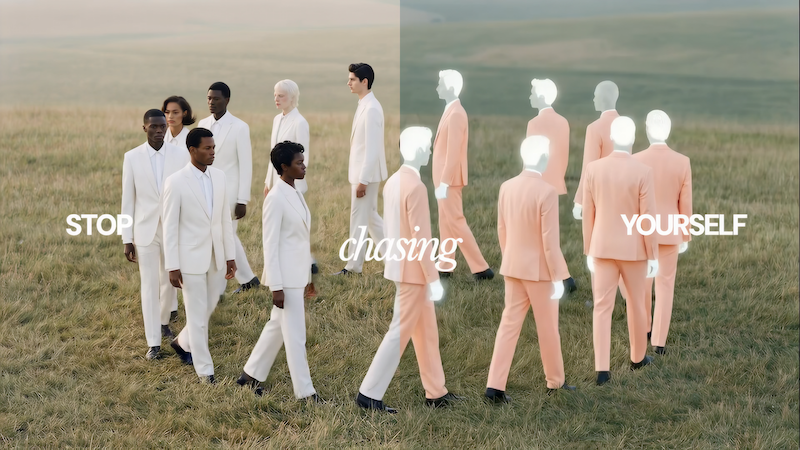
Turn your workflow into a reusable tool
Save your workflow as a repeatable customer persona generator. Anyone on your team can run it for the next customer segment.
Skip to main content
Use several AI models in Figma Weave to visualize your ideal customer profile.
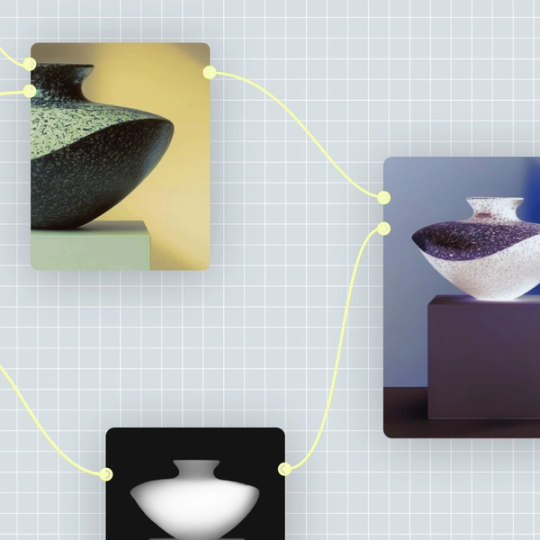
Every major AI model is available on the same canvas in Figma Weave, with node-based control over each step.
Save your workflow as a repeatable customer persona generator. Anyone on your team can run it for the next customer segment.


Each step in your workflow is a node you can inspect and adjust. Change the AI model or rework the output, and everything downstream updates with it.

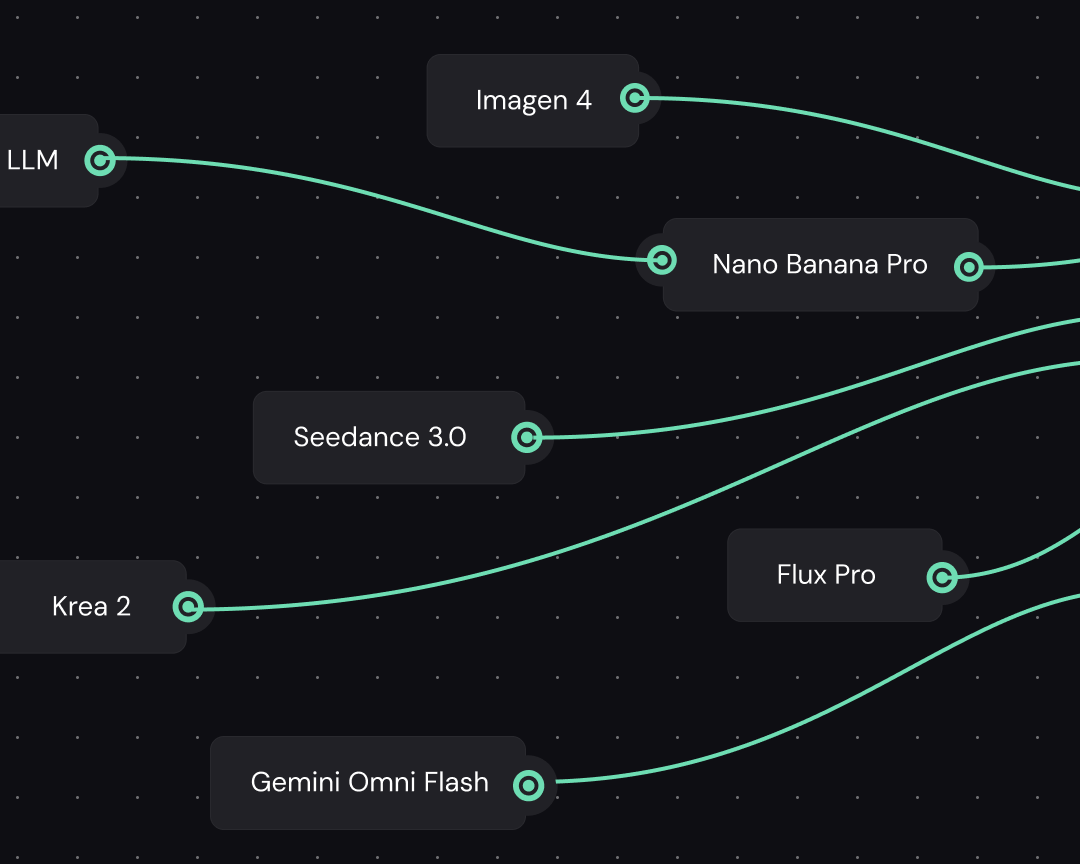
Run multiple AI models in one place. Compare the results side by side and pick the one that best fits your ideal customer profile.


Generate buyer persona visuals for five segments or 50.
Add the AI models you want to your canvas. Add more than one so you can compare styles side by side.
Add a prompt node describing your segment’s industry, company size, role, and pain points. Connect it to your models so those details shape the visuals.
Run the workflow to generate persona imagery and layout options. Each connected model generates its own version of the visual.
More resources
See how the Figma Community is using Figma Weave to create AI-generated images, video, and 3D.
AI can speed up the research and visualization side of building an ICP, generating persona imagery and profile layouts faster than doing it by hand. It works best as a starting point for a marketing or sales team to refine with real customer data.
An ideal customer profile describes the company a business should target, usually at the firmographic level. A buyer persona zooms in on the person inside that company who actually makes the purchase. Most teams build both, using the ICP to find the right accounts and the persona to understand the people in them.
Figma Weave is a creative workflow tool, built for generating and refining visuals rather than analyzing firmographic or company data. It works alongside a data-focused ICP tool, turning that research into something visual you can share.
Yes. Once you’ve set up a workflow, save it as a reusable tool, and the same setup works for your next segment.
Teams typically drop the visuals into sales decks or onboarding docs to make a target account or persona easier to recognize at a glance. Bring them into Figma Slides when you’re ready to present the finished profile to a wider group.

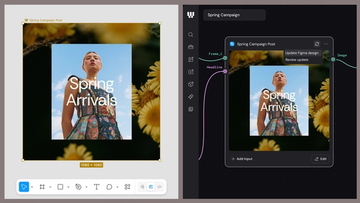
Figma Weave brings AI generation and editing tools together into connected, reusable workflows, giving you a process your team can shape, refine, and repeat. Here’s what it unlocks for creative teams and how to get the most out of it.
Design systems can power more than just designs. This workflow shows you how to turn raw materials into brand campaign collateral using the Gen Effect and Figma nodes.

Community publishing is now live for Weave tools. Here are a few tools that stand out, from turning a moodboard into a realistic room mockup to previewing your next nail set.

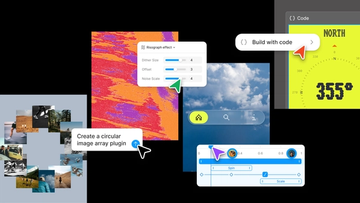
Push past what you thought was possible with code layers, Figma Motion, shaders, generative plugins and Weave tools, all on the canvas.

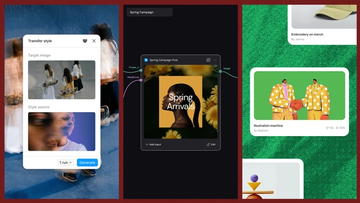
Today, we’re announcing new ways your Weave creative workflows can live alongside your Figma frames.
Aleph 2.0 brings frame-level creative direction to the Figma Weave canvas.