
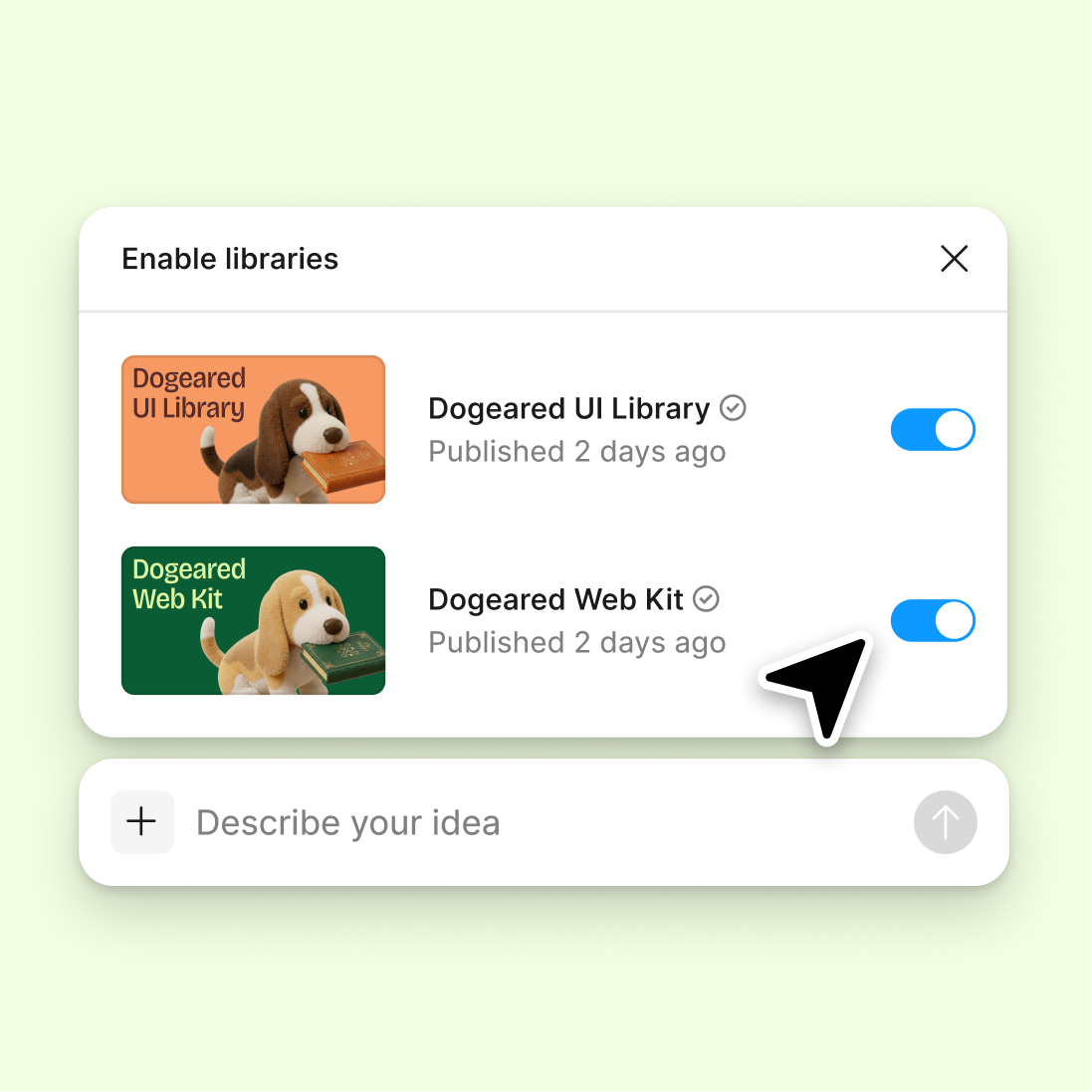
Connect a design library
Point the agent to your existing library so generated brand elements use your real components, tokens, and variables from the start.
Skip to main content
Upload your logo and let Figma's agent generate color palettes, typography pairings, and brand assets—directly on your canvas in Figma Design. Build a cohesive identity without switching tools.


Figma's agent extracts colors, suggests typography, and builds brand assets on the same canvas where your team already designs.

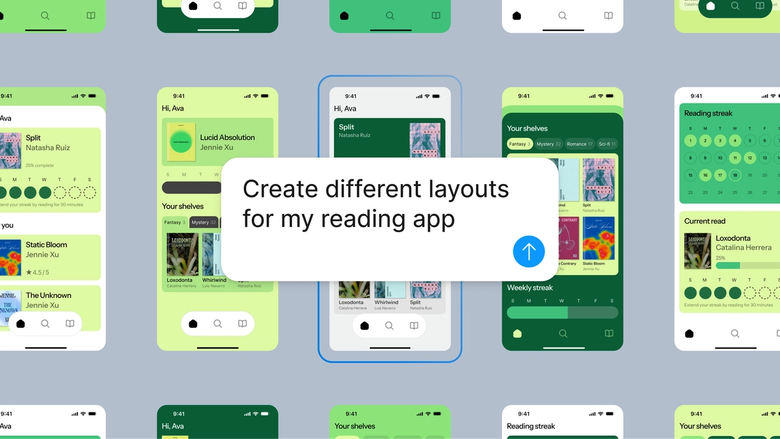
Starting from your logo, the agent generates full brand kit options—color palettes, type scales, and supporting graphics—so you can evaluate cohesive directions instead of assembling pieces one at a time.

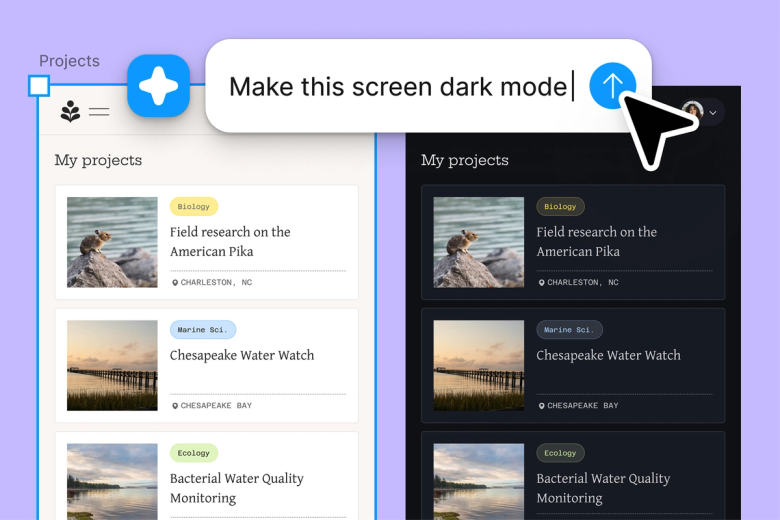
Skip the tedious process of manually extracting hex codes, hunting for font pairings, and building asset sheets. Describe what you need and the agent builds it out while you focus on strategic decisions.

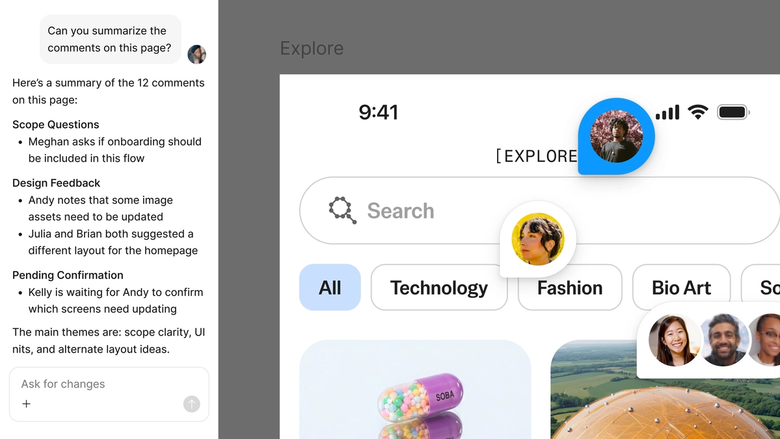
Your brand kit lives in the same file your team works in. Everyone references the same source of truth, and updates ripple through instantly—no hunting through shared drives or outdated PDFs.
A closer look at what sets Figma's agent apart, built for the way design teams actually work.
Point the agent to your existing library so generated brand elements use your real components, tokens, and variables from the start.

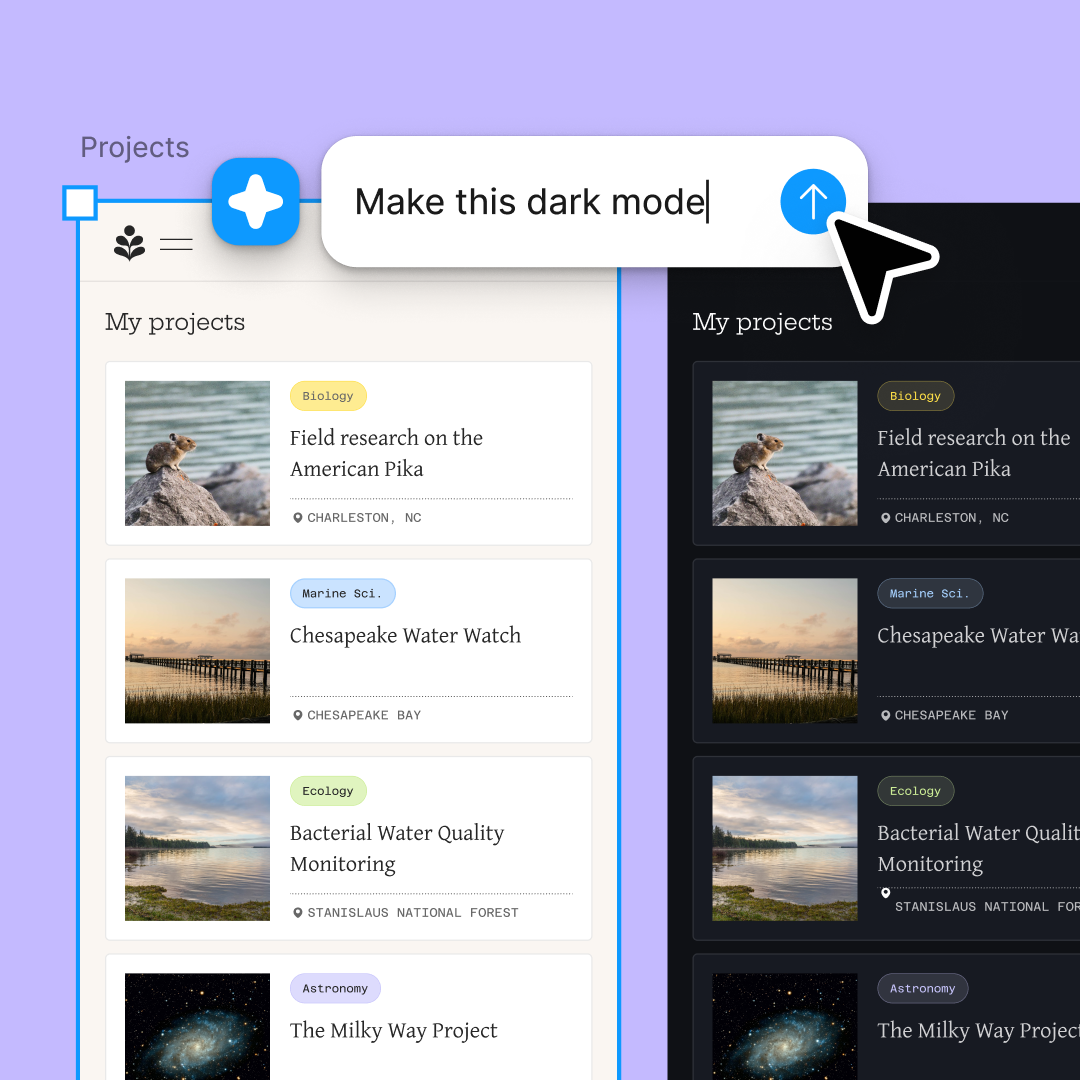
Explore multiple brand directions at once—different color moods, typography styles, or asset variations—without waiting for one to finish before starting another.

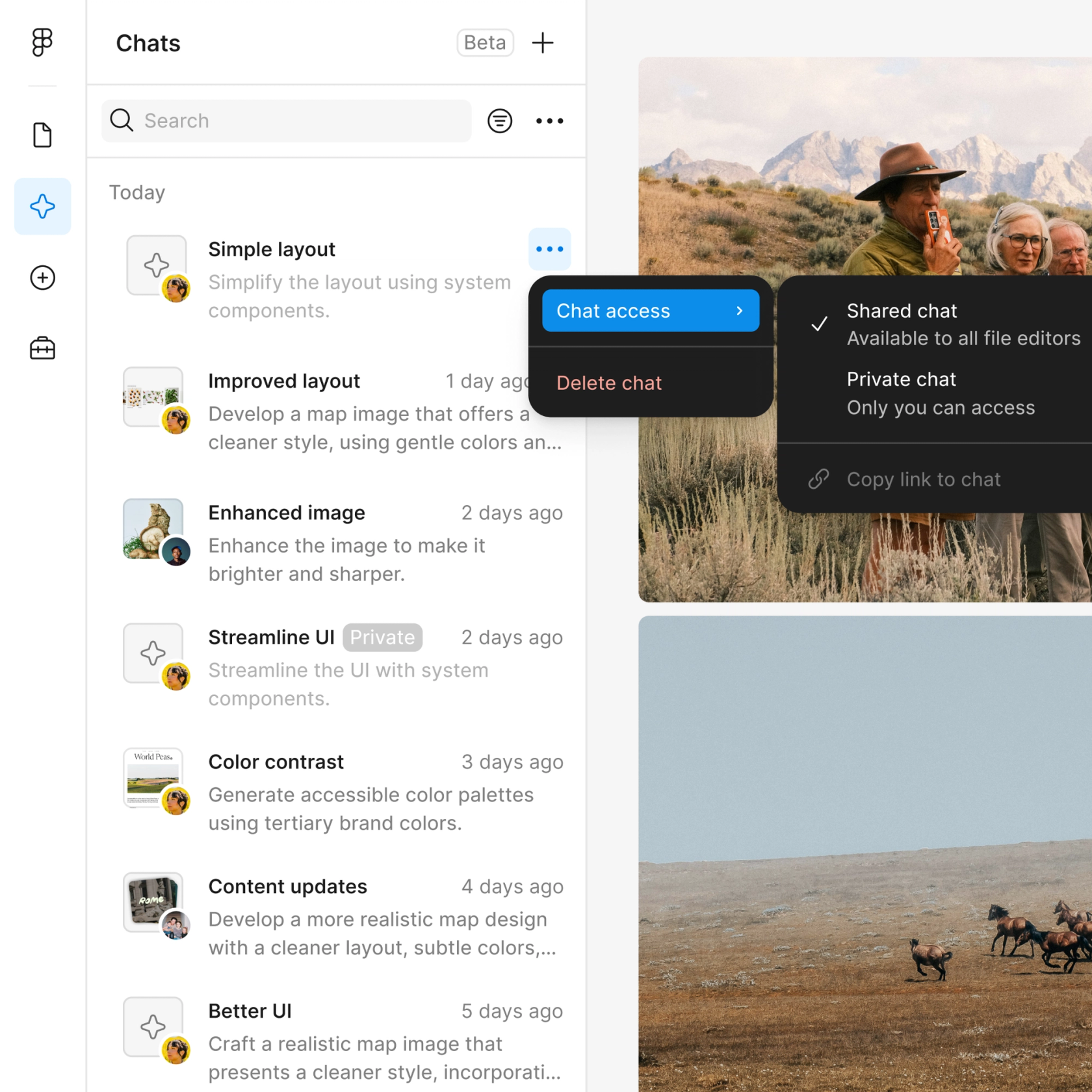
Share a thread and your team sees the full prompt history behind every brand decision. No separate handoff or explanation needed.

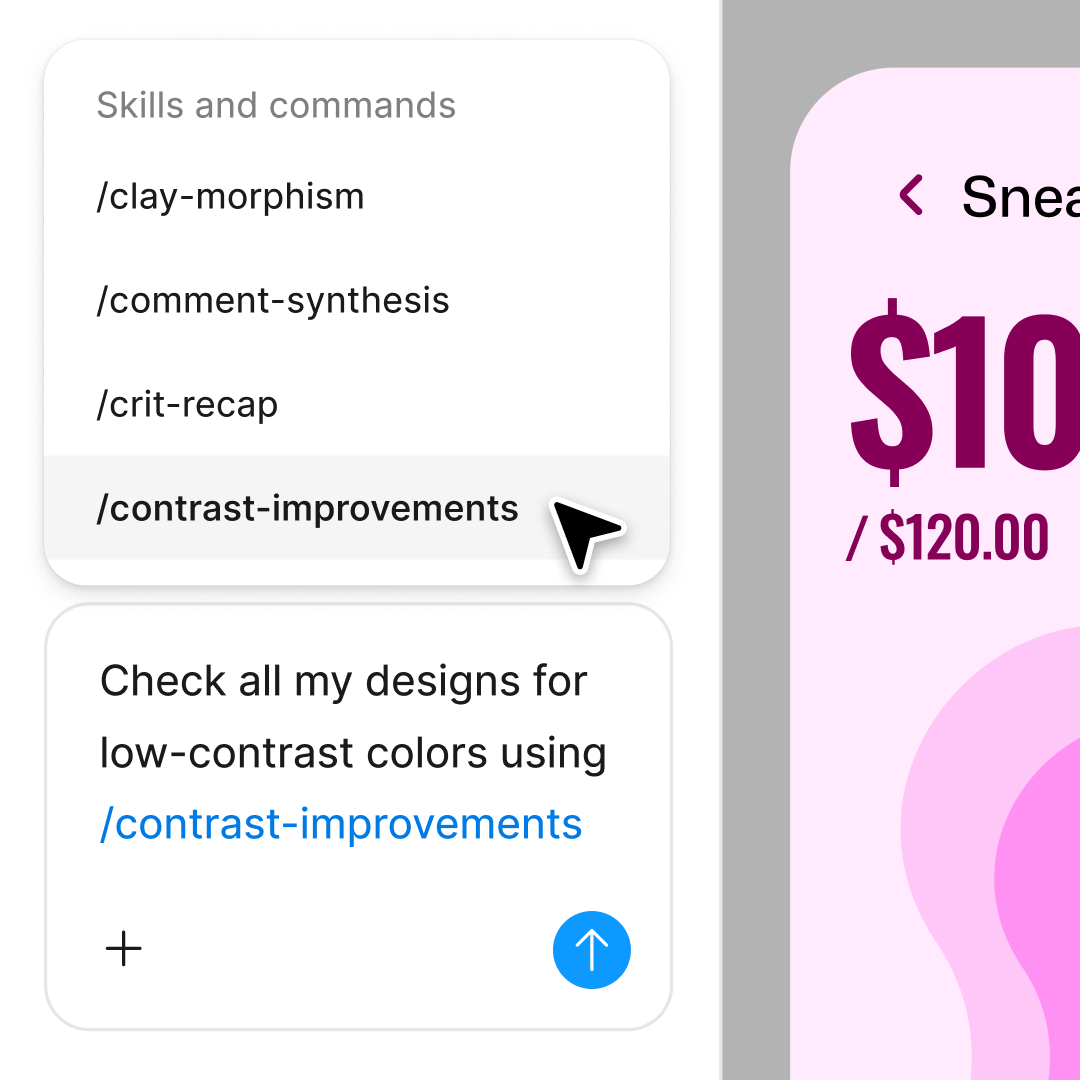
Package your brand kit workflow into a reusable skill—generate consistent kits for sub-brands, campaigns, or client projects with a single command.
Figma feels like a natural extension of my hand. I do my design ideation on the canvas, and now the agent takes it the last mile. With my design libraries connected, I can move from design to code faster than ever before.
Andy Madrick
Product Designer, Notion

Drop your logo onto the canvas in Figma Design. The agent will use it as the foundation for your brand kit.
Tell the agent what you need—color palette, typography pairings, social assets—and add notes about your brand's personality or audience.
Check the generated brand elements on your canvas. Refine in the same thread or start a parallel one to explore a different direction.
Everything stays editable. Adjust colors, swap typefaces, or prompt again to expand your kit with additional assets.
Watch Figma's AI Agent in action and see how to put it to work in your own workflows.

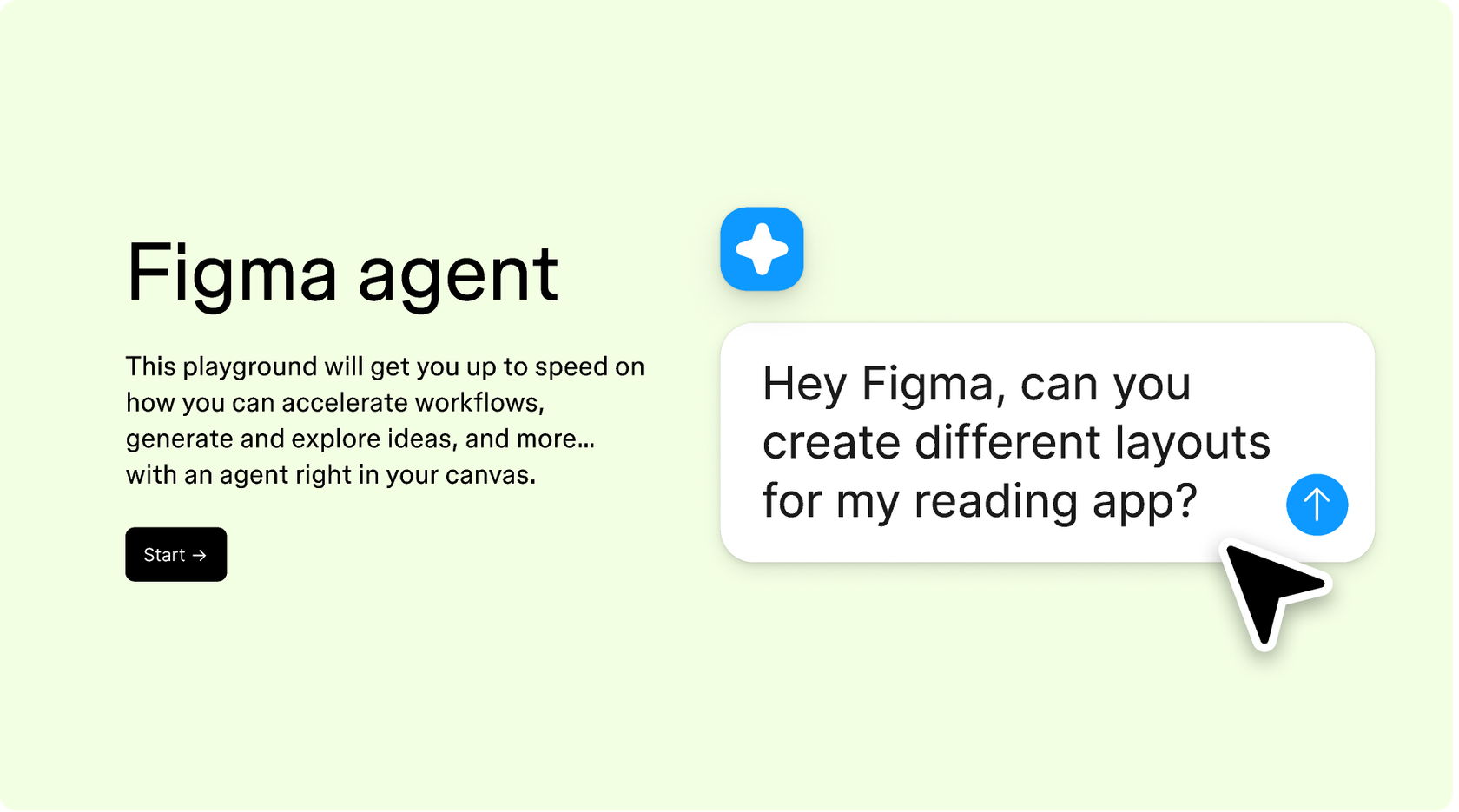
Hands-on playground to explore Figma agent's capabilities — from bulk edits to feedback implementation — with step-by-step guidance built right in.
Learn how to use Figma agent in your design workflows with a step-by-step tutorial from the Figma team.
A brand kit generator helps you build the foundational elements of a visual identity—color palettes, typography, logos, and supporting assets—from a starting point like an existing logo. Figma's agent does this directly on your design canvas, so the generated elements are immediately usable in your work rather than requiring import or conversion.
In Figma Design, add your logo to the canvas and open the agent from the left side rail. Describe what you need—colors extracted from the logo, typography pairings, social templates—and the agent generates the elements on your canvas. You can refine with follow-up prompts until the kit matches your vision.
A typical brand kit includes your logo variations, a defined color palette with primary and secondary colors, typography choices for headings and body text, and supporting assets like icons or patterns. Figma's agent can generate all of these from your logo, and you can expand the kit over time with additional prompts.
The agent analyzes your logo to extract colors and visual characteristics, then generates complementary brand elements based on your prompts. It creates real, editable design elements on your canvas—not static images—so you can immediately use them in your work or refine them further.
Figma's agent is available on all paid Figma plans. You'll find it in the left navigation bar in Figma Design. During the current open beta, it doesn't consume AI credits—so it's a good time to explore, experiment, and share your feedback with us.
Build faster with Figma's agent


