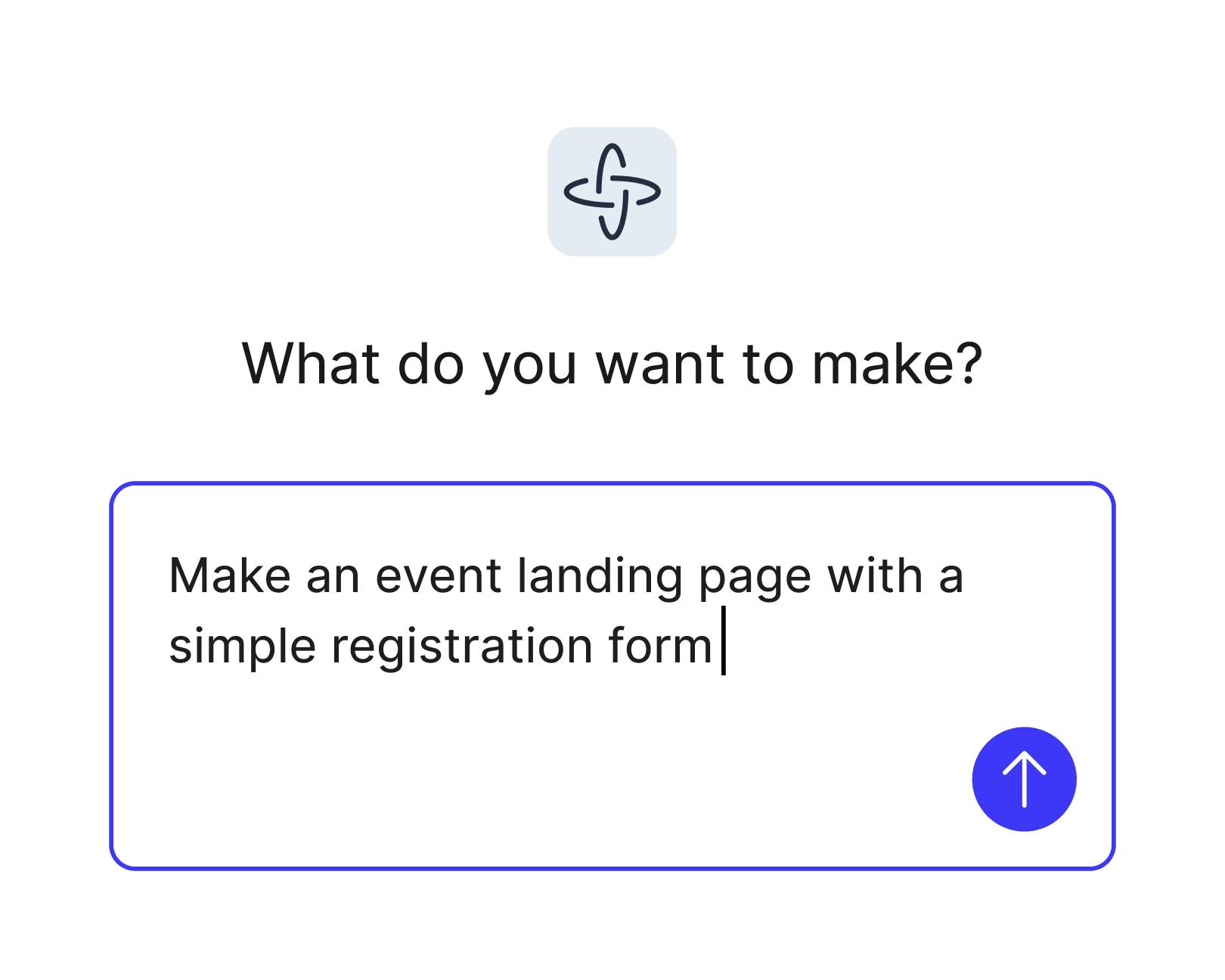
Generate user stories from a prompt
Describe the user, the goal, and the context in everyday language. Figma Make drafts structured stories with acceptance criteria you can edit and reuse.
Skip to main content
Skip the blank doc. Describe what your users do, and Figma Make turns it into structured user stories you can prototype, test, and ship—no coding required.
Describe the user, the goal, and the context in everyday language. Figma Make drafts structured stories with acceptance criteria you can edit and reuse.

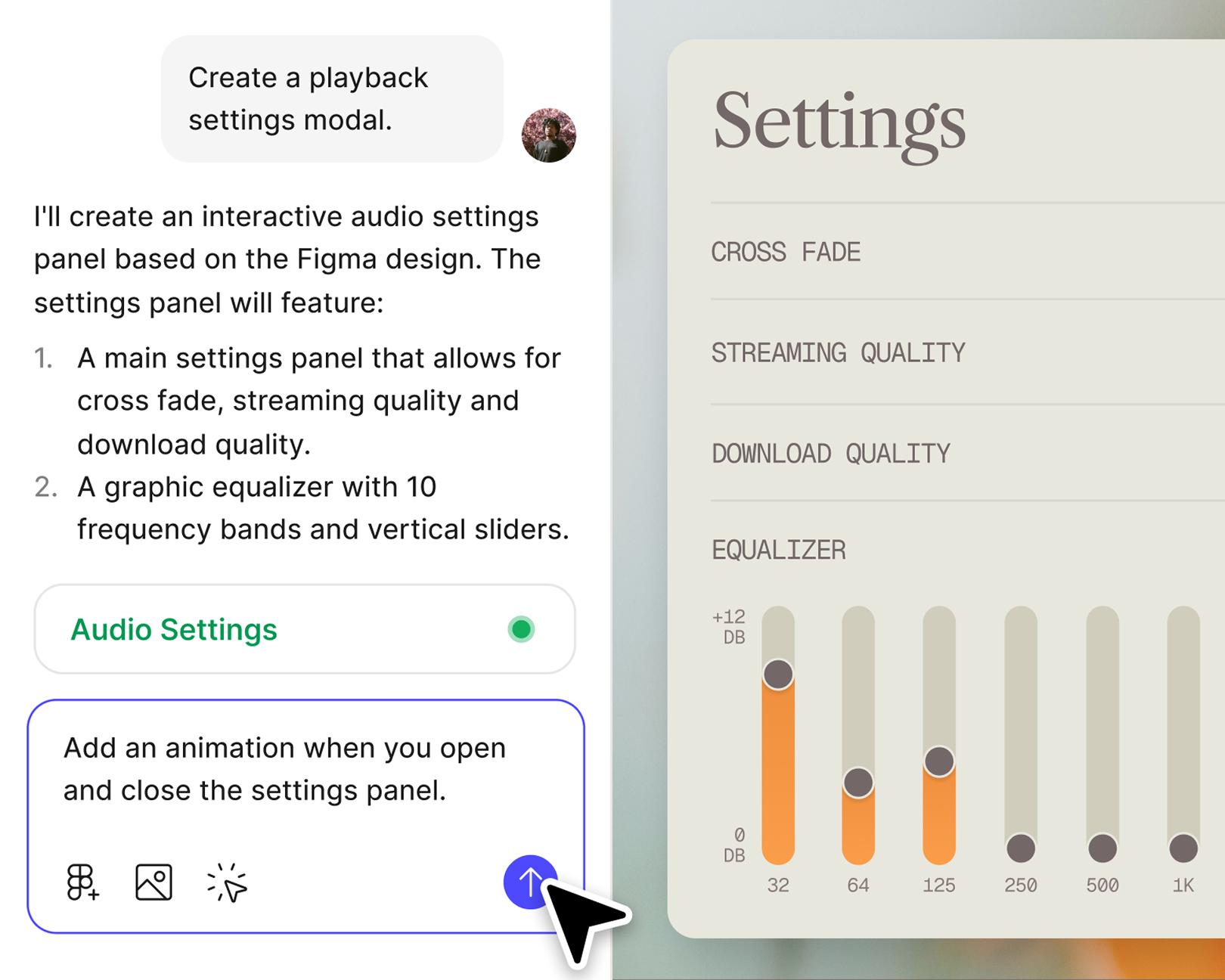
Prompt once to map the happy path, error states, and the in-between moments. No PRD needed—just a clear picture of how the experience works.

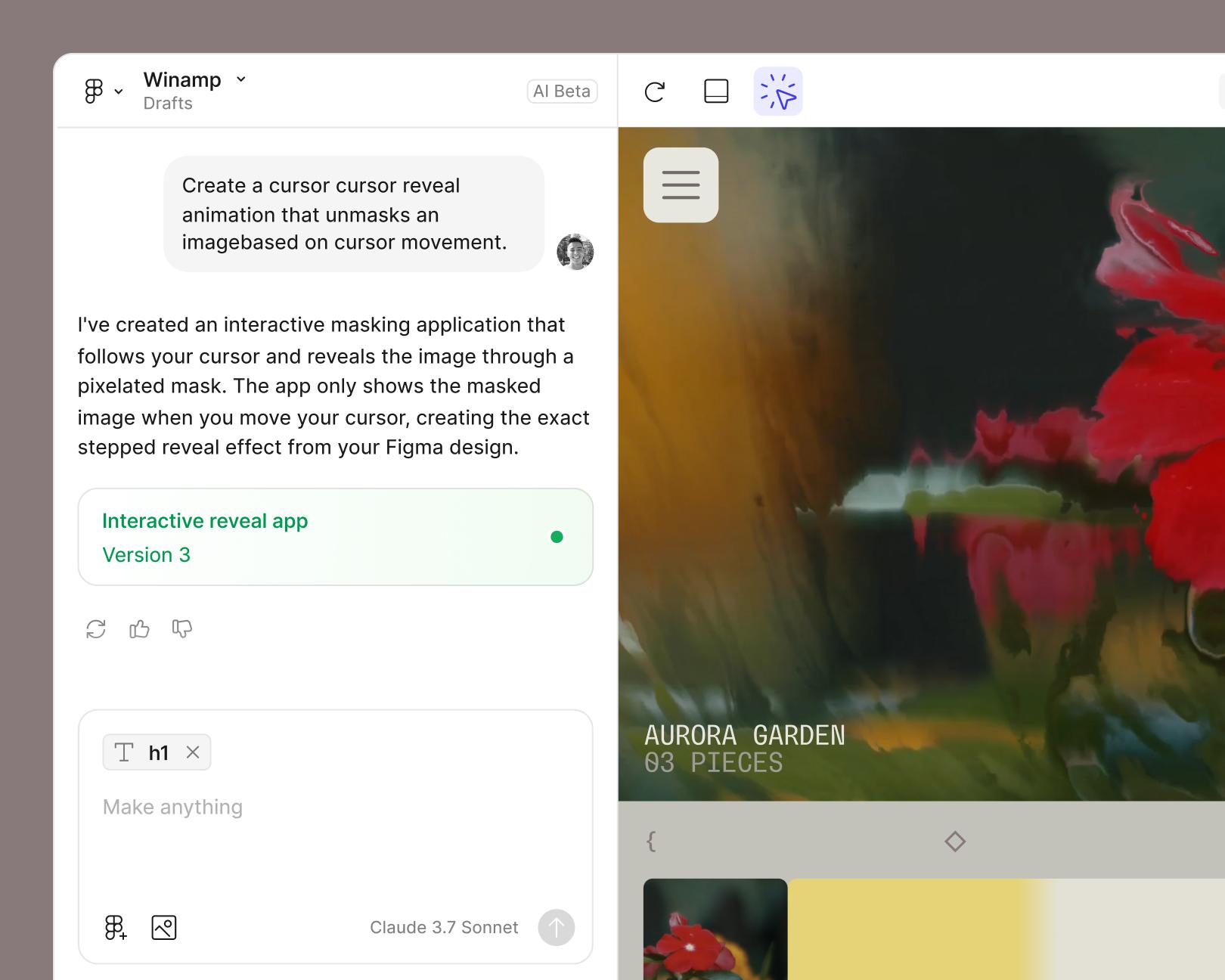
Every story you generate can become a real, interactive prototype in the same workspace. Walk teammates through it instead of describing it.

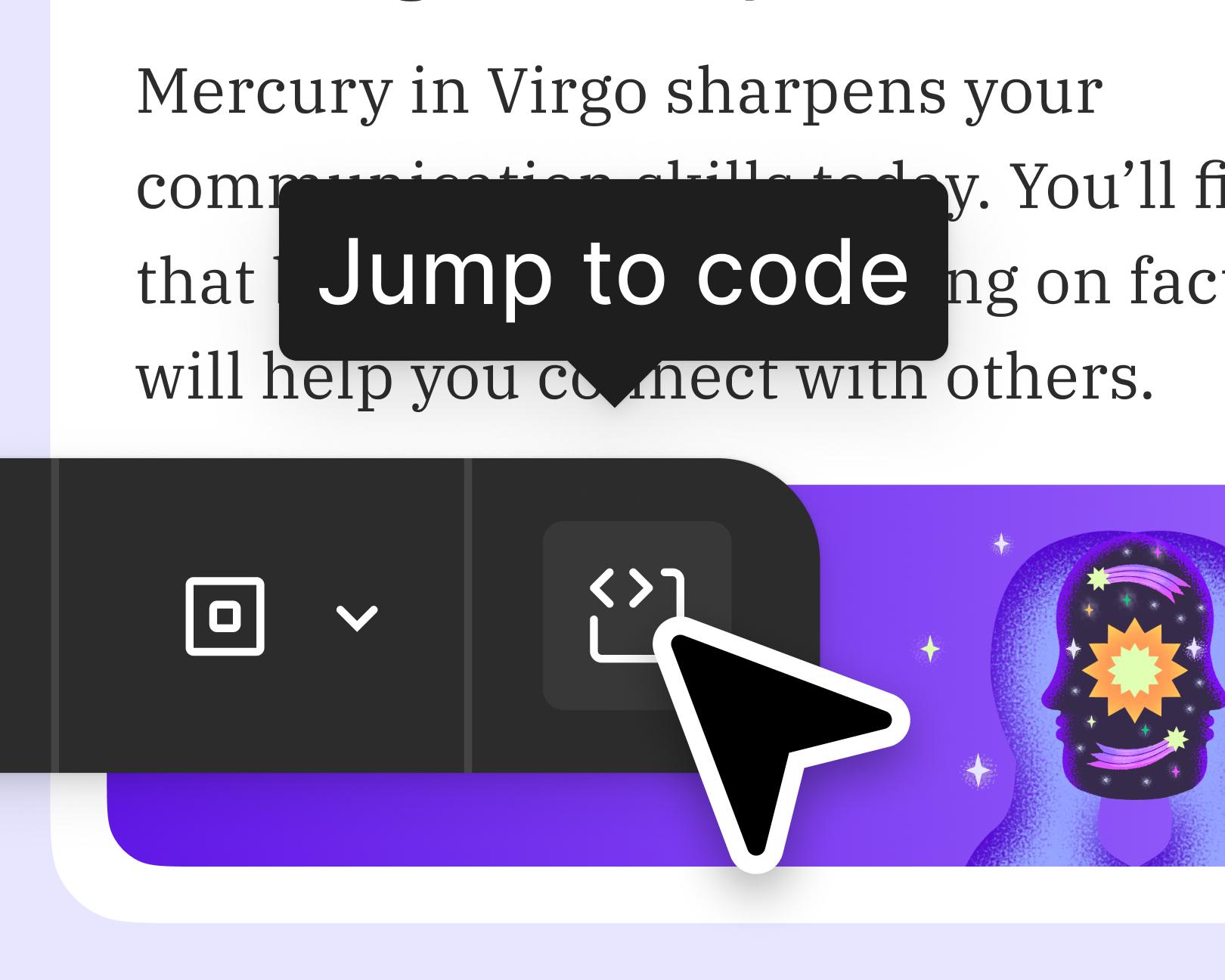
Share a working prototype that everyone can open, comment on, and build from. One source of truth, from first idea to final handoff.
See how makers, designers, and PMs are using Figma Make to build no-code web apps—from internal tools to product MVPs.
Open a new file in Figma Make, or pull in a frame from Figma Design to set the context.
Example prompt: "I'm building a checkout flow for a grocery delivery app."
Use a natural language prompt to capture who the user is, what they're trying to do, and any constraints.
Example prompt: "Write user stories for a returning customer who wants to reorder their last grocery delivery in under a minute. Include acceptance criteria and edge cases."
Figma Make drafts structured user stories with acceptance criteria, ready to share, refine, or prototype.
Example prompt: "Add a user story for a first-time user who hasn't saved a payment method."
Turn any story into an interactive prototype in the same file. Re-prompt or edit directly to refine flows, logic, and details.
Example prompt: "Build a prototype of the reorder flow with a confirmation screen and an error state for an out-of-stock item."
An AI user story generator turns plain-language descriptions of users and goals into structured user stories with acceptance criteria. In Figma Make, product managers can prompt for stories, edge cases, and flows—and then prototype them in the same workspace.
Each story typically includes the user role, the goal, the context, and acceptance criteria. Product managers can prompt for additional detail like edge cases, error states, success metrics, or links to related flows—and edit any part directly.
Yes. Teams can bring their preferred format—"As a [user], I want to [goal], so that [outcome]" or any custom structure—and Figma Make will follow it. Prompts can reference the template so every generated story stays consistent.
Yes. That's the point of working in Figma Make. A user story can become an interactive prototype in the same file, using a team's own design system components for on-brand, production-ready flows.

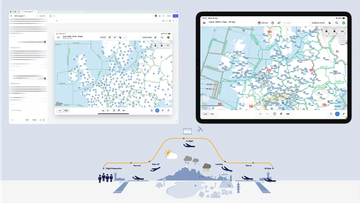
Pilots depend on in-flight software to navigate routes, see air traffic, avoid turbulence, and more. To bring more dynamic prototypes to user testing, Lufthansa Systems turned to Figma Make.
With Payload in Figma, teams can go from prototype to production together, managing their content and data all in one place.
The Figma Data Science team assumed that AI saves users time—but quantifying it required a new approach to research design.
With visual editing and annotations, Figma Make is bridging the gap between design and code. Select any element you want to change, adjust it directly in the properties panel, or write in-context prompts with annotations.
The handoff from design to code doesn't have to be a one-way street. This workflow shows how a designer can connect a codebase to Figma Make, make the changes directly, and bring the whole team into review—right up to the PR.

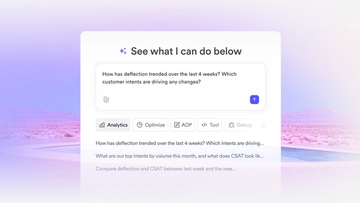
The fast-growing customer experience platform explains how Figma MCP and Figma Make helped them scale a new design system and keep pace with customer requests.

Learn about Model Context Protocol (MCP), the open standard that simplifies AI integration like a USB-C for data.

Vibe coding combines mood-driven design with seamless coding to create immersive digital experiences that connect emotionally and function flawlessly.

Building an app requires research and constant iteration to meet customer needs. Learn how to design an app and how Figma can help in this guide.