Prompt your sprint into shape
Describe the work, and Figma Make turns it into structured flows, user stories, and edge cases your team can align on right away.
Skip to main content
Skip the doc-heavy kickoff. Prompt your sprint into shape—flows, logic, and a working prototype your team can actually build from.
Describe the work, and Figma Make turns it into structured flows, user stories, and edge cases your team can align on right away.

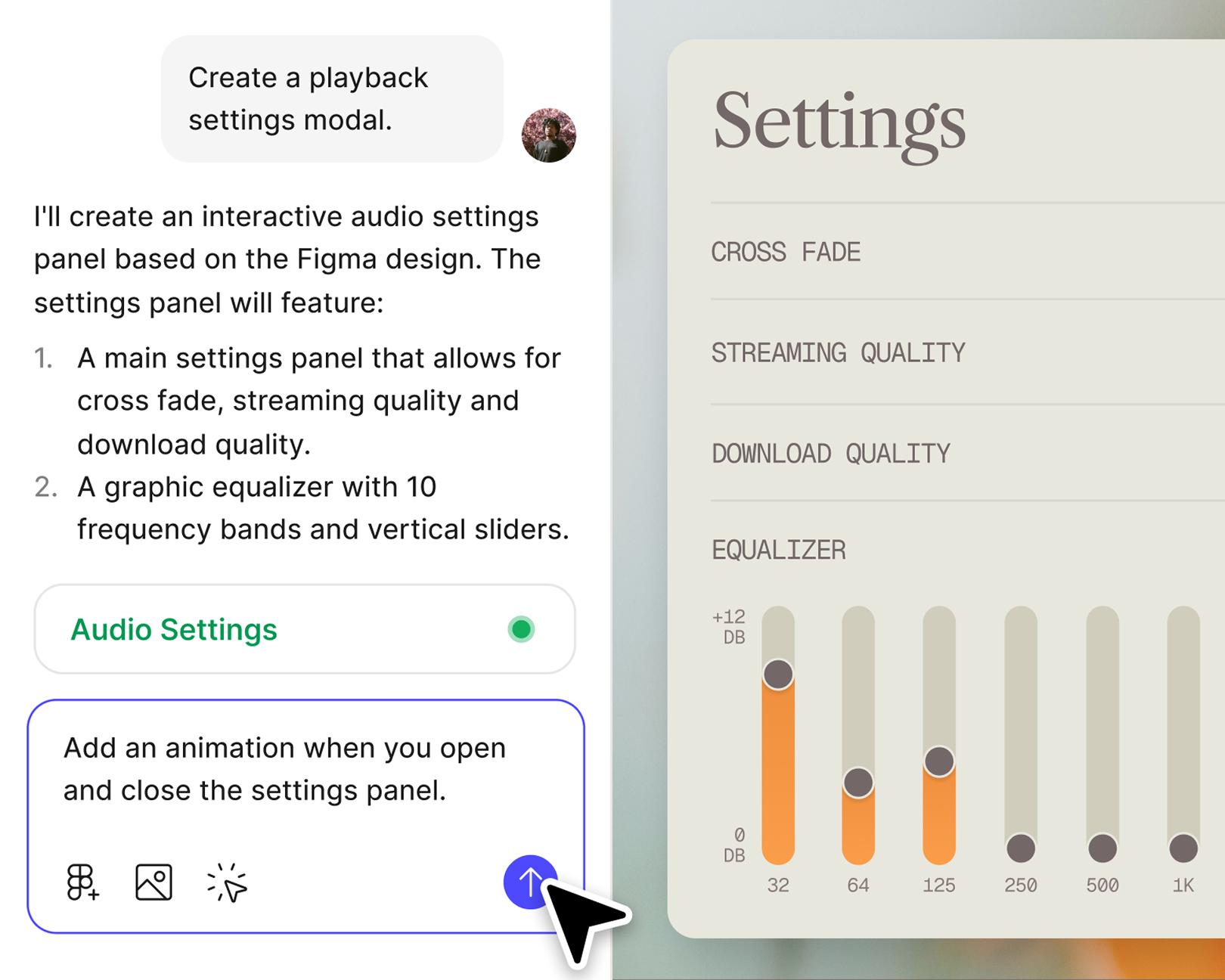
Capture product thinking in something teammates can click, not just read. Cross-functional alignment happens in minutes, not meetings.

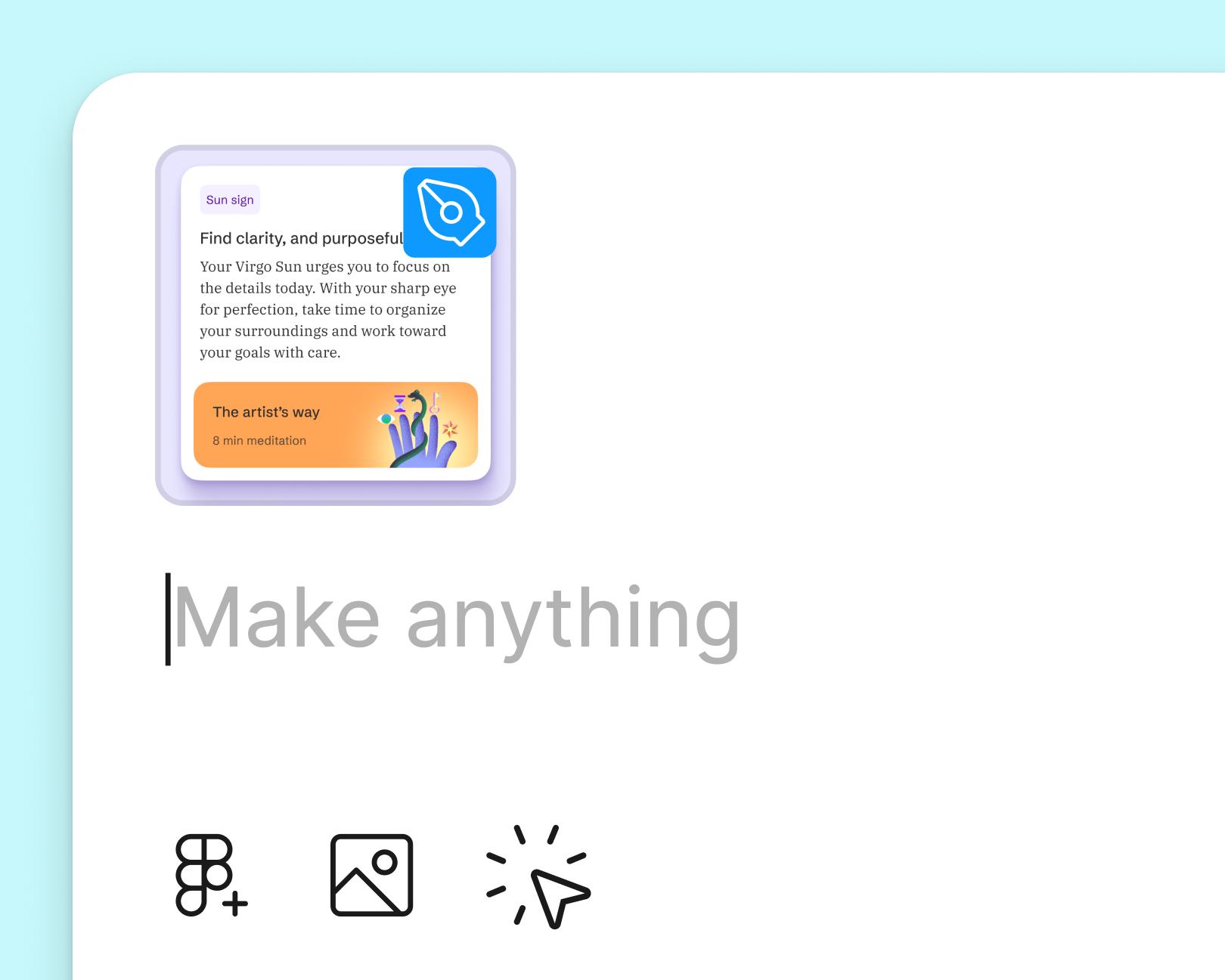
Pull in your team's components and styles so every sprint artifact looks and behaves like the real product—no visual drift, no rework.

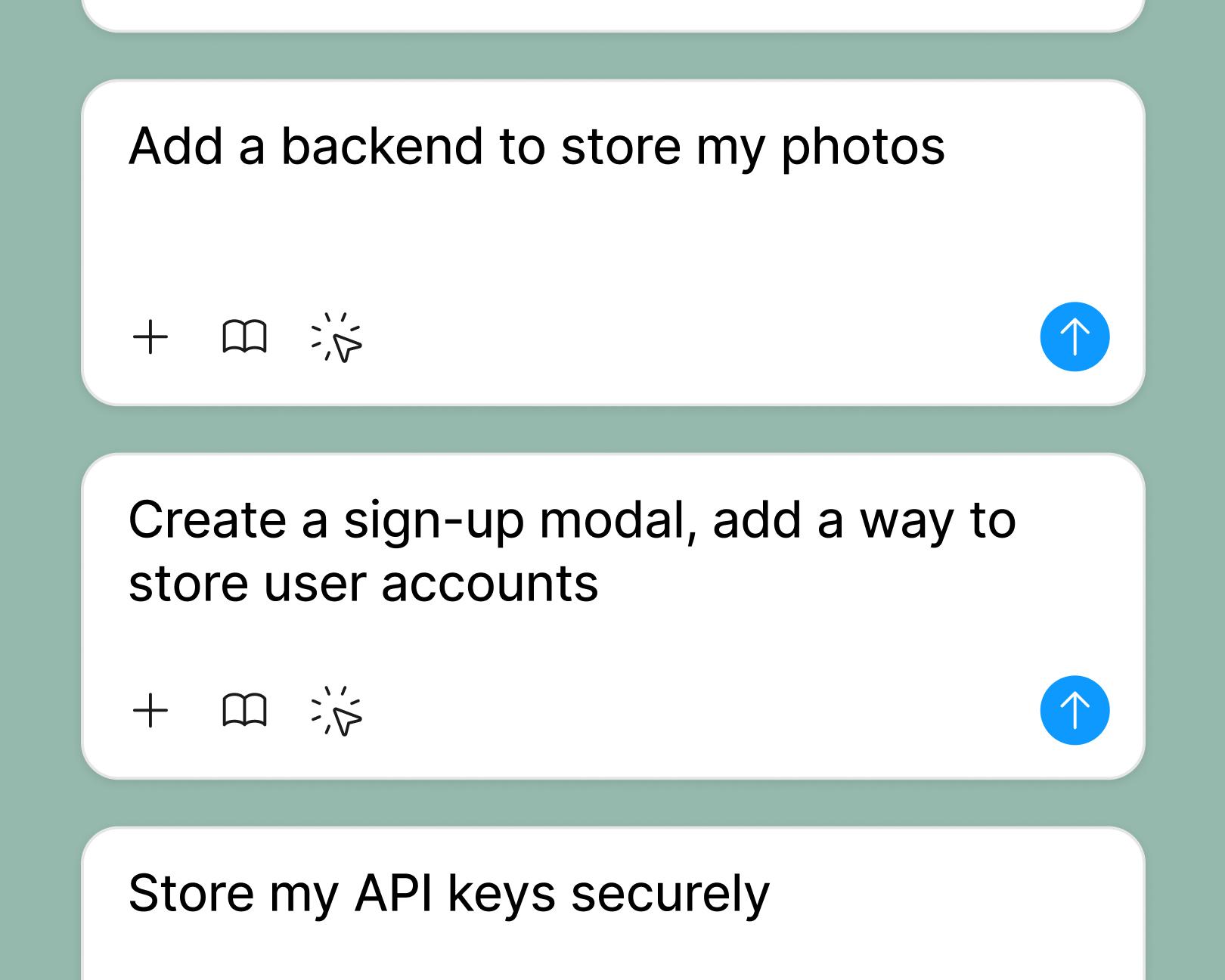
Connect a backend to test interactions with real data, so the work you scope is the work you actually ship.
See how makers, designers, and PMs are using Figma Make to build no-code web apps—from internal tools to product MVPs.
Open a new file in Figma Make, or copy a frame from your Figma Design library to use as a starting point. Example prompt: "Use this frame as the home screen for a task management app for small teams."
Use a natural language prompt to capture the goal, the user flow, and the edge cases you'd normally write up in a PRD. Example prompt: "Plan a two-week sprint for a checkout redesign. Include user stories for guest checkout, saved cards, and error states."
Figma Make builds an interactive prototype with the screens, logic, and states you described, so your team has something tangible to react to. Example prompt: "Show the empty state, the loading state, and the success confirmation as separate screens."
Re-prompt to add scope, tweak details directly in the editor, or share with engineering and design to lock in the plan together. Example prompt: "Add a backend so we can test the checkout with real product data before sprint planning."
An AI sprint planning generator turns natural language prompts into structured product artifacts—flows, user stories, edge cases, and prototypes. In Figma Make, product managers can describe a sprint goal and get a working prototype that captures the same logic and structure they'd otherwise write into a PRD.
Figma Make lets PMs express product thinking through prompts instead of long documents. The result is a clickable prototype that design and engineering can review together, so sprint scope is grounded in something real before the work starts.
Yes. Teams can bring their preferred format—"As a [user], I want to [goal], so that [outcome]" or any custom structure—and Figma Make will follow it. Prompts can reference the template so every generated story stays consistent.
Yes. Figma Make connects to a backend, so PMs can test flows with real user data, authentication, and APIs. That means usability issues and scope gaps surface during planning, not mid-sprint.

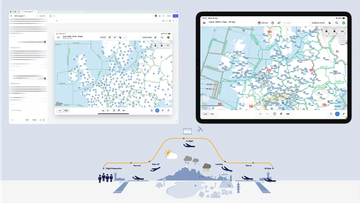
Pilots depend on in-flight software to navigate routes, see air traffic, avoid turbulence, and more. To bring more dynamic prototypes to user testing, Lufthansa Systems turned to Figma Make.
With Payload in Figma, teams can go from prototype to production together, managing their content and data all in one place.
The Figma Data Science team assumed that AI saves users time—but quantifying it required a new approach to research design.
With visual editing and annotations, Figma Make is bridging the gap between design and code. Select any element you want to change, adjust it directly in the properties panel, or write in-context prompts with annotations.
The handoff from design to code doesn't have to be a one-way street. This workflow shows how a designer can connect a codebase to Figma Make, make the changes directly, and bring the whole team into review—right up to the PR.

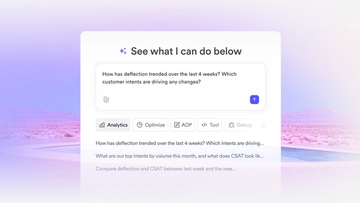
The fast-growing customer experience platform explains how Figma MCP and Figma Make helped them scale a new design system and keep pace with customer requests.

Learn about Model Context Protocol (MCP), the open standard that simplifies AI integration like a USB-C for data.

Vibe coding combines mood-driven design with seamless coding to create immersive digital experiences that connect emotionally and function flawlessly.

Building an app requires research and constant iteration to meet customer needs. Learn how to design an app and how Figma can help in this guide.