Go from goal to OKR in one prompt
Describe what you're trying to ship, and Figma Make drafts a full OKR set—objectives, key results, and the metrics behind them.
Skip to main content
Turn fuzzy product goals into clear objectives and measurable key results—prompt once, refine with your team, and align faster than ever.
Describe what you're trying to ship, and Figma Make drafts a full OKR set—objectives, key results, and the metrics behind them.


Skip the vague targets. We help you write key results that are specific, time-bound, and tied to outcomes your team can actually track.


Co-create OKRs in one workspace with design, engineering, and leadership—so everyone starts the quarter on the same page.

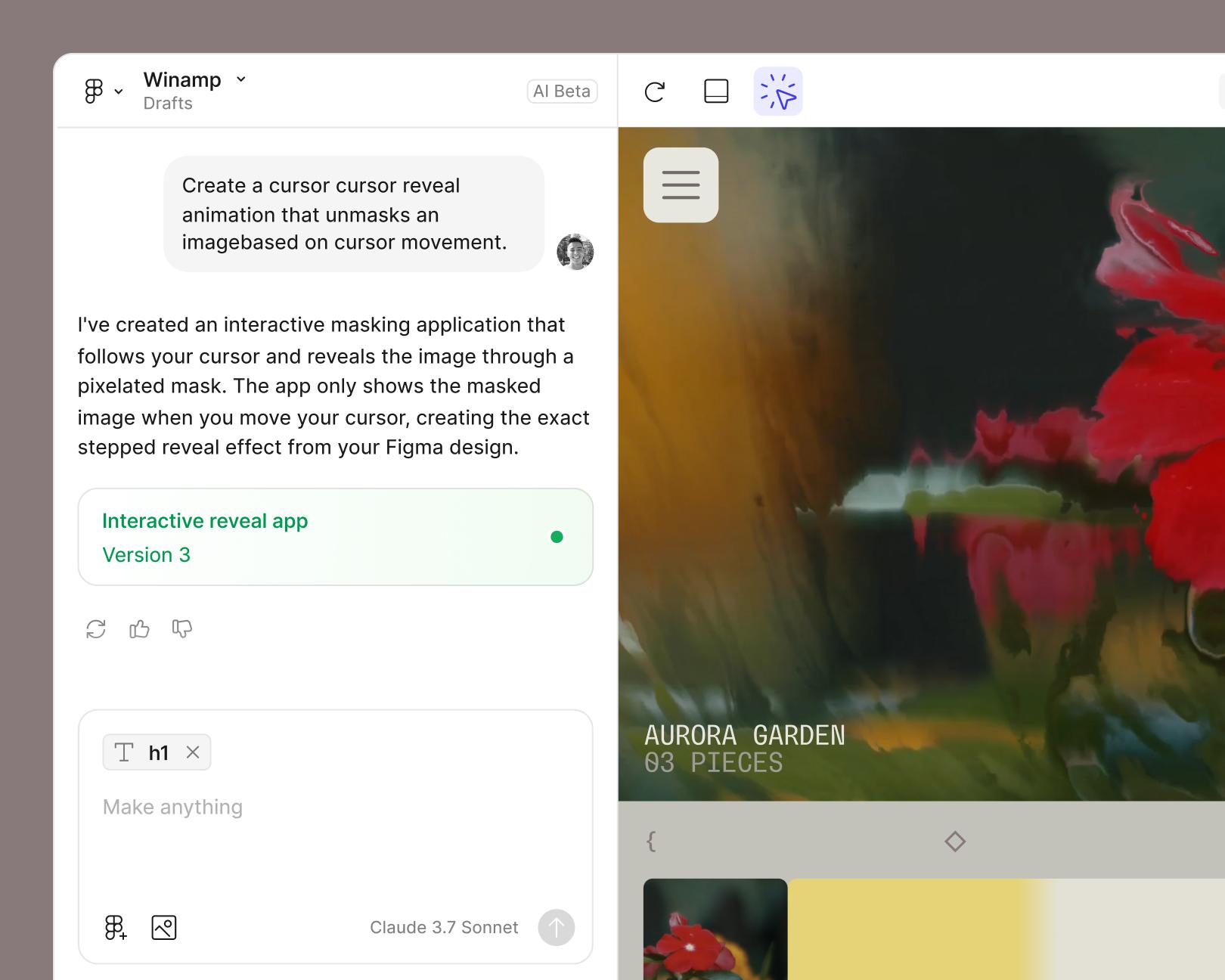
Connect a backend to test interactions with real data, so the work you scope is the work you actually ship.
See how makers, designers, and PMs are using Figma Make to build no-code web apps—from internal tools to product MVPs.
Open a new file in Figma Make and write a short prompt describing what your team wants to accomplish this quarter. Example prompt: "Draft Q3 OKRs for a product team launching a new mobile onboarding flow aimed at improving 7-day retention."
Figma Make turns your prompt into a structured OKR set—one objective, three to five key results, and the metrics behind each one. Example prompt: "Generate one objective and four measurable key results, and include a baseline and target for each."
Edit any key result inline, adjust targets, or re-prompt for a different angle—like leading vs. lagging metrics. Comment, share, and co-create in the same file. Example prompt: "Rewrite KR2 as a leading indicator and tighten the target so it's achievable in 12 weeks."
Link your OKRs to the prototypes, flows, or specs you're building in Figma Make so progress stays visible across design, product, and engineering. Example prompt: "Map each key result to the related screens in this prototype and flag which ones still need a metric owner."
An AI sprint planning generator turns natural language prompts into structured product artifacts—flows, user stories, edge cases, and prototypes. In Figma Make, product managers can describe a sprint goal and get a working prototype that captures the same logic and structure they'd otherwise write into a PRD.
Figma Make lets PMs express product thinking through prompts instead of long documents. The result is a clickable prototype that design and engineering can review together, so sprint scope is grounded in something real before the work starts.
Yes. PMs can prompt Figma Make to follow their team's OKR format, tone, or scoring scale. Existing templates can be brought in and the AI fills in structured content based on the prompt.
The generator creates a strong first draft based on the prompt. Product managers can refine targets, adjust scope, or re-prompt to better match their strategy—so the final OKRs reflect real team context, not generic suggestions.

Pilots depend on in-flight software to navigate routes, see air traffic, avoid turbulence, and more. To bring more dynamic prototypes to user testing, Lufthansa Systems turned to Figma Make.
With Payload in Figma, teams can go from prototype to production together, managing their content and data all in one place.
The Figma Data Science team assumed that AI saves users time—but quantifying it required a new approach to research design.
With visual editing and annotations, Figma Make is bridging the gap between design and code. Select any element you want to change, adjust it directly in the properties panel, or write in-context prompts with annotations.
The handoff from design to code doesn't have to be a one-way street. This workflow shows how a designer can connect a codebase to Figma Make, make the changes directly, and bring the whole team into review—right up to the PR.

The fast-growing customer experience platform explains how Figma MCP and Figma Make helped them scale a new design system and keep pace with customer requests.

Learn about Model Context Protocol (MCP), the open standard that simplifies AI integration like a USB-C for data.

Vibe coding combines mood-driven design with seamless coding to create immersive digital experiences that connect emotionally and function flawlessly.

Building an app requires research and constant iteration to meet customer needs. Learn how to design an app and how Figma can help in this guide.