
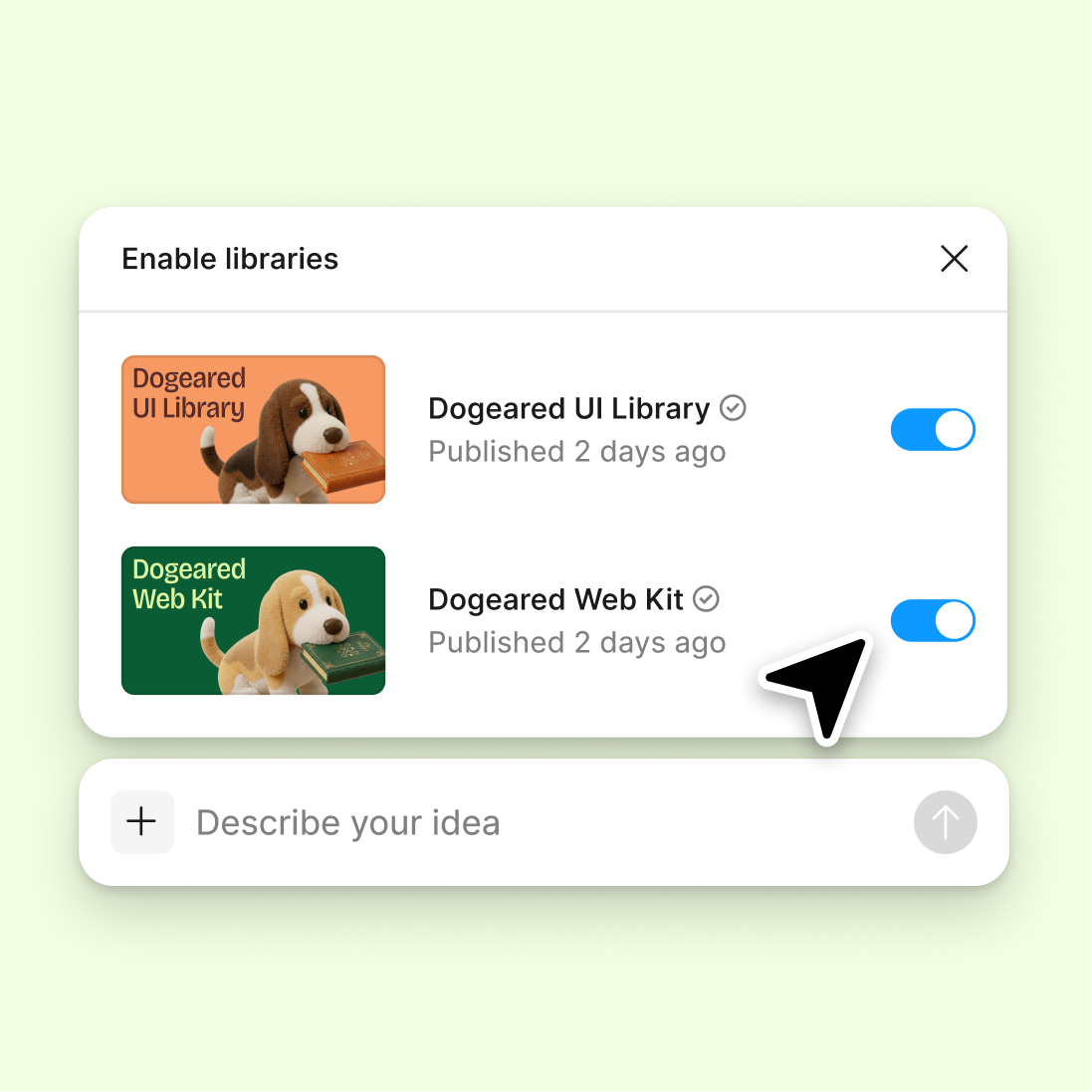
Connect a design library
The agent references your components, tokens, and styles to describe changes accurately—using the same naming conventions your team already knows.
Skip to main content
Let Figma's agent detect what changed, summarize updates, and create clear changelogs from your design iterations—directly in Figma Design. No manual documentation, no version confusion.


The agent reads your design context and generates changelogs that actually reflect what changed, keeping your whole team aligned on progress.


Figma's agent tracks what changed between iterations and generates clear, readable changelogs automatically. No more manual screenshots, no more forgotten updates—just accurate documentation that keeps pace with your design work.

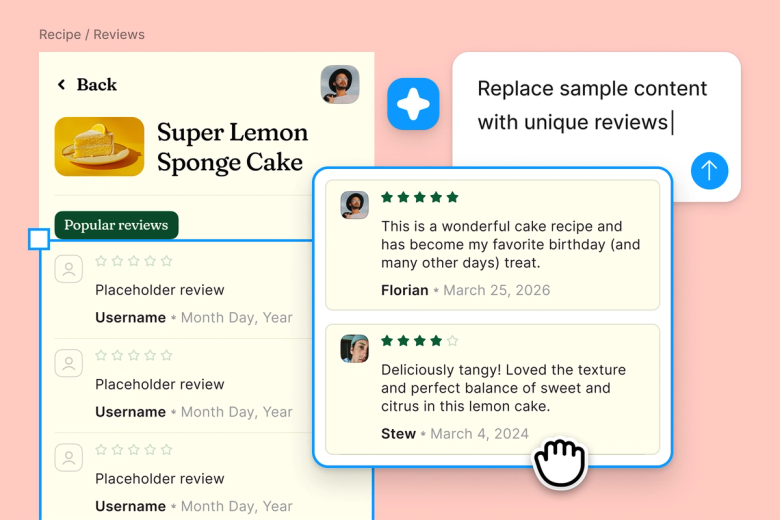
The agent reads your actual layers, components, and frames to detect meaningful changes. It understands your design system and summarizes updates in terms your team already uses, not generic descriptions.

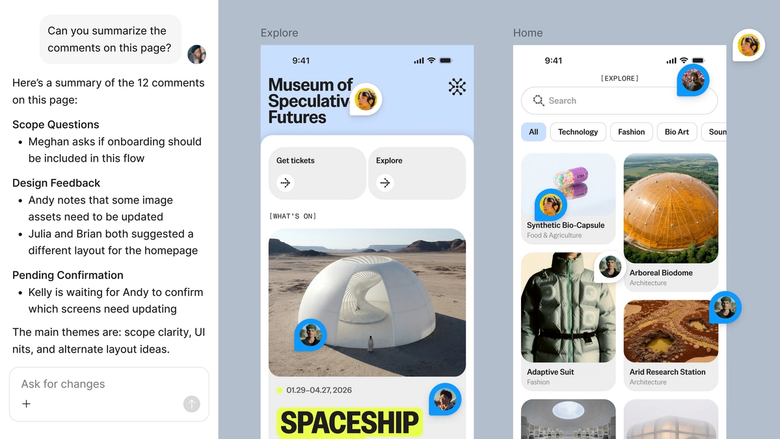
Share changelog threads with your team so everyone sees the same update history. Engineers, PMs, and leadership get clear visibility into what shipped and what's next—no separate handoff needed.
A closer look at what sets Figma's agent apart, built for the way design teams actually work.
The agent references your components, tokens, and styles to describe changes accurately—using the same naming conventions your team already knows.

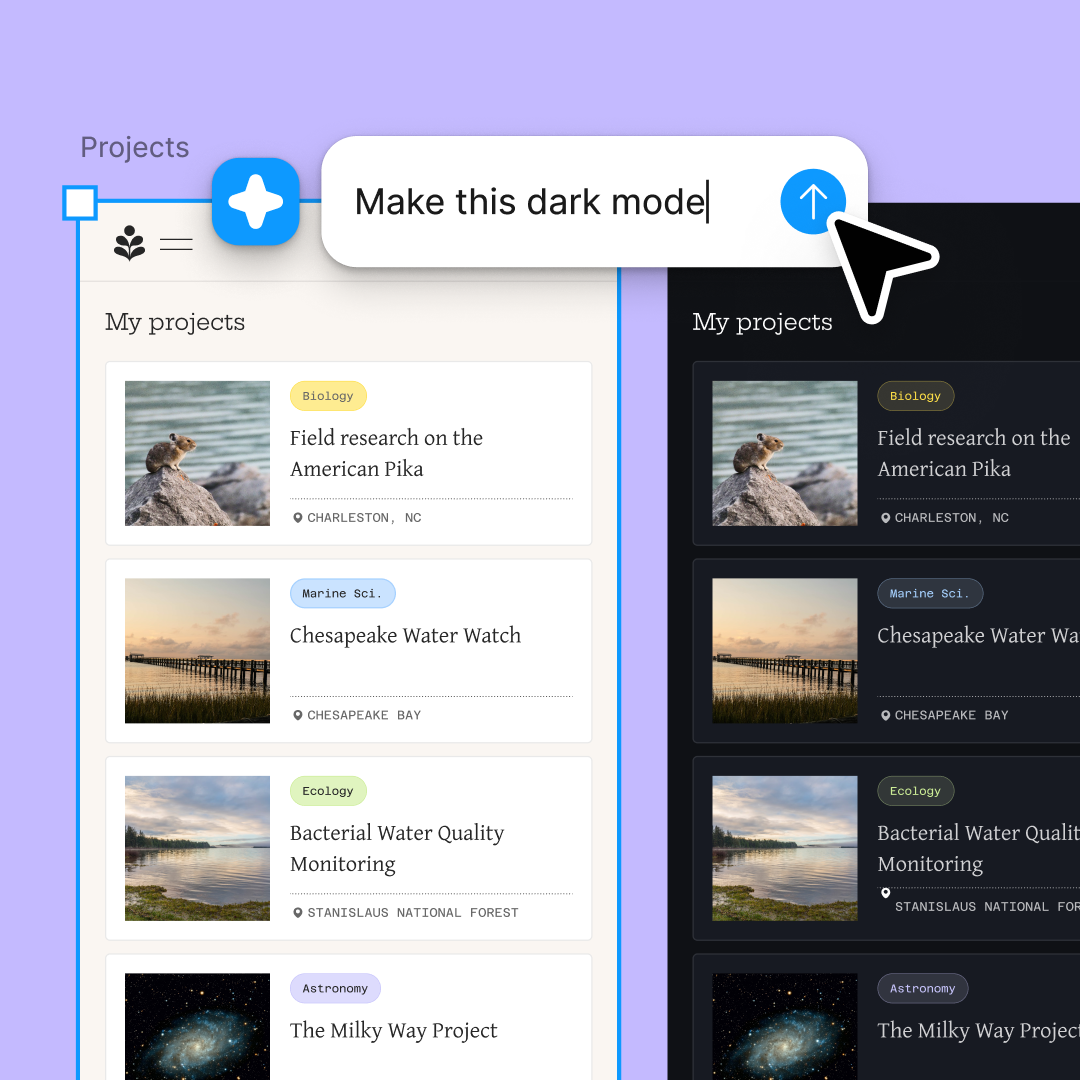
Generate changelogs for multiple frames or features at once. Compare iterations side by side without waiting on sequential prompts.

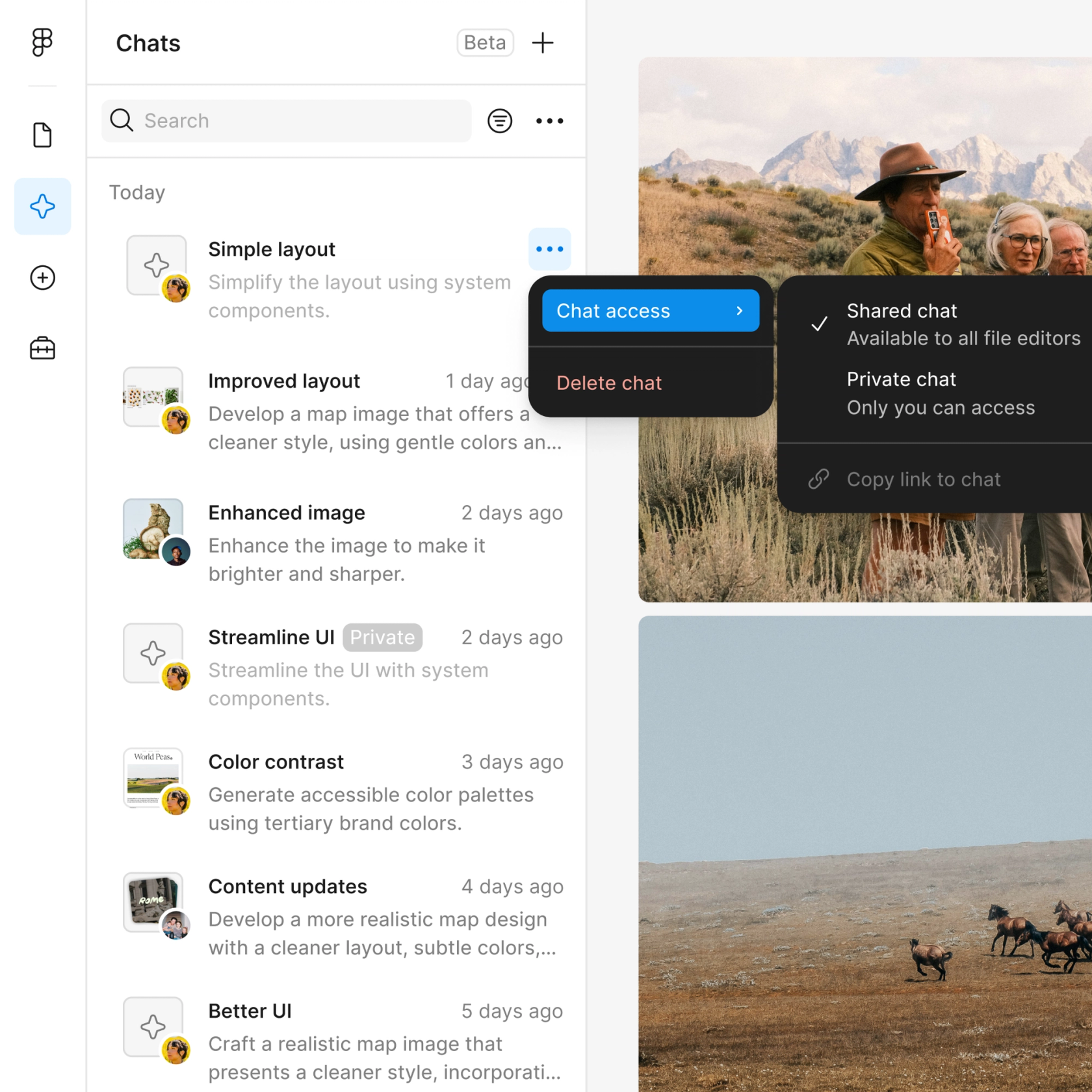
Share a changelog thread and your team sees the full history—every change detected, every summary generated, no context lost.

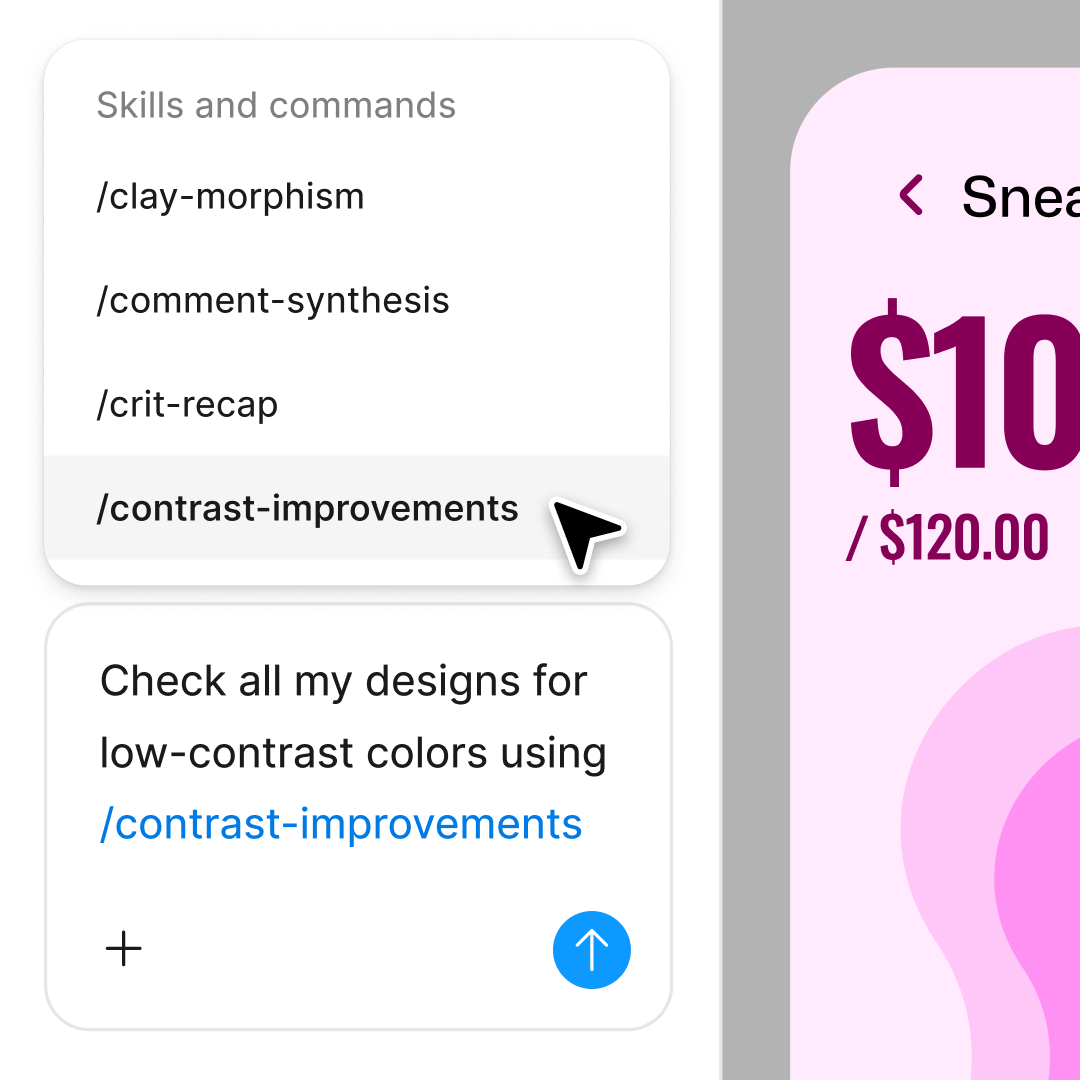
Need more detail on a specific change? Ask follow-up questions in the same thread or try a different summary format in a parallel one.
Figma feels like a natural extension of my hand. I do my design ideation on the canvas, and now the agent takes it the last mile. With my design libraries connected, I can move from design to code faster than ever before.
Andy Madrick
Product Designer, Notion

Open your file in Figma Design and select the frames you want to generate a changelog for—current version, previous version, or both.
Tell the agent what kind of changelog you need. Specify the audience, level of detail, or particular changes to highlight.
Check the generated changelog on your canvas. Refine in the same thread if you need different formatting or more detail.
Copy the changelog or share the thread directly. Your team sees the full context, and you can generate fresh updates as the design evolves.
Watch Figma's AI Agent in action and see how to put it to work in your own workflows.

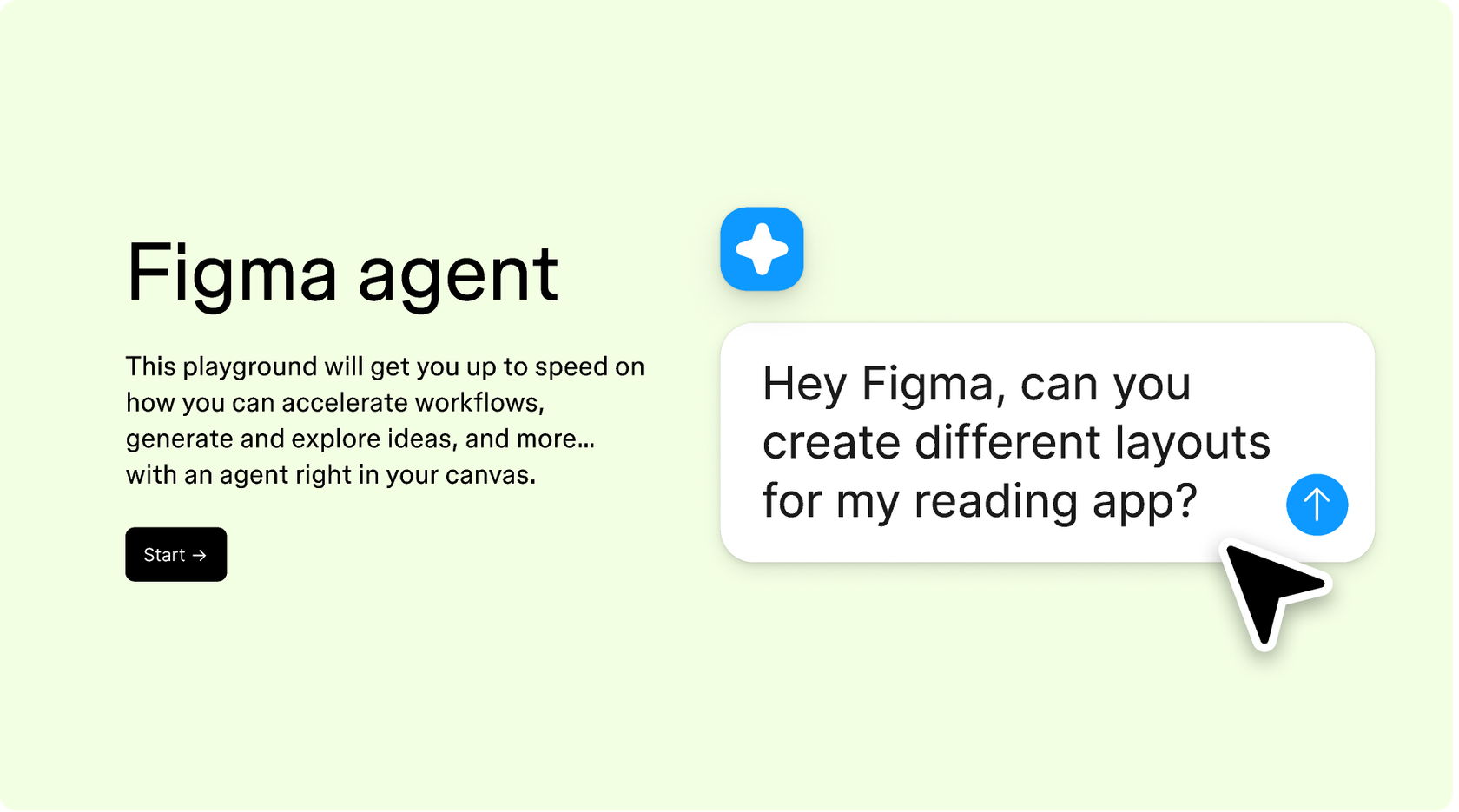
Hands-on playground to explore Figma agent's capabilities — from bulk edits to feedback implementation — with step-by-step guidance built right in.
Learn how to use Figma agent in your design workflows with a step-by-step tutorial from the Figma team.
An AI design changelog generator automatically detects and summarizes changes between design iterations. Figma's agent reads your actual layers, components, and frames to create clear documentation of what changed. Instead of manually tracking updates in spreadsheets, you get accurate changelogs generated directly on your canvas.
Figma's agent analyzes your selected frames and compares them against previous versions or reference designs. It identifies meaningful changes—updated components, modified layouts, new elements—and summarizes them in readable format. The agent uses your design system context to describe changes in terms your team recognizes.
Figma's agent can identify changes between design iterations when you select the relevant frames and prompt it to generate a changelog. It detects updates to layers, components, colors, spacing, and text. The more specific your prompt, the more focused the changelog will be.
A useful design changelog typically includes what changed, where the change occurred, and why it matters. Figma's agent can generate changelogs that cover component updates, layout modifications, copy changes, and visual refinements. You can prompt for different levels of detail depending on your audience—high-level summaries for stakeholders or granular updates for engineers.
Figma's agent is available on all paid Figma plans. You'll find it in the left navigation bar in Figma Design. During the current open beta, it doesn't consume AI credits—so it's a good time to explore, experiment, and share your feedback with us.
Build faster with Figma's agent


