
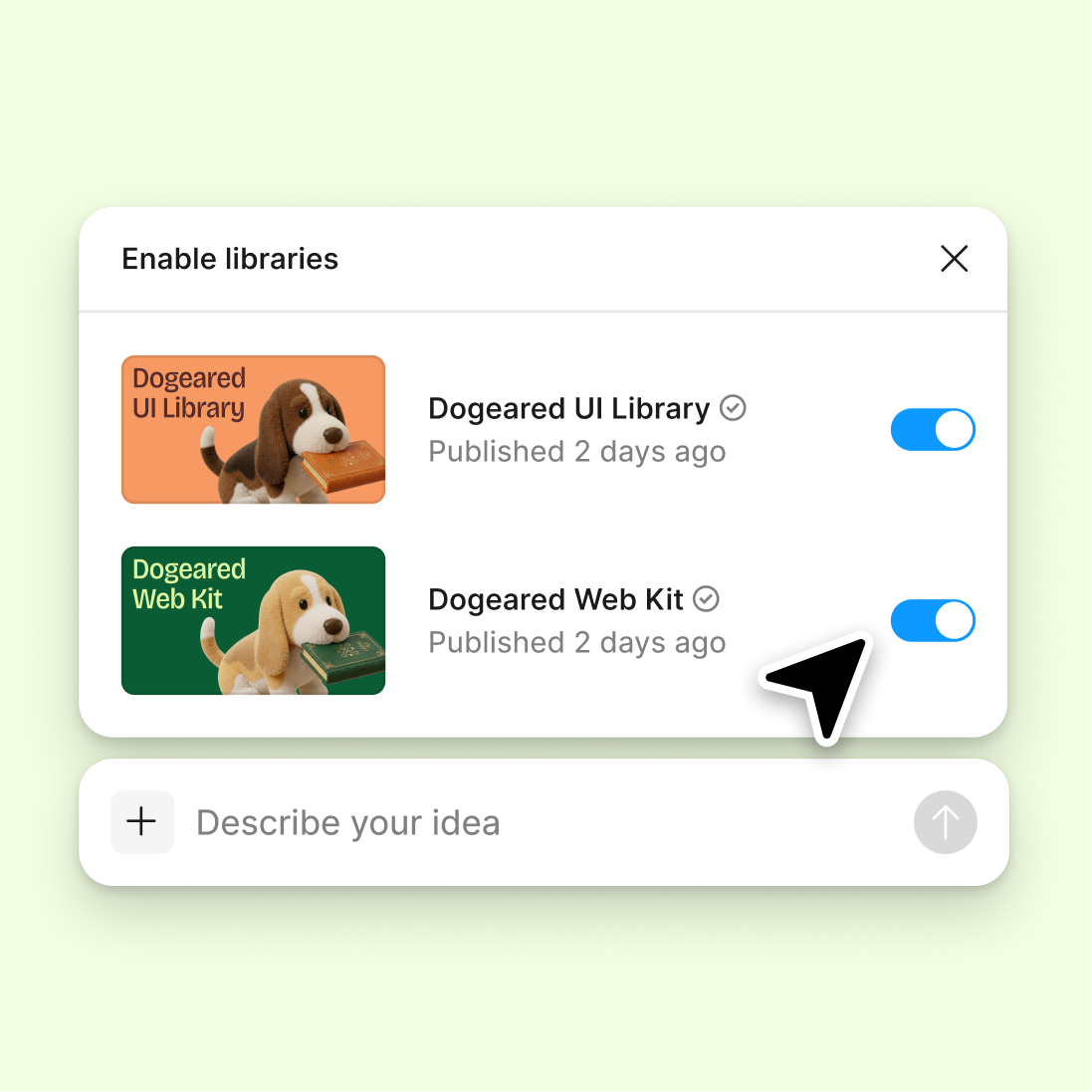
Connect a design library
Point the agent to your team's library and it generates documentation using your actual components, color tokens, and type styles—not generic placeholders.
Skip to main content
Document your design tokens, components, and brand guidelines with Figma's agent—directly in Figma Design. No separate documentation tools, no manual updates that fall out of sync.


Figma's agent generates style guides from your real components and tokens, keeping documentation in the same file your team designs in.

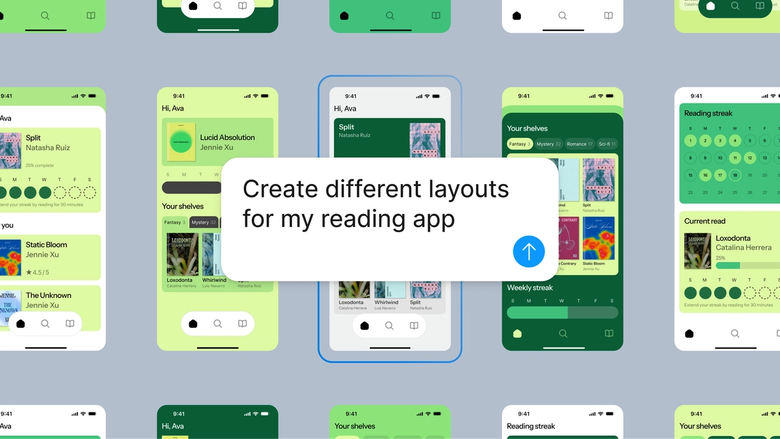
Figma's agent pulls directly from your connected libraries to generate style guides that reflect your real components, tokens, and variables. No placeholder specs or manual transcription—just accurate documentation built from what you've already designed.

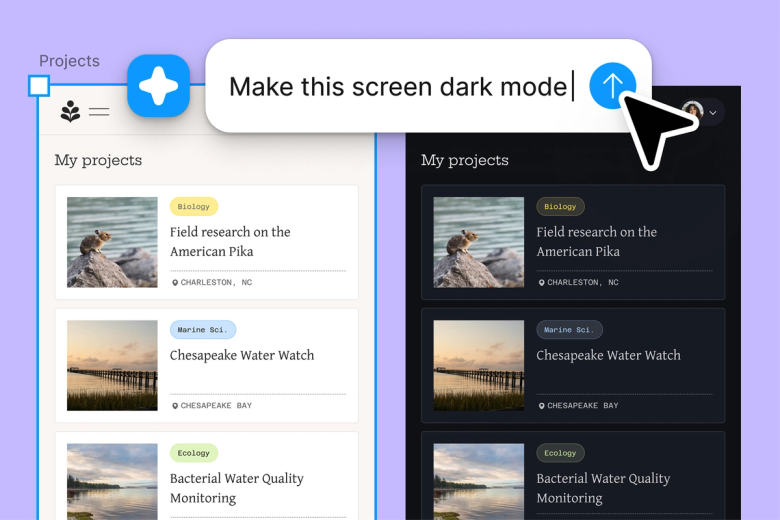
Skip the tedious process of manually documenting every color, type style, and spacing value. Describe what you need, and the agent generates structured style guide pages while you focus on the design decisions that matter.

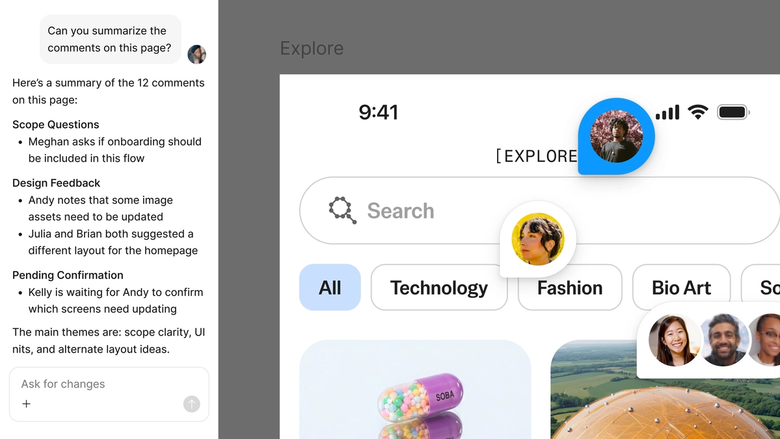
Style guides live in the same file your team works in, so everyone references the latest version. Updates happen in context, and nothing gets lost in a separate documentation tool or outdated PDF.
A closer look at what sets Figma's agent apart, built for the way design teams actually work.
Point the agent to your team's library and it generates documentation using your actual components, color tokens, and type styles—not generic placeholders.

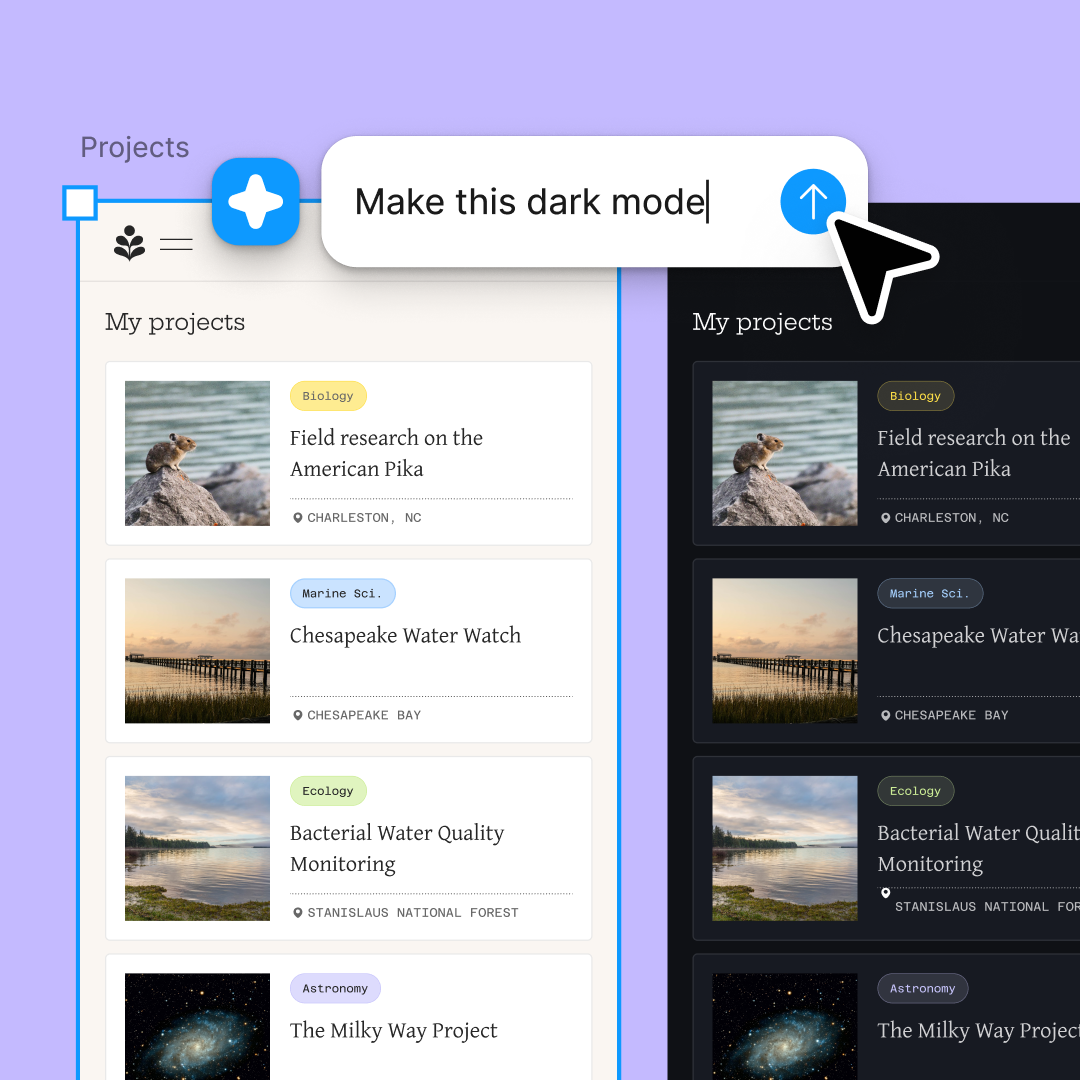
Explore multiple documentation approaches at once. Generate a component inventory in one thread while building a color palette guide in another.

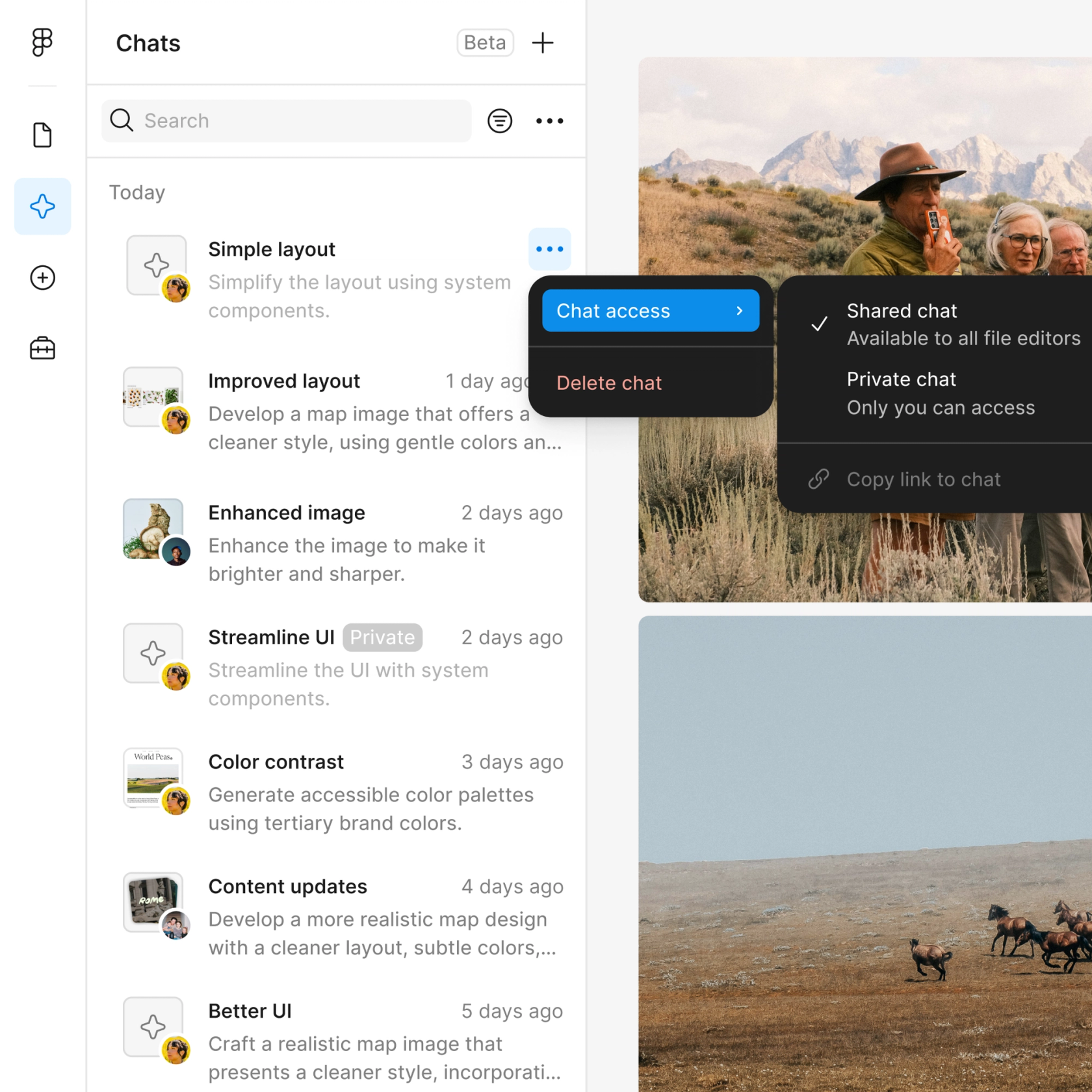
Share a thread and your team sees the full prompt, context, and iteration history behind any style guide. No separate handoff needed.

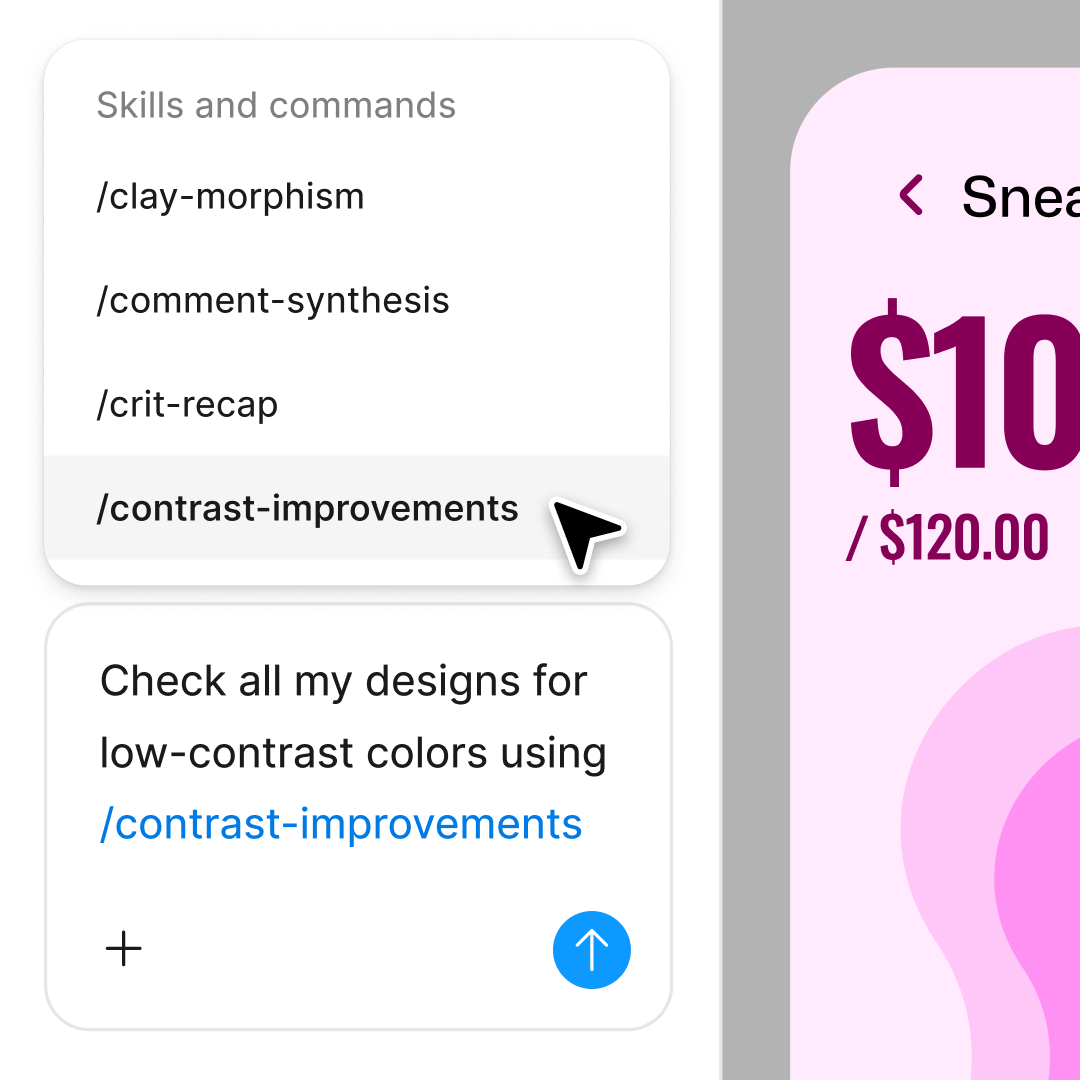
Package common documentation workflows—like generating component specs or token inventories—into reusable commands your whole team can run.
Figma feels like a natural extension of my hand. I do my design ideation on the canvas, and now the agent takes it the last mile. With my design libraries connected, I can move from design to code faster than ever before.
Andy Madrick
Product Designer, Notion

Open your file in Figma Design and make sure your team's library is connected. The agent will reference your real components and tokens.
Tell the agent what you need—a color palette guide, typography scale, component inventory—and specify any structure or format preferences.
Check the generated style guide on your canvas. Refine in the same thread to adjust formatting, or start a parallel thread to try a different structure.
Everything stays editable. Run the agent again when your design system evolves, or fine-tune documentation by hand.
Watch Figma's AI Agent in action and see how to put it to work in your own workflows.

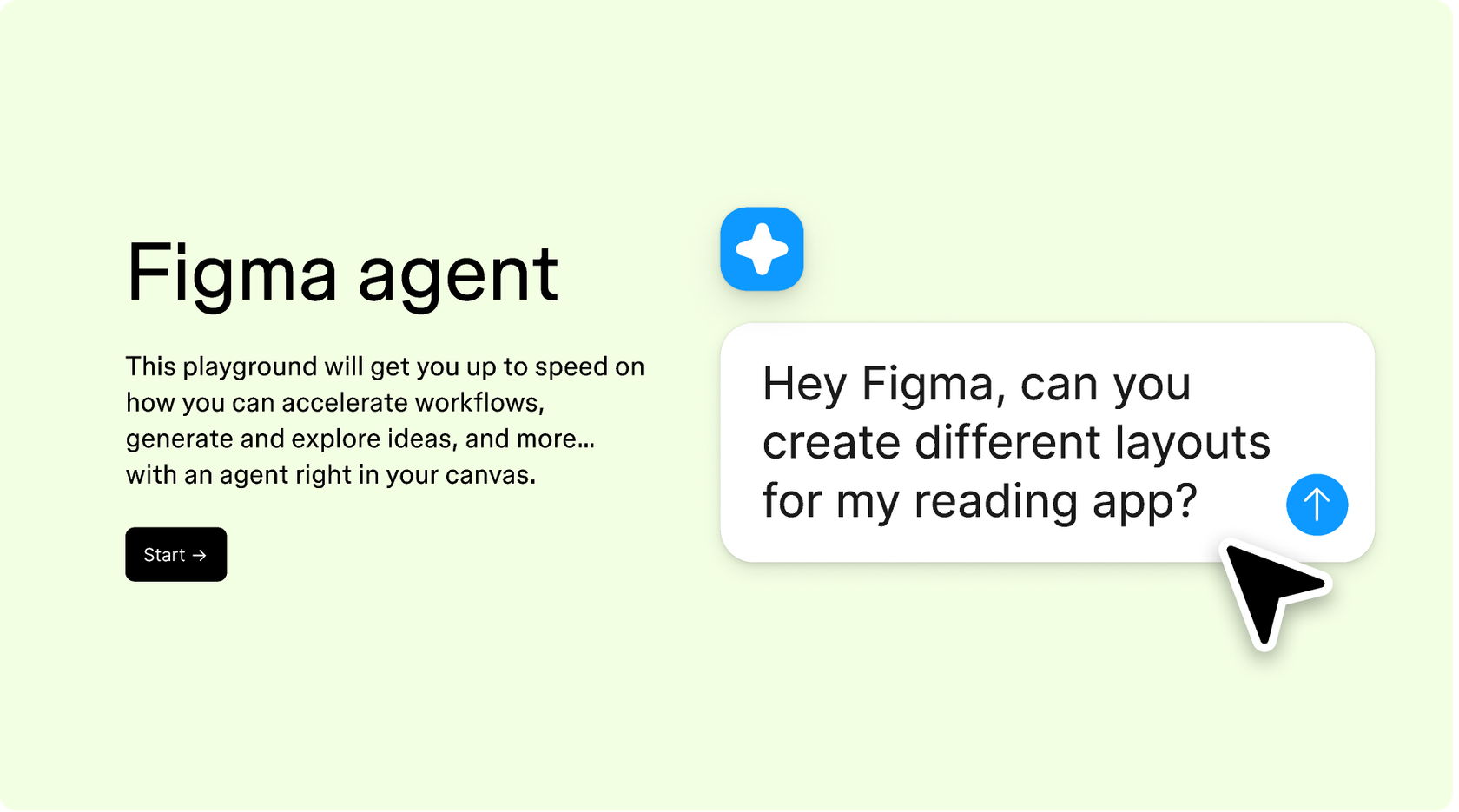
Hands-on playground to explore Figma agent's capabilities — from bulk edits to feedback implementation — with step-by-step guidance built right in.
Learn how to use Figma agent in your design workflows with a step-by-step tutorial from the Figma team.
An AI style guide agent helps you generate and maintain design documentation without manual busywork. Figma's agent works directly on your canvas, pulling from your connected libraries to create style guides that reflect your actual components, tokens, and brand guidelines. It keeps documentation in sync with your design system.
Figma's agent reads your connected design libraries and generates structured documentation based on your prompts. You describe what you need—a color palette, typography scale, or component inventory—and the agent builds it on your canvas using your real design tokens and styles.
Figma's agent can generate brand guideline documentation from your existing design system. Point it to your libraries, describe the structure you want, and it creates pages documenting your colors, typography, components, and usage patterns. You stay in control of the output and can refine it with follow-up prompts.
In Figma Design, connect your team's library and open the agent from the left side rail. Describe what you want documented—component specs, token inventories, usage guidelines—and the agent generates structured pages on your canvas. Everything stays editable, so you can update documentation as your system evolves.
Figma's agent is available on all paid Figma plans. You'll find it in the left navigation bar in Figma Design. During the current open beta, it doesn't consume AI credits—so it's a good time to explore, experiment, and share your feedback with us.
Build faster with Figma's agent


