
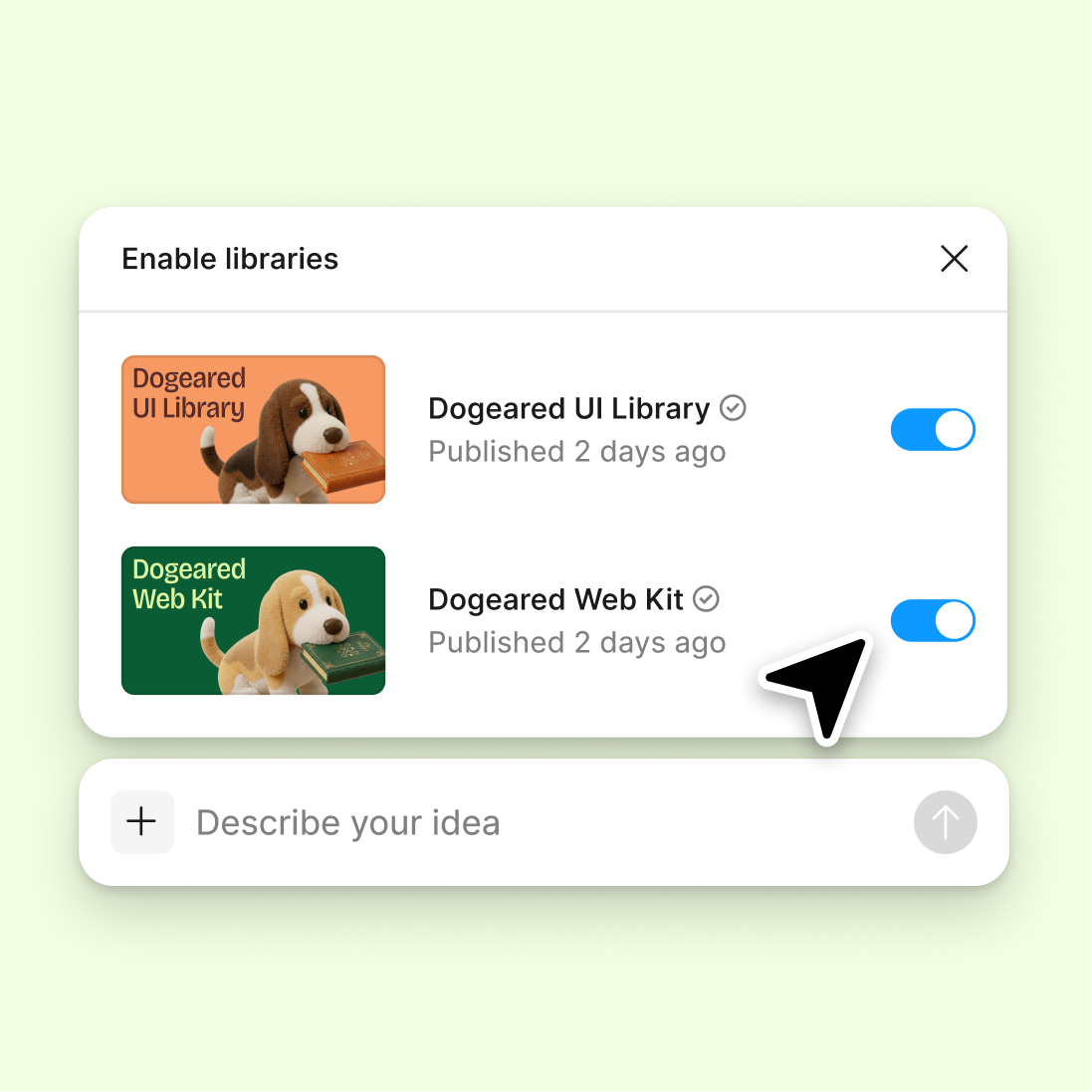
Reference your design system
Generate specs that pull from your actual components, tokens, and variables—so documentation reflects your real design system, not placeholder values.
Skip to main content
Turn your designs into developer-ready specifications with AI—directly in Figma Design. Extract spacing, colors, typography, and component details without manual redlining or separate documentation tools.


Figma's agent generates specifications using your actual design layers, tokens, and components—so handoff documentation reflects exactly what you built.


Figma's agent works as an AI design spec generator right on your canvas, pulling spacing, typography, colors, and component details directly from your layers. No switching to a separate documentation tool or rebuilding what already exists.

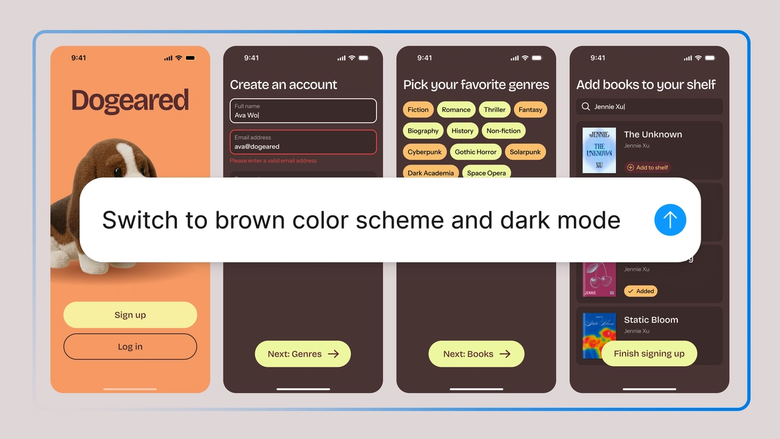
Hand off repetitive documentation tasks—measuring spacing, listing color values, detailing component states—and keep your focus on the design decisions that move the work forward.

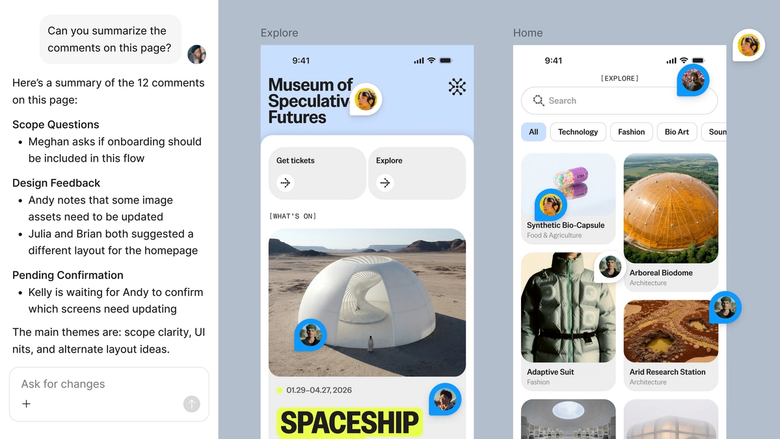
Specs live in the same file your team works in, so developers see the latest documentation alongside the design itself. No separate handoff document to keep in sync.
A closer look at what sets Figma's agent apart, built for the way design teams actually work.
Generate specs that pull from your actual components, tokens, and variables—so documentation reflects your real design system, not placeholder values.

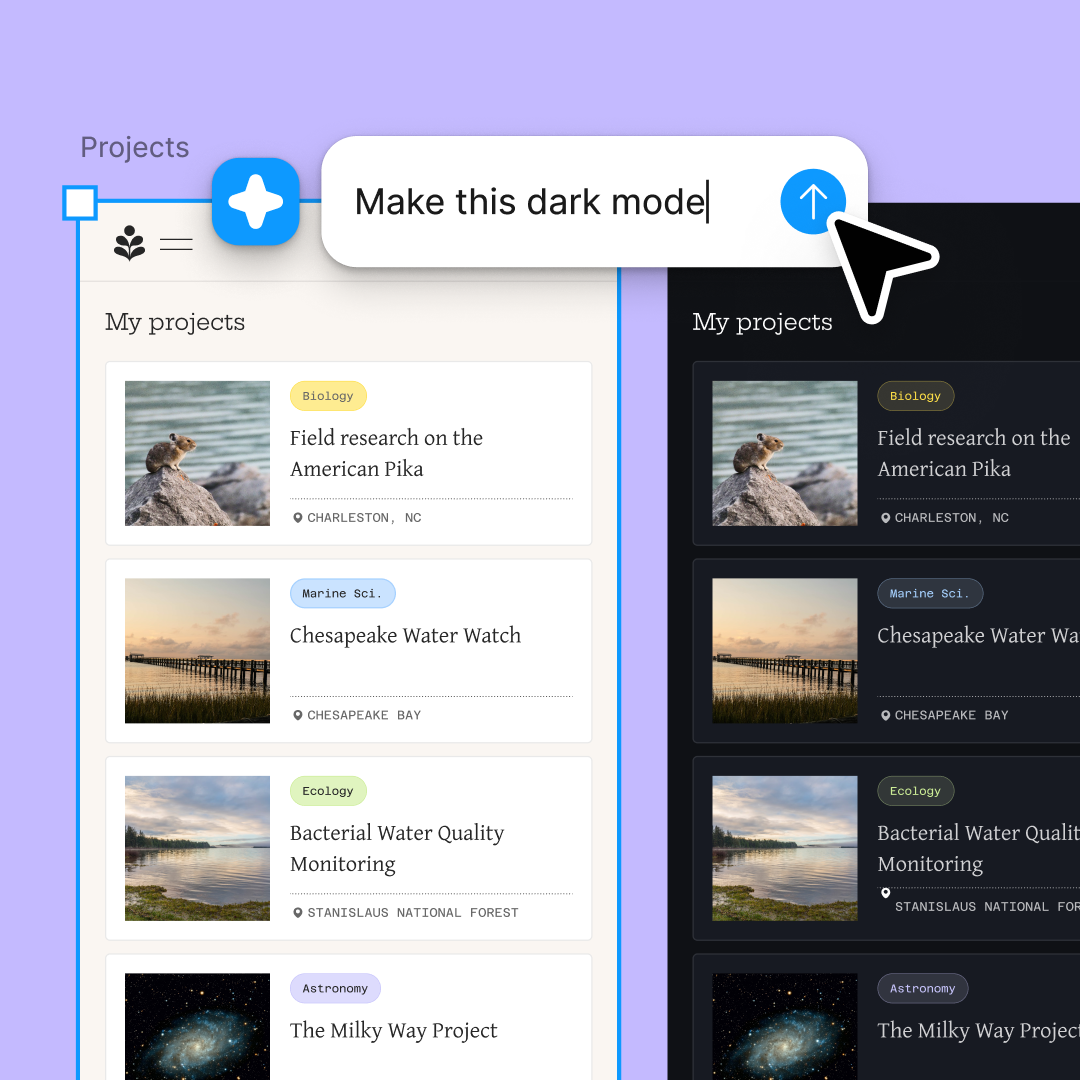
Generate multiple spec variations simultaneously—different component states, breakpoints, or documentation styles—without waiting for one to finish before starting another.

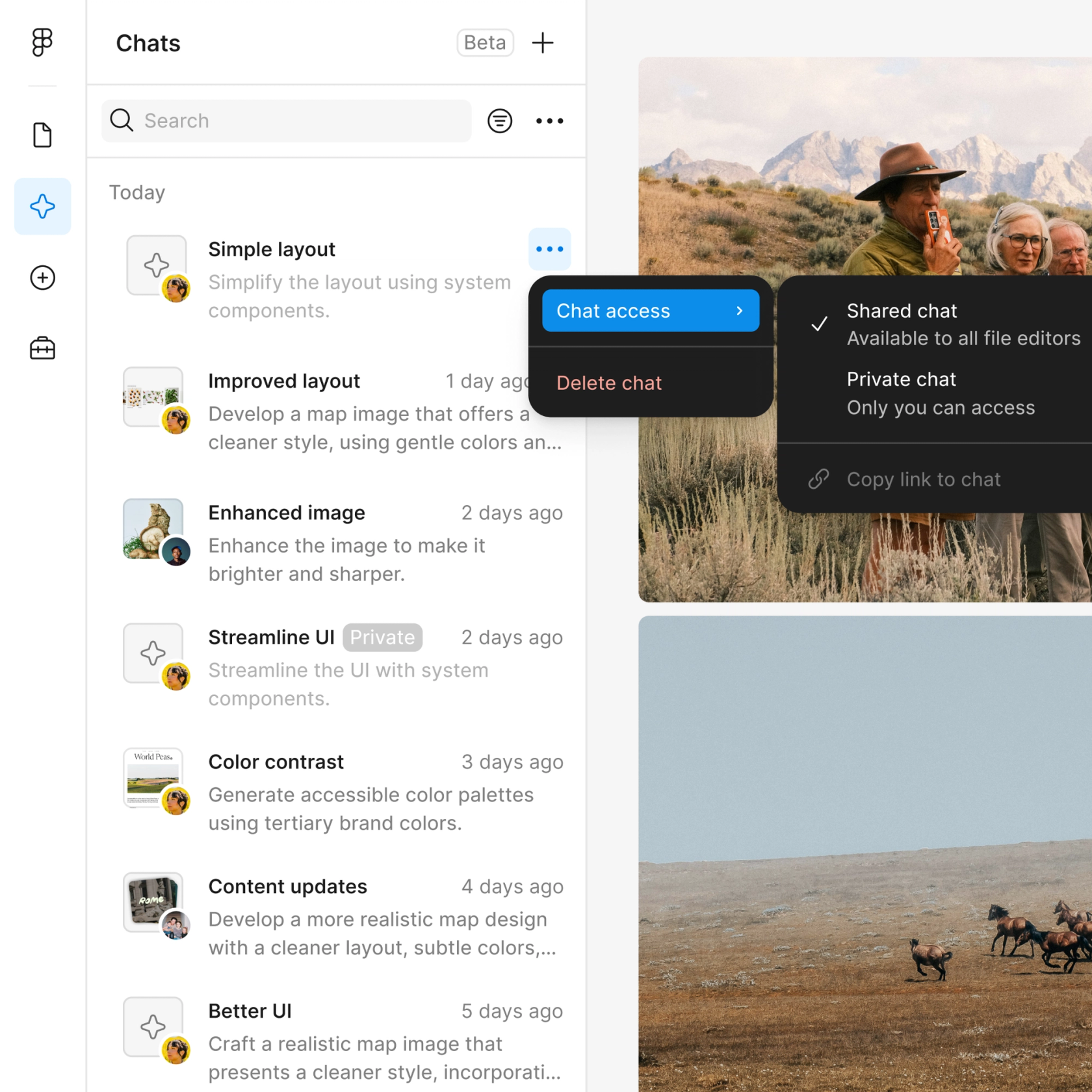
Share a thread and your team sees the full prompt, context, and iteration history behind any spec. Developers understand exactly what was documented and why.

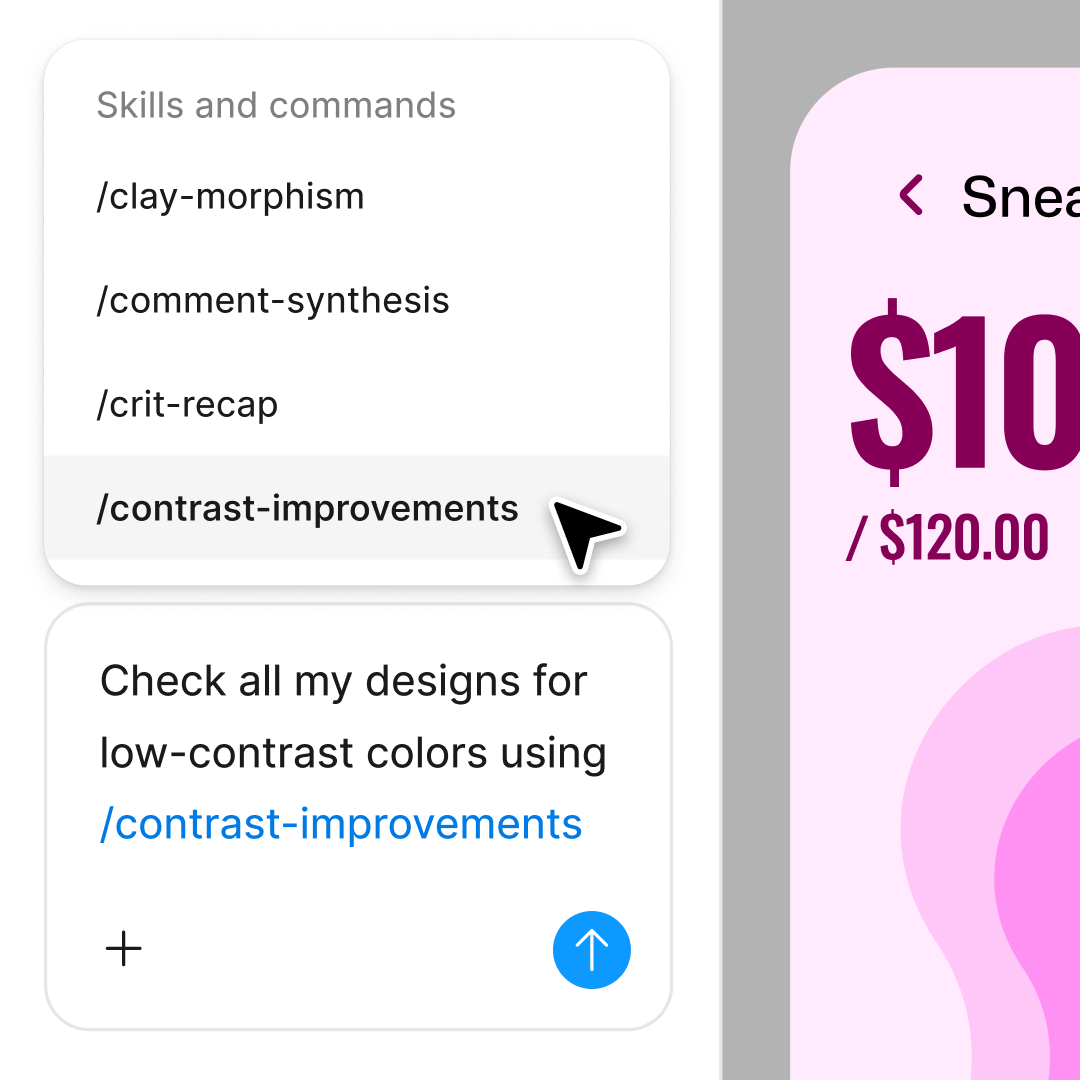
First pass missing details? Prompt again in the same thread to add component states or adjust formatting, or try a parallel direction without losing progress.
Figma feels like a natural extension of my hand. I do my design ideation on the canvas, and now the agent takes it the last mile. With my design libraries connected, I can move from design to code faster than ever before.
Andy Madrick
Product Designer, Notion

Open your file in Figma Design and select the frame, component, or screen you want to generate specs for.
Tell the agent what to include—spacing details, color values, typography, component states—and point it to your design library for accurate token references.
Check the generated spec on your canvas. Refine in the same thread to add missing details or try a parallel direction for different formatting.
When your design changes, prompt again to regenerate. Everything stays editable and connected to your actual layers.
Watch Figma's AI Agent in action and see how to put it to work in your own workflows.

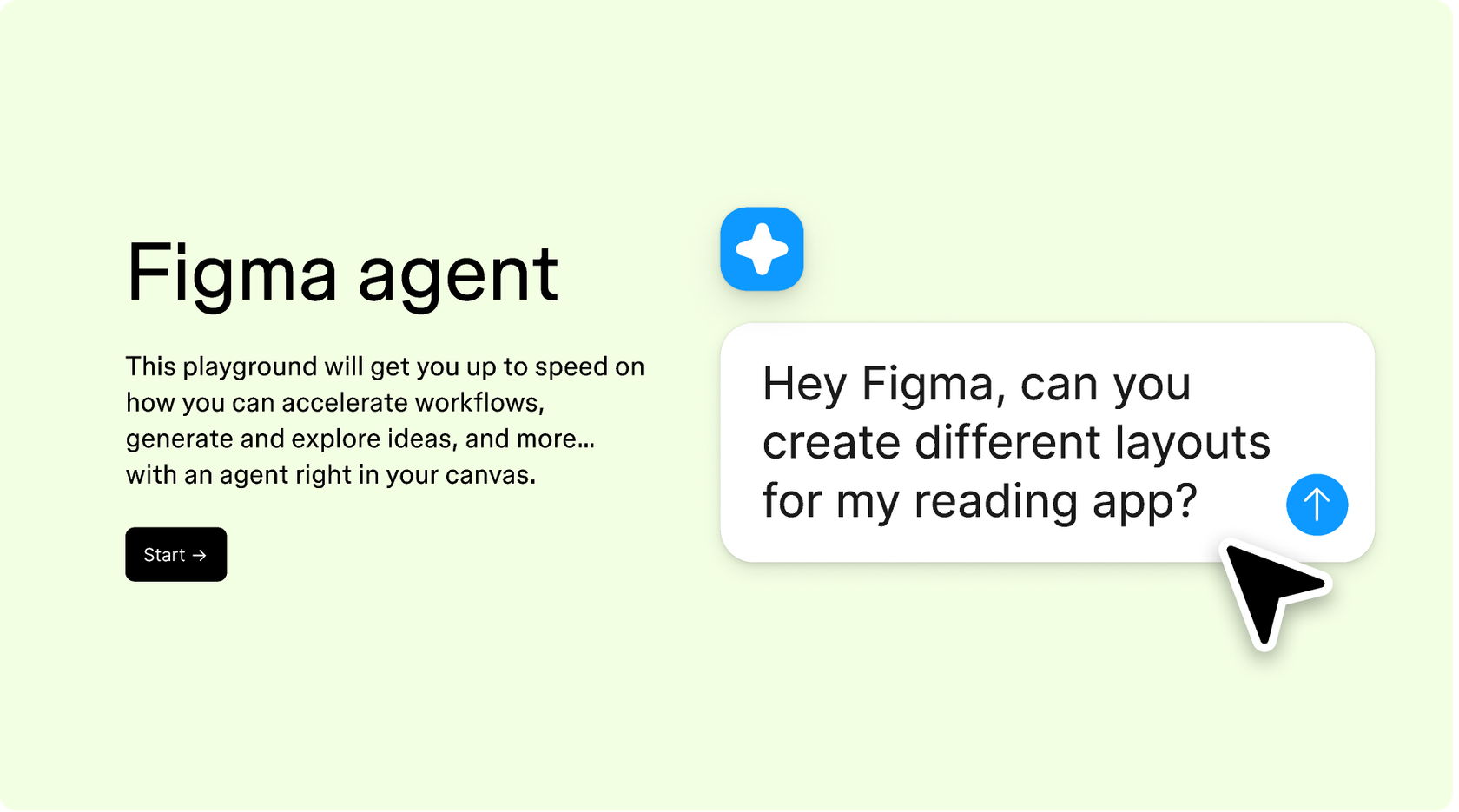
Hands-on playground to explore Figma agent's capabilities — from bulk edits to feedback implementation — with step-by-step guidance built right in.
Learn how to use Figma agent in your design workflows with a step-by-step tutorial from the Figma team.
An AI design spec generator automates the process of extracting design details—spacing, colors, typography, component properties—into developer-ready documentation. With Figma's agent, this happens directly on your canvas using your real design layers and tokens, so specs accurately reflect what you've built without manual measurement or separate tools.
Figma's agent reads your selected layers, components, and design tokens directly from the canvas. When you prompt it to generate specs, it extracts the relevant details—measurements, color values, typography settings, component states—and outputs documentation you can share with developers right in your file.
A thorough design spec typically includes spacing and layout measurements, color values with token names, typography details like font size and line height, component states and variants, and interaction notes. Figma's agent can extract these details automatically from your design layers, ensuring accuracy without manual redlining.
Select the frames or components you want to document, then prompt Figma's agent to generate specs. The agent extracts details from your actual layers and design system—spacing, colors, typography, component properties—so developers get accurate, up-to-date documentation without you measuring and typing values by hand.
Figma's agent is available on all paid Figma plans. You'll find it in the left navigation bar in Figma Design. During the current open beta, it doesn't consume AI credits—so it's a good time to explore, experiment, and share your feedback with us.
Build faster with Figma's agent


