


AI product dashboard generator in Figma Make
Go from idea to an interactive performance dashboard—no coding required. With Figma Make as your AI performance dashboard generator, describe the structure, data, and interactions you want, and watch a functional dashboard take shape in real time.
Build dashboards faster with an AI product dashboard generator
Turn product thinking into dashboards
Skip long docs and translate product strategy directly into structure. Prompt flows, logic, and states—and watch Figma Make generate an organized, testable dashboard instantly.
Prototype dashboards with your design system
Use your team’s components, tokens, and patterns to build dashboards that stay perfectly on-brand. Every chart, panel, and interaction reflects your live design language.
Validate your dashboard with real data
Connect APIs or data sources to preview dashboards with authentic values, states, and behaviors.
Go from dashboard prototype to production
Export functional code aligned with your system. Reduce rework and handoff friction by generating production-ready foundations directly from your dashboard prototype.
Built by real teams.
See how makers, designers, and PMs are using Figma Make to build no-code web apps—from internal tools to product MVPs.
- Jacques Debeuneure Jr.
- Daniela Muntyan

- kishoree04u

- Seungmee Lee


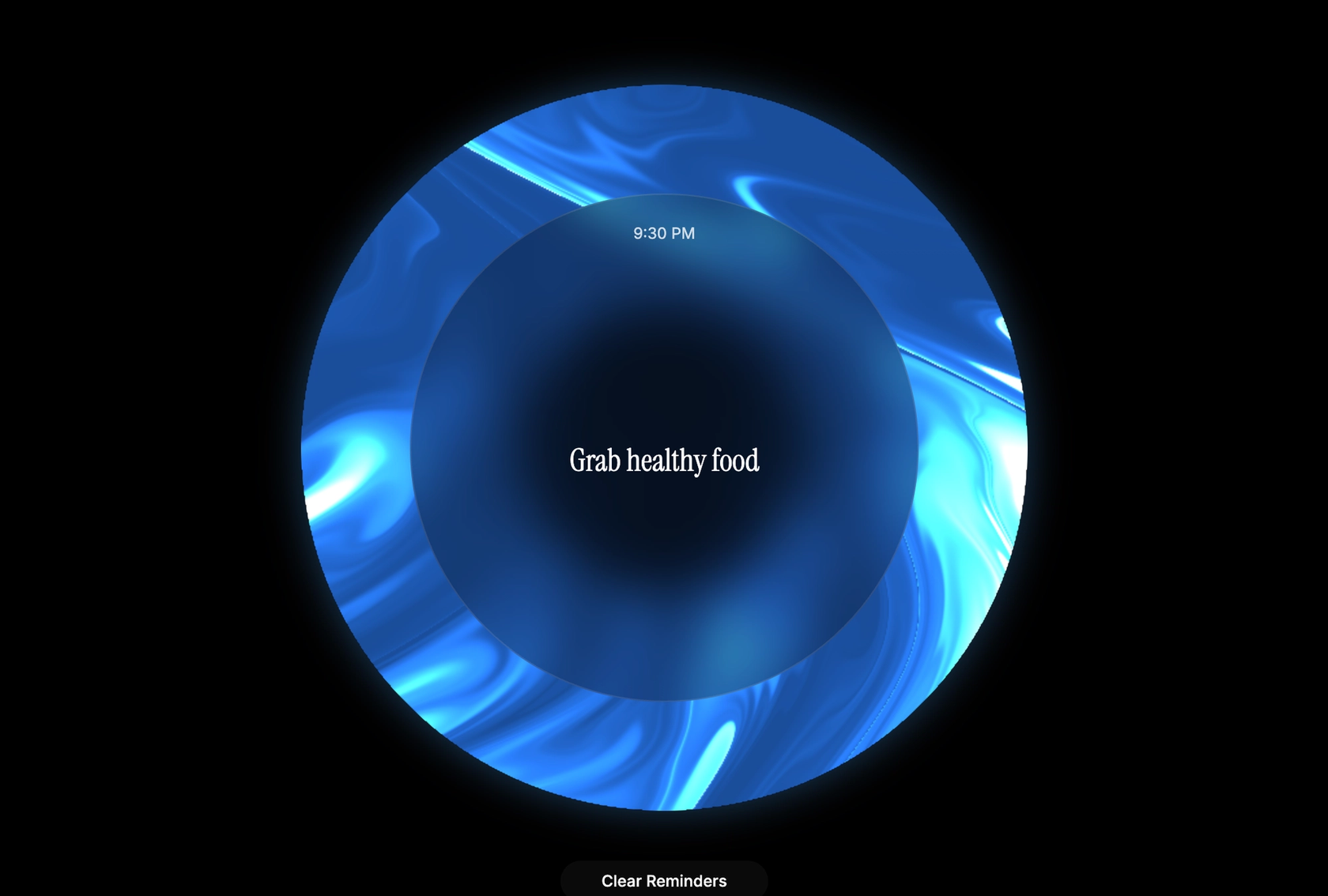


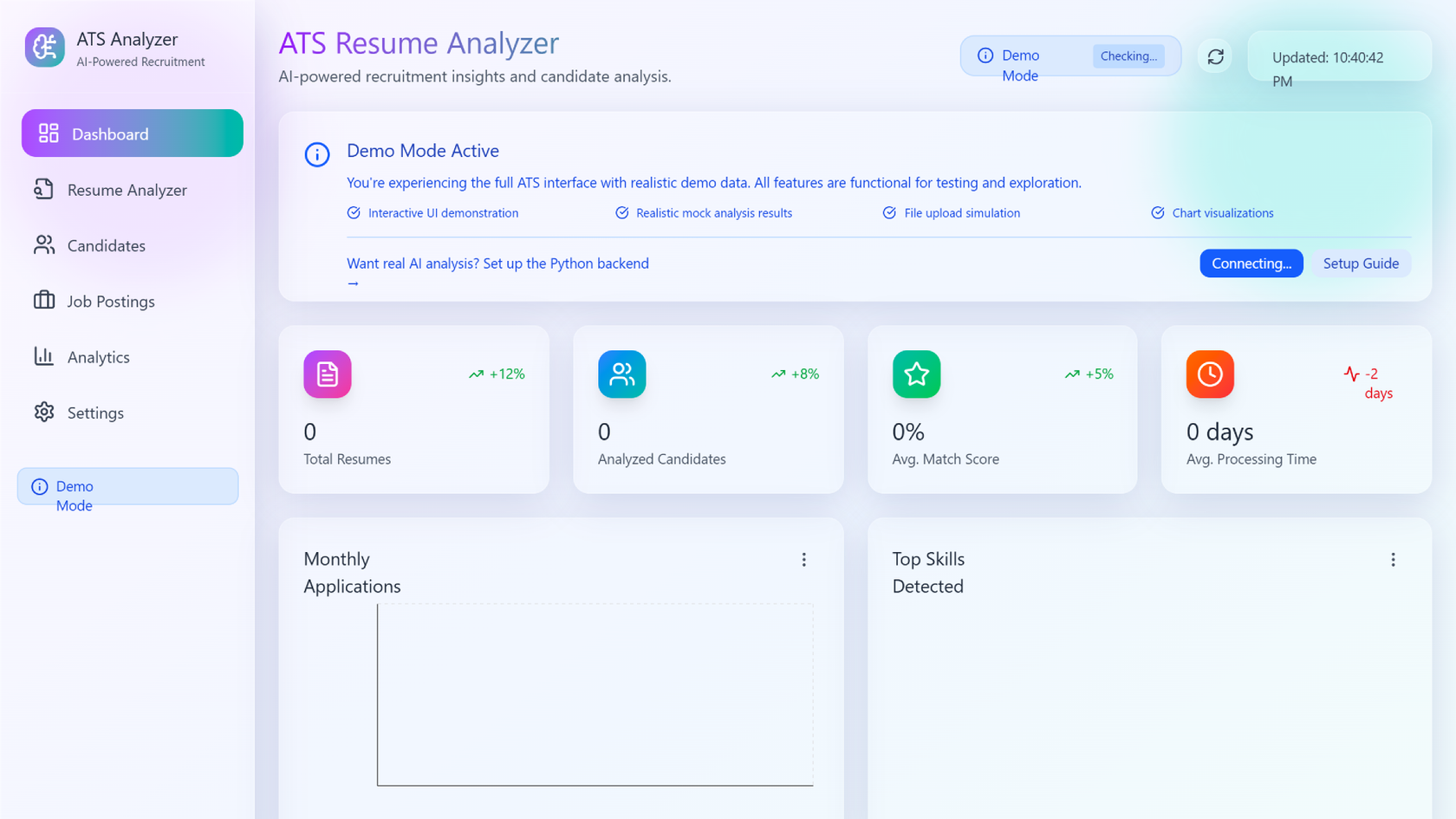


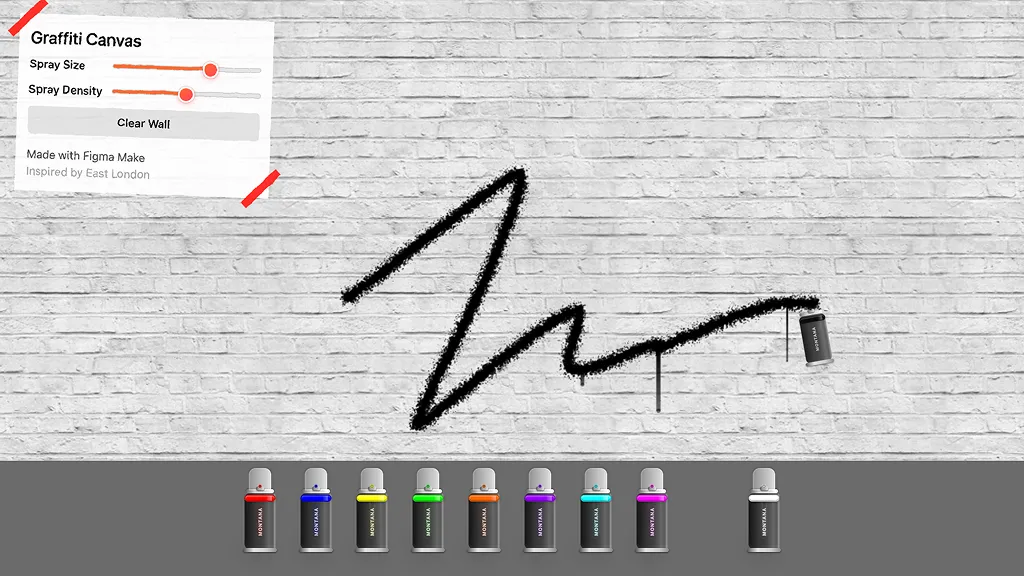

How to create a dashboard with Figma Make
Create a dashboard canvas in Figma Make—or paste a frame from an existing Figma Design file.
Example prompt: “Start a web dashboard layout with a top nav and two content columns.”
Use natural language prompts to define sections, charts, filters, and logic. Focus on what users see and how the data behaves.
Example prompt: “Add metric cards, a line chart for weekly activity, and a filter panel on the right.”
Figma Make generates an interactive dashboard with adjustable inputs, responsive layout, and optional live data connections.
Example prompt: “Connect this chart to sample API data and show loading/error states.”
Update components, prompt for adjustments, add interactions, or connect real datasets. Everything stays editable, flexible, and ready for collaboration.
Example prompt: “Replace the metric cards with my design system components and add hover interactions.”
FAQs
An AI product dashboard generator creates fully structured, interactive dashboards from natural language prompts. In Figma Make, it builds layouts, logic, and data connections automatically—so teams can design and test dashboards faster.
Yes. Figma Make supports backend integrations so dashboards can pull live or sample API data. This allows teams to validate flows, states, and interactions using realistic content.
Absolutely. Figma Make works seamlessly with Figma Design files, enabling teams to copy components, tokens, and layouts into Make and build fully on-brand dashboards.
Yes. Dashboards generated in Figma Make can be exported as functional code that aligns with the team’s component library—reducing drift and speeding up delivery.
From the blog

How Lufthansa Systems prototypes realistic maps for the cockpit with Figma Make
Pilots depend on in-flight software to navigate routes, see air traffic, avoid turbulence, and more. To bring more dynamic prototypes to user testing, Lufthansa Systems turned to Figma Make.
Create, ship, and manage data-backed websites with Payload in Figma
With Payload in Figma, teams can go from prototype to production together, managing their content and data all in one place.
Measuring time savings from Figma Make
The Figma Data Science team assumed that AI saves users time—but quantifying it required a new approach to research design.
A properties panel and annotations, now in Figma Make
With visual editing and annotations, Figma Make is bridging the gap between design and code. Select any element you want to change, adjust it directly in the properties panel, or write in-context prompts with annotations.
Workflow lab: Deploying designs directly with Figma Make
The handoff from design to code doesn't have to be a one-way street. This workflow shows how a designer can connect a codebase to Figma Make, make the changes directly, and bring the whole team into review—right up to the PR.

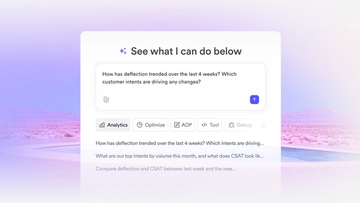
How Decagon uses AI for design system saturation
The fast-growing customer experience platform explains how Figma MCP and Figma Make helped them scale a new design system and keep pace with customer requests.
More resources

What is MCP?
Read articleLearn about Model Context Protocol (MCP), the open standard that simplifies AI integration like a USB-C for data.

What is Vibe coding?
Read articleVibe coding combines mood-driven design with seamless coding to create immersive digital experiences that connect emotionally and function flawlessly.


How to design an app in five steps
Read articleBuilding an app requires research and constant iteration to meet customer needs. Learn how to design an app and how Figma can help in this guide.