Turn game ideas into reality
Skip the dev backlog and bring your sports concepts to life as interactive matches, tournaments, or full arcade-style games, all from natural language prompts.
Skip to main content
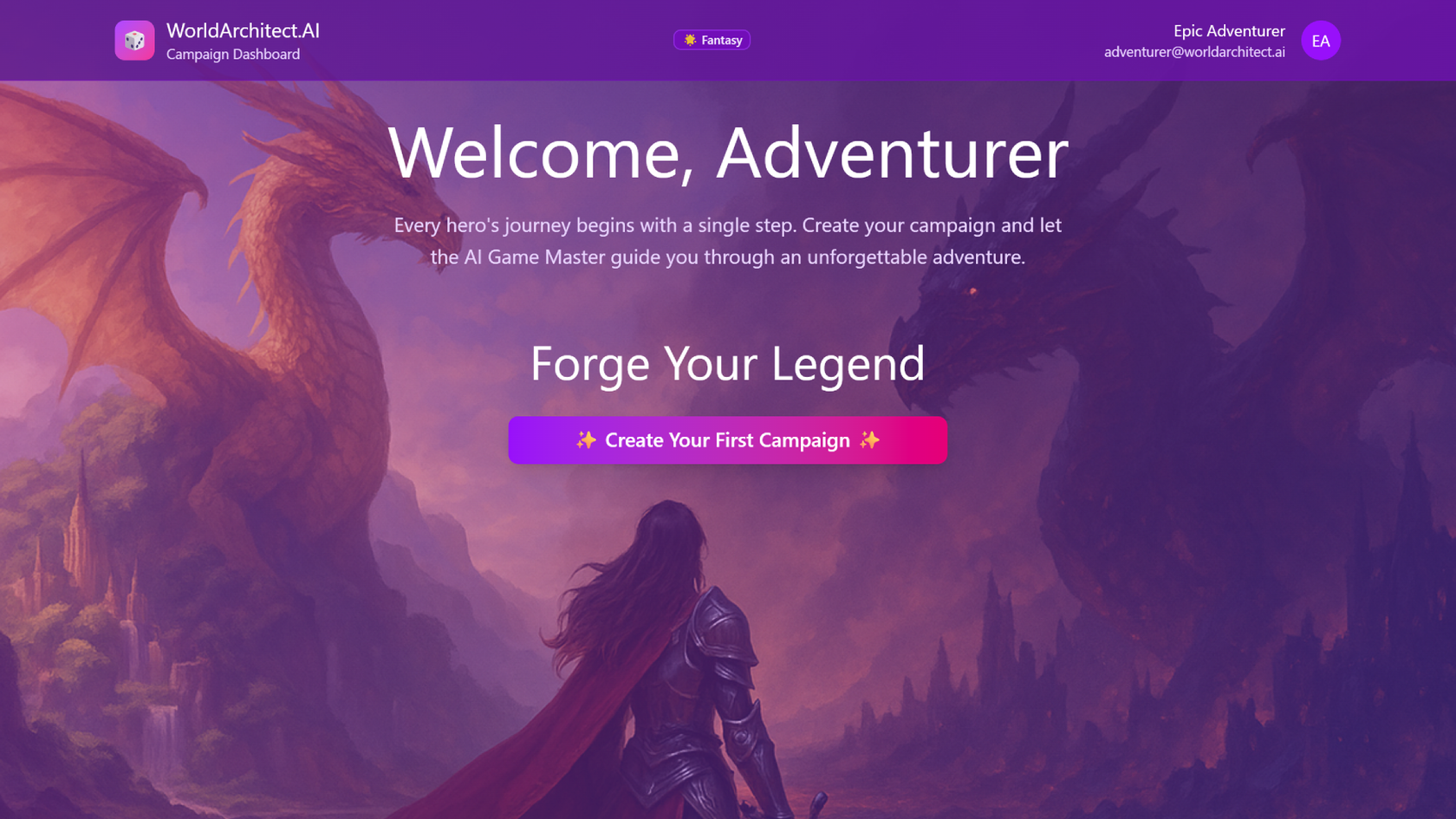
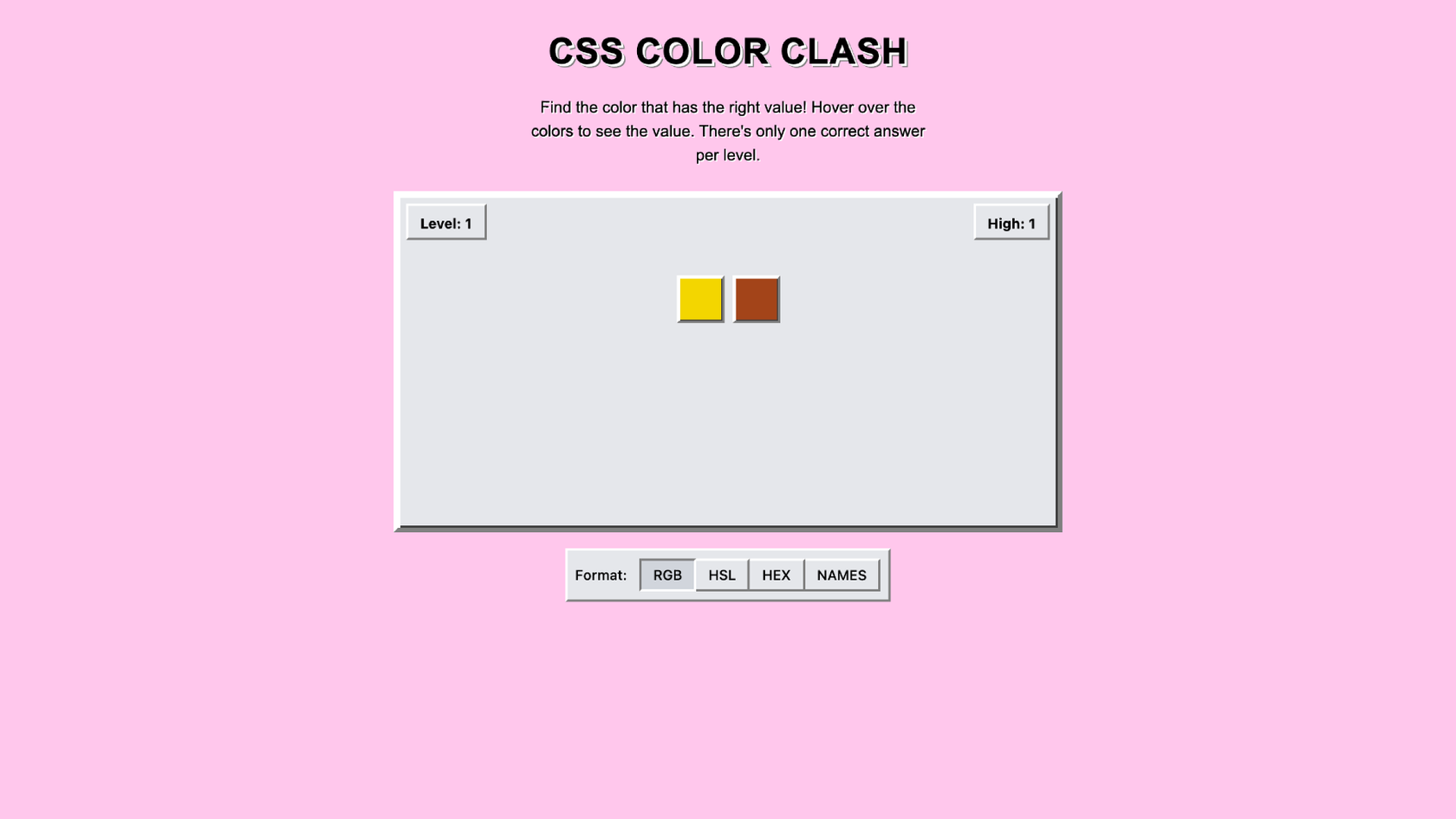
Go from big idea to playable sports game, just like that—no coding required. Describe the rules, teams, and match mechanics, and Figma Make builds an interactive game you can test and share.
Skip the dev backlog and bring your sports concepts to life as interactive matches, tournaments, or full arcade-style games, all from natural language prompts.

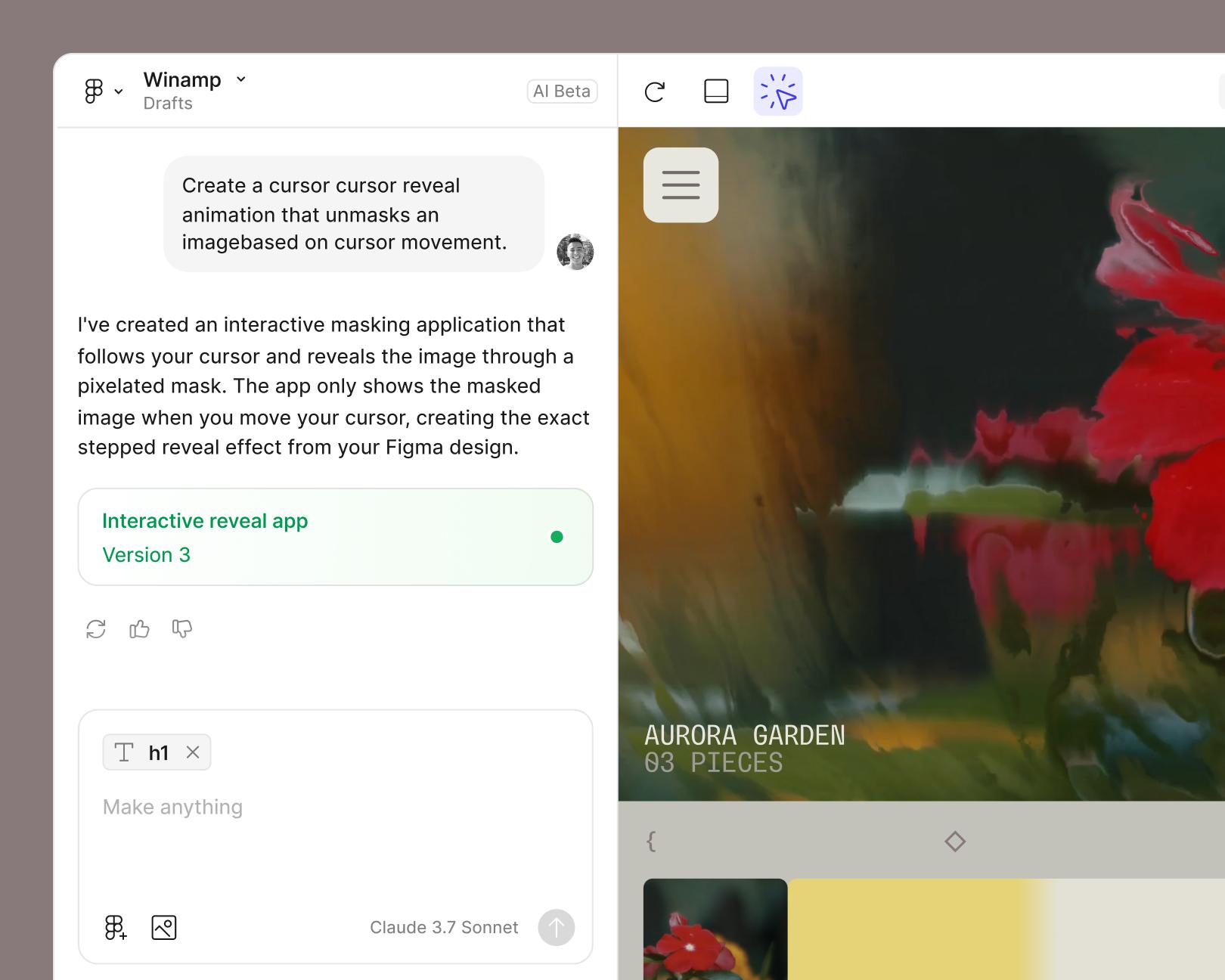
Describe your sport, rules, and scoring in everyday language, and Figma Make generates the mechanics, UI, and match logic automatically.

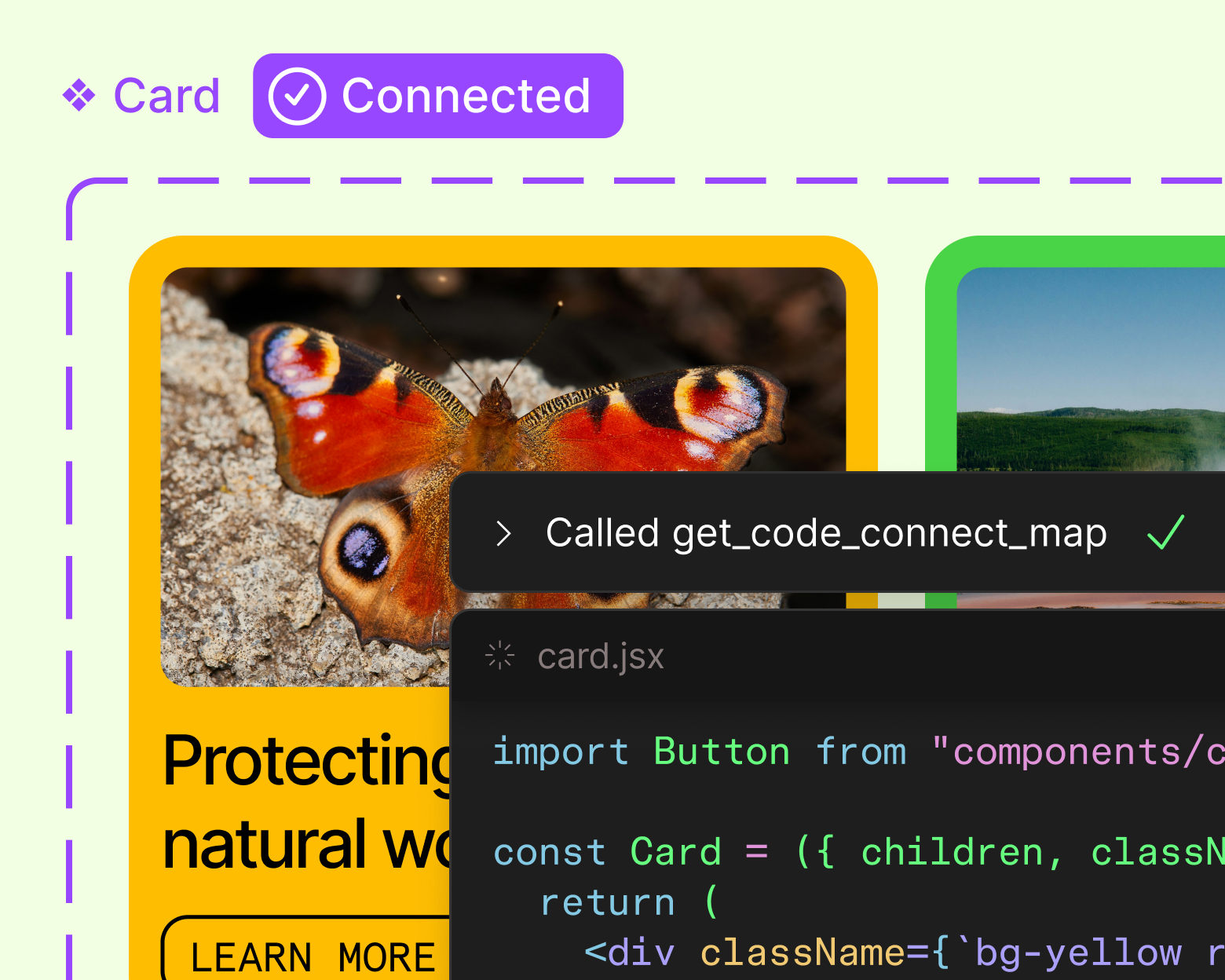
No tool-hopping between design and dev. Figma Make keeps you in flow from first concept to final playtest.

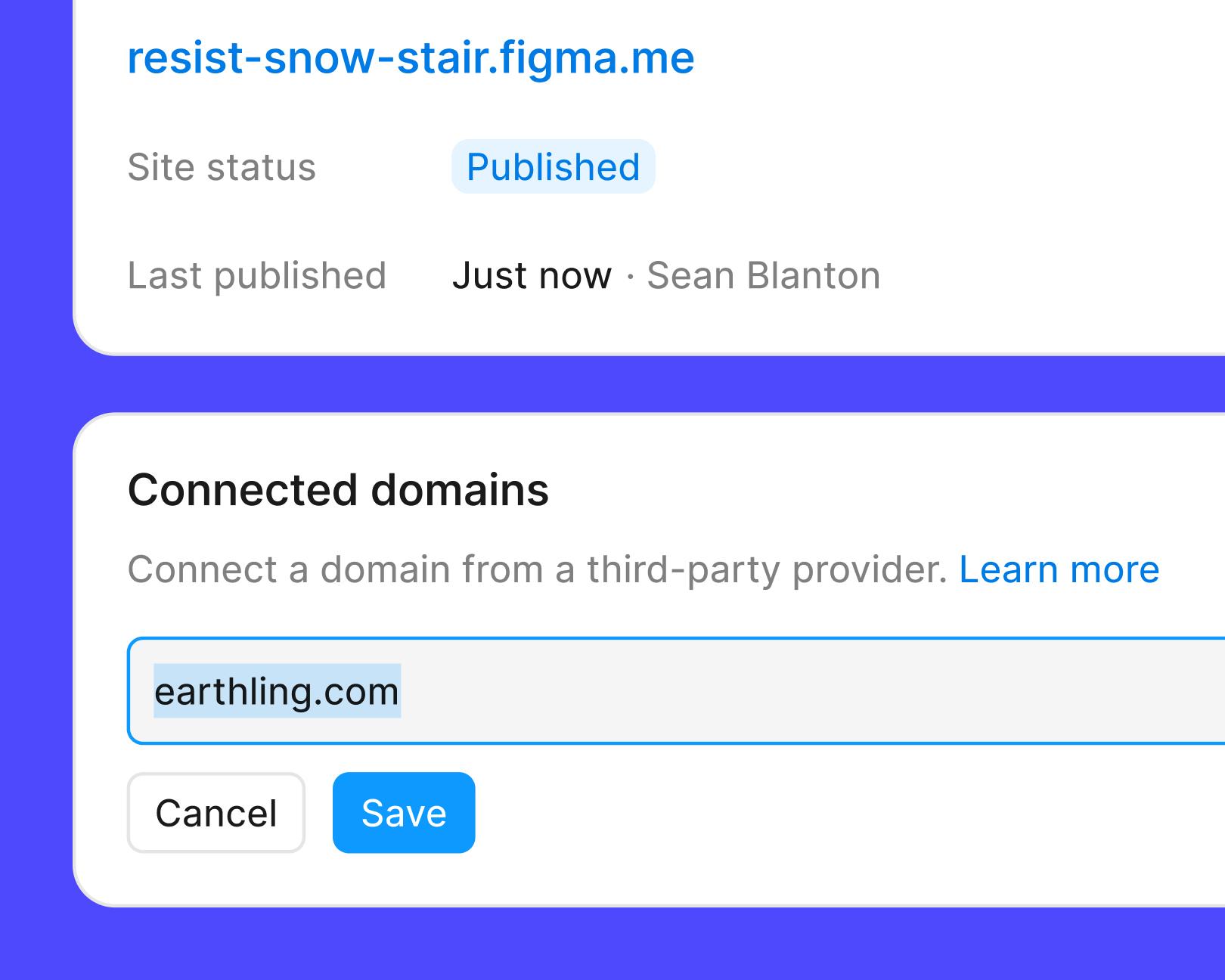
Send a link to teammates for feedback, or publish your sports game for players everywhere.
See how makers, designers, and PMs are using Figma Make to build no-code web apps—from internal tools to product MVPs.
Open a new project in Figma Make, or copy a frame from an existing Figma Design file to use as your starting canvas. Example prompt: "Use this frame as the main field for a top-down soccer game."
Use a natural language prompt to define the sport, rules, players, scoring, and controls you want. Example prompt: "Create a two-player pickleball game with a live scoreboard, best-of-three sets, and keyboard controls for each side of the court."
Figma Make generates a responsive, interactive sports game you can play, test, and share right in the browser. Example prompt: "Add a match timer, crowd sound effects, and an end-of-game summary screen with stats."
Keep prompting to adjust difficulty, add new mechanics, or polish the visuals, or tweak the design and code directly. Everything stays editable. Example prompt: "Add three difficulty levels, a rally counter, and a subtle animation when a player scores a point."
An AI sports game generator turns a written idea into a playable sports game. In Figma Make, creators describe the sport, rules, and visuals in natural language, and the tool builds a working game they can test and refine.
Figma Make supports a wide range of formats, including soccer, basketball, tennis, golf, racing, arcade-style mini-games, and original sports built from scratch. The tool generates the gameplay, scoring, and UI based on the prompt.
Yes. Users can copy any frame or component from a Figma Design file into Figma Make, then prompt it into a playable sports game. This keeps the game on-brand and consistent with an existing design system.
Yes. Figma Make integrates with a backend, so builders can add user authentication, save player stats, track high scores, and connect to private APIs for leaderboards, team rosters, or live match data.
Yes. Creators can publish their sports game directly from Figma Make to share with players, or keep it private and share a link with teammates for feedback and iteration.

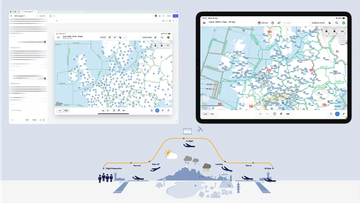
Pilots depend on in-flight software to navigate routes, see air traffic, avoid turbulence, and more. To bring more dynamic prototypes to user testing, Lufthansa Systems turned to Figma Make.
With Payload in Figma, teams can go from prototype to production together, managing their content and data all in one place.
The Figma Data Science team assumed that AI saves users time—but quantifying it required a new approach to research design.
With visual editing and annotations, Figma Make is bridging the gap between design and code. Select any element you want to change, adjust it directly in the properties panel, or write in-context prompts with annotations.
The handoff from design to code doesn't have to be a one-way street. This workflow shows how a designer can connect a codebase to Figma Make, make the changes directly, and bring the whole team into review—right up to the PR.

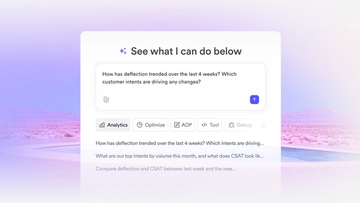
The fast-growing customer experience platform explains how Figma MCP and Figma Make helped them scale a new design system and keep pace with customer requests.

Learn about Model Context Protocol (MCP), the open standard that simplifies AI integration like a USB-C for data.


Vibe coding combines mood-driven design with seamless coding to create immersive digital experiences that connect emotionally and function flawlessly.


Building an app requires research and constant iteration to meet customer needs. Learn how to design an app and how Figma can help in this guide.