


AI PRD generator in Figma Make
Transform product ideas, user stories, or draft PRDs into interactive prototypes that sharpen your product direction. Figma Make helps PMs visualize logic, flows, and edge cases—so the ideas behind your PRD are clearer, faster.
Generate complete, structured PRDs with AI
Turn ideas into working prototypes
Start from a user story, a problem statement, or a few bullet points. Make uses AI to generate interactive flows that help you explore structure, logic, and possible solutions—before you commit them to a PRD.
Clarify product requirements by showing, not telling
Instead of writing your way to alignment, visualize user journeys, data interactions, and edge cases. See how your product concept behaves—and refine the details that belong in your spec.
Align design, product, and engineering
Share prototypes directly in Figma to validate and iterate on requirements, flows, and logic, and edge cases.Everyone works from the same source of truth—no extra tools needed.
Move ideas forward with shared context
Export the code, hand off Figma designs, or share interactive prototypes directly in Make to move from planning to execution.
Built by real teams.
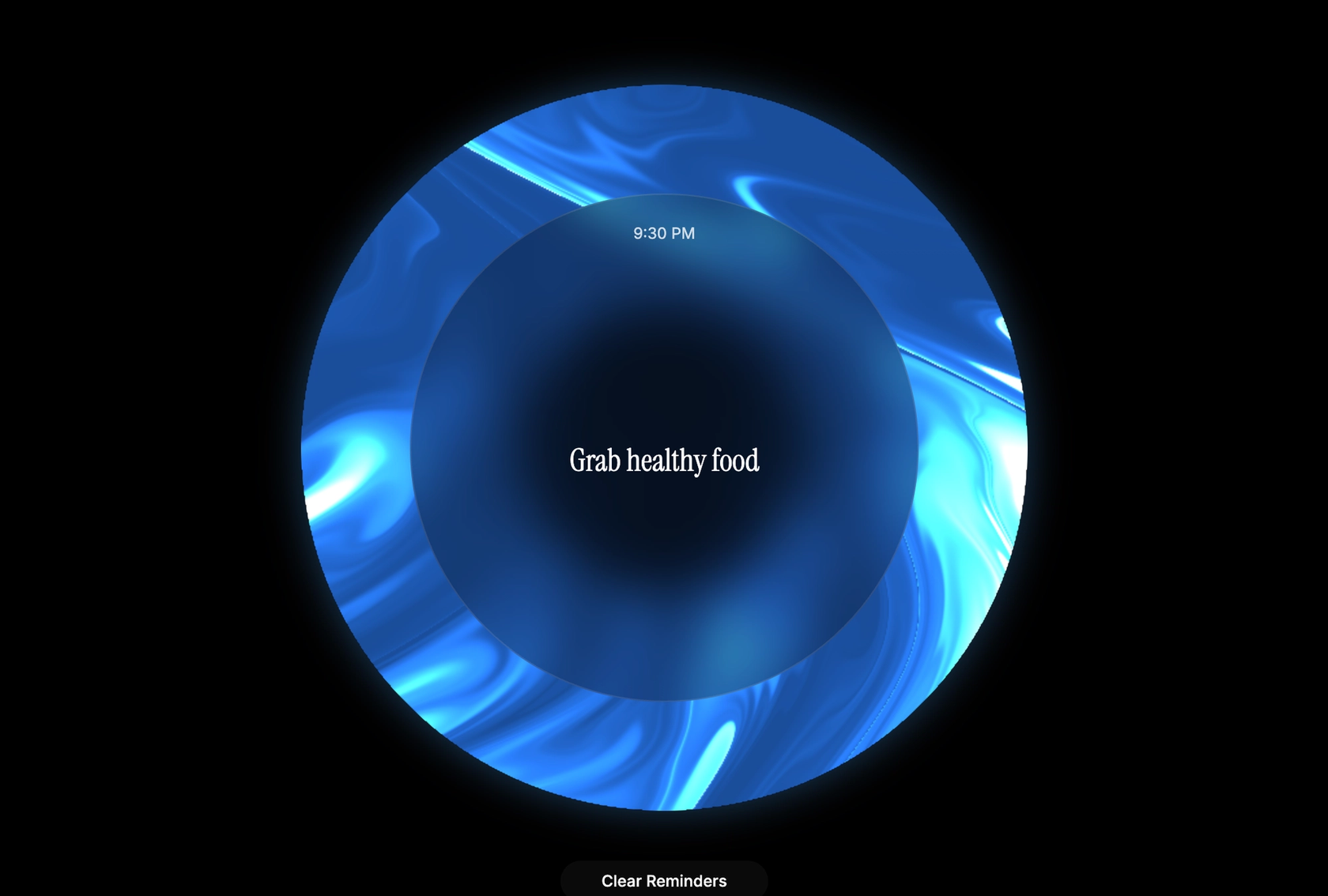
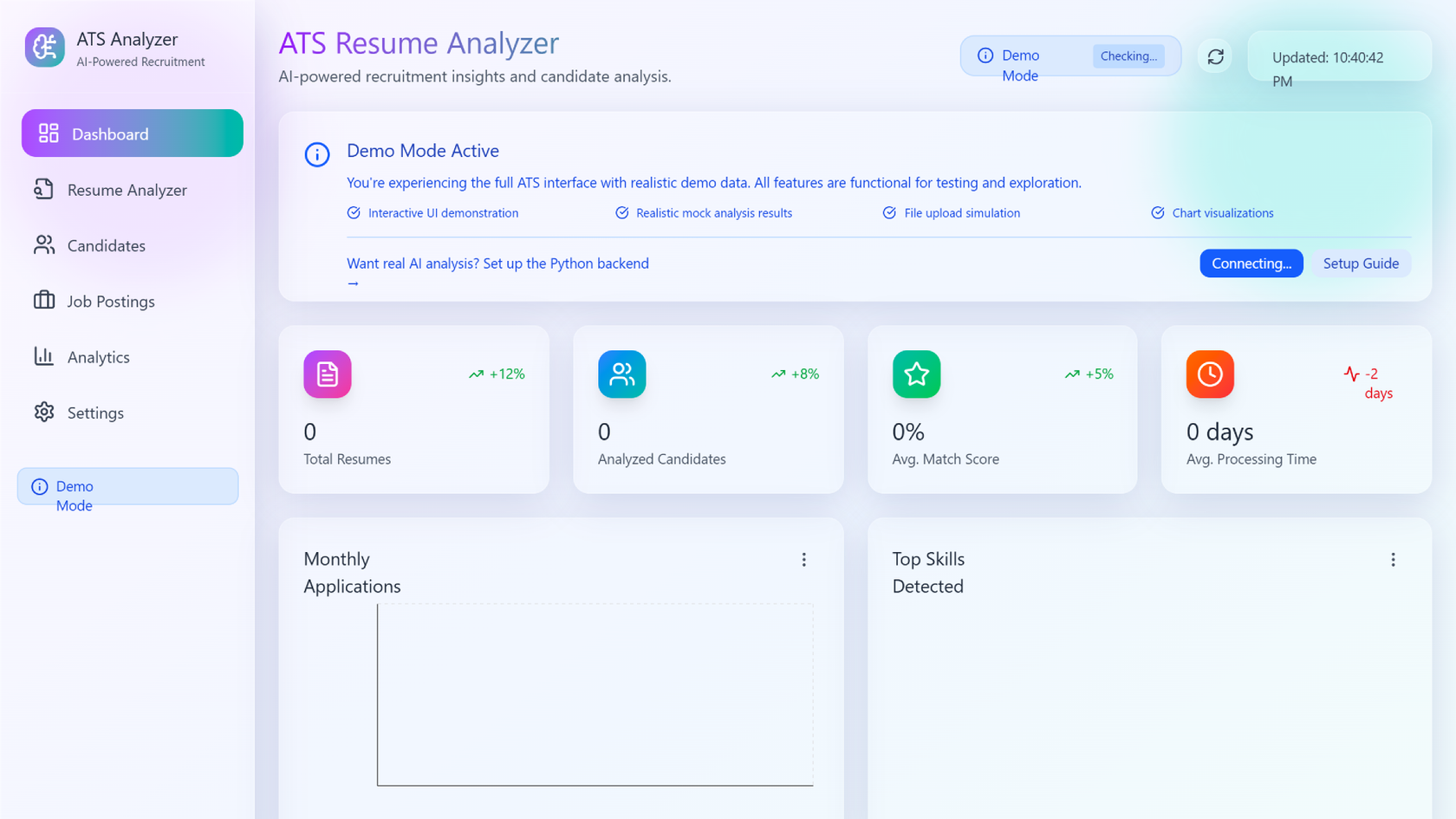
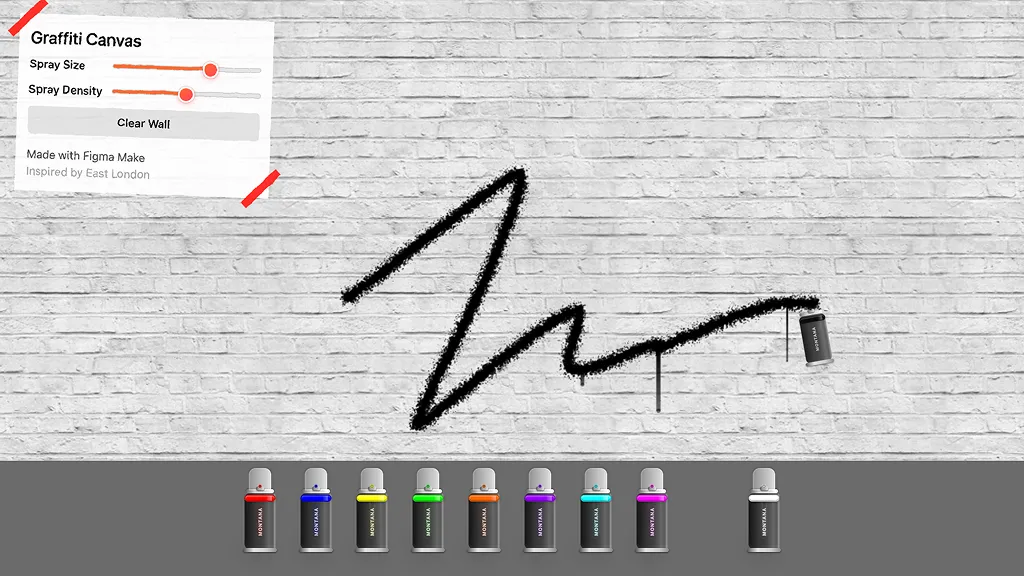
See how makers, designers, and PMs are using Figma Make to build no-code web apps—from internal tools to product MVPs.
- Jacques Debeuneure Jr.
- Daniela Muntyan

- kishoree04u

- Seungmee Lee







How to generate a PRD with AI in Figma Make
Open Figma Make and describe your product’s purpose or problem, or user story. Make turns your concept into an interactive starting point—complete with structure, logic, and user flows you can explore.Example prompt: “Create a PRD for a task management app that helps teams organize projects and track progress.”
Use prompts to define what users should be able to do and why—so you can spot gaps or refine behaviors before writing them into a PRD.Example prompt: “Add user flows for creating tasks, assigning owners, and viewing project timelines.”
Tweak prompts to adjust logic, explore alternate paths, or validate flows. As you iterate, your prototype becomes a visual draft of your product requirements—grounded in real logic.
When your flow feels right, embed in your PRD, hand off to Figma Design, or export working code your team can build on. This gives everyone shared context before development begins.
FAQs
The AI PRD Generator in Figma Make helps product managers create structured product requirement documents automatically. It uses AI to capture goals, scope, and logic from natural language prompts.
It includes sections like product overview, problem statement, goals, user stories, acceptance criteria, logic flows, and success metrics—all customizable.
Yes. You can bring your team’s PRD template into Figma Make and let AI fill in structured content based on your prompt.
The AI PRD Generator creates a strong first draft using your input. You can refine details, add context, or prompt again to make it perfectly match your product direction.
Yes. You can update your PRD by prompting for new features, logic, or flows. The AI refreshes your content while keeping structure intact.
You can try it for free with the Starter plan. Premium features like multi-team templates and version history are available on paid plans.
From the blog

How Lufthansa Systems prototypes realistic maps for the cockpit with Figma Make
Pilots depend on in-flight software to navigate routes, see air traffic, avoid turbulence, and more. To bring more dynamic prototypes to user testing, Lufthansa Systems turned to Figma Make.
Create, ship, and manage data-backed websites with Payload in Figma
With Payload in Figma, teams can go from prototype to production together, managing their content and data all in one place.
Measuring time savings from Figma Make
The Figma Data Science team assumed that AI saves users time—but quantifying it required a new approach to research design.
A properties panel and annotations, now in Figma Make
With visual editing and annotations, Figma Make is bridging the gap between design and code. Select any element you want to change, adjust it directly in the properties panel, or write in-context prompts with annotations.
Workflow lab: Deploying designs directly with Figma Make
The handoff from design to code doesn't have to be a one-way street. This workflow shows how a designer can connect a codebase to Figma Make, make the changes directly, and bring the whole team into review—right up to the PR.

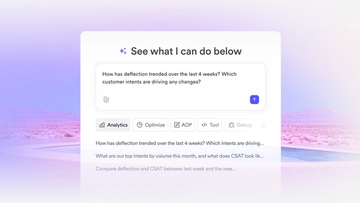
How Decagon uses AI for design system saturation
The fast-growing customer experience platform explains how Figma MCP and Figma Make helped them scale a new design system and keep pace with customer requests.
More resources

What is MCP?
Read articleLearn about Model Context Protocol (MCP), the open standard that simplifies AI integration like a USB-C for data.

What is Vibe coding?
Read articleVibe coding combines mood-driven design with seamless coding to create immersive digital experiences that connect emotionally and function flawlessly.


How to design an app in five steps
Read articleBuilding an app requires research and constant iteration to meet customer needs. Learn how to design an app and how Figma can help in this guide.