
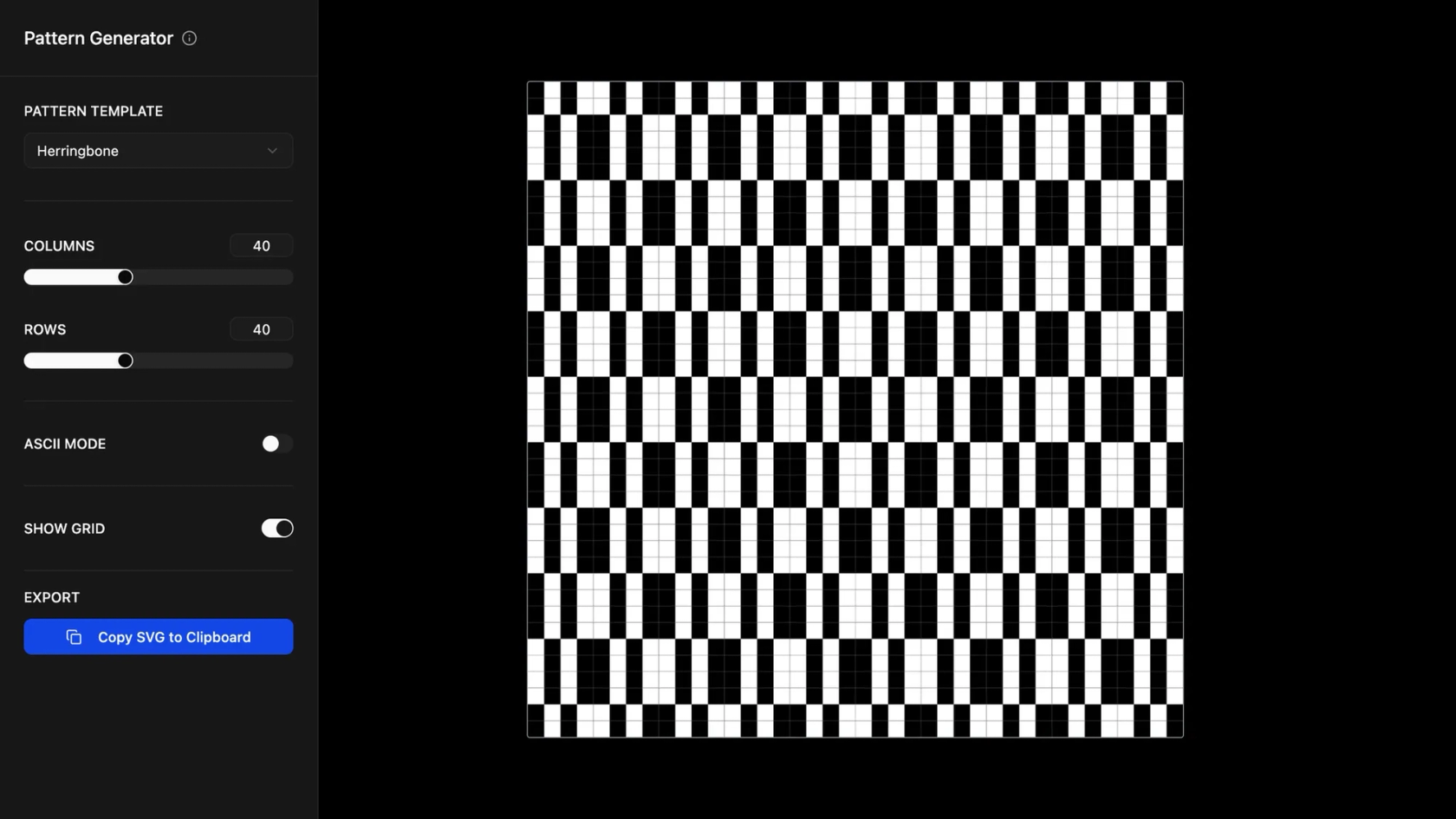

AI company website builder for modern teams
Go from company vision to live website—no coding required.
Build your company website with AI
Turn goals into a site
Describe your company’s mission and AI generates a layout.
Keep workflows simple
Design, refine, and publish inside Figma Make.
Add business details
Import team bios, service overviews, and contact forms.
Customize your identity
Apply your brand style or let AI propose consistent styles.
Built by our community
Get inspired by incredible websites created with our AI website builder. From startups to enterprises, see what's possible when creativity meets AI.
- Benjamin Leonard
- arshaikh

- abdullahimeg

- AI generator









How to build a company website with AI in Figma Make
Create a frame in Figma Make or import from Figma Design.
Prompt for mission, team, and services.
See your company website styled and responsive.
FAQs
An AI company website builder is a tool that generates company websites using prompts. In Figma Make, you can describe your structure and get a complete site.
Yes, you can add profiles, photos, and details about your team.
No coding is needed. You can customize layouts and details with Figma’s editor if you want.
Yes, import existing frames and assets into Figma Make.
You can start with the free Starter plan in Figma Make. Advanced publishing options and integrations are available on paid plans.
Yes, publishing is supported directly in Figma Make.
From the blog

How Lufthansa Systems prototypes realistic maps for the cockpit with Figma Make
Pilots depend on in-flight software to navigate routes, see air traffic, avoid turbulence, and more. To bring more dynamic prototypes to user testing, Lufthansa Systems turned to Figma Make.
Create, ship, and manage data-backed websites with Payload in Figma
With Payload in Figma, teams can go from prototype to production together, managing their content and data all in one place.
Measuring time savings from Figma Make
The Figma Data Science team assumed that AI saves users time—but quantifying it required a new approach to research design.
A properties panel and annotations, now in Figma Make
With visual editing and annotations, Figma Make is bridging the gap between design and code. Select any element you want to change, adjust it directly in the properties panel, or write in-context prompts with annotations.
Workflow lab: Deploying designs directly with Figma Make
The handoff from design to code doesn't have to be a one-way street. This workflow shows how a designer can connect a codebase to Figma Make, make the changes directly, and bring the whole team into review—right up to the PR.

How Decagon uses AI for design system saturation
The fast-growing customer experience platform explains how Figma MCP and Figma Make helped them scale a new design system and keep pace with customer requests.