
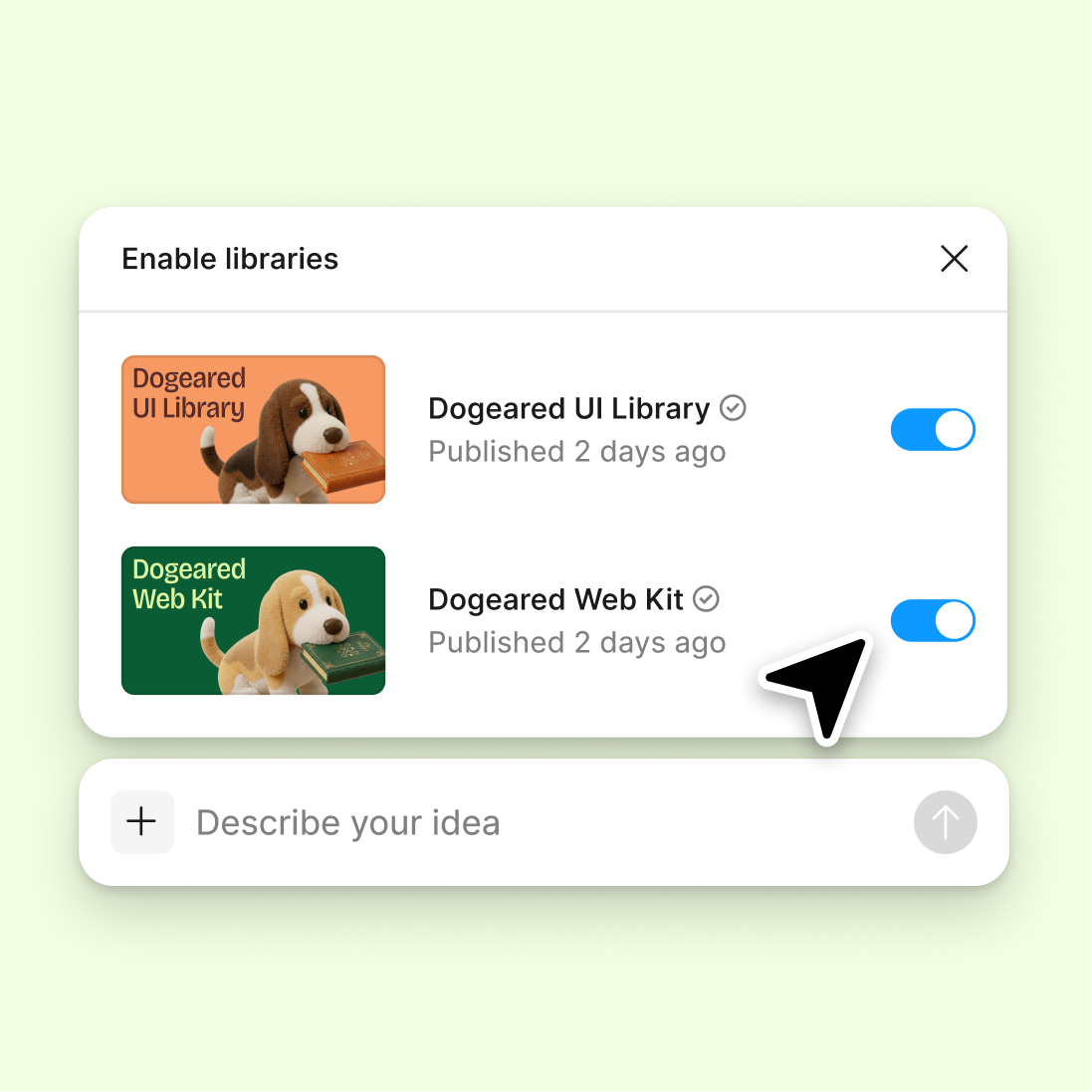
Connect a design library
Point the agent to your design library so every pagination component uses your real buttons, icons, spacing tokens, and color variables.
Skip to main content
Tell Figma's agent what you need—numbered pages, infinite scroll, load more buttons—and it builds pagination directly in your design file using your real components and styles.


The agent creates page controls using your actual components, tokens, and variables—so every generated element is ready to use, not a placeholder to rebuild.

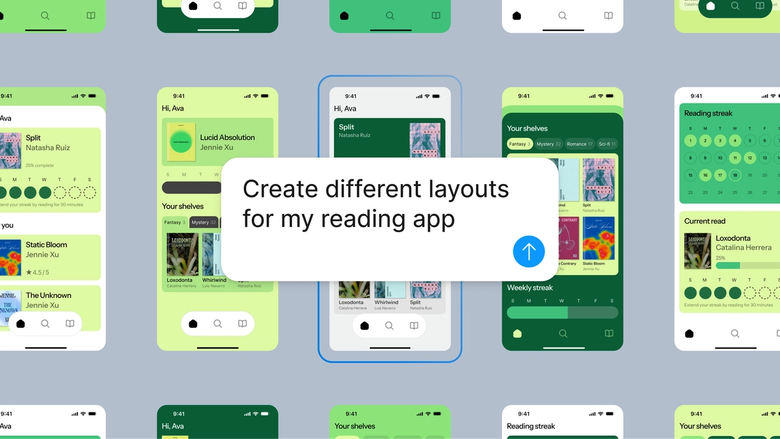
Generate multiple pagination styles at once—numbered, dot indicators, previous-next buttons—all built with your design system components. Compare real options side by side, not rough wireframes you'll have to refine later.

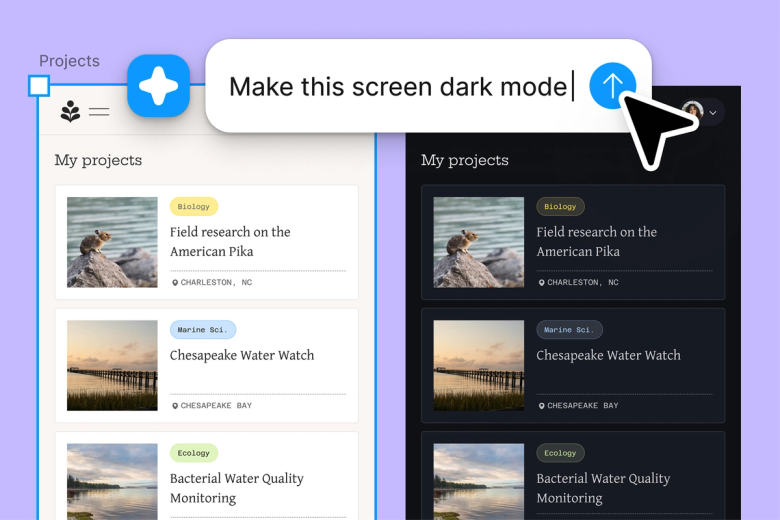
Skip the repetitive work of building pagination states by hand. Describe what you need and let the agent scaffold hover states, disabled styles, and responsive breakpoints while you focus on the design decisions that matter.

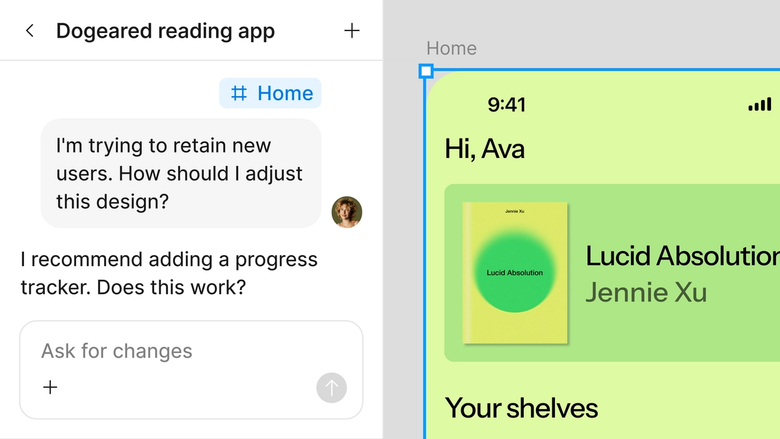
Every generated pagination component lives in the same file your team works in. Developers see exactly what you intended, stakeholders can comment directly, and nothing gets lost between design and handoff.
A closer look at what sets Figma's agent apart, built for the way design teams actually work.
Point the agent to your design library so every pagination component uses your real buttons, icons, spacing tokens, and color variables.

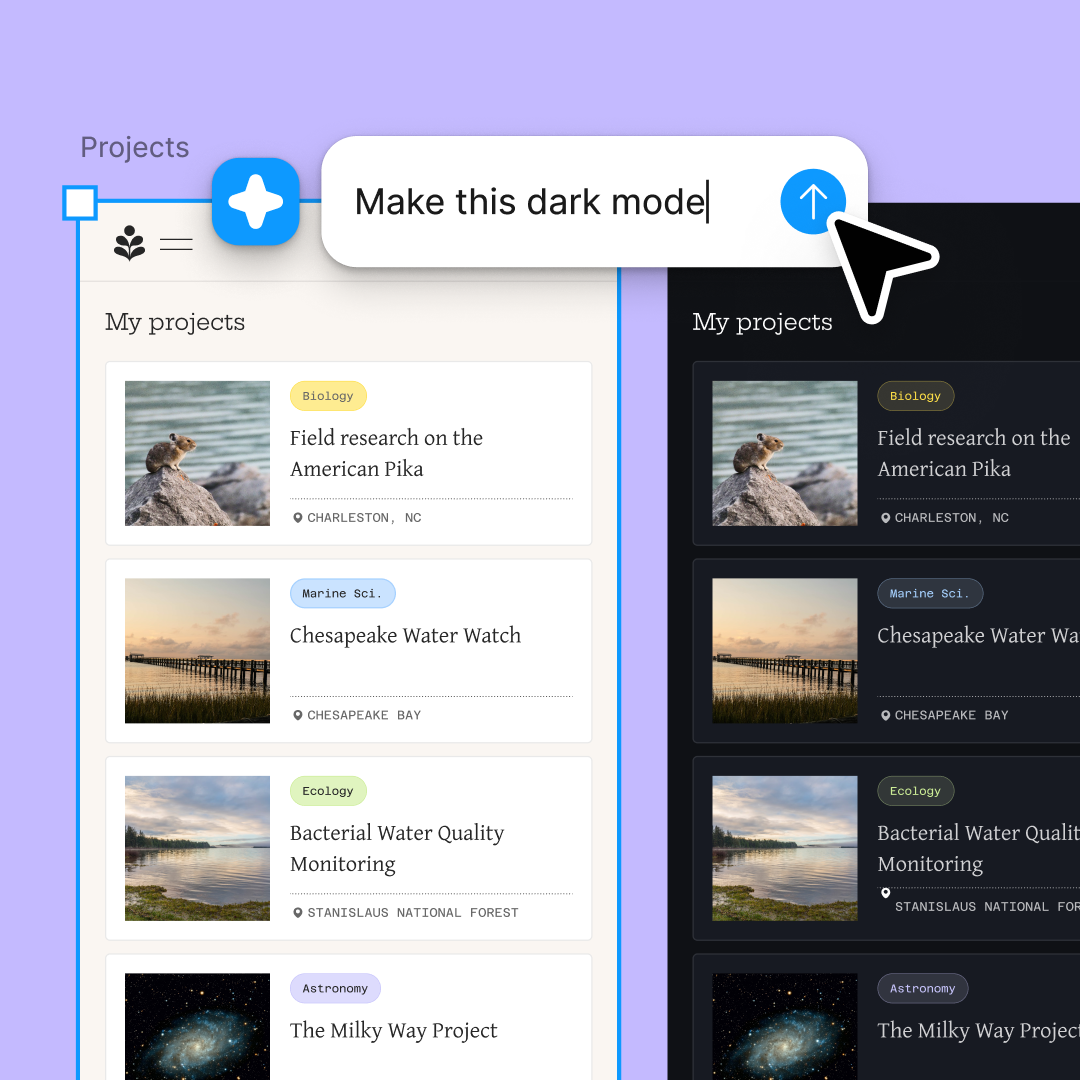
Run multiple pagination prompts at once. Generate numbered pages, infinite scroll patterns, and load more buttons simultaneously to compare directions faster.

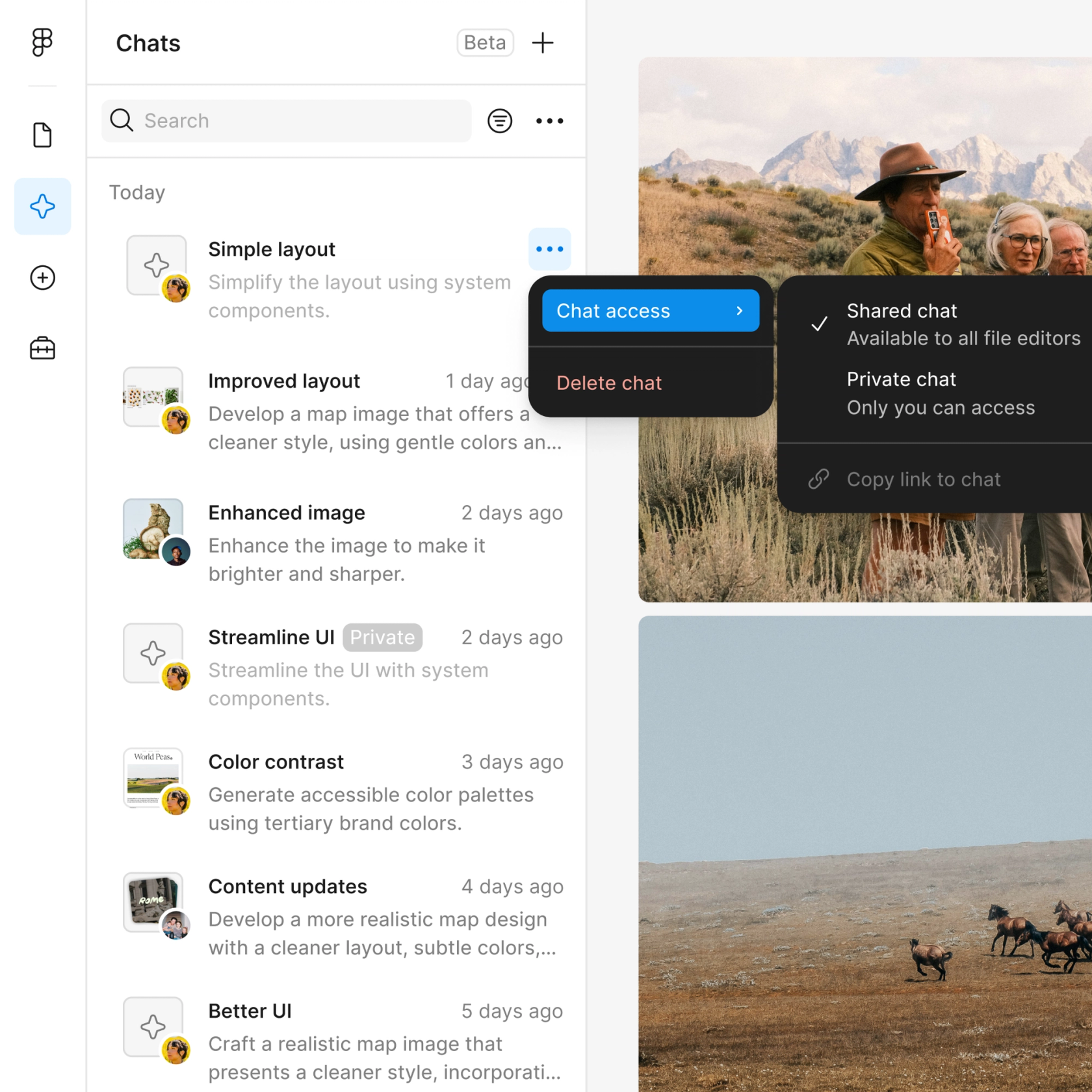
Share a thread and your team sees the full prompt, context, and iteration history behind any component. No separate handoff document needed.

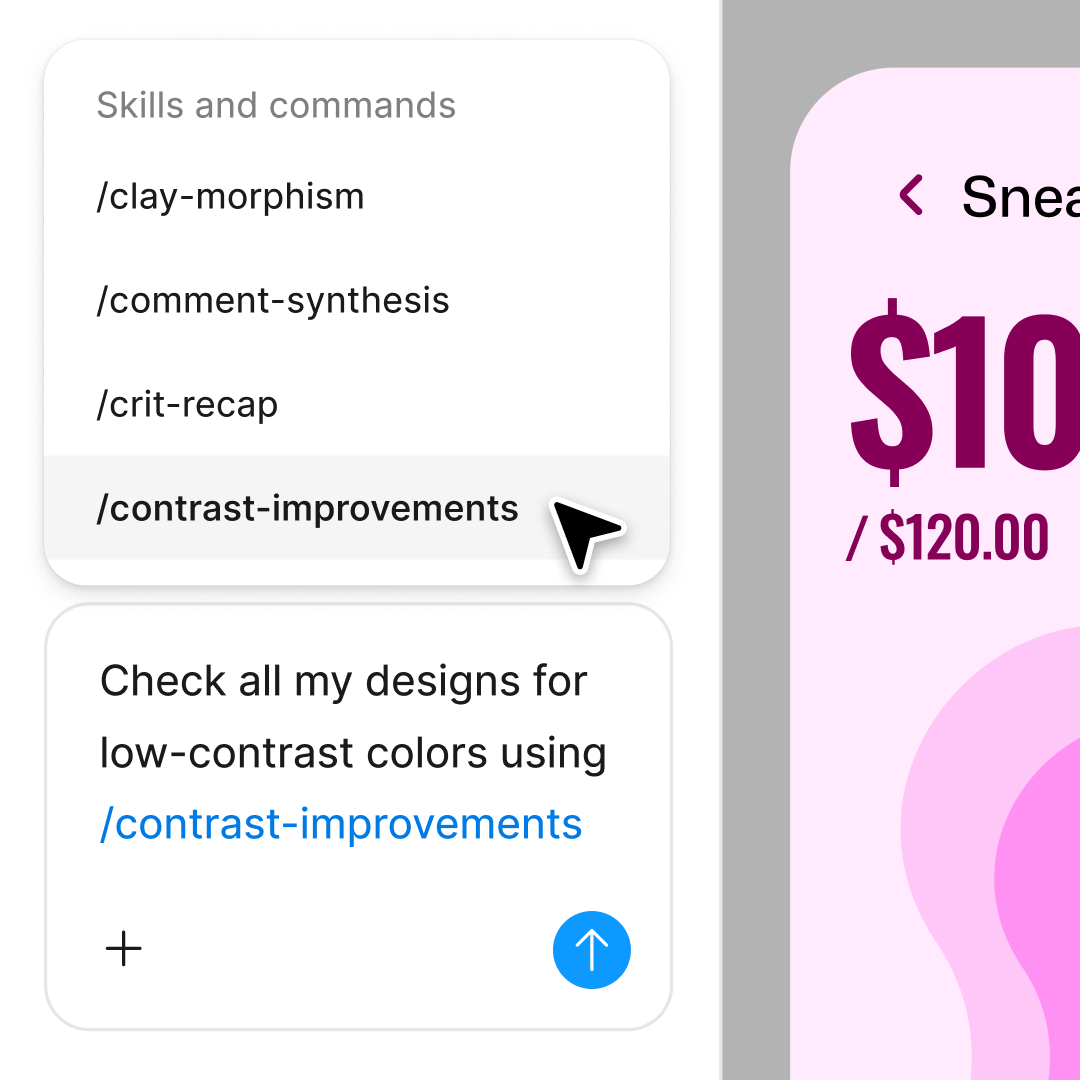
First pass not quite right? Adjust in the same thread or open a parallel one to try a different pagination style without losing your progress.
Figma feels like a natural extension of my hand. I do my design ideation on the canvas, and now the agent takes it the last mile. With my design libraries connected, I can move from design to code faster than ever before.
Andy Madrick
Product Designer, Notion

Select Agents in the left side rail or hit CMD + Enter. Create a frame on your canvas to work in.
Tell the agent what you need—numbered pages, dot indicators, load more buttons—and point it to your design library for accurate components.
Check the generated pagination on your canvas. Refine in the same thread or start a parallel one to explore a different style.
Prompt again for additional states or responsive variants. Everything stays fully editable, so you can fine-tune by hand anytime.
Watch Figma's AI Agent in action and see how to put it to work in your own workflows.

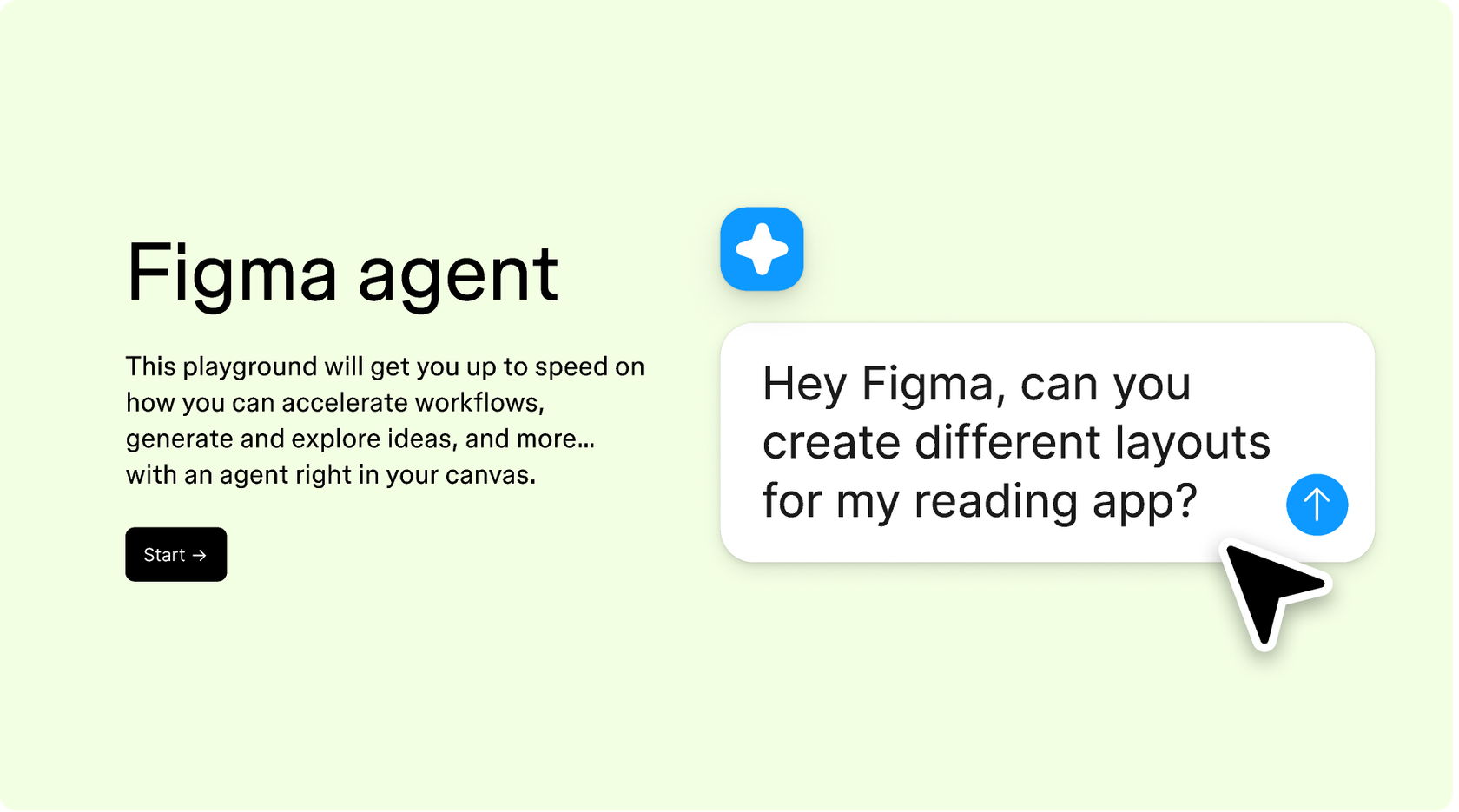
Hands-on playground to explore Figma agent's capabilities — from bulk edits to feedback implementation — with step-by-step guidance built right in.
Learn how to use Figma agent in your design workflows with a step-by-step tutorial from the Figma team.
An AI pagination generator creates page navigation components—numbered pages, previous-next buttons, infinite scroll indicators—from a text prompt. Figma's agent builds these directly on your canvas using your design system, so components are ready to use immediately rather than requiring manual rebuilding from generic templates.
Open the agent from the left side rail or use CMD + Enter. Describe the pagination style you need and reference your design library. The agent generates the components on your canvas, and you can refine with follow-up prompts until the result matches your vision.
Figma's agent can generate pagination components with responsive considerations when you describe them in your prompt. Specify breakpoints or mobile variants, and the agent creates multiple versions you can review on the canvas. You can also run parallel prompts to explore different responsive approaches simultaneously.
Everything the agent generates lands on your canvas as fully editable layers and components. You can refine with follow-up prompts in the same thread, open parallel threads to try different directions, or adjust details by hand. Connecting your design library ensures generated pagination already uses your tokens and styles.
Figma's agent is available on all paid Figma plans. You'll find it in the left side rail in Figma Design. During the current open beta, it doesn't consume AI credits—so it's a good time to explore, experiment, and share your feedback with us.
Build faster with Figma's agent


