
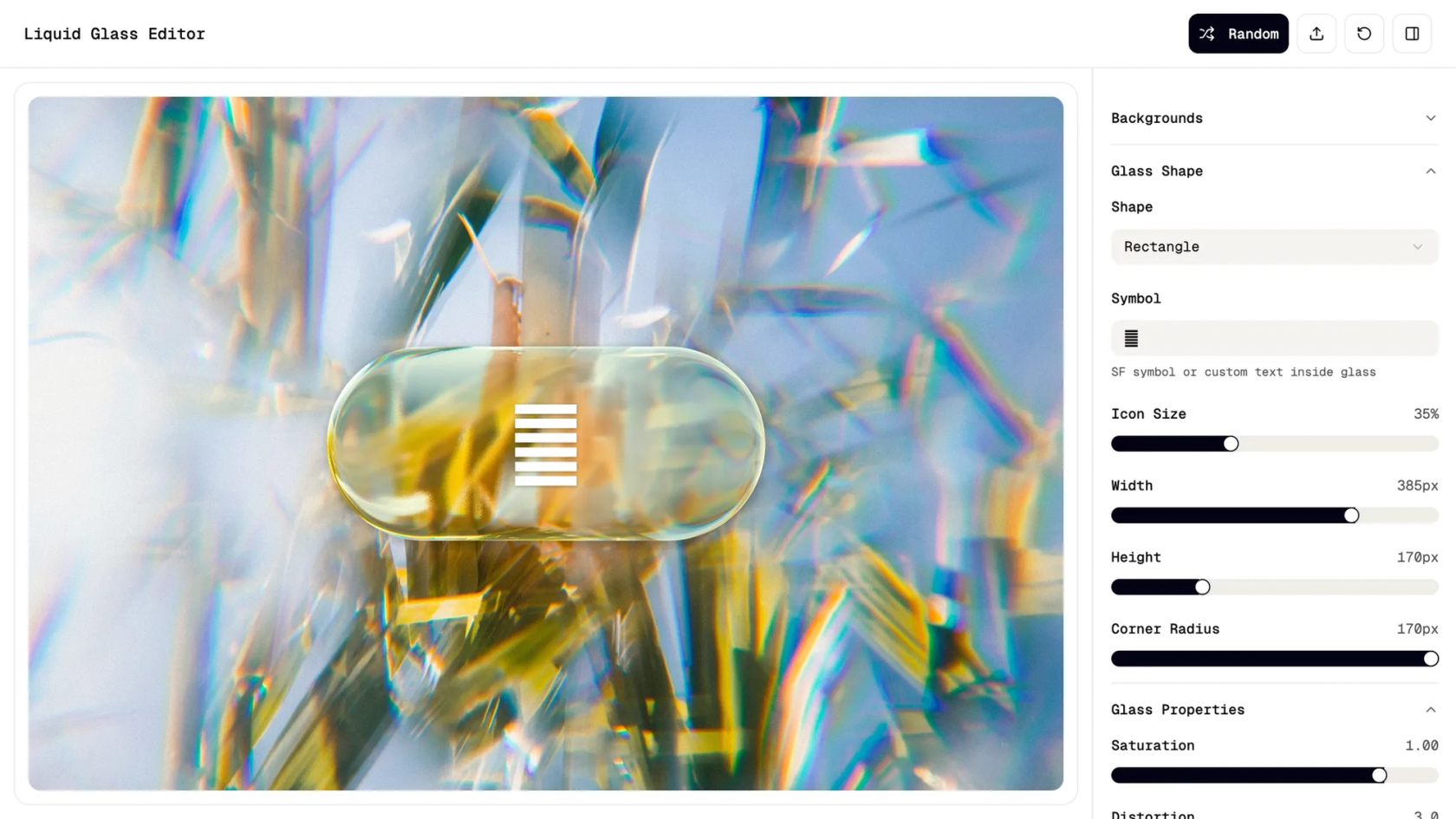

Your AI hi-fidelity prototype generator, in Figma Make
Design, prototype, and test polished, interactive experiences with an AI hi-fidelity prototype generator—no code needed.
Design faster with an AI hi-fidelity prototype generator
Turn concepts into hi-fidelity prototypes
Transform wireframes into fully styled, interactive prototypes that look and feel like the final product.
Build detailed screens with natural language
Describe your vision in everyday language, and Figma Make generates hi-fidelity layouts, visuals, and behaviors.
Keep design and testing in one flow
From first sketch to interactive user journeys, Figma Make streamlines design, prototyping, and iteration.
Iterate on structure, style, and behavior
Prompt for layout refinements, update interactions, or adjust visual polish—all editable in one place.
Built by real designers.
See what designers are building with AI UI tools in Figma Make—from marketing pages to product dashboards to mobile-first flows.
- Daniela Muntyan
- Abhiram Ramoju

- Yossef Saeed

- Joshua Guo


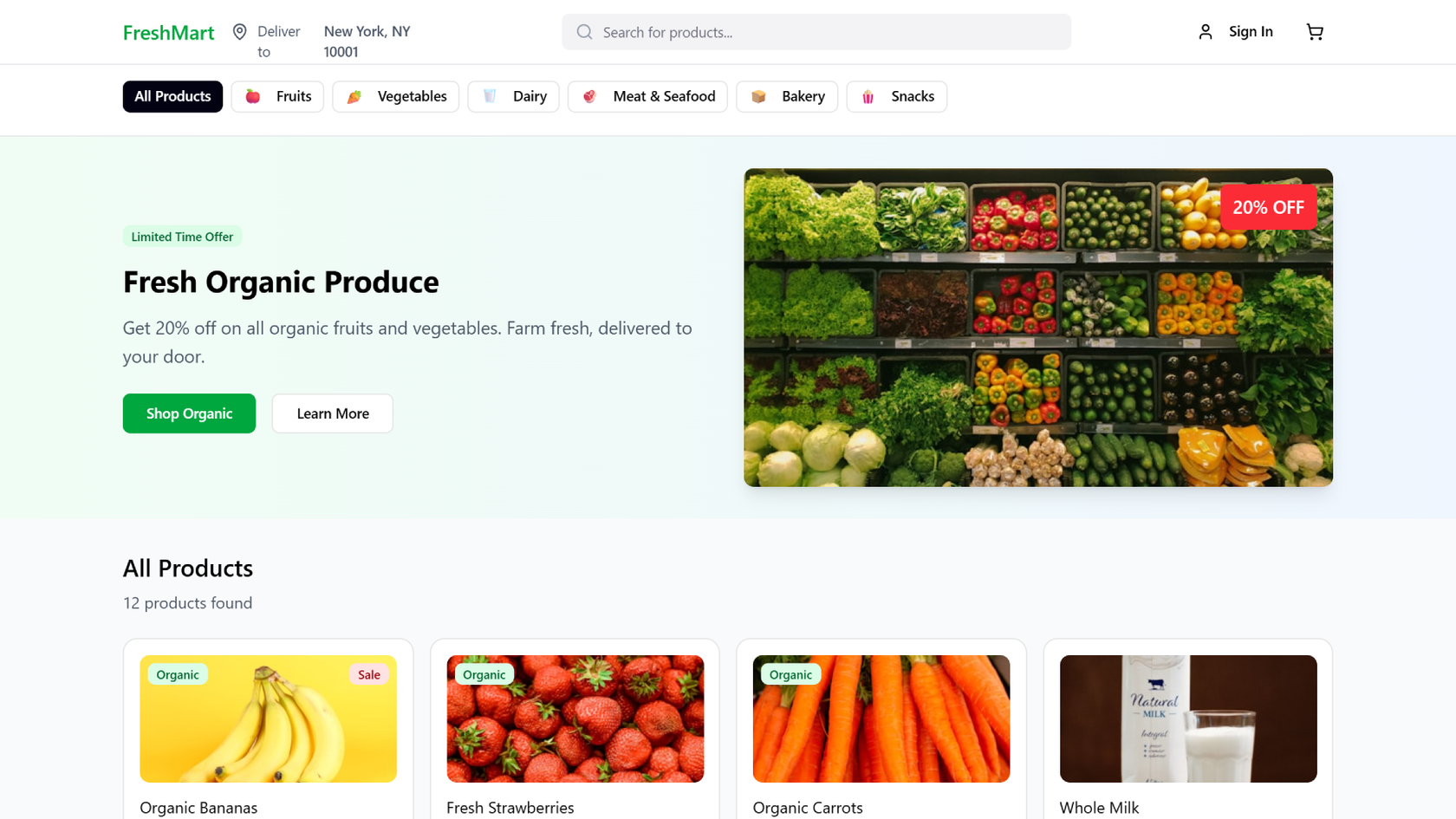


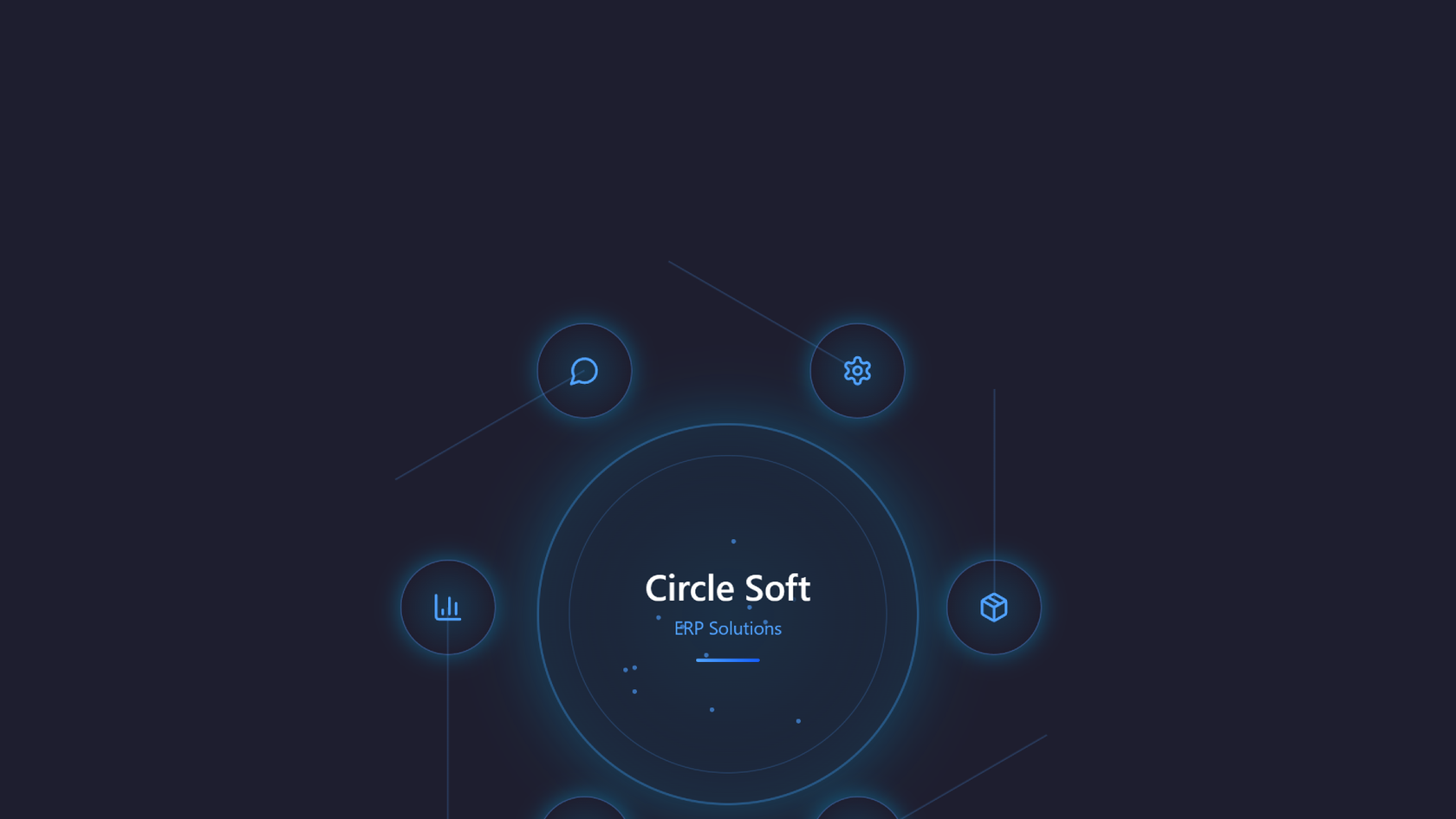


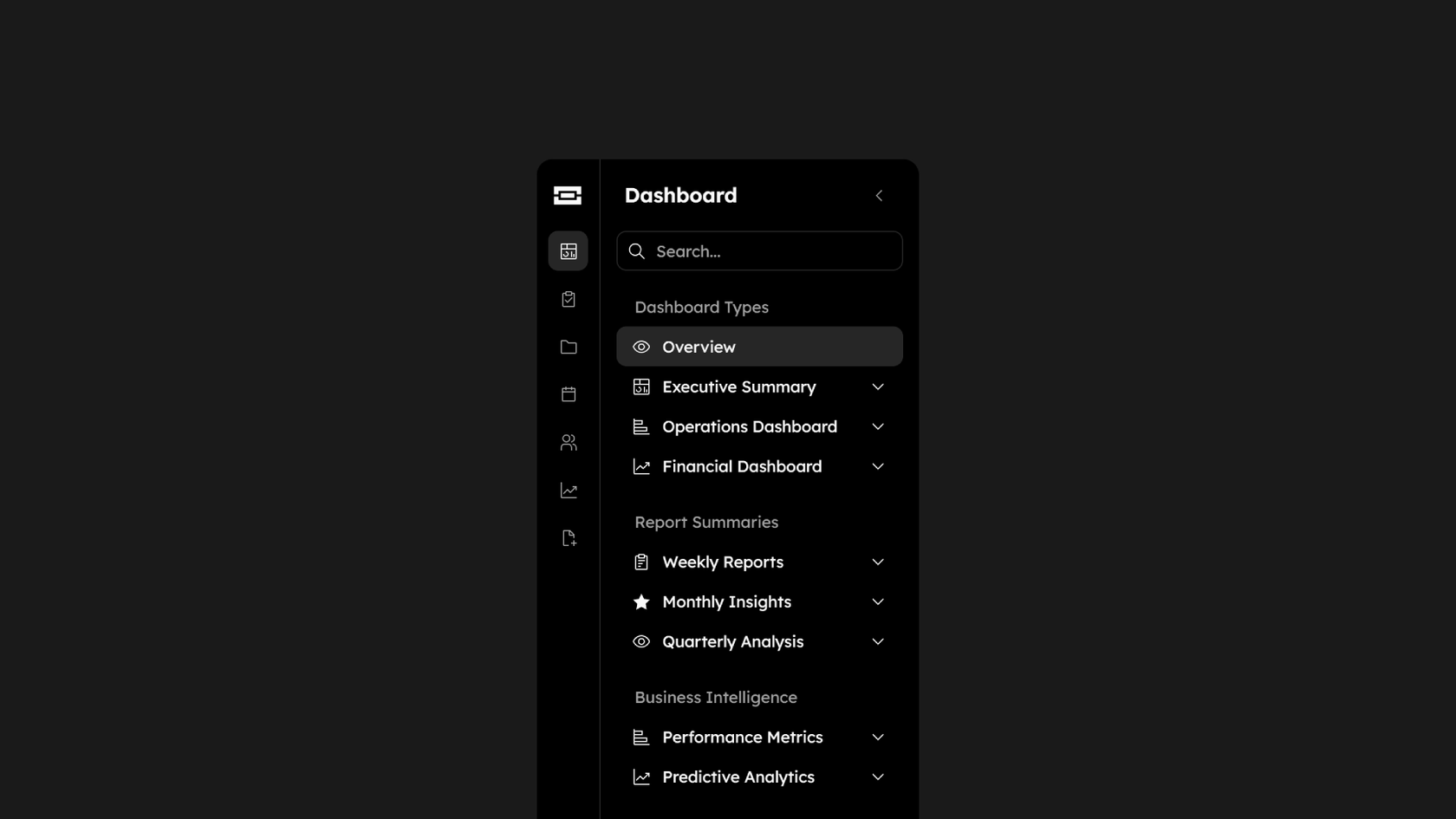

How to generate a hi-fidelity prototype with AI in Figma Make
You can start from scratch in Figma Make or bring in a frame/component from Figma Design.
Use a natural language prompt like: “Turn this wireframe into a polished mobile app prototype with navigation and styled components.”
Figma Make builds an interactive, hi-fidelity prototype with real UI structure and responsive behavior.
Update prompts, tweak visuals directly, or collaborate with teammates—everything remains editable and in flow.
FAQs
It’s a tool that transforms wireframes or ideas into polished, interactive prototypes that look like the finished product.
Yes. You can design, prototype, and test hi-fidelity experiences that simulate real user interactions.
No coding required. But you can access the built-in editor if you’d like to customize further.
You can try Figma Make for free on the Starter plan. Advanced features are available on paid plans.
Yes. Copy any frame or component from Figma Design into Figma Make, then use AI to bring it to life.
Everything from polished app flows and dashboards to responsive websites and detailed landing pages.
Figma's study on how designers and PMs save time with Figma Make, a controlled, timed experiment moderated by independent research firm MeasuringU, found designers saved the most time on complex interaction design and building prototypes from scratch, compared to simpler design tasks tested in the same study.
Figma's 2026 AI report found that 61% of product builders now say they're building interactive prototypes, up from just 10% a year ago. That growth reflects both the availability of better tools and the blurring of roles, with developers and product managers now prototyping alongside designers.
From the blog

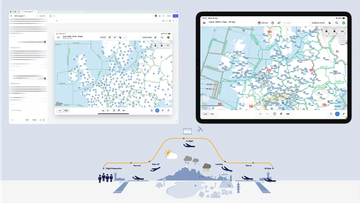
How Lufthansa Systems prototypes realistic maps for the cockpit with Figma Make
Pilots depend on in-flight software to navigate routes, see air traffic, avoid turbulence, and more. To bring more dynamic prototypes to user testing, Lufthansa Systems turned to Figma Make.
Create, ship, and manage data-backed websites with Payload in Figma
With Payload in Figma, teams can go from prototype to production together, managing their content and data all in one place.
Measuring time savings from Figma Make
The Figma Data Science team assumed that AI saves users time—but quantifying it required a new approach to research design.
A properties panel and annotations, now in Figma Make
With visual editing and annotations, Figma Make is bridging the gap between design and code. Select any element you want to change, adjust it directly in the properties panel, or write in-context prompts with annotations.
Workflow lab: Deploying designs directly with Figma Make
The handoff from design to code doesn't have to be a one-way street. This workflow shows how a designer can connect a codebase to Figma Make, make the changes directly, and bring the whole team into review—right up to the PR.

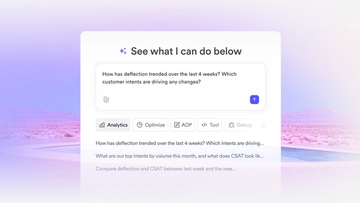
How Decagon uses AI for design system saturation
The fast-growing customer experience platform explains how Figma MCP and Figma Make helped them scale a new design system and keep pace with customer requests.