How Adyen Is Rebuilding the Way Design Works — with AI at the Centre

As large language models went mainstream, Adyen designers did what designers everywhere were doing: they started experimenting amid a growing sense that AI would fundamentally change the way products get built. At first, there was energy, but no coordination, so the UX team at Adyen took a deliberate stance. They got structured—fast.
"We see AI as a tool that should enable UXers, not replace them," says Sergii Polkovnikov, Senior Product Experience Designer and member of Adyen's Design System team. That conviction became the organizing principle behind one of the most methodical AI adoption programs in fintech design.
From Silos to a Shared Direction
Hong Zou, who leads Adyen's Product Experience organization, recognized that fragmented exploration had a ceiling. She convened a group of curious, self-selecting practitioners to explore AI capabilities together systematically. The group mapped Adyen's existing design process end-to-end, then tested AI tools at each stage, scoring them against a consistent template: what went in, what came out, and whether the designer would use it again on a real project. Findings were then consolidated, building a collective picture of where AI genuinely helped and where it fell short.
They also held internal share-outs to push back on the replacement narrative—a deliberate act of cultural leadership that set the tone for everything that followed.
Their explorations pointed toward a bigger opportunity: a world where, by using AI's strengths, Adyen's three UX roles—product designer, UX researcher, and UX writer—could evolve into a single AI-powered Product Experience function. Hong led that organizational evolution, backed by the evidence the group had gathered.
The Real Bottleneck
Before redesigning anything, Adyen needed to identify where the most friction in the design process actually sat.
"AI can help us build something incredibly fast," Hong observes. "But that also means it can help us build the wrong thing incredibly fast. That's something we want to avoid."
The bottleneck wasn't creative output, it was the clarification loop. In a linear, assembly-line workflow, a designer receives a requirements document and faces two equally costly options: schedule multiple alignment meetings to clarify intent before starting, or make assumptions, spend a week building a concept, and discover in the review session that the PM meant something else entirely. AI tools that speed up ideation don't fix this. They just get you to the wrong answer faster.
Adyen's answer was to change the collaboration model first. They ran a small experiment—an "AI-empowered Innovation Sprint”—where product managers and designers worked physically side by side for a week on low-risk projects, co-creating solutions in real time. Speed improved without sacrificing quality. The team had enough confidence to scale.
Design Sprint 3.0
The scaled version became an AI-empowered Design Sprint—30 participants drawn from across the full technology organization, tackling 10 real roadmap projects in a single four-hour Makeathon. What had traditionally taken four to five days was condensed into a single high-intensity afternoon, with Figma Make handling the wireframing and prototyping work that previously consumed most of that time.
Engineers were in the room. Not as reviewers, but as co-creators. As Hong put it: "If you don't invite Engineering to the solution party early, they're just going to show up later to shut the music off."
Three principles governed the sprint. First, alignment before execution: teams had to complete journey mapping and problem scoping before touching any AI tool. Second, co-creation: PMs, designers, and engineers all wore the same hat—founders of the product they were building. Third, the deliberate application of classic product techniques—paper sketching, user story mapping, prioritization frameworks—to keep AI in its proper role: accelerating execution, not replacing judgment.
Results were measured across three dimensions.
- On quality, overall satisfaction landed at 5.44 out of 7—with product and engineering rating output mostly 6s and 7s, while designers, whose bar for solution exploration is naturally higher, hovered around 5.
- On speed, participants reported completing work that previously took weeks in a matter of hours—an estimated 10 to 20 times faster.
- On collaboration, the teamwork score reached 6.17, with nearly every participant saying the format dramatically improved triad working. The sprint is now being standardized and scaled as Adyen's default way of working.
From Canvas to Code in Hours
While Hong focused on problem-to-solution, product designer Hanbin Chang tackled what comes next: solution to implementation. For most design teams, this means the handoff—hours of annotation, alignment meetings, and a silence phase while engineers manually translate Figma files into code. By the time design QA surfaces visual mismatches, there is rarely time to fix them. Teams compromise. Debt accumulates.
Hanbin and his colleagues built a new workflow using Figma's MCP integration alongside an AI coding assistant and a local sandbox pre-loaded with Adyen's design system components and tokens. A designer works in Figma; the AI reads the frames and translates them into design-system-accurate code; designers and engineers review the output together before pushing to production. No annotation sprint. No alignment meetings. No silence phase.
"We replaced a process that took weeks with one that takes a few hours," says Hanbin. The headline number is 90% faster end to end. UI builds that had taken engineers two to three days now take roughly two hours of collaborative working. Design QA compresses dramatically because designers can validate output immediately in the local sandbox.
Quality improves too. In the old workflow, engineers matched Figma files by hand—reading specs, interpreting spacing values, picking components from memory. That interpretation step is where inconsistencies are born. In the new workflow, the AI reads the design directly through a structured API and cross-references three sources: a component mapping linking every Figma component to its exact code equivalent, the design system's token definitions, and coding conventions that govern how those components and tokens are applied. Human interpretation—the single biggest source of design-to-code discrepancy—is removed from the process.
"The biggest leverage this workflow gives you isn't just the speed," Hanbin says. "It's getting your people working on the problems they're best suited to work on."
The workflow is most effective for three categories: content updates, front-end UI changes, and design system migrations. For all three, the output is design-system-accurate and review-ready in hours rather than days.
Making the Design System Legible to Machines
The third strand of Adyen's AI work sits upstream of everything else: the design system itself. Bento—Adyen's design system—comprises 74 components, serves 52 teams, and has more than 19,000 instances in production code. It is mature, widely adopted, and built for humans. That last part became a problem.
As AI coding agents grew more capable and more widely used by Adyen's engineers, the design system team began to see gaps. Property names were misaligned between design and code. Component slots were handled inconsistently. AI agents struggled because the documentation had been written for human interpretation, not machine processing.
"We clearly realised that our design system was built for developers and designers who consume it," Sergii explains. "But it was never built for machines."
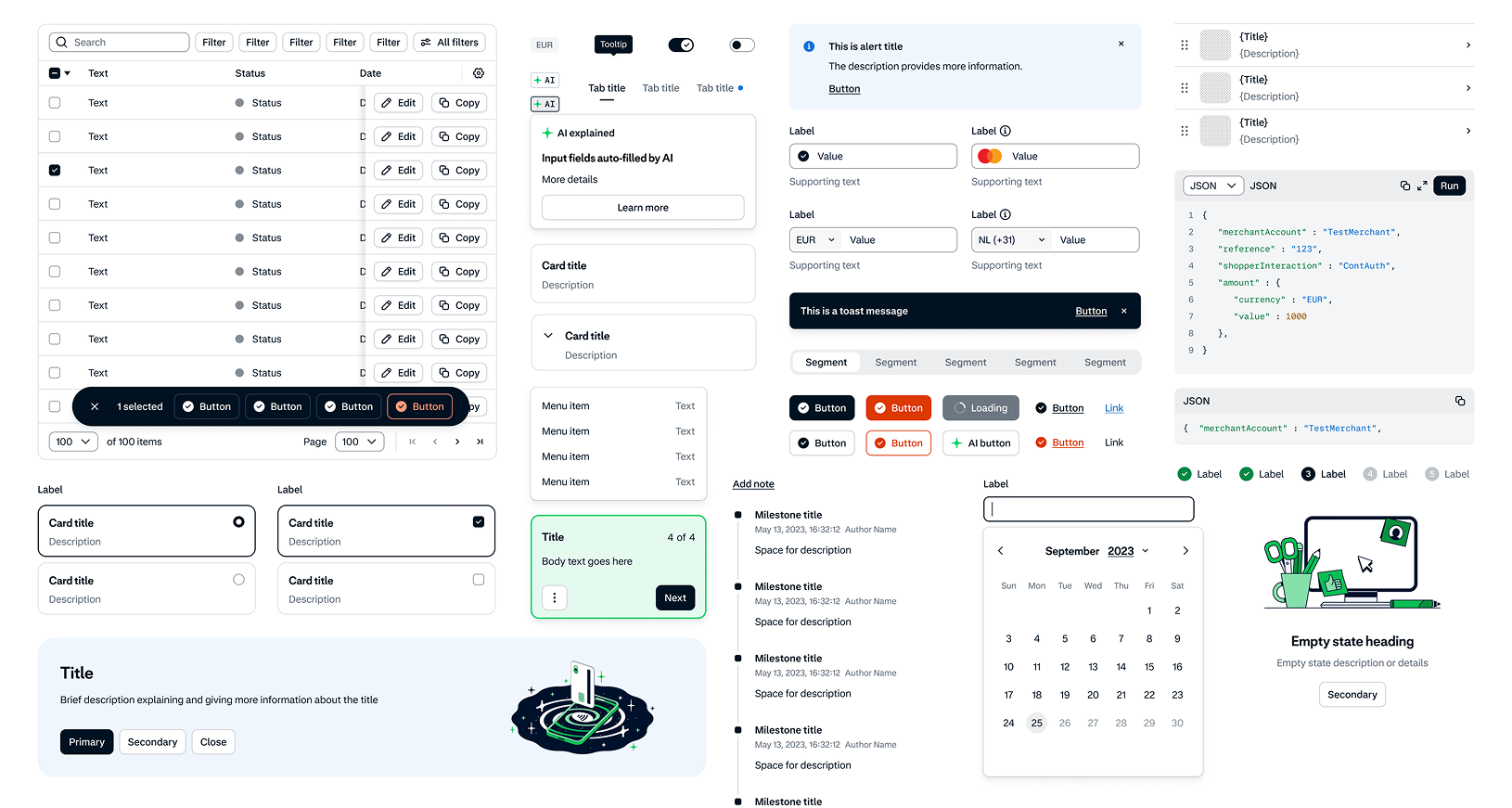
The team ran an internal workshop, mapped the key scenarios in which AI agents were being used, and identified the context each agent would need at every stage. That exercise shaped a four-layer architecture now under construction: a source-of-truth layer (design tokens in YAML, Vue components, Figma libraries), a machine-readable knowledge layer (component manifests, token manifests, CodeConnect mappings, page patterns and templates), an AI tool layer (Bento's own MCP server alongside Figma's MCP), and a user input layer accessible from any environment—CLI, IDE, or Figma itself.
A Journey Worth Taking
The principles that have guided Adyen's work are transferable: align before you execute; bring engineering in at the problem stage, not the handoff stage; change the workflow before you change the tooling; and ensure that whatever you build for humans can also be read by machines. The outcomes are real—10 to 20 times faster solution exploration, 90% faster design-to-code delivery, and a design system being rebuilt from the ground up for a world where AI agents are first-class consumers.
The lesson from Adyen is not that AI makes design easier. It is that AI, used with intention, makes it possible to redesign design itself—and that the work of doing so is worth taking seriously.
See how Figma can help you scale design
Get in touch to learn more about how Figma can help companies scale design.
See how Figma can help you scale design
Great design has the potential to differentiate your product and brand. But nothing great is made alone. Figma brings product teams together in a fast and more inclusive design workflow.
Get in touch to learn more about how Figma can help companies scale design.
We’ll cover how Figma can help:
- Bring every step of the design process—from ideation, to creation, to building designs—into one place
- Accelerate design workflows with shared company-wide design systems
- Foster inclusivity in the product team process with products that are web-based, accessible, and easy to use