Color Palette Generator
Discover endless inspiration with our color palette generator.
Hex
Hex
Hex
Hex
Beautiful by default every time
Figma’s color palette generator crafts harmonious color combinations. Start with a single hue or random selection, then shuffle through different color schemes to find the perfect palette.


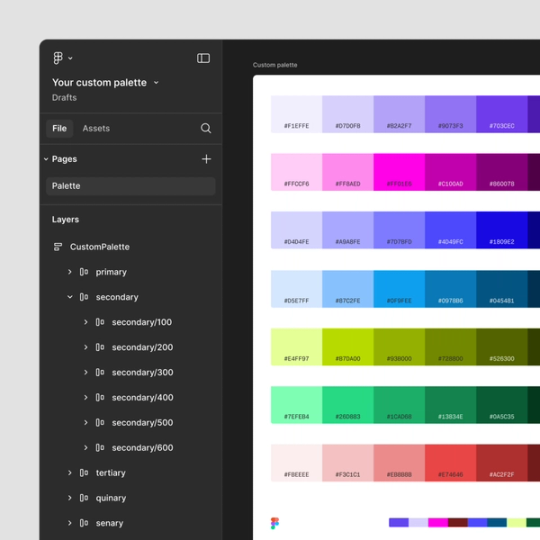
Stay in the flow—and in Figma
Use the "Open in Figma" button to bring your palette directly into your Figma workspace. No need for manual color picking or switching tools—just apply colors instantly and stay in creative flow.
Endlessly customizable and convenient
Lock, delete, drag and edit color swatches to fine-tune any color palette and make it yours.


FAQs
Start with any hue, and the generator uses color theory principles to create harmonious palettes based on your selections. Lock colors, shuffle combinations, and refine your palette—all right in Figma.
Once you finalize your color palette, you can use another Figma tool—contrast checker—to check for color blindness compatibility and ensure your designs are inclusive.
Our color palette generator supports HEX, RGB, HSL, and HSB, making it easy to adapt your colors for various platforms and CSS applications.
Absolutely. Adjust the saturation and lightness to create soft, pastel tones or vibrant gradients, adding more depth and variety to your palette.
Keep exploring


Image color picker
Create custom color palettes from any image with our color picker


Color wheel
Easily generate a custom color palette with Figma
Explore color wheel


Color palette library
Explore 1,000+ stunning color palettes in Figma's palette library
Explore color palette library