Lorem Ipsum Generator
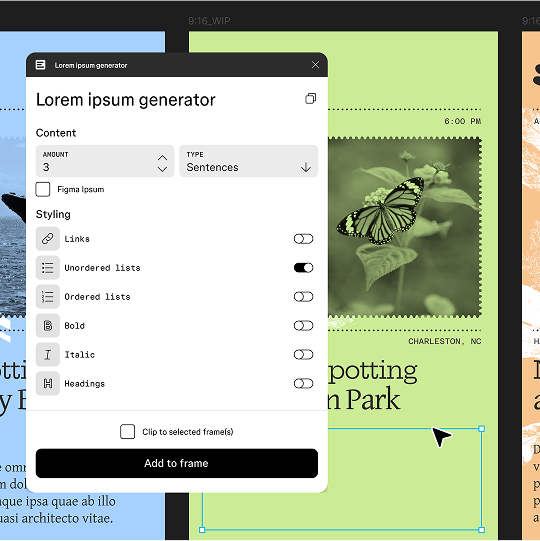
Generate placeholder text by word, sentence, or paragraph — then insert it directly into Figma in one click.
Content
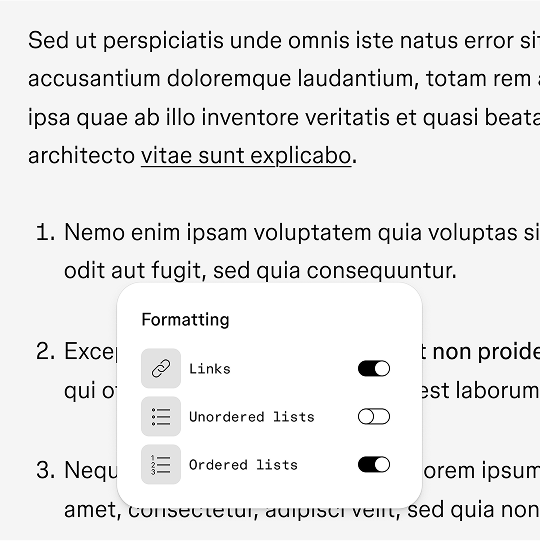
Add in some styled text
Links
Unordered Lists
Ordered Lists
Insert Placeholder Text Directly into Figma
Use the Figma Lorem Ipsum plugin to quickly create custom placeholder text, then click ‘Open in Figma’ to insert it directly into your design file or selected text layers—no copying or pasting required.


Control Length, Format, and Text Type
Adjust formatting, length, and fit. Choose lists, links, and the exact number of words or paragraphs to match your project requirements.
FAQ
Lorem ipsum is placeholder text that mimics the look and rhythm of real writing, but it doesn’t have any actual meaning. Designers and developers use it to fill layouts, test visual hierarchy, and preview how content will behave in a design without needing final copy.
You can create Lorem Ipsum by word, sentence, or paragraph. Just set your requirements, and the tool creates filler content that matches your layout needs for a quick wireframe, a detailed mockup, or anything in between.
You can either copy the text to your clipboard or click ‘Open in Figma’ to place it directly into your design file. If you have a frame or text layer selected, the plugin will insert the text there automatically.
Yes. Once the placeholder text is in your design, you can edit, restyle, or replace it just like any other text layer in Figma.
Yes, fully free, no account needed.
Same thing; lorem ipsum is the most common form of dummy/placeholder text used in design.
Yes, just copy the text to your clipboard and paste it anywhere.
Keep learning


Color Schemes
Find the perfect balance and create stunning color schemes with Figma’s Color Wheel.

Image color picker
Create custom color palettes from any image with our color picker

Color meanings
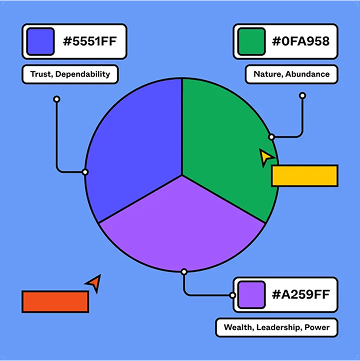
Browse the list of colors and learn about color meanings.