Online sticky notes
Use sticky notes online for free in FigJam
When it comes to brainstorming, planning, and collaborating, an online whiteboard is essential. With FigJam's free online sticky notes, you’ll have the perfect way to capture every idea.

Trusted by teams at


Online sticky notes with FigJam
Sticky notes made easy
Whether you’re creating online sticky notes for collaborative team brainstorms or classroom activities, FigJam’s easy-to-use sticky note features simplify the process of capturing ideas, feedback, and more, ensuring everyone stays engaged and included.


More control
In FigJam, you can decide whether to showcase contributors' names on each note by default or keep it anonymous.


Connect & customize
Use connectors to link stickies and turn ideas into dynamic diagrams. Then make it yours with custom color, text, and more.


Brainstorm with AI
Save valuable time and harness Figma’s built-in AI feature to automatically sort and summarize your your sticky notes.
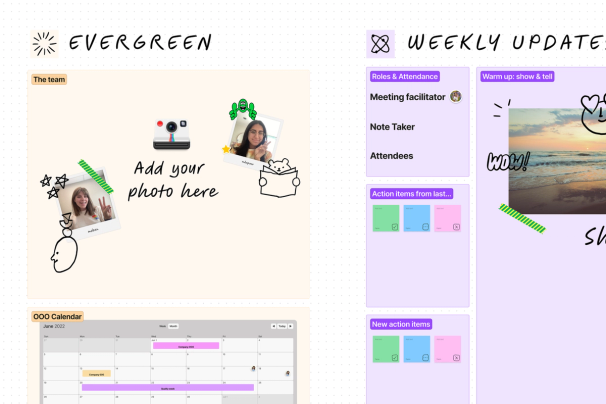
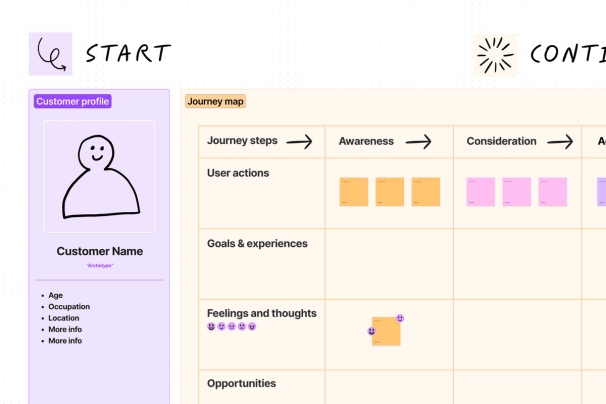
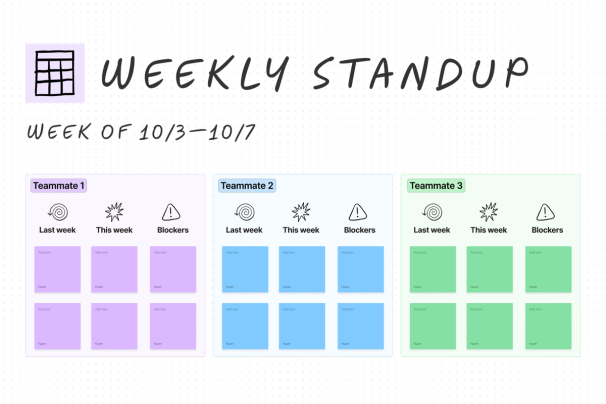
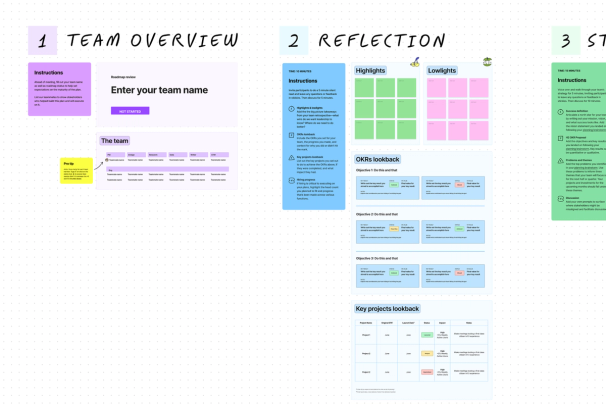
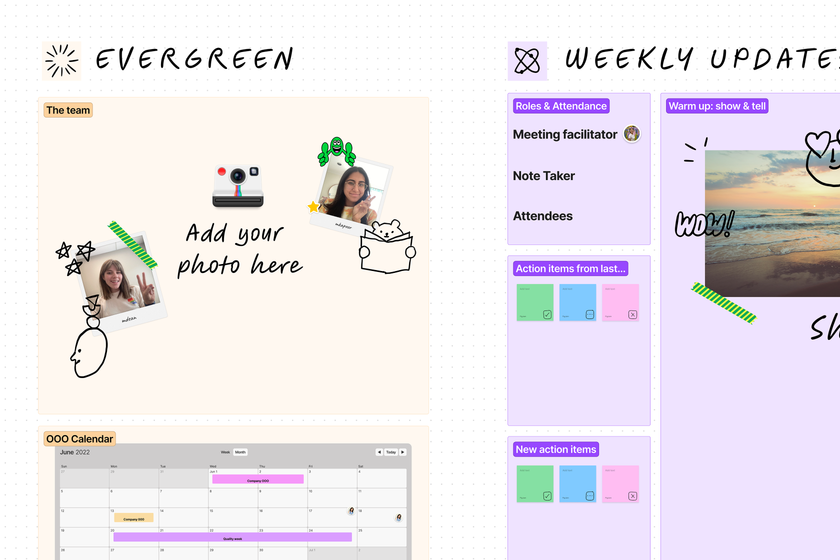
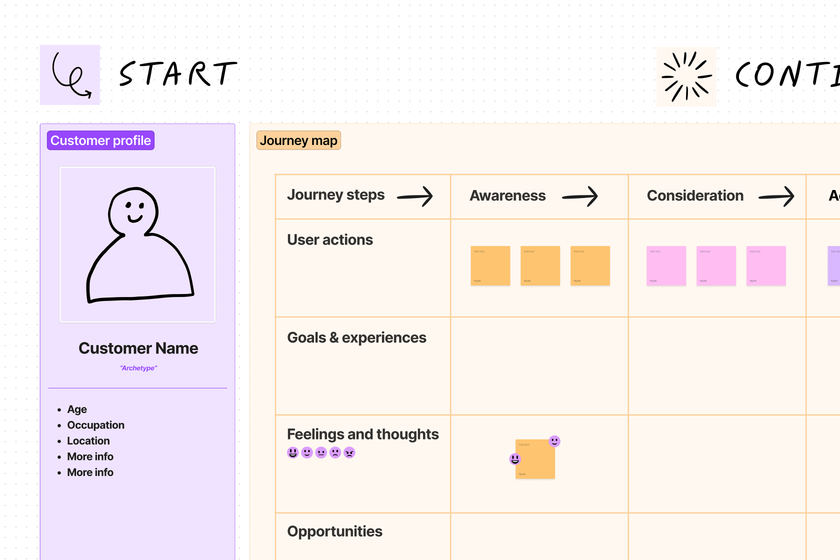
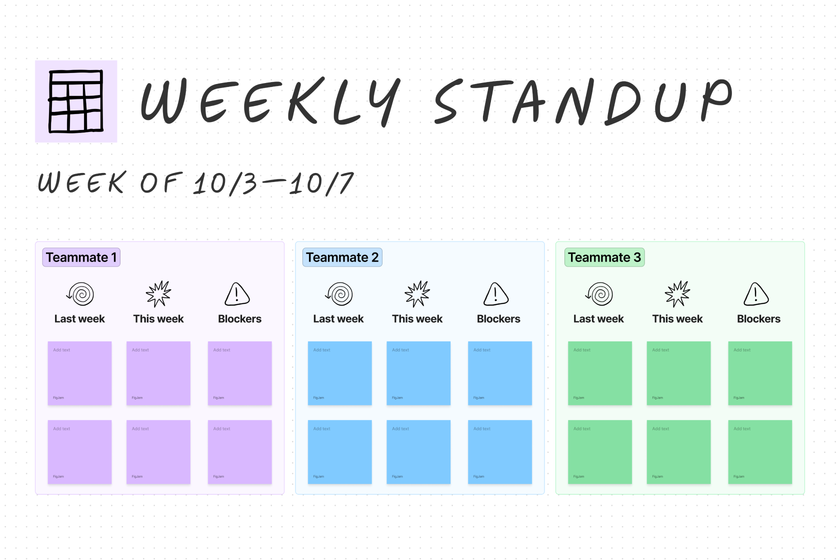
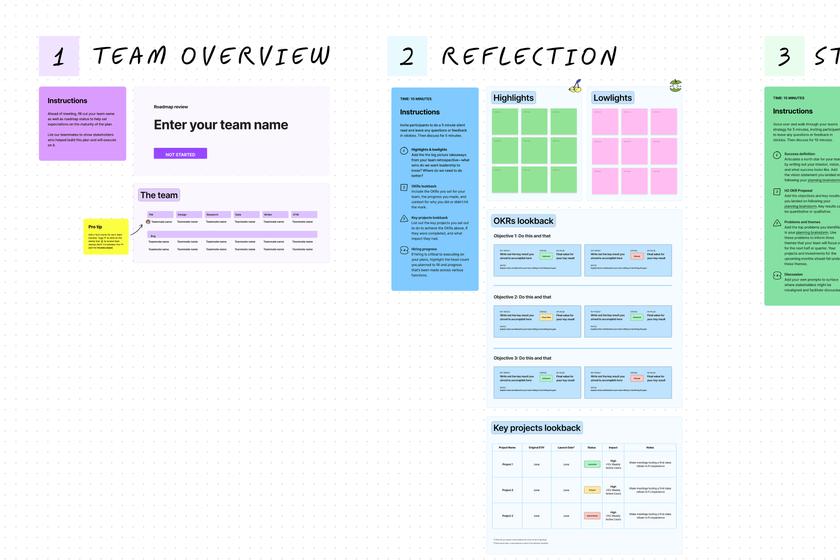
Jump right in with a template
Kickstart conversations and projects with over 300 online templates to get your started.









There's more to explore


What is FigJam?
Brainstorm and collaborate anything with FigJam’s collaborative digital whiteboard.
Learn more


Online sticky notes for classroom
Use sticky notes to facilitate brainstorms, organize research, or plan papers.
Learn more


More from the Figma community
Check out these mind map resources created by other Figma users.
Learn more
FAQs
Online sticky notes are digital, interactive, and collaborative notes that you can add to a virtual whiteboard canvas. Digital sticky notes serve a variety of purposes, including brainstorming, organizing ideas, providing feedback, and collaborating with team members, colleagues, or students in real-time.
Using online sticky notes on a FigJam whiteboard is easy. Here’s a simple overview of how it works:
- Choose from hundreds of free FigJam templates (like mind mapping, user journey mapping, brainstorming, and more) or start with a blank canvas.
- Once you're on the canvas, just select the sticky note tool from the menu bar and click anywhere on the canvas to place your sticky note. Pro tip: use a shortcut by pressing "S"
- After it’s been created, you can customize your sticky notes by changing their color, size, and content. You can add text, labels, or even drawings to convey your ideas effectively.
Yes, digital sticky notes are always free in FigJam.
FigJam's online sticky notes are designed for team brainstorming, planning, and classroom activities, making it easy to capture ideas, feedback, and more in a collaborative whiteboard environment.
Press "S" or select the sticky note tool from the toolbar, then choose a color, type text, resize by dragging corners or edges, and format with bold, lists, hyperlinks, or font changes.
Yes, you can decide whether to showcase contributors' names on each note by default or keep it anonymous for privacy during collaboration.
Multiple users can join the same FigJam board and add or move sticky notes simultaneously, with authorship visible on each note unless set to anonymous.
FigJam’s built-in AI helps you quickly make sense of sticky notes by automatically grouping them into themes or summarizing them into clear action items. You can also send those stickies to Figma Make as prompts, turning raw ideas into interactive prototypes and extending your workflow beyond organization into creation.
Use connectors to link notes and turn ideas into dynamic diagrams, then customize with color, text, and more to make it yours.
Check out other ways to use FigJam


Online whiteboarding
Collaborate with your remote team to turn possibilities into plans, faster.
Learn more


Strategy and planning
Get alignment and turn ideas into actions, from project planning to roadmapping—and everything in between.
Learn more


Agile workflows
Facilitate conversations that keep sprints moving forward in stand-ups, retros, and more.
Learn more